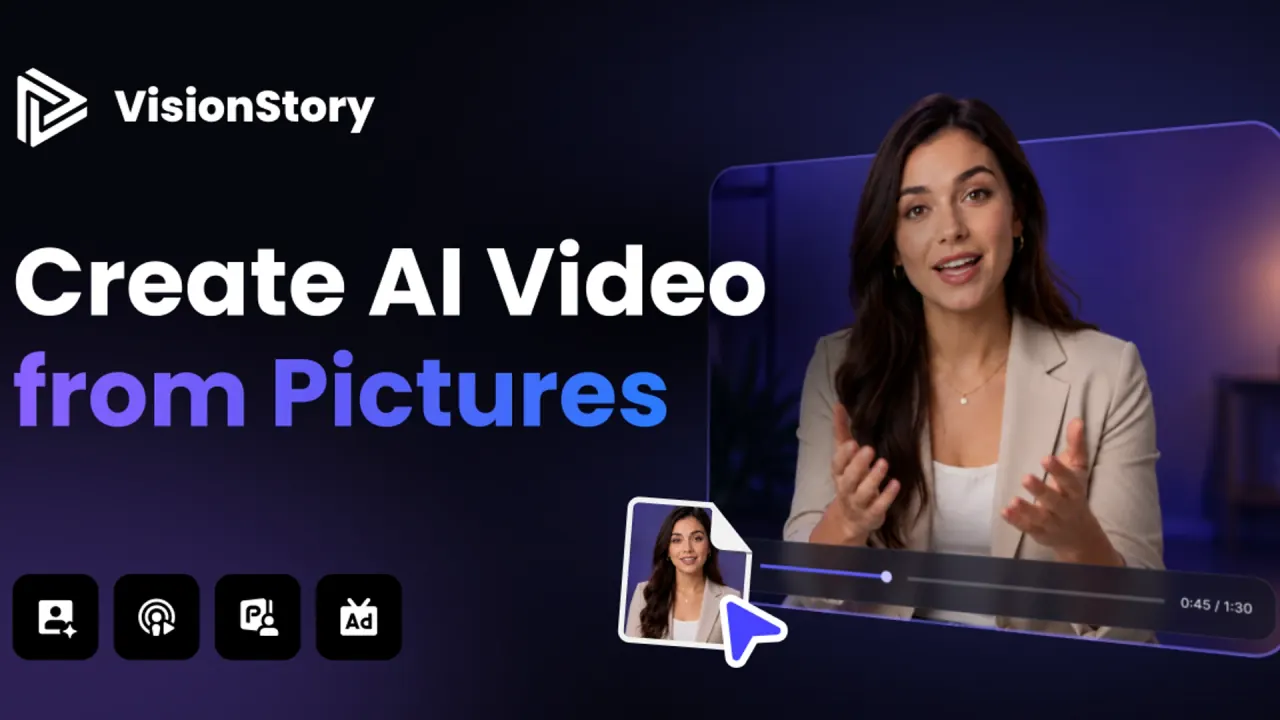

VisionStory is a browser AI video generator that turns a prompt, photo, slide deck, audio file or script into a talking-avatar video with voices, captions and up to 2K output.
Used this tool? Rate it
Used this tool? Rate it


Multi-model image studio, free to start


Community-Trained Models for Art, Video and Characters


One gateway for text and media models


Multi-model AI video and image generation in one browser workspace


Prompt-Based Images, Edits and Video


Chat Your Way to a Finished Video


Edit, caption, and generate video in one place


Generate new shots and rework existing footage
VisionStory is an AI avatar video generator that runs in the browser and is built around talking avatars. The homepage describes the workflow in one line: write a prompt, upload a photo, or bring slides, and the product directs the scene, voice, motion and captions, positioning the result as ready to publish in minutes rather than as a raw clip that still needs an editor.
There are two ways in. The point tools start with a character: upload a clear front-facing photo, type or upload the speech, pick a voice, and generate. The AI Video Agent starts with a brief: pick an avatar and describe the video in a sentence, or hand over a URL, PDF or deck, and the agent plans a multi-shot talking video with a script, a scene for every shot, voiceover and captions. The first route is for a single line of dialogue; the second is for a piece that has structure.
Underneath, V-Character 4.0 is the native talking-video model, built for expressive faces and accurate lip sync, and the company says the latest version renders sharper faces, subtler expressions and natural hand and body movement. For cinematic footage the platform also runs external models such as Seedance, Kling and Wan, billed per second of output. Export resolutions run from 720p through 1080p to 2K, and the paid tiers extend a single video to ten minutes.
The positioning is corporate rather than hobbyist. The homepage lists marketing teams, sales teams, learning and development, customer success, agencies and media companies as the audiences it is built for, and the recurring examples are training modules, product explainers, ad variations and social cut-downs rather than personal vlogs.
A single clear photo is enough; no recording session is required. The product animates the still into a talking character with expressions, lip sync and movement, and it offers more than 100 ready-made characters for people who would rather not use their own face. V-Character 4.0 is the model that does the work, and character consistency is the claim the homepage leads with: the same face, at every angle and expression, across every video in a series.
The agent takes a brief rather than a script. Given a prompt, URL, PDF or slide deck, it produces a script, a scene for every shot, a voiceover and captions, and then lets the creator revise individual shots by chatting instead of re-running the whole piece. Output framing is chosen at generation time: 16:9 for YouTube and presentations, 9:16 for shorts and Reels, 1:1 for feeds. The homepage frames this as the difference between point tools that handle one production step and an agent that connects script, avatar, voiceover, captions and assembly.
The voice library runs to thousands of natural voices across multiple languages, countries and regional accents, and the FAQ carries the exact voice count and language list. AI voice cloning starts from a short audio sample, and the number of clone slots rises with the plan: ten on Pro, twenty on Advanced and fifty on Ultra. This is the part of the product aimed at localisation: one character, one script, several language versions.
Two workflows sit outside the talking-head mainstream. The music video generator turns one song and one photo into a multi-shot cinematic video with singing lip sync, and it accepts either an uploaded audio file or a track from Suno or Udio pasted as a link. The podcast workflow takes a single audio file with two speakers trading lines and assigns each section to the correct character automatically, which removes the manual cutting that normally precedes a two-avatar edit.
Output goes up to 2K, and the pricing page ties 1080p and 2K to Advanced and Ultra rather than to the entry tiers. Around the core generator the site lists a green screen tool that cuts the subject out as a green screen video, a face swap tool, an AI image generator, an image background remover, a video upscaler, a voice changer and a video translator. These are separate workflows with their own credit prices rather than free extras bolted onto the avatar generator.
The common thread is a video that has to exist on a schedule and does not need a camera crew: an explainer that would otherwise wait for a studio slot, a localisation pass, a batch of ad variants, or a training module that changes every quarter.
VisionStory is built for teams that publish video as part of the job rather than as the job: marketing and sales teams producing explainers and ads, learning and development teams maintaining training libraries, customer success teams recording onboarding, and agencies turning around client variants. The homepage names those groups directly in its solutions menu, alongside video creators, media and entertainment companies, and creators monetising an audience. The homepage displays a 4.6 out of 5 G2 rating from 602 reviews and nine G2 awards for fall 2026, as captured on November 25, 2026.
It is a weaker fit when the face on screen has to be a specific real person in a specific place, or when the deliverable is cinema. The models handle talking heads and stylised multi-shot scenes; the site's own comparisons position the product on price and speed against avatar platforms rather than on photorealism. It is also the wrong tool for anyone unwilling to work within credit accounting, since every add-on — higher resolution, green screen — multiplies the base cost.
VisionStory runs as a web application: the generator, the agent and the credit balance live in the browser at app.visionstory.ai, and subscriptions bought on the website are cancelled from the pricing screen inside that app. There is no desktop client in the pages reviewed this round.
Four tiers, monthly or annual, with annual billing presented as saving two months. Every plan is measured in credits, and the plans differ as much in video length and resolution as in credit volume.
| Plan | Price | Credits | Length and resolution |
|---|---|---|---|
| Free | $0 | 10 credits on sign-up, plus a 4-credit weekly visit bonus | Up to 30 seconds, 720p, 160+ stock avatars |
| Pro | $9.99/mo | 120 credits per month, carry over | Up to 10 minutes, 720p, ten voice clones, no watermark |
| Advanced | $29.9/mo | 480 credits per month, carry over | Up to 10 minutes, 1080p and 2K, twenty voice clones |
| Ultra | $99.9/mo | 1,920 credits per month, carry over | Up to 10 minutes, 1080p and 2K, fifty voice clones |
Credits are consumed by duration and settings rather than by video. A V-Character 4.0 presenter video costs one credit per four-second interval at 720p, with partial intervals rounded up, so one to four seconds costs one credit, five seconds costs two, and sixty seconds costs fifteen. Add-ons multiply the base: 1080p adds half the base credits, 2K adds two and a half times the base, and green screen adds a quarter, each rounded up separately before being added. Music videos, presentations, podcasts, standalone tools, video face swap and the OpenAPI are priced separately.
Unused subscription credits carry over from the first renewal onward, up to twice the renewing plan's monthly-equivalent allowance, and anything above that expires before the new cycle is issued; credits bought in packs never expire. The free tier is a trial with a hard ceiling: ten sign-up credits, a four-credit weekly visit bonus, and a thirty-second maximum, which is enough to test a talking photo but not to finish a real module.
The alternatives that come up most often are the avatar platforms VisionStory compares itself against and that its own comparison pages name.
The account rules are explicit. Users must be at least eighteen years old and of legal age to contract in order to use the creative features or make a purchase; younger visitors may still register to contact support, review an age restriction or manage an existing subscription.
Ownership splits in the user's favour but with conditions. The company does not claim ownership of user content. Paid plans include commercial usage rights as described on the plan pages, while the user remains responsible for rights in the input material and for third-party rights in the output. A licence back to the company covers the processing needed to run the service, and the privacy policy states that user-provided content and generated outputs are used to train and improve the models, with the training data described as containing no personal data.
Data handling runs through third-party AI providers under data-processing terms and is shared among the group companies behind the service. The operating entity is registered in Singapore.
No. A single clear photo is enough, and VisionStory animates it into a talking character with natural expressions, lip sync and movement.
A V-Character 4.0 presenter video costs one credit per four-second interval at 720p, with partial intervals rounded up: five seconds is two credits and sixty seconds is fifteen. 1080p adds half the base credits, 2K adds two and a half times, and green screen adds a quarter.
Free accounts are limited to a standard generation length of up to 30 seconds. Active Lite, Pro, Advanced and Ultra subscriptions support up to 10 minutes, although individual models and workflows can set shorter limits.
The site advertises 88 languages and 1,000+ natural voices, including English, Spanish, Chinese, Japanese, German, French, Portuguese and Arabic, and a creator can clone a voice from a short sample.
Paid plans include commercial usage rights as described on the plan pages, and the company states it claims no ownership of user content. The terms still require the user to hold the rights to the input material, including permission to use another person's image or voice.
Website subscriptions are cancelled from the pricing screen in the app, and Apple or Google purchases are cancelled in the store. Refunds on website purchases must be requested within seven days of the first purchase, and a 90 % refund applies only when no content was generated and no credits were used; renewal charges are non-refundable.