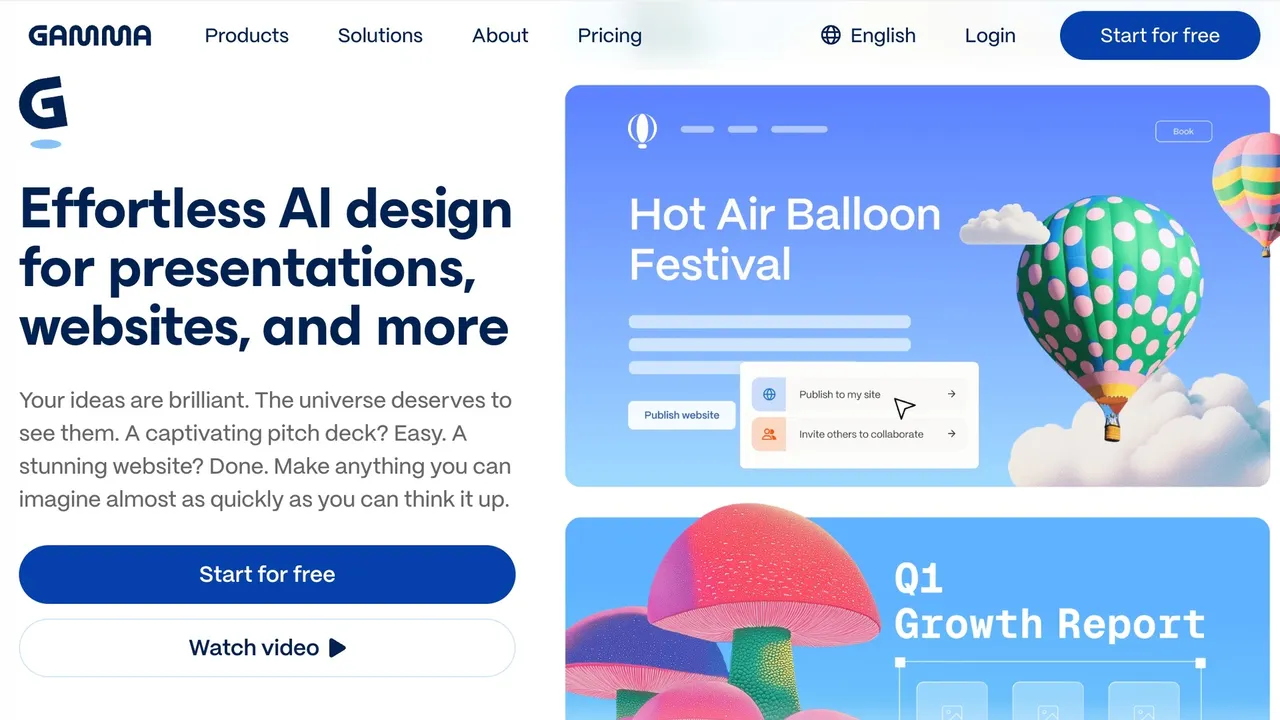

Gamma turns a prompt, an outline or an existing file into presentations, websites, documents, social posts and graphics, then publishes them as a link with engagement metrics or exports to PowerPoint, PDF, PNG and Google Slides.
Used this tool? Rate it
Evaluated on Sep 21, 2026
A strong choice for knowledge workers creating visual presentations quickly, with export fidelity and mobile limitations worth checking.
It combines assisted visual creation with flexible publishing, sharing, and export paths.
Long presentations can fail to export, and exported layouts may differ from the editing view.
Knowledge workers and business teams that need rapid visual communication and link-based collaboration.
Used this tool? Rate it
Gamma is a browser-based AI presentation maker that turns a prompt, an outline or an existing file into a deck, website, document, social post or graphic, then shares it as a link or exports it to office formats.
Six product lines run on one generation engine: presentations, structured documents from one-pagers to white papers, shareable hosted websites that need no developers, platform-sized social content, an API for programmatic creation and an AI design canvas for standalone graphics.
The operator is Gamma Tech, Inc., whose Android store listing gives the address 350 Rhode Island St Ste 240, San Francisco, CA 94103-5188, United States. Gamma says over 100 million people use it to turn a prompt, an outline, or an existing document into full presentations with copy, layout, images, and charts already in place — a vendor figure, not an audited one. Independent reporting in November 2025 recorded a $68 million Series B round at a $2.1 billion valuation led by Andreessen Horowitz, plus the CEO's posted figures of $100 million in ARR, 70 million users and roughly 50 employees.
The terms provide all results "as is" and with "all faults", with no warranty of accuracy, completeness, truthfulness, timeliness or suitability: the output is a first draft that needs a human pass.
Gamma draws on more than twenty AI models for text and imagery and selects among them internally: Claude from Anthropic, ChatGPT and DALL-E from OpenAI, Gemini from Google, plus Flux, Recraft, Playground, Ideogram, Luma and Leonardo. Image quality is tier-dependent — advanced image models from Plus, premium from Pro, the most advanced text, image and video models on Ultra.
Imagine is Gamma's dedicated AI design canvas for assets that are not decks — infographics, posters, logos, invites and more — generated from a text description with optional reference images to steer the style. It also restyles and resizes without losing detail, erases elements, composites from several images, crops and removes backgrounds. Each run takes a Square (1:1), Portrait (3:4, 4:5, 9:16) or Landscape (4:3, 16:9) ratio and produces up to 3 variations at once.
One quirk matters: Imagine uses credits to generate and edit images, and it is available on all plans except Business and Enterprise, so upgrading to Business removes the canvas that individual plans include.
Every project is private by default; when ready you can share it with a whole team, with named individuals or publish it publicly, controlling the audience per project. Finished work exports as PPT, PDF, PNG or Google Slides, publishes as a website or social post, shares as a link and reports engagement metrics.
The API connects Gamma to other tools and workflows, usable directly by developers or through no-code platforms such as Zapier and Make. Access splits in two: API key access is available on Pro, Ultra, Teams and Business plans, while connectors for ChatGPT and Claude work on all plans including Free and Plus with no API key required. Both routes draw on the same credit balance.
Zoom to fit applies only to fixed-format exports; PDF and PNG exports with fluid slides are unaffected.
Gamma's CEO described the target to an independent outlet as the long tail of knowledge workers and business professionals whose job requires visual communication but who lack the tools.
A good fit for:
A poor fit for:
On mobile the phone can act as a remote for a presentation running on a laptop, TV or projector, and the app exports as PDF, PPTX, Google Slides or PNGs. v1 lacks a lot: no manual editing (everything goes through the Agent), no in-app purchase or upgrade flow, no per-line commenting, no native settings screen, no native management of folders, templates, themes or fonts, English only, no offline mode and no iPad-optimised layout.
Pricing is per seat, with a monthly budget of AI credits attached to each tier. The plan cards print annual billing two ways — a per-seat monthly rate and the per-seat yearly total — so the column below is one mode, not two. Monthly billing is offered separately and annual saves up to 28% against it, but its rate did not render in the view checked here.
| Plan | Billed annually, per seat | Monthly credits | Slides per prompt | Notable unlocks |
|---|---|---|---|---|
| Free | $0 | 400 at signup, no refill | up to 10 | Import from PDF & PPTX; export to PDF, PPTX, PNG & Google Slides |
| Plus | $108 / yr ($9 / mo) | 1,000 | up to 100 | Remove Gamma branding; advanced AI image models |
| Pro | $216 / yr ($18 / mo) | 4,000 | not on the card | Custom branding; detailed analytics; up to 10 custom domains; API access |
| Ultra | $1,080 / yr ($90 / mo) | 20,000 | not on the card | Most advanced text, image and video models; up to 100 custom domains |
| Business | separate tab | 10,000 per seat | not on the card | SSO; SOC 2 documentation; locked training opt-out |
The Business card sits behind a separate tab that did not render in this round's check, so only its credit figure from the page's FAQ appears above. Enterprise is sold through the sales team and adds admin and guest management controls, SCIM provisioning, audit logs, workspace-wide AI instructions, flexible credits, invoiced billing and priority support.
Credits, not the seat price, are the cost driver: they are metered per slide and per image, and editing with the Agent, adding cards with AI and trying new layouts consume them too. Published API rates are 1–3 credits per card depending on the text model Gamma selects internally, and per image 2–15 credits on Standard, 20–33 on Advanced, 34–75 on Premium and 30–125 on Ultra models. Unused plan credits roll over up to double the plan size, annual plans issue credits monthly rather than all upfront, and purchased credits are tracked separately and do not count toward the rollover cap. Free starter credits do not refill; a free account earns 200 credits per referral and can hold up to 2,000 at once. Payment takes major cards, direct payment from any US or EU bank, and UPI in India.
Refund terms are stated two different ways. The help documentation says that from 1 December 2025 refunds are offered only within the first 3 days of subscribing, for both monthly and annual billing, only on contacting customer support, and only if credit usage has not passed the plan threshold — under 200 credits used on Plus, 600 on Pro, 900 on Team, 1,000 on Business, 2,000 on Ultra — and that no refunds are issued after 3 days, except where required by applicable law. The terms of use instead state that there are no refunds for any products or services purchased through the services. The two are inconsistent and neither page resolves which governs. Avoiding the next charge requires cancelling at least 30 days before the renewal date, and there is no pause option; access runs to the end of the period, after which the account moves to Free with plan credits reset to 400 while purchased credits are preserved and expire after one year.
An independent software comparison directory compares Gamma against four alternatives: PowerPoint, Google Slides, Microsoft Sway and SmartPixel. Its aggregate sentiment scores are no help in choosing between them, because Gamma's is built on 2 reviews against 26,083 for PowerPoint and 6,733 for Google Slides.
Output destination is the better decision rule. Gamma's documentation is explicit that exports render Present Mode and that Google Slides substitutes its own fonts for those embedded in an uploaded PowerPoint file, so when the deliverable is an editable file a tool built natively on the fixed slide format costs less rework. When the deliverable is a link, hosted publishing, custom domains and engagement metrics are the stronger side.
Consumer sentiment is not uniform across the category either. Gamma's unclaimed profile on a third-party review platform averages 1.7 across 123 reviews, and the eight entries in that page's People also looked at strip — a recommendation module, not a category ranking — run from 1.3 for Skywork (70 reviews) to 4.1 for Lovable (2K), with Beautiful.ai at 2.8 (247) and Presentations.AI at 1.7 (38). Two are other domains sharing the Gamma name, and all are self-selected samples of differing size.
Exports reflect Present Mode rather than Edit Mode, so some visual difference is expected by design. Extremely long gammas — typically 150 or more slides — can fail to export; the workaround is to split the project, export each part and merge the files outside Gamma. Large or numerous images can also cause an export to fail or render incorrectly. Opening an exported PPTX in Google Slides substitutes fonts, because Google Slides ignores fonts embedded in an uploaded PowerPoint file even though Gamma embeds them correctly.
The API creates gammas but does not edit existing ones; changing content means generating a new gamma from revised input. Generation is asynchronous: create, then poll until complete. Export URLs expire after approximately one week, and anyone holding the link can download the file until then because access is not tied to your API key, so the URL has to be treated as a secret.
That platform's own summary of 64 reviews — created with AI, based on recent reviews — reports that most reviewers were let down overall, that instructions were repeatedly ignored by the AI features and outputs proved unusable for daily tasks, that support was unresponsive and hard to reach, and that subscription transparency problems including unexpected renewals and hidden fees recurred. It is a self-selected sample on an unclaimed profile and is not comparable with the 4.9 average across 25.8K Android reviews.
An independent hands-on review landed on a narrower verdict: deck structure was strong, but some bullet points were filler, and the tool does not infer from uploaded notes whether the audience is investors, fifth graders or engineers, so tone has to be set in the prompt.
Gamma does not claim ownership of your content, and you represent that you own or have sufficient rights to what you upload. AI training defaults differ by workspace type: for Team and Business workspaces content is automatically excluded from AI training with no action required, while for individual workspaces on Free, Plus, Pro or Ultra plans content is allowed to be used to train AI features by default, with an opt-out available at any time in account settings. On Business that opt-out is locked for the whole workspace. Separately, the privacy policy states personal information may be used for research and development, including to train its artificial intelligence models.
Gamma states it is a SOC 2 Type II compliant organization and is the controller for the personal information covered by its privacy policy under the GDPR. Retention is set by purpose rather than a fixed period: information is generally kept as long as needed to fulfil the purposes it was collected for, including legal, accounting, reporting, claims and fraud prevention. The Android listing declares no data shared with third parties, encryption in transit and that deletion can be requested. The service is not intended for anyone under 16 years of age.
A free account receives 400 credits at signup, can create up to 10 slides per prompt, imports from PDF and PPTX and exports to PDF, PPTX, PNG and Google Slides. Free credits do not refill: you can earn 200 credits per referral and hold up to 2,000 at once, but once spent the AI features stop until you upgrade or buy more.
The public pages disagree. The help documentation describes a 3-day window from subscribing, granted only on contacting support and only while credit usage stays under the plan threshold, with no refunds after 3 days except where required by applicable law. The terms of use state there are no refunds at all, so contact support inside the first three days.
There are free apps on both major mobile stores, in early access and currently available in the US and Canada only. You can generate, view, edit through the Agent, present using the phone as a remote and export, but not edit manually, upgrade in-app, comment per line, manage folders, templates, themes or fonts natively, work offline or use any language other than English.
