MiniMax
MiniMax H3
MiniMax H3 is MiniMax’s video model for directing pictures and sound in the same shot. Start with a product photo, add a movement reference if the mode supports it, and tell H3 what should stay fixed. Create a short product video with MiniMax H3. Learn how to direct motion with references and compare 2K settings, native audio and tool limits.
Model released
Where to use this model
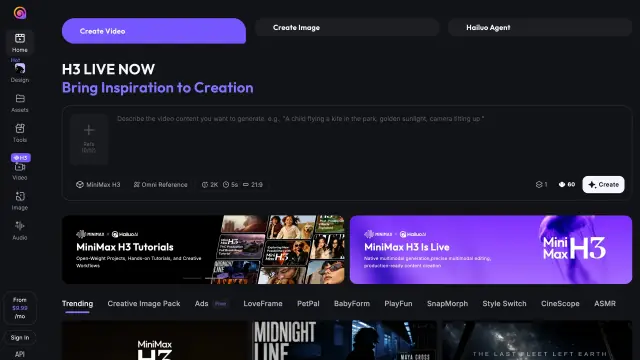
Use Hailuo AI to try MiniMax’s own video workspace. Confirm the H3 mode, size and credit quote in the signed-in interface.
Evidence source
- Capabilities
- MiniMax’s own browser workspace advertises the exact H3 video model · Omni Reference workspace for directing a clip
- Limitations
- Account-specific controls and downloads were not tested · Confirm the exact mode, resolution and credit quote in the signed-in workspace
- Evidence source

Model guide
Plan a short product reveal
- Pick a product photo that clearly shows the shape and the label. For a motion reference, use a short clip that demonstrates one camera move.
- In a reference mode, assign each asset a role. Set the product with the photo, the camera path with the movement clip and the sound with an optional audio cue.
- Keep the first draft short. Give the camera one main movement and leave a beat at the end to read the product. On Raphael, the 2K mixed-reference mode accepts at most 12 files in total, with separate limits by media type.
Raphael lists separate ceilings in 2K reference mode: nine images, three videos and three audio files, up to twelve files combined. Each reference video or audio clip must be 2–15 seconds, and the total duration for each media type cannot exceed 15 seconds.
Example prompt: Keep the matte black speaker and its front grille from image 1. Follow video 2’s slow move from left to right without copying its background. Add a quiet click as the indicator lights up, then hold the final frame briefly.
Check the downloaded picture and sound
Review the start, the reveal and the last second. Look for drifting labels, sudden changes in shape and jumps in reflections. Listen on headphones for whether the stereo effect supports the action and whether any cue lands early or late. Shorten the action or remove an unnecessary reference before requesting a new render.
Choose the export path
Hailuo AI offers the native browser workspace. Raphael lists different input and sound options by resolution, so check the mode before attaching files. The MiniMax API bills by output duration and resolution, and some reference inputs add cost. For self-hosting, follow the separate H3-Base and 2K regeneration steps in MiniMax’s repository.
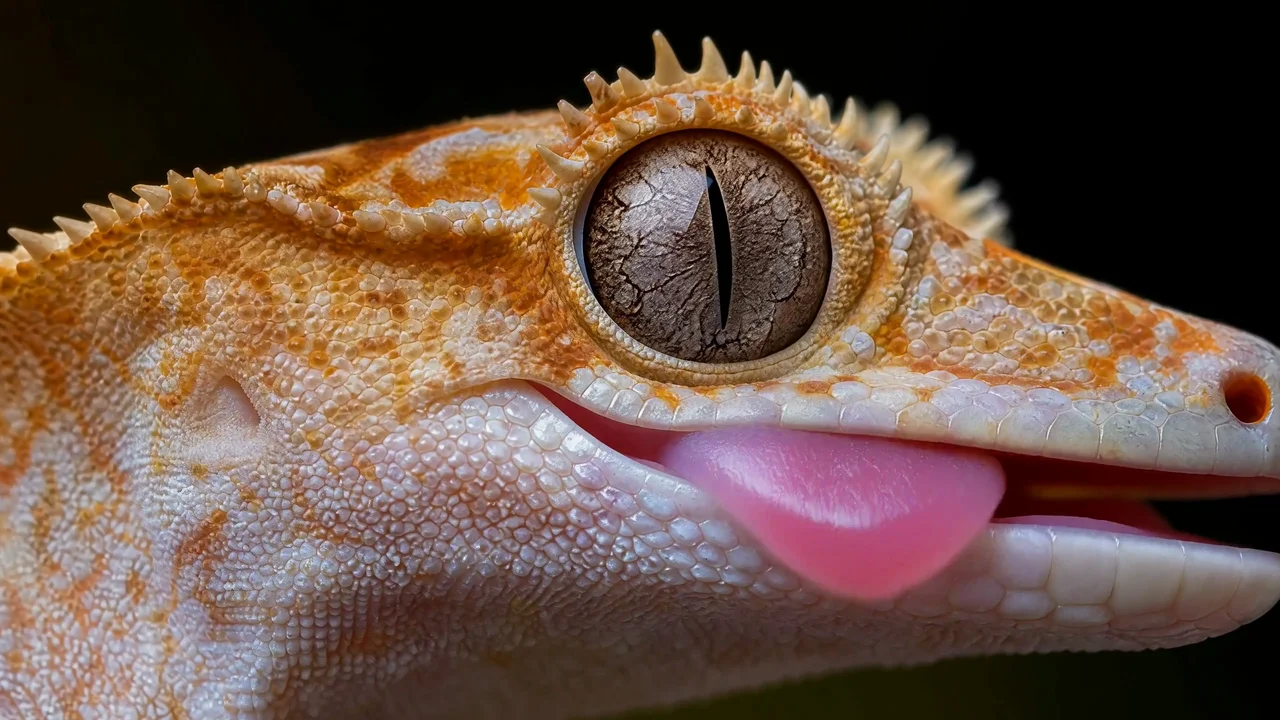
MiniMax’s official 2K detail example contains a macro shot with fine surface texture. The source file carries two audio channels. Watch it at full size, then listen on headphones when checking your own export. MiniMax
What MiniMax H3 does well
Use separate references for look and motion
Let a still photo define the object and a short video define the camera move. Specify whether to carry over the motion, the camera path or both.
Plan sound with the action
Describe when a click, fabric rustle or other cue should be heard. Listen to the exported stereo track alongside the corresponding movement.
Preview details before paying for 2K
Pick the camera move and cut timing at a smaller size where the mode allows it. Review the label and surface reflections again in the 2K output.
Compare MiniMax H3 models
This comparison uses Raphael’s H3 2K reference mode and H3 Turbo frame mode. H3 also has lower-resolution modes with separate controls and shorter limits.
Swipe to see all specifications.
MiniMax H3 FAQ
Can I use a sound reference on its own?
Raphael requires an image or video alongside audio in H3 reference mode. For a first test, pair one product photo with one short audio clip.
Can I turn audio off?
Raphael documents optional audio at 480p and 768p. At 2K the stereo track is included. For a silent deliverable, mute or remove it after export.
How long is an H3 clip?
MiniMax documents up to 15 seconds. Raphael lists 4–15 seconds at 2K and 4–12 seconds at 480p or 768p.
Are the open weights the same as the hosted workflow?
MiniMax releases generation and regeneration components. Its hosted context processor is separate. See the repository for the licensed components and the workflow needed for 2K.