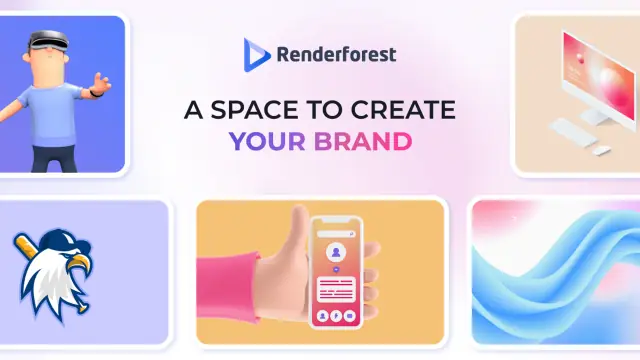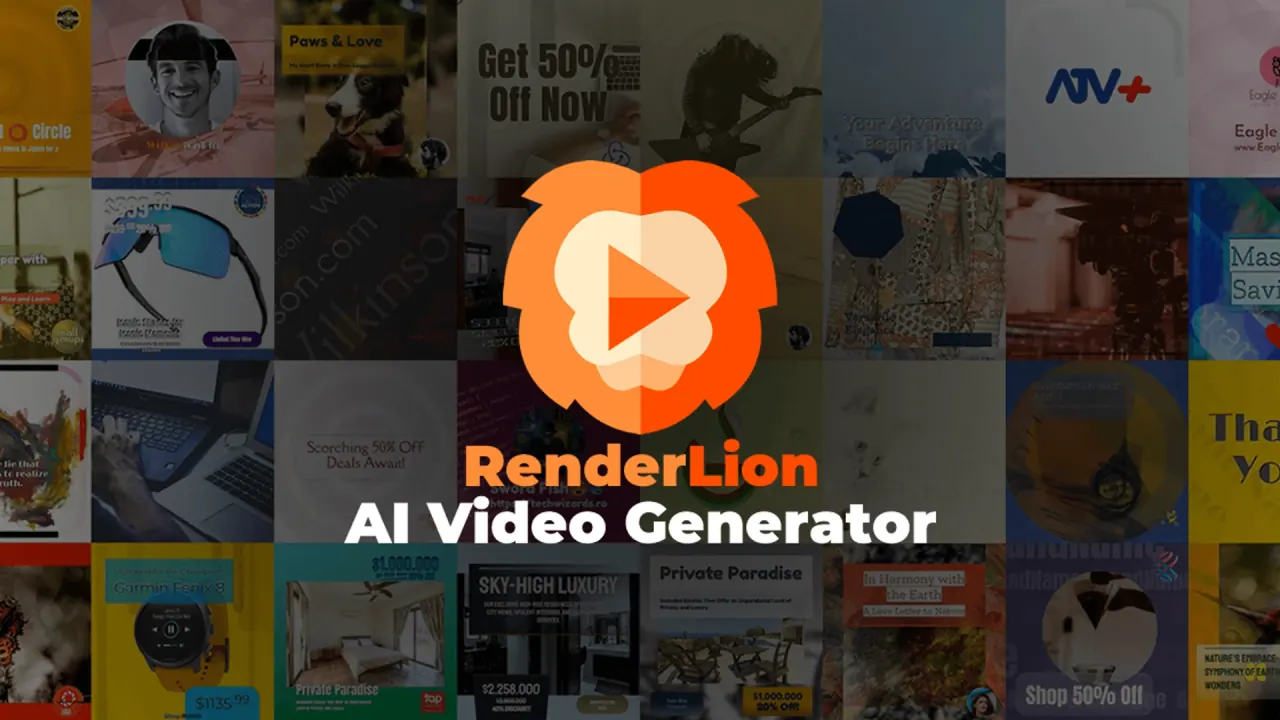

RenderLion turns a URL, text or a photo set into a branded short video with generated templates, brand kits and 1080p exports, on a free plan and two paid tiers.
Used this tool? Rate it
Used this tool? Rate it


Multi-model image studio, free to start


Natural AI photo editing for portraits and projects


Community-Trained Models for Art, Video and Characters


One gateway for text and media models


Multi-model AI video and image generation in one browser workspace


Prompt-Based Images, Edits and Video


Chat Your Way to a Finished Video


Edit, caption, and generate video in one place
RenderLion is a browser-based AI video generator built for one job: turning material you already have into a branded short video without opening a timeline editor. You start from a URL, text, photos or a short prompt, choose a style, and let the service assemble the scenes. The homepage calls it a tool that turns your text, images, and brand assets into captivating visuals in minutes.
The distinction is how the video is built. Unlike traditional video editors, RenderLion generates real-time templates based on your data, so you don't have to spend hours adapting your content to pre-made templates. Those templates are starting points produced for each input rather than a fixed catalogue you browse and fill, and RenderLion says its AI uses thousands of variables to generate them.
The company is GECO WEB Ltd, a Bucharest-based business founded by Alexandru Roznovat. It supports short videos for personal or commercial purposes, and the free plan is a real test rather than a locked preview. Scale claims are vendor-reported: the homepage displays 863,900+ short videos generated and a 4.8/5 rating drawn from its own testimonials.
RenderLion is not a model vendor and does not name the models behind its scenes. Its promise is workflow compression: fewer decisions, no editing skills, and a finished file. That makes it a production line for repetitive marketing clips, not a studio for bespoke films.
The tool family covers the raw materials of social marketing, and most projects end up as AI video ads or organic social clips. URL to Video takes a link to a social post, news article, product page, blog post or announcement. Text to Video takes copy directly. Images to Video builds an animated slideshow from photos. Content to Video routes text, images or other media through the same generator.
The range is broader than those entry points. RenderLion says it can craft videos for shop promotions, bring images to life, convert text into visual narratives, animate logos, generate animated wallpapers, and design intros and outros. Template galleries exist for each category, so the one you pick shapes the scenes offered.
The signature interaction is the preview round. After you submit material, RenderLion produces animated previews and asks you to pick one; the button is branded "New Instant Roar". You can request another set if none fits. This is the main creative decision: a choice among generated options rather than parameters you tune.
Behind that choice, the system selects relevant visuals, animations, voice, and music from your input. The timeline is assembled automatically from the number of images, text blocks, effects and other elements. You are not dragging clips into tracks; you are accepting or rejecting an edit already made for you.
Brand Presets store your logo, colour palette, fonts and key elements, then apply them to later videos. The count depends on the plan: one on Free, three on Starter, and an unlimited Brand Kit on Growth. For a shop producing one promotion in several formats, this saves repetitive work, because the identity is not rebuilt for every render.
You can also upload fonts, colours, a logo or avatar, images and text directly. The help centre is explicit that video data is not currently supported, so this is an assembly tool for stills, copy and brand assets rather than a video-to-video editor.
Every project can be downloaded in three resolutions: 1920x1080 landscape, 1080x1080 square and 1080x1920 portrait, mapping to YouTube and Facebook, Instagram feeds, and TikTok or Instagram Stories. Free exports are capped at 720p; paid plans raise the ceiling to 1080p.
Finishing controls are lightweight but present: a brand watermark, filters, overlays, borders, and speed or acceleration adjustments. The media library adds free photos, illustrations and songs, and you can upload your own media. Paid tiers unlock all effects, sounds and AI voices; the free plan gets limited versions.
Reuse of Videos updates an earlier animation with new data, which suits recurring promotions, menus or listings where the layout stays and the facts change. The company also advertises rendering that is 10x faster than template-based editing tools; that is a vendor benchmark without a published method. Drafts can be generated without a monthly cap, but rendering is capped by plan.
The workflow is five steps and requires no installation. Submit a URL, text or images; customise style, effects, voiceover and music; generate previews and pick one; render in square, landscape or portrait; then publish. Most videos are generated within seconds to minutes, while the render step is where plan limits apply.
Two details are easy to miss. The maximum length is not fixed: it is generated from the category, the volume of data and the effects selected. The Settings section also lets you play the video faster or slower, so duration is adjusted at the end rather than specified at the start.
The strongest fit is promotional content with a clear source. A shop can turn a product page or offer into a square ad; a publisher can turn a blog post or article into a vertical summary; a recruiter can turn a job listing into a clip; a real estate agency can turn a listing into a slideshow. The use-cases page also names event details, social posts, messages, announcements and LinkedIn recruitment posts.
A second cluster is brand furniture: logos, intros, outros and wallpapers, where the value is consistency. A third is repurposing at volume: one article or product in three aspect ratios, where previews save time and the render cap becomes the constraint.
RenderLion names its audience directly: online shop owners, digital marketers, content creators, social media influencers, real estate agencies, travel agencies and enterprise businesses. The common thread is someone who publishes regularly, has source material but no editing time, and needs a branded clip.
It suits small teams without a designer. The images to video route suits photo-heavy sellers. A boutique owner can make a product clip from photos and a logo; a marketer can turn a landing page into an ad; a founder can turn a launch note into a vertical announcement. The free plan is enough to judge whether the generated style fits; Starter targets individuals who publish a few clips a month.
It does not suit editors who need frame-level control. RenderLion is built around accepting a generated edit, so anyone who wants to time a cut to a beat, keyframe a logo or correct a bad scene will find it constraining. It is also a poor fit for teams needing 4K delivery, because 1080p is the published ceiling. Long-form work is out of scope: for a webinar or product film, a conventional editor remains the right tool.
RenderLion runs as a web app in the browser, with no desktop download or mobile app required. A URL to video project starts from a link. The company describes it as a video generator web app, and the entire workflow, from upload to render, happens on the site. Accounts use an email address, and paid plans bill monthly or annually until cancelled.
Output is limited to the three aspect ratios and two resolution tiers above. The service advertises sharing to YouTube, Facebook, X, TikTok, LinkedIn, Pinterest and Instagram, but publishes no integrations or scheduling; the download is the handoff point.
Account management is self-service. You can cancel from the billing page and delete your account from user settings; deletion removes all profiles and generated videos and cannot be undone. The terms require users to be at least 13.
| Plan | Price | Renders | Export | Brand kits | Watermark | Support |
|---|---|---|---|---|---|---|
| Free | $0 | Limited, subject to server availability | Up to 720p | 1 | Yes | Standard |
| Starter | $6/mo billed yearly ($72/year) or $12 month-to-month | 120 per year, 10 per month | Up to 1080p | 3 | Removed | Standard |
| Growth | $18/mo billed yearly ($216/year) or $36 month-to-month | Unlimited | Up to 1080p | Unlimited | Removed | Priority |
The annual figures are the headline prices; paying monthly costs twice as much. Renders reset on the payment date and do not accumulate, so an unused month is lost. Starter's 120 renders a year works out to ten a month, tight for weekly posting in several formats. Growth also carries priority support.
All paid plans remove the watermark and unlock all effects, unlimited video previews, all sounds and all AI voices. The free plan keeps a RenderLion watermark and limits renders, effects, previews, sounds and voices. It also depends on server availability, so it is not guaranteed production capacity.
There is no one-off purchase. RenderLion says it does not offer a way to render a single video without a watermark, so removal requires a subscription. A 7-day money-back guarantee applies, with refunds processed within 48 hours. Cancelling stops future billing but does not refund a partial month; access continues to the end of the paid period.
A directory shortlist for RenderLion runs from Canva and Simplified to HeyGen, Synthesia, VEED, Camtasia, Creatify AI, Animaker, Topview.ai and Vyond. That is not a like-for-like set: it mixes design suites, avatar platforms, desktop editors and ad generators. Choose by the job you need done, not by the length of the list.
Keep RenderLion when the job is a branded clip from existing material and the deadline is short. The previews and brand kit are the value, and the lack of a timeline is the point. Move to another category when the job changes: if every frame matters, a timeline editor is the honest choice; if you need 4K, pick a tool that publishes it; if volume is high, the Starter cap of 120 renders a year will bind.
Unlimited drafts can suggest infinite capacity, but every deliverable needs a render. Starter's ten renders a month means ten finished videos, and each aspect ratio counts separately.
Free renders carry a RenderLion watermark and are capped at 720p. Renders are limited and depend on server availability, and the plan also limits effects, previews, sounds and AI voices. Reasonable for a one-off test; not for a publishing calendar.
Starter includes 120 renders a year and 10 a month; Growth advertises unlimited renders. Unused renders do not accumulate and reset on the payment date. Drafts are uncapped, but a draft is not a deliverable until rendered.
The product assembles an edit for you: choose a preview, adjust style, sound and speed, and render. There is no track-based timeline, no keyframing and no frame-accurate trimming. The help centre also states that video data is not currently supported, so you cannot upload a clip and re-edit it.
Paid exports top out at 1080p in the three standard aspect ratios. The pricing page publishes no 4K tier, which rules out broadcast delivery and other 4K workflows.
Independent reviews describe a heavy reliance on AI-selected visuals and pacing, which means less granular control than a manual editor offers. The result is fast and consistent, but scenes can feel template-like, and fixing a poor visual choice is not a matter of moving a clip.
One help article still describes three paid plans called Starter, Growth and Unlimited, while the pricing page sells Free, Starter and Growth. The same help centre says renders are limited each month, while the pricing page advertises unlimited renders on Growth. These are stale pages, but they make plan research harder than it should be.
The terms say that by creating, uploading and posting content you warrant you own all rights and agree that the content will be dedicated to the public domain under the Creative Commons Public Domain Dedication. A later sentence carves out content you create and choose not to make public. The clause is broad; anyone uploading client material or licensed photography should read it first.
RenderLion's help pages say the tool can be used for personal or commercial purposes. The terms do not grant a separate output licence in plain language; they focus on the public-domain dedication of uploaded content and RenderLion's ownership of the service. For a brand campaign, assume you keep responsibility for input rights and confirm output terms in writing.
Registration collects an email address, location and username, and the privacy policy says servers are in the European Union. RenderLion says it does not sell or rent personal information for third-party marketing without consent, and keeps information from deactivated accounts for regulatory compliance. Third-party advertising companies serve ads on the site, and cookies support sign-in and analytics.
Cancellation is available at any time, but refunds cover only the first seven days and no partial month is refunded. Deleting an account removes all profiles and generated videos and cannot be undone. The service is for users aged 13 and over, and the terms prohibit adult-oriented or pornographic material.
Yes, there is a free plan. It carries a RenderLion watermark on every render, caps exports at 720p and limits renders, effects, previews, sounds and AI voices. The allowance also depends on server availability, so treat it as a trial rather than a production tier.
You can start from a URL, plain text, a set of images or a short prompt. The tool family covers link-to-video, text-to-video, image-to-video and content-to-video, with template categories for shop offers, animated logos, wallpapers, intros and outros.
No. The workflow is submit, customise, pick a preview, render and share. There is no timeline to learn, but also no frame-level control; the decision is which preview to keep and how to adjust style, sound and speed.
Every project can be exported in 1920x1080 landscape, 1080x1080 square and 1080x1920 portrait. Free exports are capped at 720p, while Starter and Growth export up to 1080p.
Free is limited and subject to server availability. Starter gives you 120 renders a year and 10 a month; Growth has no render cap. Renders reset monthly, do not roll over, and drafts do not consume the allowance.
No. RenderLion says it does not offer a way to render a single video without a watermark, so watermark removal requires a paid plan. Both paid tiers remove it.
Not currently. You can upload fonts, colours, a logo or avatar, images and text, but the help centre states that video data is not supported. RenderLion is an assembly tool for stills, copy and brand assets, not a video-to-video editor.
Cancelling stops future billing and keeps access until the end of the paid period; partial months are not refunded. Deleting an account permanently removes all profiles and videos. A money-back guarantee applies to new subscriptions.