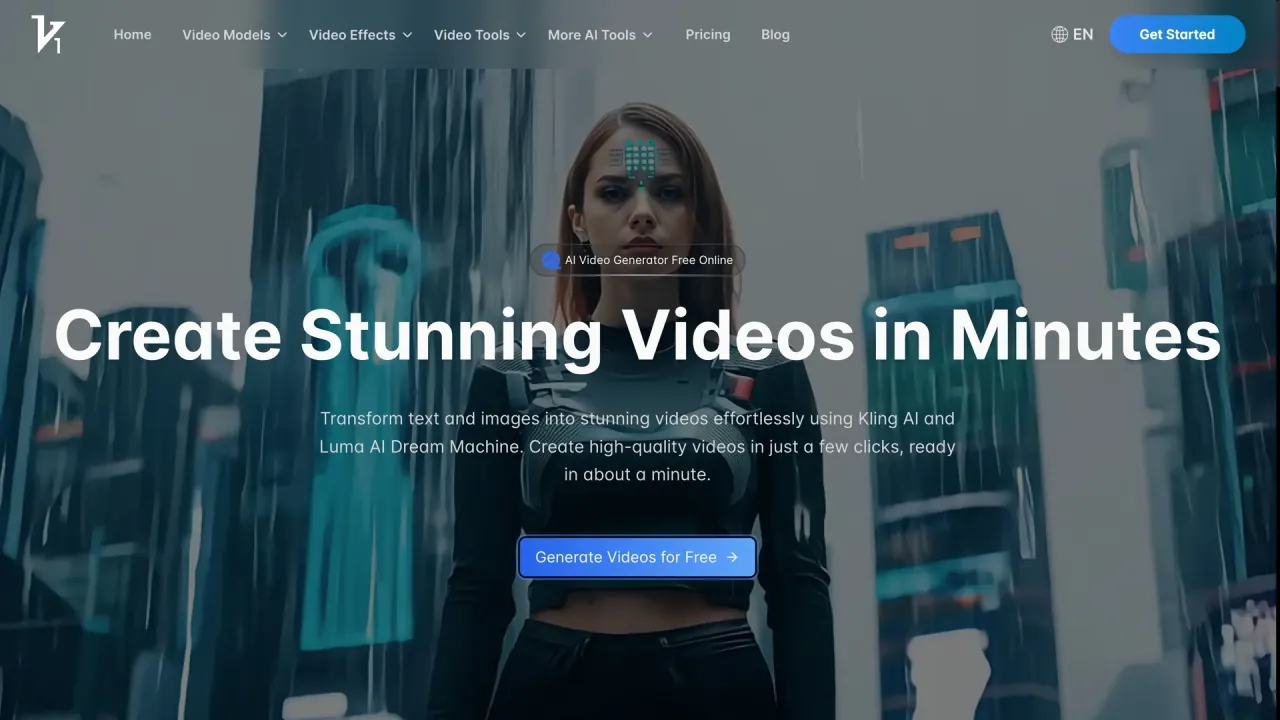

Vidful.ai is a browser-based AI video generator that turns text prompts and still photos into short clips using Kling AI, Luma Dream Machine and Google Veo 3. Paid plans add watermark-free 1080p downloads, private generation and commercial-use rights.
Used this tool? Rate it
Used this tool? Rate it
Vidful.ai is a browser-based AI video generator that turns a written prompt or a single still photo into a short clip. The models are licensed rather than built in-house: the site says it integrates Kuaishou Kling AI and the Luma AI Dream Machine, and the paid plans list Google Veo 3 support beside them. Both spellings Vidful.ai and VidFul.ai appear on the site's own pages.
The differentiator is routing. One credit balance covers several engines, so a prompt that fails on one model can be re-run on another without a second subscription.
Four boundaries decide most purchases. Free output is watermarked, not private, deleted after seven days and barred from commercial use. The entry paid plan lists 720p where the two larger plans list 1080p. Extension stops at 15 seconds and is subscriber-only. Refunds run for three days from a first purchase, then stop.
Text mode turns a description into a clip and selects visuals, sounds and voiceovers that match it. The workflow assumes a detailed paragraph rather than a chat-style request.
Image mode animates one uploaded photo, with the motion described in text, and returns 16:9 or 9:16 output. The homepage names two single-photo recipes, an AI Hug Video Generator and an AI Dance Video Generator, beside a slot that animates any uploaded image.
Model choice is the product's main lever, and the site names which engines it resells.
Comparing engines costs prompts rather than subscriptions, so the retry strategy for a difficult scene is to switch models.
Every paid plan lists an identical core feature row: image-to-video and text-to-video, Google Veo 3 support, accurate lip sync, auto speech and auto sound, 60+ AI video effects, video extension and video upscaling. The row repeats on Basic, Pro and Ultra, so none of these is a reason to move up a tier.
Extend lengthens a finished clip but stops at 15 seconds and is reserved for subscribers; upscaling raises resolution after generation on every paid plan. All three paid cards also list watermark-free downloads, private generation and commercial use rights. The pricing FAQ repeats watermark-free output for Basic and Pro and says the free plan includes watermarks, but does not repeat it for Ultra, whose card lists it anyway.
The help centre is direct about style: video creation on the platform is not conversational, so a request phrased as a question to an assistant is the wrong shape. Describe setting, subject, action and look in one paragraph instead. The same pages warn that blurry or low-resolution uploads degrade the result.
Instagram, YouTube and TikTok are the destinations the site names. A 9:16 option and a 15-second ceiling point to short-form placement rather than episodic work.
Businesses are described as using the generator for promotional videos, social media ads and product showcases. The commercial rights bundled with a paid plan are what make that output publishable, since free content is excluded from commercial use.
Online retailers are named as a segment, with the pitch that product videos can be made quickly and show items in more detail than a still listing. That means animating one or two product photos into short motion clips.
Educators and institutions are named for compelling educational videos, and the text-to-video page repeats the use for online classes, lessons and training. Automatic voiceover selection makes a text-first lesson plan convertible without recording narration.
The hug and dance recipes are the clearest example of the template layer: one photo, one themed motion, one short clip. They are also where the seven-day deletion of free output bites hardest, since a keepsake has to be downloaded the same week it is made.
Anyone whose deliverable is a vertical or landscape clip under 15 seconds, made from a sentence or a photo, is inside the product's design. The free tier exists to test that fit: limited trials, watermarked output, public by default and deleted after seven days.
A second group wants to see the same prompt rendered by Kling, Luma and Veo 3 without holding three subscriptions. The 2/4/6 concurrent-job ladder sets how much parallel testing is possible.
The checked pages describe prompts, template effects, extension and upscaling. They do not describe a timeline, keyframes, shot-level editing or an API, so a team that must cut, retime or grade a sequence is looking at a different class of tool.
Free output cannot be used commercially even if the account subscribes later, while content made during a subscription keeps its commercial rights after cancellation. A brand video produced before the first payment has to be regenerated afterwards.
Everything runs in a browser with no downloads or installations. Accounts are created through Google sign-in or an email and password pair; the two methods are independent, so a Google-created account has no password to reset. The help centre recommends email registration and asks users to finish signing up before subscribing, because an unfinished account cannot activate a plan automatically. Account deletion is self-service from the user settings page.
Two aspect ratios are documented, 16:9 and 9:16. No container format, codec, frame rate or batch export list appears on the pages checked, so the practical reading is one clip per request.
Output is stored on the platform and can be previewed and downloaded later, but retention depends on status: videos from a free trial are kept for seven days and then deleted automatically, while videos created during an active subscription are not deleted.
| Plan | Price shown per month | Monthly credits | Videos the card claims | Resolution | Concurrent jobs | Watermark-free | Commercial rights | Support |
|---|---|---|---|---|---|---|---|---|
| Basic | $9.9 struck through, $7.9 current | 100 | Up to 50 | 720p | 2 | Yes | Yes | Standard |
| Pro | $49.9 struck through, $39.9 current | 1,000 | Up to 500 | 1080p | 4 | Yes | Yes | Priority |
| Ultra | $99.9 struck through, $59.9 current | 3,000 | Up to 1,500 | 1080p | 6 | Yes | Yes | Premium |
Each card pairs a struck-through price with a lower current price and labels its allowance "Monthly Credits". Above them sit a Monthly/Annually toggle and a banner promising up to 40% off annual plans with a countdown reading 04:00:00. Basic falls from $9.9 to $7.9 while Ultra falls from $99.9 to $59.9, which is where the 40% claim is reached.
The implied rate is about two credits per video across all three tiers: 100 credits for up to 50 videos, 1,000 for 500, 3,000 for 1,500. The cards say "up to", so the real count depends on what each model and resolution costs per generation, and no per-model credit table appears on the pages checked.
The free plan is described through the paid page's FAQ and the help centre rather than a fourth card. It runs on limited trials, adds a watermark, keeps output public, may be slower during peak demand, is deleted after seven days and carries no commercial rights. Extend is subscriber-only, so free clips cannot reach the 15-second ceiling through the platform's own controls.
Two vendor documents describe refunds differently. The help centre promises a full refund on monthly plans within three days of the start date, and says an annual plan is refunded after deducting the monthly rate for months already used. The terms page limits the three-day full refund to new customers on a first purchase and states that no prorated refunds are given for mid-cycle cancellations.
Renewal is automatic until cancelled, and cancellation takes effect at the end of the billing cycle. The channel differs too: the pricing FAQ points to the billing settings page, while the help centre asks users to email support. Both statements are on the vendor's own site and the pages checked do not reconcile them.
Features are identical across tiers, so the reason to move from Basic to Pro is 1080p output, a larger credit allowance and four concurrent jobs instead of two; Ultra adds more credits and six jobs. Credits are not sold separately on the pages checked, so more clips always means a higher tier.
Three boundaries point outside the product.
In those situations the alternatives are a direct subscription with one of the underlying model vendors, a per-second API provider for programmatic volume, or an editor-based suite when the deliverable is a finished sequence.
The entry plan is capped at 720p while the two higher plans list 1080p, so resolution is a paywall rather than a setting. Clip length caps at 15 seconds after extension, and extension itself is subscriber-only. Concurrency is capped at 2, 4 and 6 jobs, which matters when several people share one account.
Free output carries a watermark, is not private, may queue longer at peak times and is deleted seven days after generation. It carries no commercial rights either, and that exclusion is permanent: content generated for free cannot be used commercially even after subscribing. The combination makes the free tier a trial rather than a low-cost production option.
Users keep ownership of what they upload, but grant the platform a worldwide, non-exclusive, royalty-free, perpetual licence to use, copy, modify, distribute, publish and process that content, including making it available to others. Uploaded photos must be the user's own or used with permission from the people shown.
Prompts and uploads may be screened by automated moderation, and the terms state that automated screening may not detect every violation. Prohibited content includes sexual material, nudity, clothing removal, sexualised or defamatory depictions of real people, deepfakes and impersonation. Accounts must belong to someone at least 18 years old, or the age of majority where that is higher.
The refund window is three days from a first purchase, after which subscriptions are non-refundable except where law requires otherwise. Cancellation is described in two places with two different channels, and the annual refund method in the help centre is absent from the terms.
Across the homepage, pricing page, text-to-video page, help centre and terms page, no per-model credit price list, credit rollover policy, base clip duration, API documentation or timeline editor was found. Those are absences in the pages checked, not proof that such features do not exist.
There is a free tier, but it is a trial rather than free production. Free users get limited trials, output carries a watermark, clips are public rather than private, and they are deleted after seven days. Free content also cannot be used commercially, even if the account subscribes later.
The site says it integrates Kuaishou Kling AI and the Luma AI Dream Machine, and every paid plan lists Google Veo 3 support. Kling is positioned for realistic motion, Luma for cinematic camera work, and Veo 3 as the third option on paid tiers.
Content generated during an active subscription can be used commercially, and that right survives cancellation: videos made while subscribed stay usable after the account returns to free. Content generated on the free plan cannot be used commercially at all.
By subscribing. The pricing FAQ states that Basic and Pro include watermark-free videos while the free plan includes watermarks, and all three paid cards list watermark-free downloads.
Extension lengthens a clip to 15 seconds, and Extend is available to subscribers only. The checked pages do not publish a base clip length per model, so the documented ceiling is the post-extension 15 seconds.
720p on Basic, 1080p on Pro and Ultra. Resolution is listed as a plan feature rather than an export option, and upscaling is a separate post-generation step on all paid plans.
Three days for a first purchase, in full, for new customers. After that, subscriptions are non-refundable except where law requires it, and mid-cycle cancellations are not prorated. For annual plans the help centre describes a different method: the monthly rate is deducted for the months used and the rest is refunded.
Email and password, according to the help centre, because Google-created accounts have no password to reset. Finish registration before subscribing so the plan can activate automatically. Generation itself requires signing in.
