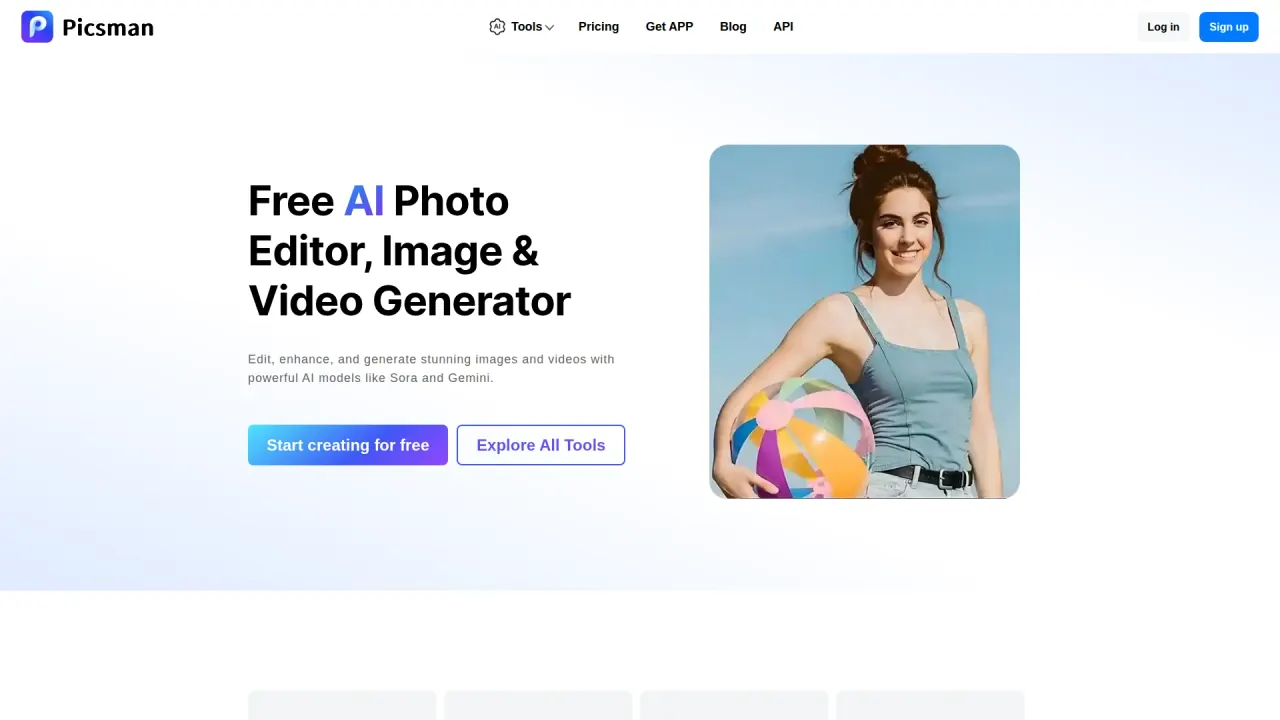

Picsman combines background removal, object cleanup, batch editing and AI image or video generation in one browser workspace, with a mobile app for phone edits.
Used this tool? Rate it
Used this tool? Rate it


AI image editing from a reference photo


Multi-model image studio, free to start


Natural AI photo editing for portraits and projects


Build random generators, share them free


Anime art, powered by a million community models


Real-time answers, images, and code in one chat


Community-Trained Models for Art, Video and Characters


Browser-Based AI Photo Editing and Image Generation
Picsman is an AI photo editor that runs in a browser and as a mobile app, and it also generates new images and short videos from prompts. Editing and generation share one workspace, so a seller can clean up a phone snapshot, drop in a studio-style backdrop and cut a launch clip without exporting between tools.
The editing side covers background removal, object and people removal, photo enhancement, upscaling, style filters, AI replace, clothes and hairstyle try-on, image extension, passport photos and watermark removal. Generation runs on third-party models: the plan comparison names Nano Banana, GPT and FLUX for stills, and Kling, Veo, Sora, Seedance and Hailuo for video.
The AI Photo Editor can be tried without registering, and an account adds welcome credits plus high-definition exports that guests do not get. Picsman offers two free trials per day for image features, including photo editing and image generation, and the number of extra edits depends on the tool and model chosen.
Across the editing suite, per-file costs run from 1 credit for background removal to 3 credits for the clothes changer, image extender and passport photo maker. The everyday editing tools are metered by daily uses rather than by credits. The plan comparison moves from 50 uses per day at the first level to 300 at the second and unlimited at the third. That unlimited label covers the basic tool set only; advanced models and video sit in a separate row that runs on monthly credits.
Image generation, tattoo generation and image-to-image share one quota, priced between 2 and 12 credits per image depending on model, quality and template. In monthly volume that becomes 150, 750 and 2,500 images per month across the three levels. Video allowances follow the same ladder at 30, 150 and 500 clips. Video is far more expensive per second, at 2 to 70 credits per second of output depending on model, quality, duration and template, with a stated minimum charge of 3 seconds. Photo enhancement and watermark removal with the advanced model carry their own monthly allowance too, measured in images or seconds of footage. The video enhancement rows move from 300 to 1,500 and 5,000 seconds per month.
Cheap and expensive models sit behind the same button: a lightweight still and a frontier still each count as one image in the monthly allowance, but they do not consume the same credits.
Batch photo editing changes the economics of a catalogue refresh. Up to 30 images can be processed in one pass, and the batch editor removes backgrounds, replaces them, applies a preset template and resizes in the same run. The workflow is three steps: upload, pick the tool or template, download. Uploads accept JPG, PNG, JPEG, WebP, BMP, TIFF and HEIC, and high-definition downloads come out as JPG or PNG.
The passport photo maker crops a portrait to official sizes for ID cards, passports, visas and licences, with documented presets for the United States, United Kingdom, India, Spain, Portugal, Canada, Australia, Mexico, Germany, France, China, Japan and Brazil. Background colour is selectable after the original is removed. On the video side, the watermark remover handles Sora, TikTok, text and subtitle watermarks at 1 credit per second, and the video enhancer is priced by output resolution, from 2 credits per second in HD up to 4 in 4K on the standard model.
The batch editor applies one treatment to a run of product shots: transparent cut-outs for one channel, a consistent backdrop for another, a fixed aspect ratio for a third. Thirty images per pass suits a weekly drop, and the resize step removes a separate export script.
Creators who publish across formats can extend an image beyond its frame for a banner, apply a filter for a themed post, or generate a background that matches a campaign palette. The AI image generator also covers avatars, wallpapers, posters and flyers.
The passport photo maker replaces a studio visit for a routine renewal: upload a portrait, remove the original background, select the required colour, and pick the country preset that matches the application. The presets are a starting point; the accepting authority decides whether a photo passes.
The video tools cover two jobs. Enhancement and watermark removal clean up existing footage, priced per second of output, while the generator creates clips from a description, an image or a source video. A seller with a photo set can produce a still campaign and a short clip from the same assets.
Picsman fits teams that produce volume rather than precision. A marketplace seller with a spreadsheet of new SKUs, a social manager who needs ten variants of one visual, or a small brand without a designer can finish inside one subscription instead of stitching together a cut-out service, a background library and a video editor.
The tool is a weaker fit for work that depends on manual control. Retouchers who need layer masks and channel-level colour work will find the tool set coarse, and anyone handing layered files to a print house should check export options first. Buyers needing only a few edits a month should compare credit costs for the models they intend to use, because the same task can consume very different amounts.
Picsman runs in a desktop browser, in a mobile browser, and as an app for iOS and Android. The iOS listing requires iOS 12.0 or later. It rates the app 4.6 out of 5 across 325 ratings, marks it suitable for ages 4 and up, and notes that in-app purchases are offered.
Signing in changes what you can export. A guest can edit and export in standard definition, while an account unlocks high-definition exports and adds welcome credits. The editor is available without registration, which makes it practical to test one image before creating an account.
Everything runs in the browser or the app, with no desktop installation. The site navigation includes an API entry, but its documentation could not be retrieved here, so programmatic access is not confirmed.
Picsman sells a PRO subscription billed monthly or yearly, plus pay-as-you-go credit packs described as a one-time payment that stays valid permanently. The yearly option is marked as saving 40% against monthly billing, and plan prices are set per region and billing cycle, so the figure a visitor sees depends on location and selected cycle. The plan comparison sets out three subscription levels that raise every allowance step by step.
| Allowance | First level | Second level | Third level |
|---|---|---|---|
| Basic AI tools | 50 uses/day | 300 uses/day | Unlimited |
| Advanced models and video | 300 credits/mo | 1,500 credits/mo | 5,000 credits/mo |
| AI image generation | 150 images/mo | 750 images/mo | 2,500 images/mo |
| AI video generation | 30 videos/mo | 150 videos/mo | 500 videos/mo |
| Photo enhancement, advanced | 100 images/mo | 500 images/mo | 1,500 images/mo |
| Video enhancement | 300 s/mo | 1,500 s/mo | 5,000 s/mo |
| Cloud storage | 5 GB | 50 GB | 100 GB |
| Generation priority | Standard | High | Highest |
The unlimited entry applies to basic tools only, and advanced-model allowances reset monthly, so a heavy month of video work can exhaust the credit line before the daily allowance matters. Generation priority differs by tier and affects queue time, not output quality.
Credits are the second currency. Pay-as-you-go packs are bought once and, per the pricing FAQ, remain valid permanently, so occasional users are not forced into a subscription. What a credit buys varies widely: background removal costs 1, a still image 2 to 12, and a second of generated video 2 to 70. PRO users get unlimited access to AI tools and assets during the subscription plus monthly credits for advanced models and video, while pay-as-you-go users can spend credits on AI tools but see PRO features and design assets limited.
Three tools come up repeatedly in the same buying conversation, and each covers a narrower or wider slice of the job.
Photoroom is built around product photography for commerce. Its own comparison material positions batch processing for product-image workflows at up to 250 images per batch, alongside virtual models and ghost mannequin shots. That ceiling is roughly eight times Picsman's 30-image limit, which matters for a seller processing a full season rather than a weekly drop; the trade-off is a narrower focus on catalogue imagery rather than filters, passport photos and video.
Canva bundles background removal into a general design suite, with bulk creation aimed at template-driven design work rather than large-scale commerce pipelines. A team that also produces presentations, social graphics and print collateral may prefer one subscription covering design and cut-outs, accepting that background removal is one feature among many rather than the centre of the product.
remove.bg does one job and exposes it through an API, which suits developers who need a stable cut-out endpoint rather than an editing interface. A buying guide for e-commerce image tools draws the same split: catalogue sellers gravitate to product-photo specialists, operations teams that also need covers and social assets lean toward a general design suite, and developers who only need cut-outs prefer a focused API.
The decision turns on volume and scope rather than raw output quality. A seller with 30 images a week and an occasional video need fits Picsman's design; a seller with 250 a week does not.
Picsman states that it does not sell personal data and shares it only with service providers for hosting, analytics and payments. Sign-in data from Google or Apple is not used to train AI models or for targeted advertising. Retention is defined by category: account data while the account is active, billing data for up to 7 years, and log data for one year. The policy also says the service does not knowingly collect data from children under 13. Facial-data features fall under a separate AI creation service agreement rather than the privacy policy alone, and that agreement was not reviewed here.
Yes. The AI Photo Editor opens without registering, and a guest can export in standard definition. An account adds welcome credits and high-definition exports.
Picsman offers two free trials per day for image features, covering photo editing and image generation, and new accounts receive free credits on registration. How many extra edits those credits buy depends on the tool and model.
Uploads accept JPG, PNG, JPEG, WebP, BMP, TIFF and HEIC. High-definition downloads come as JPG or PNG, and available dimensions depend on the tool.
Subscriptions can be cancelled at any time from account settings, and access continues until the next billing date. Refunds are not offered after purchase except in the circumstances listed in the billing policy, such as unresolved technical problems or duplicate charges caused by a platform error.
Picsman permits personal and commercial use of generated designs as long as the privacy policy is respected. The user is responsible for confirming that any artwork, photograph, trademark or logo in the output is cleared for that use, and Picsman does not guarantee that a given output is lawful or suitable for a particular purpose.