
Create videos in the browser from a prompt or reference images, clips and audio. Model options vary by input type, editing support, output length and resolution.
Used this tool? Rate it
Used this tool? Rate it


Multi-model image studio, free to start


Natural AI photo editing for portraits and projects


Community-Trained Models for Art, Video and Characters


Prompt-Based Images, Edits and Video


One gateway for text and media models


Multi-model AI video and image generation in one browser workspace


Design original characters and animate them


Chat Your Way to a Finished Video
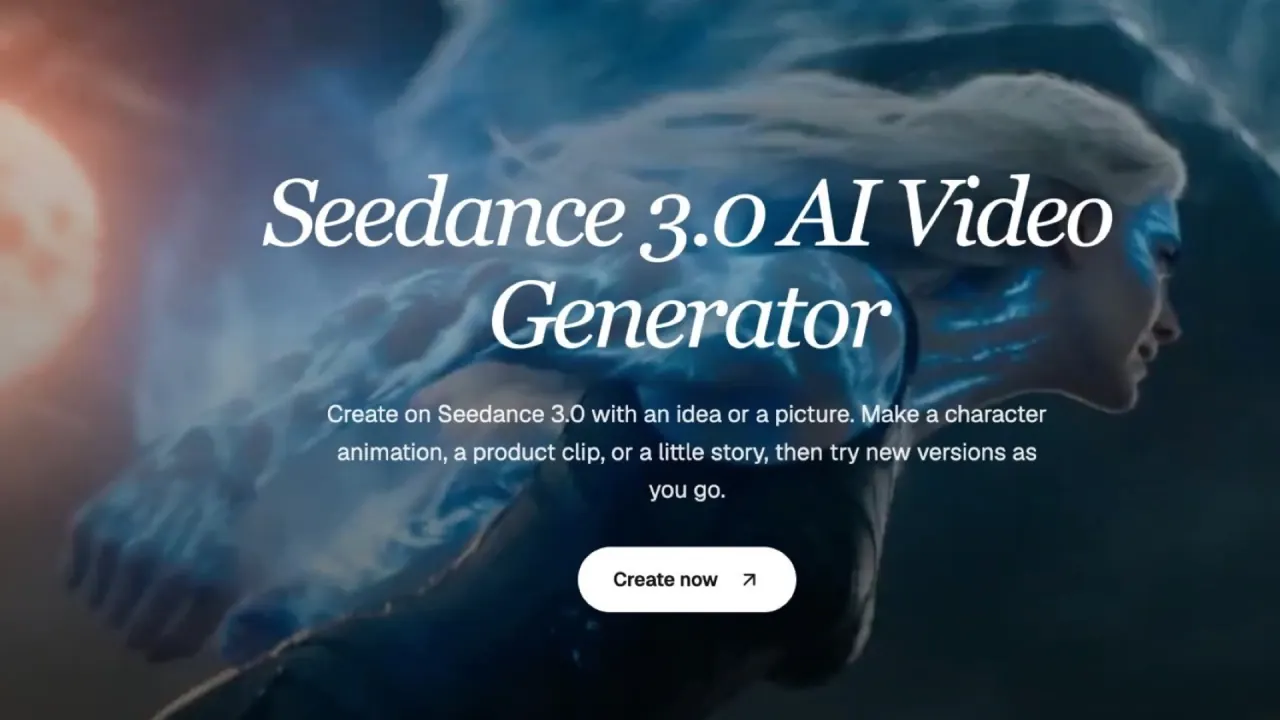
seedance 3.0 is an AI video generator you use in a browser. It turns a written scene or reference materials into a clip, with editing available on compatible models. Seedance 2.5, Seedance 2.0 and Seedance 2.0 Mini are available through the same service. The name identifies the website, and the video model is a separate choice in its creation panel.
The project begins with whatever already exists for the shot. A written scene can become a first version, a still can establish how a subject looks, and a reference clip can show how a shot should move. An existing video opens a different task: changing an element or a moment within the footage. The model choice matters to all of these tasks because the inputs, length, picture quality and editing controls depend on that choice.
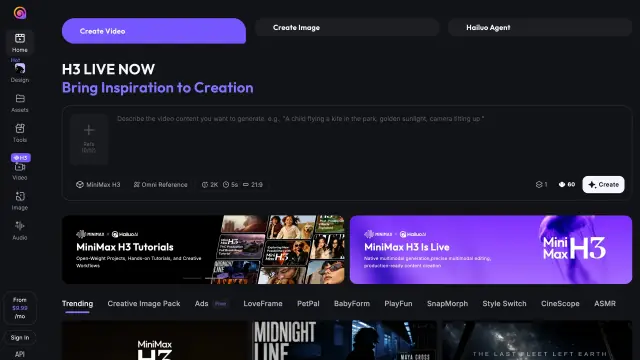
The signed-out Multi Reference menu shows Seedance 2.5 and the Fast, Pro and Mini variants of Seedance 2.0, alongside models from other vendors. Mini is marked as free in that menu. The anonymous panel initially shows MiniMax H3 Lite.
| Model on this site | Documented clip length | Maximum reference files by type | Documented output resolutions |
|---|---|---|---|
| Seedance 2.5 | 4–30 seconds | 30 images, 10 clips, 10 audio files | 480p or 720p |
| Seedance 2.0 | 4–15 seconds | 9 images, 3 clips, 3 audio files | 480p, 720p, 1080p or 4K |
These figures describe the named models on this service. A scene with several timed actions benefits from a longer uninterrupted generation. If the shot starts with many separate angle, movement and audio references, the caps by file type matter as much as the duration. When a delivery brief requires a particular output resolution in the generator, that setting narrows the model choice before a credit estimate is meaningful. A separate upscaling step starts from an existing file and has its own settings.
The Seedance 2.5 Video Edit control requires a reference video lasting 4–30 seconds and sets the aspect ratio and duration automatically. The input clip therefore determines the edited shot’s shape and length. The same model panel has a Return Last Frame control, which can be used when the final visual state matters to the next shot. It also exposes a Generate Audio switch.
The product shows an eight-second first-person fruit tea ad made from two images, one video reference and one audio track. This is a useful illustration of why an ad might need more than a single reference. Product stills carry visual details of the item, movement footage can express how an introduction should be filmed, and the audio can establish a pace without the prompt having to describe a rhythm in words.
A second example combines a source video with a packaging image to replace the bags in the shot. It illustrates a different task from generating a new advertisement from stills. An existing product take supplies its camera path, and the supplied label or packaging photo identifies the change. The resulting version is useful for reviewing a packaging update in context, with the real deliverable depending on how closely the render preserves the visible branding and motion.
The longer Seedance 2.5 mode is presented for fitting a beginning, middle and end into one clip. A useful case is a moving preview of a scene built around a single progression, such as a character discovering an object and reacting to it. Keeping those beats in one clip gives the review a continuous sense of the motion and timing. That is useful when the review depends on whether the beats read in order.
Creating content requires an account under the service terms. The panel includes a reference upload control and access to the asset library. Earlier generations can be found through the generation history. The panel can be viewed signed out.
The separate video enhancement tool accepts MP4 or MOV up to 300 MB and offers 1080p, 2K and 4K targets. These targets apply to existing video files, including footage made elsewhere.
Image Upscale takes JPG, PNG or WebP files up to 10 MB and shows 2K, 4K and 8K targets. These file requirements belong to the image enhancement tool.
The model, duration and resolution affect the AI video credits charged for each generation. The panel estimates the cost before submission. The same balance can buy different numbers of clips, depending on the settings and number of requests.
The Monthly and Yearly views captured on November 27, 2026 showed the following base-card selections. Yearly amounts are billed for the year, with the credit allowance expressed per month. The yearly cards displayed a promotional discount during this capture.
| Plan | Monthly tab price | Yearly bill | Credits per month |
|---|---|---|---|
| Lite | $29.9 | $178.8 | 600 |
| Standard, base selection | $49.9 | $298.8 | 1,200 |
| Max, base selection | $199.9 | $1,198.8 | 8,000 |
The pricing FAQ says subscription credits do not roll over. It describes credits being added at the start and expiring at the end of each billing period. Subscription renewal is automatic, and cancelling in the account leaves access in place through the current billing period.
The pricing FAQ includes commercial use on all yearly plans and on monthly Pro and Max, and excludes it on monthly Lite and Standard. Here Pro is a subscription name used in the FAQ. The captured views displayed three base cards, so the table does not give a monthly or yearly price for Pro. Batch tasks and priority speed require an active subscription. The pricing FAQ assigns a 30% Seedance model discount to active yearly Standard, Pro and Max plans.
The Credit Packs tab displayed these one-time offers in the same capture.
| Credit pack | One-time price | Credits |
|---|---|---|
| Starter | $49.9 | 1,000 |
| Value | $99.9 | 2,500 |
| Pro Pack | $199.9 | 7,500 |
| Bulk | $999.9 | 50,000 |
| Mega | $3,999 | 250,000 |
The credit-pack banner says credits never expire. The pack cards describe one year of validity. The pricing FAQ also gives a 12-month validity period for credit packs. That discrepancy leaves the expiry of a one-time purchase unclear from the page. The Pro Pack buys credits once. Pro in the commercial license information is a subscription.
The signed-out creation screen displays a free-generation option and a credit option, with a dash in place of the account’s remaining balance. That display identifies a free route but does not establish the account’s available credit allowance or which other modes it can use free of charge. The terms give sign-up and activity rewards their own possible limits and expiry dates, and allow reward programs to change or end.
The pricing FAQ describes an automatic credit return when generation fails. The terms specify a technical error on the service’s side as the condition for returning a task’s credits. A generation that completes but misses a creative brief is a separate situation. Asking the model to generate another version can incur another charge.
The terms describe payments as generally non-refundable except where law requires otherwise, and give a 14-day window to contact support about a mistaken charge.
Dreamina documents a Seedance 2.5 reference-to-video route covering motion, style, image, audio and storyboard references. It is directly comparable for someone looking for a dedicated route to that model and working from multiple creative assets. The two services have separate controls and account terms even when the model name is shared.
Runway lists Gen-4.5 for both text-to-video and image-to-video in its developer catalogue. That gives a different comparison point when the work starts with a written scene or a single input image and the project calls for a documented API path. seedance 3.0’s public panel centers on a browser workflow that also has an explicit multiple-reference mode.
A reference image still leaves room for the generated face, text or logo to change. That is a limitation for a packaging update where the new label must read correctly or a moving shot where a subject’s likeness matters across frames.
The Seedance 2.5 notes warn that very fast movement can distort or blur and that contact between several people can look awkward. This matters where the action carries the meaning of the scene, as in a demonstration of how hands fit two parts together. Some models can block clear photos of real faces even when a user has permission to use the photo. The terms require users to own or have permission for uploaded material, including a person’s likeness or voice, music and logos. Permission to use the material and acceptance by the chosen model are separate conditions.
The privacy policy says the service sends prompts and reference files to providers for the chosen model. The same policy says the providers process the material only to return the result. A brief, voice sample or clip that is only available under a client agreement therefore has to be considered as an upload that will be processed outside the creator’s device. The policy says the service does not use uploaded files or generated results to train its own AI models. The terms also say users retain rights to their prompts and uploaded files and grant the service a limited license to store and process them for the service. Its own-model wording is specific to the service and those categories of material.
The privacy policy says generated videos and images stay in the account until users delete them or close the account. Its deletion policy allows reasonable time for active-system removal and short-lived backup copies.
The terms recognize the user’s ownership of generated videos and images subject to those terms and applicable law. They do not guarantee unique results or copyright protection in every country. Ownership, plan eligibility for commercial uses and the underlying permissions on reference materials each affect how a clip may be used. A plan’s output license leaves permissions on any uploaded song, brand or likeness with the user.
On this site, Seedance 2.0 can produce video at 4K. The listed Seedance 2.5 options on this service are 480p and 720p.
A compatible multiple-reference model can use a clip to guide movement or framing. To change that clip itself, the panel requires a model with video-editing support, and the prompt describes the edit.
A credit pack buys a balance in a single purchase. The commercial-use rules in the pricing FAQ describe eligibility by subscription tier and billing period.