
SlideSpeak turns PDFs, Word files, spreadsheets and prompts into editable PowerPoint decks, then narrates, translates and exports them.
Used this tool? Rate it
Used this tool? Rate it


From a prompt to a deck, site or doc


One workspace for every AI model


One workspace where your team and its AI agents think together


Public Codex reset tracker


AI assistant for structured work


Plan, build, and refine work with an AI agent


AI translation for multilingual workflows


Ad-free Chinese AI search with cited answers
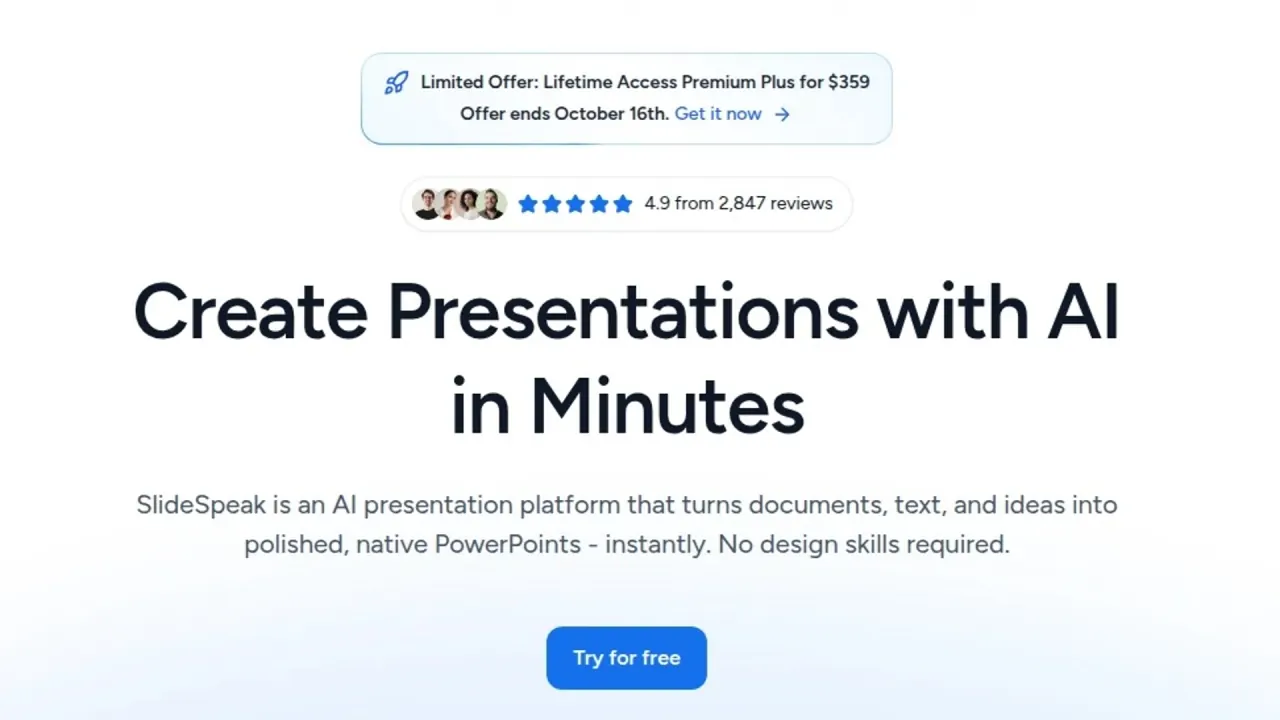
SlideSpeak is a browser-based AI presentation maker that turns documents, text and ideas into native PowerPoint files. Its own homepage describes the product as an AI presentation platform that turns documents, text and ideas into polished, native PowerPoints, with no design skills required, and the deck you download is a .pptx that opens in PowerPoint with fonts and layouts intact.
The vendor frames it as one platform for the whole life of a presentation: build it from a file or an idea, edit and brand it, narrate and translate it, share it with a team, and export it wherever it needs to go. That framing matters for who it suits. Most AI slide tools stop at a first draft in their own viewer; SlideSpeak treats an existing report, workbook or PDF as the normal starting point and carries the same deck into narration, translation and training exports.
Two numbers describe its reach as captured on November 23, 2026: the homepage reports 4.9 from 2,847 reviews and says the product is trusted by 1m+ people around the world. The homepage also says it is used by teams in 90+ countries, while the terms of service restrict the service to persons located in the United States. Those two statements do not reconcile, and both are quoted rather than resolved here.
Every build starts from a source: a PowerPoint, PDF, Word file, spreadsheet, text file or a one-line idea. You approve the outline before any slides are built, and each slide is checked for visual faults before the deck reaches you, which is the difference between an AI slide generator that dumps text on a canvas and one that hands over something presentable.
The document-to-PowerPoint path is the one to judge the product by. A spreadsheet becomes native charts rather than static images, a long PDF keeps its argument through an outline you can reorder, and the file that leaves the platform is a working presentation rather than a rendered preview.
The workflow has three stages, and the order is what keeps the output usable.
Brand setup is the one part that benefits from preparation. Applying your fonts, colours and logo across all slides is a single action, but a fully custom template is a paid add-on: importing your own template is listed at $129 per template. That price applies to the add-on on every tier, including enterprise, where multiple custom templates are part of the quote instead.
It fits teams whose source material already exists and whose bottleneck is turning it into slides. Three patterns recur in the product's own features. Document-heavy work is the first: reports, briefs and workbooks become decks that keep their numbers as editable objects, which is why a PowerPoint export that survives handoff matters more here than design novelty.
Training is the second pattern. Quizzes and SCORM export turn one approved deck into a package a learning platform can track, and the same deck can be translated and re-narrated for each region instead of being rebuilt per audience.
Multilingual delivery is the third. Translation preserves layout, formatting and structure across 150+ languages, so a deck presented in several markets keeps one visual system.
It fits less well in two situations. Anyone who needs to download a deck without paying will hit the export gate, since downloading and exporting are paid-plan features. And anyone who needs the interface itself translated will not find it: the product handles 150+ languages for content while the application itself is English.
The product runs in a browser, with the editor and the generation engine in the same place, so the output depends on the file rather than on an installed application. The .pptx export is the platform story: a native PowerPoint file with fonts and layouts intact, which is what makes the deck portable to whoever receives it.
Two delivery paths sit outside the editor. Video export produces a narrated file with screen recordings between slides, and LMS export produces SCORM or QTI packages. For products that need to generate decks programmatically, a separate API is priced on its own credit system, and the API plans list AI generated images, 20+ templates, 20+ layouts, 24/5 technical support, SSO and no model training on your data as included, with an auto top-up that fires after a threshold you set.
There is also a ChatGPT app. You connect your account to ChatGPT through OAuth, the app is issued access tokens scoped to creating presentations and checking generation status, and the vendor says your password is never shared with OpenAI. Disconnecting the app revokes those tokens. The preview behaviour of that integration is covered under Limitations, because it changes what other people can open.
Four tiers are listed in USD and billed monthly unless stated otherwise. Free is $0 forever with 100 credits at sign-up, a 50 MB file size limit, 150+ languages and online sharing, which the page estimates covers about three presentations. Premium is $29/month on annual billing or $30/month monthly, with 1,000 credits per month, no file size limit, export to PDF and PowerPoint, video with voice cloning, quizzes and SCORM export, team workspaces and 30-day version history, estimated at about 27 presentations. Premium Plus is $34/month annual or $40/month monthly, with 2,500 credits, 90-day history, brand kits and brand image and icon libraries, estimated at about 67 presentations. Enterprise is a custom quote with multiple custom templates, SSO, priority support and custom credit volume.
| Plan | Price | Credits | Main difference |
|---|---|---|---|
| Free | $0 forever | 100 at sign-up | Sharing, Charles, document chat, 50 MB file size limit |
| Premium | $29/month annual, $30/month monthly | 1,000 per month | Export to PDF and PowerPoint, video, quizzes and SCORM, team workspaces, 30-day history |
| Premium Plus | $34/month annual, $40/month monthly | 2,500 per month | Brand kits, brand image and icon libraries, 90-day history |
| Enterprise | Custom quote | Custom volume | Multiple custom templates, SSO, priority support |
Credits are the metering unit for the paid tiers, and paid-plan credits refresh at the start of each billing cycle. Top-ups work on every paid plan, stack on the monthly allowance and last 12 months: 500 credits for $10 one time, 2,000 for $30 and 5,000 for $50.
Three offers sit beside the tiers. A custom template is $129 per template as an add-on. A limited-time Lifetime Access Premium Plus offer is listed at $359 one time, and the banner on the homepage and the pricing page both show it. Verified academic accounts get 25% off. The API is separate again, at $49/month for 1,000 credits, $99/month for 2,500 and $179/month for 5,000, with auto top-up available.
The closest alternatives split by starting point rather than by feature count. An editorial comparison of SlideSpeak against Gamma treats the native .pptx export as SlideSpeak's differentiator and notes that Gamma exports as PDF or as a shareable link by default, with PowerPoint export less seamless and varying by plan. A directory of alternatives lists Wonderslide, Gamma and Pitch among the nearest options, which is a useful map of how crowded this category is.
That split is the practical way to choose. If the deliverable has to be an editable .pptx that a client opens in PowerPoint, a document-to-PowerPoint tool has fewer failure modes than a web-native builder whose export is secondary. If the deck will live as a link and design speed is the priority, the trade-off reverses. Vendor comparisons, including the ones cited here, describe positioning rather than independent testing.
The constraints that change a buying decision are about access, metering and geography rather than generation quality.
Data handling sits beside these limits because it carries the same decision weight. By default, data uploaded to the system is stored for 180 days, and users can request deletion through a support ticket at any time. Automatically collected information is retained for up to 24 months and may then be stored in aggregate. The privacy policy states that customer data is never used to train AI models and is anonymised before it reaches AI LLM sub-processors, and names Microsoft Azure and AWS as the layer that keeps data isolated from model training. On the API side, the pricing page repeats that there is no model training on your data.
No. Downloading and exporting are paid-plan features; the free tier includes 100 credits at sign-up, 150+ languages and online sharing, with a 50 MB file size limit.
Yes. The export is a native .pptx, and the homepage says the file keeps fonts and layouts intact. Charts and tables generated from a spreadsheet come out as editable objects rather than images.
The pricing page estimates about three from the 100 sign-up credits, about 27 from 1,000 monthly credits on Premium and about 67 from 2,500 on Premium Plus. Video and heavy translation work reduce those estimates.
You can import your own template as a $129 add-on per template. Brand kits with custom fonts, plus brand image and icon libraries, are part of Premium Plus; applying fonts, colours and logos across all slides is available from the Premium tier.
Content and narration are handled in 150+ languages, and translation preserves layout, formatting and structure. The interface itself stays in English.
Yes. A separate API is billed on its own credits, starting at 1,000 credits for $49 per month, then 2,500 for $99 and 5,000 for $179, with auto top-up.
By default, uploaded data is stored for 180 days and can be deleted on request through a support ticket. Automatically collected information is kept for up to 24 months and may then be stored in aggregate.
A 7-day money-back guarantee covers selected purchases. Generating more than 5 presentations within the first 7 days disqualifies an account, and Lifetime and API subscriptions are excluded from refunds.