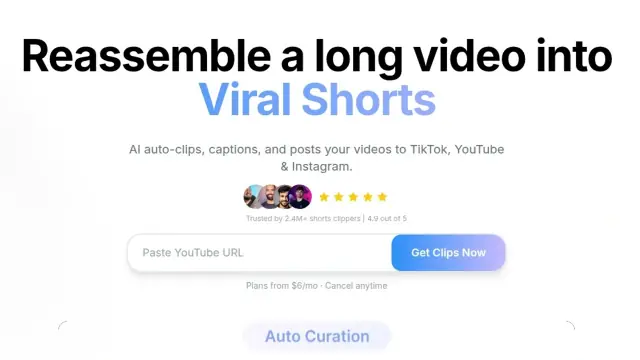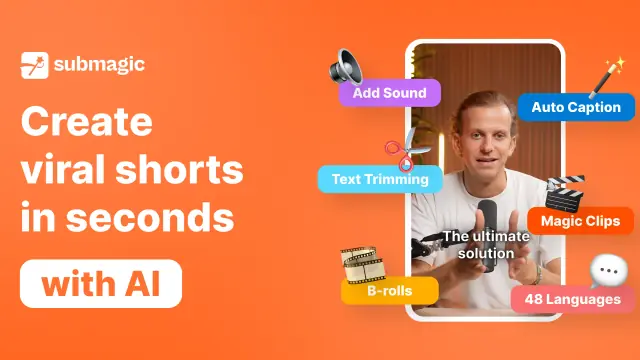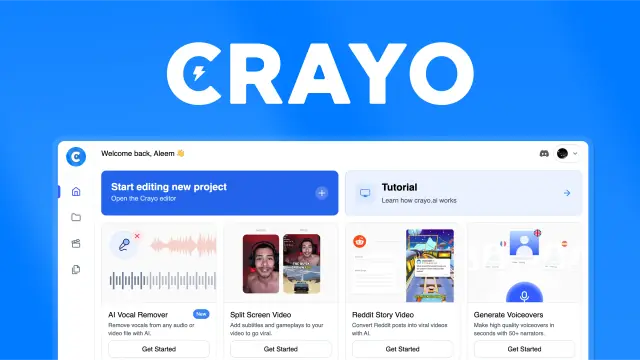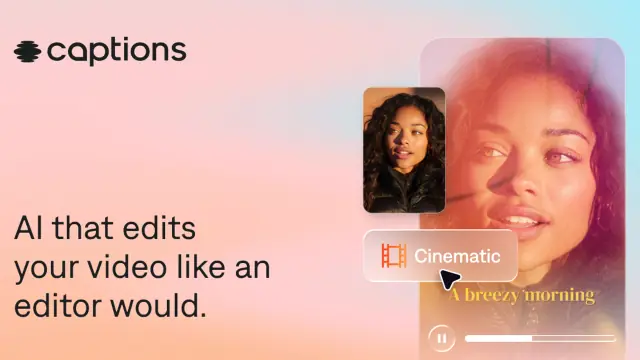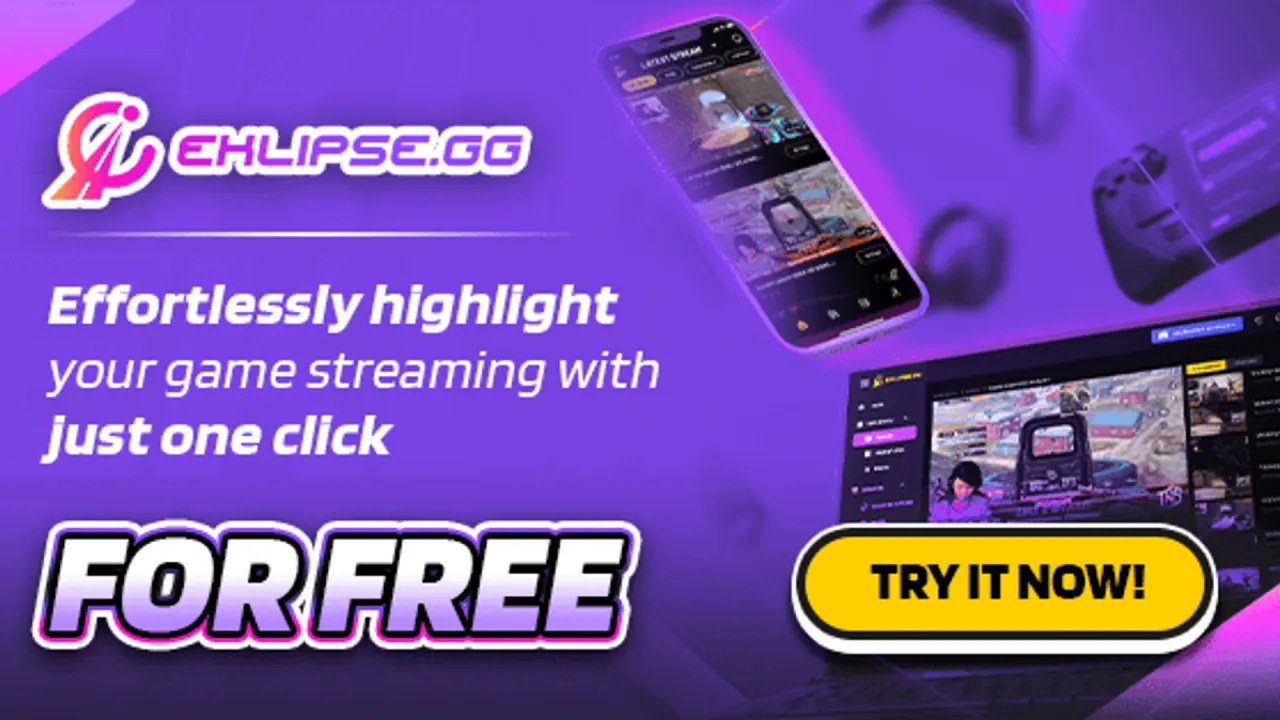

Eklipse is a cloud clipping service for streamers. It reads a Twitch, Kick or YouTube video on demand after the broadcast, scores the moments worth posting, cuts them into vertical clips with captions, and schedules them to TikTok, Shorts and Reels.
Used this tool? Rate it
Used this tool? Rate it


Natural AI photo editing for portraits and projects


Chat Your Way to a Finished Video


Edit, caption, and generate video in one place


Generate new shots and rework existing footage


AI image editing from a reference photo


Multi-model image studio, free to start


AI assistant for writing, analysis and tasks


From a prompt to a deck, site or doc
Eklipse is an AI clip maker for streamers. You connect a Twitch, Kick or YouTube channel once, and after a broadcast ends the service reads the video on demand, scores the stream highlights worth posting, cuts them into vertical clips with burned-in captions, and schedules them to TikTok, YouTube Shorts, Instagram Reels and Facebook. Nothing is installed on the streaming machine and nothing is uploaded by hand.
The detection model is where it separates from voice-first clippers. It reads on-screen game events such as kill feeds, scoreboards and round results, adds audio peaks and chat activity to the same score, and ranks the result. A silent clutch therefore still registers, and talk formats are covered too: Just Chatting segments, IRL stretches and podcast conversations are scored alongside gameplay instead of being clipped by hand.
Pricing follows a subscription rather than a credit meter. A plan covers clipping for the billing period, without a per-minute allowance to top up. What is unusual for the category is the floor: there is no free clipping tier, so detection, export and publishing all sit behind a paid plan, and an account is free only up to the point where a first batch of clips is previewed.
The trade is simple: either a channel posts clips often enough to justify a fee, or it does not.
Four kinds of signal feed one score. Game events — kills, clutches, wins, boss fights and round results — are read from frame graphics and on-screen markers. Reactions and audio peaks add laughter, shouting and sudden volume changes. Chat sentiment contributes emote spikes and message velocity. A voice command lets the streamer mark a moment the model would never score. The combination is why a quiet no-scope still lands in the list while a loud but uneventful stretch does not.
Scoring is tuned per category rather than applied as one generic model: competitive FPS leans on kill feeds and scoreboard changes, battle royale on final circles and elimination streaks, horror and survival on reaction and audio spikes because nothing appears on those scoreboards. Coverage is stated at more than 3,000 games.
Saying a short phrase mid-match flags the moment without leaving the game or reaching for a key. It is the fallback for what scoring cannot see — an inside joke with chat, a callout, a reaction with no matching event on screen. The flag is collected later, when the recording is processed.
Widescreen footage is recomposed to 9:16 with the action kept inside the frame, so there is no crop box to drag. Clip captions are generated, burned in with gaming-native fonts, and stay editable until export. A watermark and channel name can be set once and then carried across every export, which matters on a feed where clips travel without their source. Trim handles and automatic dead-air removal shorten the review pass, and one moment can be exported as several cuts so two framings can be compared.
Content Agent is the automated layer above detection. After each supported stream it selects three moments, prepares them as vertical clips with captions, suggests posting times and holds the batch for approval. Nothing publishes until the batch is approved; clips, captions and times can all be changed first. It works from the finished video rather than the live feed, and clips prepared this way render at up to 1440p without a watermark.
Clips that need more than a template go into Eklipse Studio, a timeline editor with layouts, overlays and manual trimming, while AI Edit handles captions, effects and pacing on a single clip. Content Planner queues finished clips for the connected accounts or exports a download. Rendering runs in the cloud and several streams can be processed at once, which turns a weekend of broadcasts into a week of posts.
The published workflow has five stages, and only two of them involve the streamer.
The order sets expectations. Signing up is free and a first batch of clips can be previewed, but the full list, export and publishing need a plan, so step four is where a trial meets the paywall. Streamers who would rather not review at all hand steps four and five to Content Agent, which compresses them into one approval and caps the output at three clips per stream.
A long stream usually holds more postable moments than a creator can find by hand. Batch processing and the built-in scheduler turn those moments into a queue rather than a single clip, which is the workflow the site leads with: stream tonight, approve the results the next morning.
Content Agent assumes no editor and no review session. Three captioned clips per stream are enough to hold a posting cadence through a busy week. Approval stays manual, so nothing goes out unseen.
A stream that leaves a PlayStation or Xbox for Twitch or YouTube can be clipped without a second PC or a capture device, because the service reads the broadcast rather than the console. The mobile app then covers review and posting away from the desk.
Eklipse assumes the raw material already exists and the bottleneck is finding and publishing it. That fits streamers who go live regularly on Twitch, Kick or YouTube and want clips out without learning an editor.
It is a poor fit for anyone who plays mostly offline and wants a local recorder, for creators who need a free clipping tier, and for work that never went out as a live stream, since an edited file with no broadcast behind it is not the input here.
The product runs as a web app with iOS and Android companions. Sources are Twitch, Kick and YouTube; publishing targets are TikTok, YouTube Shorts, Instagram Reels and Facebook. Sign-in runs through Twitch, Google, Kick, Facebook, Xbox or email.
Console support goes through the streaming platform rather than the hardware: an Xbox or PlayStation stream that goes out to Twitch or YouTube is clipped like any other, with no capture card and no second computer. The mobile app is also where Content Agent is switched on.
Two details affect daily use. YouTube access is authorised through OAuth, and the privacy policy caps storage of YouTube data at 30 days with periodic re-authorisation.
Two plans, priced in US dollars for purchases on the web, both renewing automatically at the end of each period.
| Plan | Price | Billing | Notable extras |
|---|---|---|---|
| Premium, monthly | $24.99 | Charged every month | Same feature set as the annual plan |
| Premium, annual | $179.99 | Charged once a year | Same feature set as monthly |
| Premium Pro | $39.99, or $299.99 a year | Monthly or annual | Live clipping during the stream, priority support |
Premium costs $24.99 a month billed monthly, or $179.99 billed once a year, which works out to $14.99 a month and saves $119.89 compared with twelve monthly payments. Twelve monthly payments come to $299.88, so the yearly plan saves $119.89, which the site rounds to about 40%. Both Premium tiers carry the same features; Premium Pro is the tier that adds live clipping and the higher export ceiling.
Access is not metered by upload minutes, which is where Eklipse parts company with credit-based clippers: one subscription covers clipping for the billing period. Storage becomes the constraint instead, at 14 days on monthly billing and 90 days on annual billing.
Cancellation is self-service, from the account screens on the web or from the subscription screen in the mobile app. Purchases made through Google Play follow that store's cancellation and refund rules rather than the site's own. Refunds are the narrow part: fees already paid are generally not returned, services already rendered are excluded, and dissatisfaction with AI results does not qualify where the output matches the described functionality.
Medal is a recorder rather than a service that reads a broadcast. It keeps the last 30 seconds of gameplay available at a key press, files clips into a library across PC and phone, and is free on PC and mobile with an optional paid tier. The difference is structural: Medal needs the game running on the same machine, while Eklipse needs a stream that already exists and no local software. For offline play with no broadcast, only one of the two applies.
StreamLadder bundles a browser editor, a converter, a downloader and its ClipGPT detection, with a free plan covering editing and a paid tier unlocking AI discovery and publishing. It exports to TikTok, Shorts, Reels, Facebook Reels and X, and offers a 7-day trial. The difference is the centre of gravity: StreamLadder sells an editing toolkit with clipping attached, while Eklipse sells detection with editing attached.
OpusClip clips long video generally rather than stream footage specifically, and its free plan carries 60 credits a month, which makes it the cheapest way to test AI clipping at all. It publishes to several platforms and markets reframing with subject tracking. What it does not advertise is a model trained on game events, and that is the axis Eklipse competes on.
The terms state that, for advertising and marketing purposes, videos processed by Eklipse may be used at any time and at the company's sole discretion, including as cut-ups or trailers described as promotional assets. The clause is not tied to a credit or a link, and no opt-out sits beside it.
The site is explicit that clipping is paid and that no zero-cost tier exists. An account can be created for free and a first batch of clips previewed, but the full list, export and publishing are gated. Anyone evaluating the product should expect the decision point inside the first stream.
Refunds beyond that are narrow. Work already delivered is excluded, and unhappiness with the AI output is not a ground where the output matches the description. Mobile purchases follow the store's rules, which can differ from the site's policy in either direction.
Storage runs for 14 days on monthly billing and 90 days on annual billing. A clip that was never posted or downloaded disappears with the period, and the approval queue for Content Agent lives inside the same window.
Game coverage is stated as more than 3,000 titles on the website and as 1,000+ on a comparison page on the same site. Export resolution is described in pieces rather than in one table. The feature block gives Premium Pro up to 2K export. The pricing answer says annual plans add 1080p lossless export and does not say what monthly billing exports at.
Three clips per stream, activated and approved only in the mobile app, working from the finished video rather than the live feed. It is a cadence tool, not a way to harvest every moment of a long session.
Facebook, Xbox and email are sign-in routes rather than stream sources, and the pages reviewed describe no route for a locally recorded file with no broadcast behind it. A creator who plays offline, or streams to an unlisted platform, cannot use detection at all.
The privacy policy says personal information is not rented or sold, is encrypted and held by a third-party cloud provider, and is retained as long as needed to provide the service. Disconnecting an account removes the data collected through it. The age floor in the terms is 13.
No. Creating an account is free and a first set of clips can be previewed, but clipping is paid and the site states there is no zero-cost tier. Plans start at $24.99 a month.
Premium is $24.99 billed monthly or $179.99 billed once a year, which works out to about $14.99 a month and saves $119.89 against twelve monthly payments. Premium Pro is $39.99 a month or $299.99 a year. It adds live clipping, exports up to 2K and priority support.
Twitch, Kick and YouTube as sources, including console broadcasts that go out through them. Publishing covers TikTok, YouTube Shorts, Instagram Reels and Facebook, and any clip can be downloaded instead.
No. Detection, reframing, captioning and rendering run in the cloud, so nothing is installed and no local recording happens. Console streams are read from the platform, and a laptop is enough to review the results.
It scores game events read from frame graphics and on-screen markers, audio peaks such as laughter and shouting, and chat activity such as emote spikes, then ranks the combined result. Categories are weighted differently, and a voice command can flag a moment the model would miss.
14 days on monthly billing and 90 days on annual billing. Clips worth keeping have to be posted or downloaded inside that window.
Cancellation is available from the account on the web or from the subscription screen in the mobile app, and it stops the next renewal. Fees already paid are generally not returned, and purchases made through Google Play follow that store's rules.