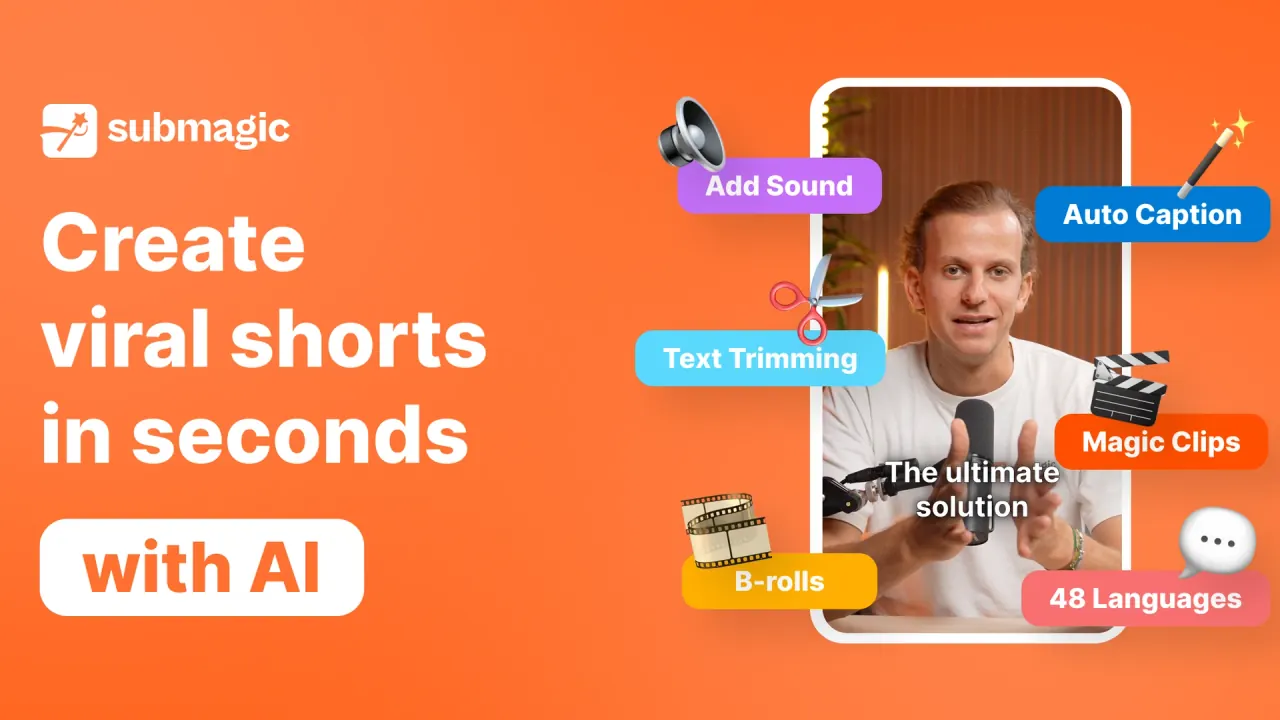

Submagic is a browser-based AI editor that captions, trims and repurposes footage into TikTok, Reels and Shorts clips, with scheduled publishing, team workspaces and an API for agencies and media teams.
Used this tool? Rate it
Used this tool? Rate it
Submagic is a browser-based short-form video editor that uses AI to caption, cut and repurpose footage for TikTok, Instagram Reels and YouTube Shorts. The company pitches it as a way to edit shorts 10x faster with AI and says it takes raw footage to finished shorts in one click.
Submagic is operated by TURBO STUDIO S.A.S., a French simplified joint-stock company with its registered office in Paris. Its homepage claims that more than 4 million businesses use the product and save 10+ hours every week; that is a vendor figure, not an audited count.
Three facts shape most buying decisions. Every self-serve plan caps the length of each video, the long-to-short Magic Clips tool is billed through its own subscription or credits, and subscription fees are non-refundable apart from the consumer withdrawal right described under Limitations.
Submagic combines an AI caption generator, automatic cleanup edits, a long-to-short clipper and a publishing scheduler inside one web editor.
Magic Clips is the repurposing tool: you paste a YouTube URL or upload a long video, and the feature page says it generates 20+ clips with captions applied. It requires a Magic Clips subscription or Magic Clips credits, and its price is not listed on the public pricing page (see Pricing).
These parts are designed to chain together: captions and cleanup run automatically, the transcript becomes the editing surface, and the finished short goes straight to the scheduler. Which parts you actually get depends on the plan, because silence and bad-take removal, auto zooms and social publishing start at Pro.
The API flow has three stages: generate a key in your account settings, upload a video or pass a video URL, then download the processed video with captions and effects applied. For tighter quality control, the documentation describes creating a project without auto-rendering, correcting the captions, and only then exporting the final video.
The Sportskeeda figures are self-reported by the vendor and its customer; they are not independent measurements, and the case study does not say which plan the team uses.
Submagic's plan descriptions target individuals starting with video on Starter, professionals creating shorts on Pro, and teams scaling production on Business.
Good fit
Less suited
The pages checked describe browser access only and do not link to a native mobile or desktop app.
Submagic pricing has three self-serve tiers, Starter, Pro and Business, each charged per member per month, and the billing toggle advertises yearly savings of up to 41%.
| Plan | Billed monthly | Billed yearly | Videos per member/month | Max length per video | Export |
|---|---|---|---|---|---|
| Starter | $19/member/mo | $12/member/mo (save $84) | 15 | 2 min | 1080p, 30 FPS |
| Pro | $39/member/mo | $23/member/mo (save $192) | 40 | 5 min | 1080p, 30 FPS |
| Business | $69/member/mo | $41/member/mo (save $336) | Up to 100 | 30 min | Up to 4K, 60 FPS |
| Custom | Contact sales | Contact sales | Custom | Custom | Not shown |
Plan cards express the same allowance as credits (45, 120 and 300), and a tooltip says those credits also cover generating AI videos and AI images. For Pro, the comparison table lists export quality as 1080p, 2K, while the plan cards list 1080p at 30 FPS for that tier. All three paid plans list exports without a watermark.
An independent software directory lists Opus Clip, VEED Subtitle and Captions AI as the top competitors of Submagic.
Submagic's distinguishing points in this set are caption styling, transcript-based editing and built-in scheduling from the Pro tier up. OpusClip fits better when long-to-short clipping with hand-off to a desktop editor is the core task, while VEED suits teams that need voice dubbing or general-purpose editing beyond short-form captions.
Most of Submagic's practical limits come from plan caps, billing terms and inconsistencies between its own pages.
On a third-party review platform, Submagic held a 4.5 rating from 844 reviews as captured on October 5, 2026, with 86% five-star and 7% one-star ratings, and the platform notes that the company has not invited customers recently. The platform's AI summary of 218 recent reviews is mostly positive but flags complaints about slow customer-service replies, automated chat, occasional glitches, crashes and export problems.
The privacy notice and terms checked do not say whether uploaded videos are used to train AI models, and they do not specifically address the face and voice data used for AI avatars.
No paid plan does: Starter, Pro and Business all list exports without a watermark. The pages checked do not state what free-trial exports look like.
Yes, through Magic Clips, which accepts a YouTube URL or an uploaded file. According to the API documentation, it requires a Magic Clips subscription or Magic Clips credits.
The official pages give different numbers: 123 on the homepage, 50+ on the languages page and 48+ on the translator page.
Monthly and annual fees are non-refundable, and cancellation stops the next renewal. Consumers have a 14-day withdrawal right unless the service has already been fully performed with their consent.
No. The translator keeps your original audio and adds translated subtitles, so it does not clone voices or sync lips.
You keep the rights to your content, but you grant TURBO STUDIO a worldwide, non-exclusive license to use it on and through the platform.
