
A free browser-based paraphrasing tool that rephrases sentences, paragraphs and full documents in fourteen selectable modes, with word freezing, one-click synonyms and input from text, speech, audio or screenshots.
Used this tool? Rate it
Used this tool? Rate it


From a prompt to a deck, site or doc


One workspace for every AI model


One workspace where your team and its AI agents think together


Public Codex reset tracker


AI assistant for structured work


Plan, build, and refine work with an AI agent


AI translation for multilingual workflows


Ad-free Chinese AI search with cited answers
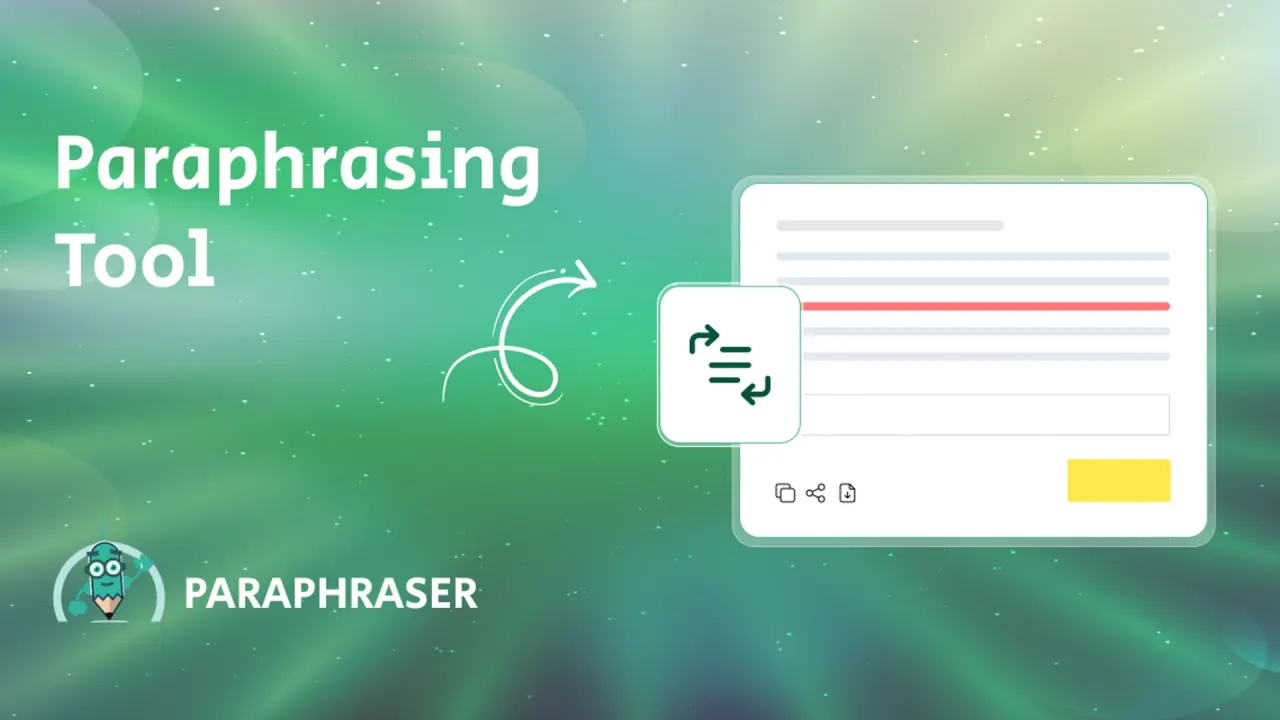
Paraphrasing Tool is a free AI paraphraser that rewrites a pasted passage by finding better word choices and restructuring sentences while keeping the original meaning. The site also calls the product Paraphraser. Its description is narrow: you supply text, pick a mode, and the tool returns a reworded version you can copy or compare.
The product is organised around modes rather than one rewrite button. The page lists fourteen, from a conservative Word Changer that only swaps synonyms to an Expand mode that adds detail, and pairs each with the document types it suits. Sentence-level controls sit on top: freeze words you do not want touched, and click individual words in the output to swap them.
Every capability below comes from the product's own pages; where a feature sits only inside a paid tier or a single mode, the text says so.
The tool advertises ten or more modes and names fourteen: Word Changer, Fluency, Standard, Formal, Smooth, Creative, Humanize, Smarter, Shorten, Academic, Informative, Expand, Custom and Professional. The site describes them as rewriting the same input differently rather than as separate products. Only five are free — Word Changer, Fluency, Standard, Formal and Smooth — so the modes that change structure, length or register sit behind payment.
The differences are practical. Word Changer swaps words for suitable synonyms while maintaining meaning; Fluency improves readability and flow; Shorten cuts length while keeping the core meaning; Expand adds detail; Humanize targets text that reads as machine-written.
Freeze Words lets you restrict certain words from being paraphrased at all, which the site presents as a way to protect terminology, brand names or keywords. The synonym control works the other way: click any word in the output and choose a replacement from the alternatives offered for that position.
Both operate after the first rewrite, so word-level choices are adjustments made afterwards — relevant if you plan to run one passage through several modes and compare results.
The tool can take a recorded audio file, extract the speech as text and paraphrase it, and it can paraphrase speech in real time: you speak, the words appear on screen, and the rewrite runs on that transcript once you stop. Screenshots and images are a third route — the site says the tool extracts text from any image or screenshot and rewrites it in the chosen mode. All three end in the same editor, so mode and word controls apply as they do to pasted text.
The tool is offered in more than twenty languages; the site names French, Spanish, Indonesian, German and Turkish, and the input panel lists the rest, from Norwegian and Dutch to Ukrainian and Tagalog. Language is chosen before the paraphrase, so each request is written in one language at a time; the site presents this as coverage of one workflow, not translation.
Alongside the paraphraser the site offers a plagiarism checker, a grammar checker, a text summarizer, an AI essay writer and an AI humanizer, each on its own page. The plagiarism checker is described as running an in-depth analysis to produce a report on originality, and the summarizer can return bullet points or a paragraph. These tools share the account, and the pricing table gives each plan separate credit figures for the checker, summarizer, AI detector and grammar checker, so allowances are metered per tool rather than pooled.
Colleges and universities can integrate the rephraser through the product's paraphrasing APIs, according to the site. API access is also listed inside the larger plans: the Diamond tier includes it, as does the annual plan on the pricing page, while the smaller weekly and monthly plans do not.
The workflow the site describes is short and applies to every input type.
The order is fixed: mode first, rewrite second, word-level edits last. If a result drifts from your meaning, changing the mode beats a manual synonym pass.
The site maps modes to documents instead of leaving the choice to guesswork:
| Mode | Purpose as stated | Best used for |
|---|---|---|
| Word Changer | Swaps words with suitable synonyms while maintaining meaning | General content, product descriptions, personal emails, informal blog posts |
| Formal | Ensures a respectful and polished tone for the professional setting | Business communication, cover letters, policy documents |
| Shorten | Makes content short while keeping the core meaning | Meta descriptions, summaries, tweets, short-form content |
| Academic | Applies academic tone and formatting | Research papers, dissertations, academic articles, citations |
| Humanize | Transforms robotic text into human-sounding writing | AI-generated content, chatbot replies, text that should sound natural |
The rest follow the same logic: Creative for stories, poems and ad copy; Smooth for beginners and help articles; Informative for how-to guides; Professional for résumés and technical documentation; Expand for tutorials needing detail. Custom is the exception — you describe tone, style and structure yourself instead of picking a preset.
The examples below follow the site's own framing for each group.
For students the tool is positioned around assignment and thesis writing: rephrasing source material, producing more readable drafts and reducing accidental duplication. Teachers get another use: the site says a rewording tool helps them prepare notes, reports and study material faster, and that teachers can use the rewriter to create quiz questions that are more challenging and varied.
Researchers are pointed at terminology-heavy text. By rephrasing technical terms the tool can help avoid duplication and compress key points, and the site says it is useful when writing a review or synthesis of the literature, where several sources must be restated in one voice.
Copywriters get the Word Changer end of the product, on the argument that word choice carries most of the persuasive weight in advertising and public relations copy. Bloggers are offered three outcomes: avoiding duplication, improving readability and saving time. Marketers are pointed at social posts, emails and advertisements, and at several versions of one message for A/B testing.
For site owners the pitch is taglines, product descriptions and landing-page copy, with the claim that better-written text is easier for readers and search engines. The site recommends the mode matching the page type — product page, landing page or SaaS site — rather than one setting for every page.
The site says the tool can be used in a number of ways and leaves the choice to the user. It then names the groups it is commonly used by: students, teachers, researchers, copywriters, bloggers, marketers and webmasters. That list is broad, so the useful question is which workflows the current features serve.
This paraphrasing tool online runs in a web page: no desktop installer is described, and the mobile route is the same browser interface rather than a separate app. The site says it can be used across all devices, including Android and iOS. Signing in with an email address or a Google account is offered for account features; the free editor is reachable without one.
Language coverage is stated at more than twenty, with the input panel listing them. File upload is supported, and text can also arrive through dictation, an audio recording or an image. For programmatic use the paraphrasing API is the entry point, included in the Diamond plan and the annual plan.
The pricing page presents a weekly, monthly and yearly ladder. Prices below are the figures shown at capture, in US dollars, with no conversion applied.
| Plan | Price as displayed | Validity | Words included | Words per paraphrase | Word cost |
|---|---|---|---|---|---|
| LITE | $9 / week | 7 days | 18,000 | 1,500 | $0.0005 |
| SILVER | $23 / month | 30 days | 46,000 | 2,000 | $0.0005 |
| GOLD | $40 / month | 30 days | 92,000 | 2,000 | $0.0004 |
| DIAMOND | $499 / month | 30 days | 1.2 million | 5,000 | $0.0004 |
| PLATINUM | $165 / year | 365 days | 330,000 | 5,000 | $0.0005 |
Two further annual plans appear on the same page, one with a three-million-word budget and a 10,000-word per-request ceiling. The page also lists separate allowances for the plagiarism checker, summarizer, AI detector and grammar checker, metered apart from the paraphrasing words.
The free tier covers Word Changer, Fluency, Standard, Formal and Smooth with a 400-word limit at no cost, and the site adds that you can rephrase unlimited text without any daily limit. Upgrading raises the per-request ceiling to 1,500 words. The editor counter in the captured session showed the same 400-word figure, with the upgrade prompt below it.
The free plan is ad-supported. The privacy policy states that the Paraphrasing tool and Text Summarizer app was built as an ad-supported app provided at no cost, and the paid plans are listed as removing ads and reCAPTCHA.
The plan ladder is itself the first alternative: the weekly LITE tier is the smallest step past the free ceiling, monthly tiers raise included words and the per-request cap, and annual tiers trade a larger upfront payment for a lower word cost. The listed word cost falls from $0.0005 on LITE and SILVER to $0.0004 on GOLD and DIAMOND — the clearest signal of where volume buying pays off.
For one-off jobs the weekly plan is the narrowest commitment offered; for teams the monthly and annual tiers differ in budget rather than capability, apart from the API access and dedicated manager on the larger plans.
The most consequential limit is the free word counter. The free tier accepts 400 words per request, and the editor enforces that figure with an upgrade prompt rather than silently truncating input. Paid plans raise the ceiling in steps, up to 5,000 words per request on Diamond.
A long document therefore has to be handled in sections. The site does not describe a batch mode or document-level rewrite on the smaller plans, and the per-request limit is separate from each plan's total word budget.
The free experience is ad-supported and includes reCAPTCHA checks in the editor; removing both is one of the stated differences from paid plans. Signing in is optional for the basic editor but required for account features such as the dashboard and the saved word budget.
The site is explicit about academic use. It says any content generated or rephrased with such a tool must be properly cited in academic writing, and that presenting paraphrased material as your own original work can be considered academic misconduct. It repeats the caution for legal writing: check the rephrased text for plagiarism and cite sources even when a paraphraser was used.
The privacy policy says the app may ask for personally identifiable information, including an email address, and that third-party service providers may access personal information under an obligation not to disclose or use it for other purposes. It states that no method of internet transmission or electronic storage is completely secure.
Third-party vendors including Google use cookies to serve ads based on prior visits, the policy says, and users can opt out of personalized advertising in their ad settings. The services do not address anyone under 13, and personal information from such children is deleted when discovered. The terms set the governing law as the law of the Netherlands. They reserve intellectual property rights in the site's material. They also state that while the site and its information are provided free of charge, the operator will not be liable for loss or damage of any nature.
Yes, with limits. The free tier covers five modes with a 400-word limit per request and no daily cap, and the tool is ad-supported at that level. Paid plans raise the ceiling, add the remaining modes and remove ads and reCAPTCHA.
The free editor caps a single request at 400 words. The paid tiers raise that to 1,500 words on LITE, 2,000 on SILVER and GOLD, and 5,000 on DIAMOND and PLATINUM, with a further annual plan listing 10,000 words per request.
More than twenty. The site names French, Spanish, Indonesian, German and Turkish as examples, and the panel also lists Norwegian, Dutch, Portuguese, Russian, Japanese, Chinese, Vietnamese, Italian, Swedish, Romanian, Malay, Polish, Danish, Tagalog, Afrikaans and Ukrainian. You choose the language before paraphrasing.
Yes. The tool takes a recorded audio file, extracts the speech and paraphrases it, and it can paraphrase speech in real time as you dictate. It also extracts text from screenshots and images and rewrites it in the mode you pick.
The site describes teachers using the rewording tool to create study notes, reports and study material, and to write quiz questions that are more challenging and varied. The same sentence rephraser works here, with the mode chosen to match the class level.
Yes. Colleges and universities can integrate the rephraser through the paraphrasing APIs, according to the site, and API access is listed inside the Diamond plan and the annual plan. The smaller weekly and monthly plans do not include it.