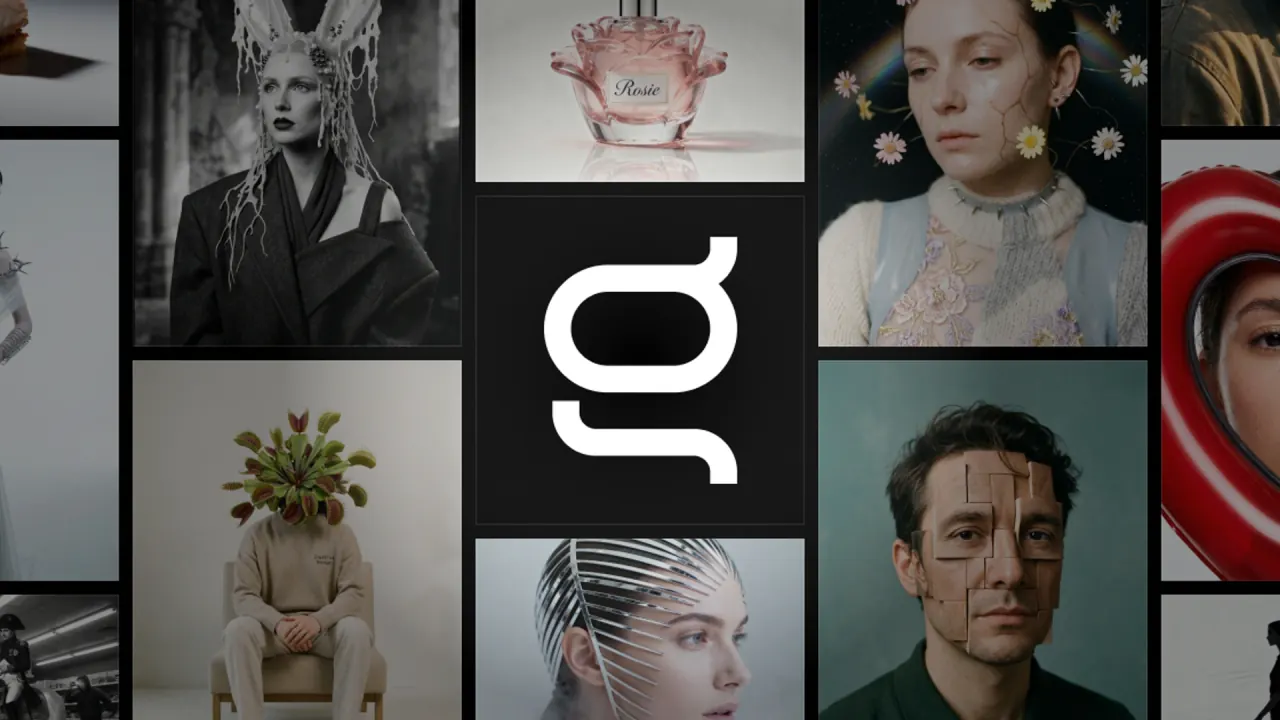

getimg turns plain-language ideas into images, video, music and speech, with leading AI models picked automatically in one credit-based workspace for individuals and teams.
Used this tool? Rate it
Used this tool? Rate it


AI image editing from a reference photo


Multi-model image studio, free to start


Build random generators, share them free


Anime art, powered by a million community models


Real-time answers, images, and code in one chat


Community-Trained Models for Art, Video and Characters


Browser-Based AI Photo Editing and Image Generation


Product photo editing for online stores
getimg is an AI studio for images, video, music and speech. You describe what you need in plain words, and getimg picks the right model and refines your prompt; ready-made actions handle whole jobs, like headshots or product videos, in one click. It is an AI creative platform for social posts, products and campaigns, and it can be used individually or with a team. The official pages also use the brand name getimg.ai for the same service.
The service is operated by Webrockets Sp. z o.o., a limited liability company based in Poland, which states in its terms that its products include getimg.ai. The company says it was founded in 2022 as an independent team of AI enthusiasts; the about page describes the product as built for teams that need to get a lot of work done quickly. The about page also carries a self-reported 10M+ users badge.
Two structural facts shape how getimg works: every generation and edit consumes credits from a monthly allowance, and the models available to you depend on your subscription tier.
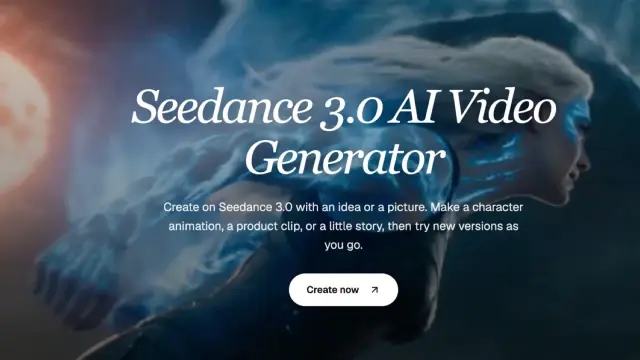
getimg aggregates models from multiple providers rather than tying you to one engine. The homepage lists image, video and audio models from Google, OpenAI, Black Forest Labs, ByteDance, Alibaba and Kling, added as soon as they launch, with named examples including Seedream 5.5, GPT Image 2.6 Sunburst, Kling 4.0, Nano Banana 2.1, FLUX 3 Image and Seedance 2.5. Entry includes a selection of these models; Core and above unlock every model. getimg picks a model by default, or you can choose one yourself.
The main capabilities, as listed on the product pages:
Beyond single generations, getimg adds workflow-level tools. Ready-made actions handle whole jobs in one click — professional headshots, presenter-led UGC video ads, 360° product orbit videos and automatic relighting. You can compare takes side by side and change light, colour and motion on the same shot without starting over. A reusable Elements system lets you save a character, style or product and reuse it across new generations.
Working in getimg follows the credit system rather than fixed quotas, so understanding credits comes first.
Creating with credits. Every generation and edit uses credits, and each action costs at least 1 credit; the number depends on the model you choose, how many images or videos you generate at once, and extra settings such as native audio for video. The amount of credits an action will use is displayed just above the action button, before you confirm it. Credits renew each month on the same day you originally signed up — if you joined on the 15th, monthly credits are added on the 15th, not the 1st. If you run out, buying more without upgrading is possible only on Plus or Ultra, and only when less than 10% of your monthly credits remain, through the "Purchase more" option in billing settings.
Creating inside an AI assistant. getimg also works from conversations in Claude, ChatGPT or Cursor: connect the getimg MCP server to your AI assistant, sign in with your getimg account, and create images, video and audio right in the chat — no API key needed.
Reusing subjects across projects. For serial work, save a character, style or product as an Element and reuse it across new generations instead of re-uploading reference images each time.
The action catalogue points at concrete jobs rather than abstract categories:
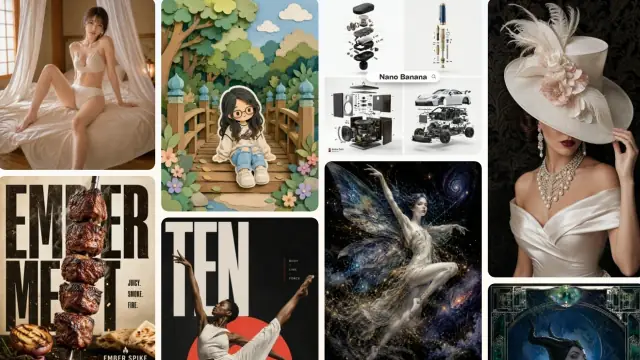
The homepage frames the target output as "images, video and audio for your social posts, products and campaigns", and the company says the platform handles the progression "from a single image to a full campaign". Model examples map onto these jobs directly: Seedance and Kling models for video, Nano Banana and GPT Image for stills, FLUX for image work, and the music and speech generators for audio layers.
getimg positions itself for two overlapping groups. The first is individual creators who want one subscription instead of several: one credit balance covers images, video, music and speech. The homepage FAQ describes working "on your own or with your team".
The second group is teams. The product has dedicated features for collaborative content creation, available both to small teams and enterprise-level users. The plan ladder explicitly adds team seats as you grow alongside more parallel generations. The about page says the product is used by teams that need to get a lot of work done quickly and need outputs that hold up as models keep changing. Developers form a third, narrower audience through the separate API, which lets them build image and video generation into their own products without a studio subscription.
getimg is delivered as a web workspace; the terms describe getimg.ai as a product delivered within a web browser among other formats, and no desktop or mobile client is documented on the pages checked in this round.
getimg uses four individual subscription tiers, billed monthly or yearly; the pricing page states "Save 26% on yearly plans" and shows prices excluding tax. At capture on November 28, 2026, the page also displayed a limited-time banner reading "Black Friday: 40% off your first payment". Parallel-generation limits and the image upscaler ceiling of each tier are listed in the table below.
| Plan | Yearly billing | Monthly billing | Credits per month | Parallel generations | Image upscaling |
|---|---|---|---|---|---|
| Entry | $15/month ($180 billed yearly, excl. tax) | not displayed | 8,000 | 2 at a time | 4K |
| Core | $26/month ($312 billed yearly, excl. tax) | $35/month | 19,000 | 4 at a time | 8K |
| Plus | $59/month ($708 billed yearly, excl. tax) | $79/month | 42,500 | 8 at a time | 16K |
| Ultra | $149/month ($1,788 billed yearly, excl. tax) | $199/month | 107,500 | 10 at a time | 16K |
All four plans list commercial rights, top-up credits, MCP access, music and speech generation and a smart image resizer; Core and above add access to all models, while Entry includes a selection. Content storage history is unlimited across the plans in the comparison table.
The pricing page translates Entry's 8,000 monthly credits into roughly 114 Nano Banana 2 images, about 26 UGC videos or around 21 Seedance 2.0 Mini videos; credit costs differ by model, so the same allowance stretches very differently depending on what you generate.
Rules that change the effective cost:
Third-party directories place getimg.ai in the image-generation category and list alternatives alongside it. One independent product directory shortlists eight comparison candidates for getimg.ai, including Craiyon, DeepAI and Dezgo — a mix of free-tier generators and multi-model app collections — while noting that the shortlist is not a ranking or a test result. A separate comparison site that verifies facts against each app's own website ranks five getimg.ai alternatives and puts OpenArt first as best overall, followed by Leonardo.Ai and Krea, describing OpenArt as a similar multi-model studio with a free trial and daily credits.
The alternatives most often compared with getimg are other multi-model studios (OpenArt, Leonardo.Ai, Krea, ImagineArt) and lighter-weight free or freemium generators (Craiyon, DeepAI, Dezgo). getimg's distinguishing feature in these comparisons is the breadth of its single credit economy — images, video, music and speech in one pool — whereas several alternatives differentiate on free plans, community models or single-model depth. Directory entries lag behind vendor pricing changes and their descriptions are largely vendor-derived.
The refund window is the sharpest edge of the pricing model. You are only eligible for a refund if you have used fewer than 100 credits in the current billing period and it has been 3 days or fewer since your subscription start or renewal. If you have used more than 100 credits, refunds are not possible regardless of usage; the policy explains that GPU capacity is allocated per subscriber in advance and that upstream providers do not allow refund requests for GPU processing time. Refunds are not available for subscriptions purchased at a discounted rate or as part of a promotional offer. Monthly credits are non-refundable and expire at the end of the billing period, so an unused allowance is lost rather than banked.
Usage restrictions are published in a dedicated Use Restrictions policy, which states that accounts can't be used for any of the restricted purposes listed there and that the products are not "safe havens for people who wish to commit such harm". The named restrictions include:
The service also reserves the right to suspend or terminate accounts for any reason at any time under its Terms of Service; in practice the cancellation policy says this generally means cancelling without notice if there is evidence of abusive behavior.
Commercial use has conditions attached: all paid subscriptions allow commercial use of the images, videos and other media you create, subject to the terms and conditions and third-party rights.
The privacy policy makes an explicit promise on selling data: "We promise we never sell your data: never have, never will". The policy adds that the operator won't use your name or company in marketing statements without permission. The operator does use third-party services to run the service, processing some or all of your personal information via those third parties only to the extent necessary. On rights, the policy describes the ability to request restriction of how and why personal information is used, including opting out of sale of personal information, and states that deletion requests are verified using at least two pieces of information already collected, with contact possible at the operator's Warsaw address. The policy pages checked in this round did not state whether customer content or prompts are used for model training.
Every generation and edit uses credits, and each action costs at least 1 credit; the cost depends on the model, batch size and extra settings, and the credit amount is shown before you confirm an action. Credits renew each month on the day you signed up.
No. Plan credits do not roll over; the refund policy states that unused credits are non-refundable and expire at the end of the billing period in which they were issued.
Yes. All paid subscriptions allow commercial use of the images, videos and other media you create, subject to the terms and conditions and third-party rights.
No. The API is a separate product with separate pricing; it uses separate API credits and does not require a subscription.
Yes. The getimg MCP server connects to your AI assistant; sign in with your getimg account and generate images, video and audio inside the chat without an API key.
Yes. Change or cancel your plan at any time and keep using your credits until the end of the current billing cycle; cancellation is done directly in the app, and the account then downgrades to a free plan with limited functionality.
Only on Plus or Ultra, and only when less than 10% of your monthly credits are left, through the "Purchase more" option in billing settings.