
A browser-based design studio that generates stickers, merchandise, posters and social graphics from prompts or templates, then exports a transparent PNG and listing mockup. Four image models, stock utilities and an iOS app share the same account.
Used this tool? Rate it
Used this tool? Rate it


AI image editing from a reference photo


Multi-model image studio, free to start


Natural AI photo editing for portraits and projects


Build random generators, share them free


Anime art, powered by a million community models


Real-time answers, images, and code in one chat


Community-Trained Models for Art, Video and Characters


Browser-Based AI Photo Editing and Image Generation
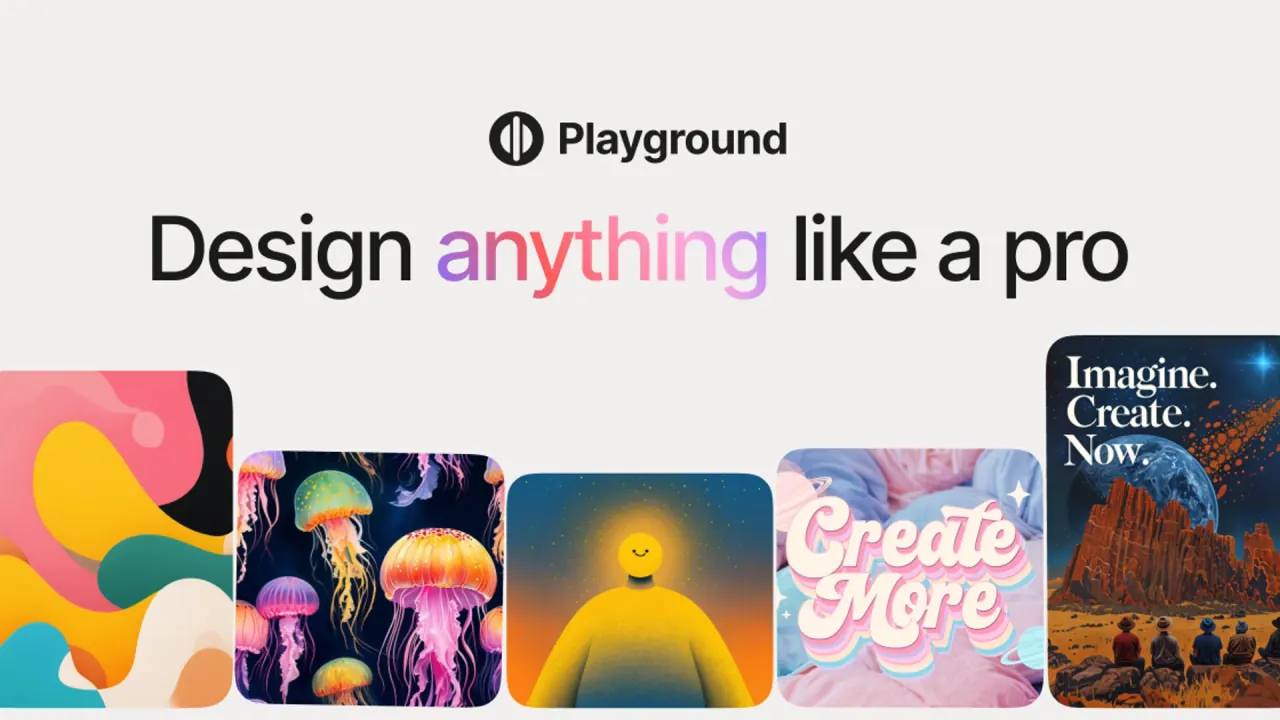
Playground is a browser-based AI design studio that turns a text prompt or a ready-made template into stickers, merchandise, posters, social posts and logos. Its terms also refer to the service as Playground AI. The homepage frames the product as a design studio for people without design experience, and work starts from either a prompt or a template rather than from a blank canvas.
The studio reports 13 million creators across 120 countries. Its template library is sorted into 24 categories, among them t-shirts, stickers, mockups, logos, posters, mobile wallpapers, social posts, cards and invitations, and seamless patterns. Image generation runs on third-party models that the site names: GPT Image 2, Nano Banana Pro, Nano Banana and Seedream. All four are described as available in one place, free to start and without a credit card.
Playground's own model family sits apart from that list. Playground v3 is metered by a rolling three-hour window instead of credits, a split that changes how a heavy user should budget.
The core of the AI design tool is a prompt box attached to a template library. Its text to image pipeline runs through four named models, and the site positions GPT Image 2 around typography: crisp headlines, legible body copy and layouts for posters, packaging, invitations and ads. That makes it the sensible default when a design carries a product name or a slogan, while the other models are alternates to try when a composition fails.
Non-destructive editing is the second differentiator. Reversible operations suit a workflow where a client or a shop owner asks for one element to change after the rest is approved, and the practical benefit is fewer restarts: a design keeps its history instead of being regenerated from the prompt each time.
Two official pages give different figures for the library's size. The homepage describes thousands of templates across 24 categories, while the MCP page counts 100,000+ ready-made templates. The category count is consistent; the total is not, so treat any inventory number as an estimate.
A print on demand design workflow adds three decisions to that sequence. The first is format: a design that will be cut as a sticker needs clean edges and a transparent background, while a poster tolerates a full-bleed background. The second is text size, because a slogan that looks correct on screen can become unreadable at mug scale. The third is the mockup, which becomes the listing image and therefore carries more weight in the buyer's decision than the raw artwork does.
Credit budgeting belongs in the same plan. Monthly credits are shared across all models and tools, and different models and tools consume different amounts, with the per-item cost shown only after signing in. Playground v3 is the exception: it does not use credits and instead resets on a three-hour rolling window.
The seller page names Etsy, Printify, Shopify and TikTok Shop and describes a transparent PNG plus listing mockup going straight into those stores. Mockup placement is a one-prompt step, which shortens the loop between an idea and a listing image.
Playground fits people who need a finished graphic rather than a raw image: marketplace sellers producing shirt and sticker designs, small teams without a dedicated designer, and hobbyists making posters, cards or stickers. It also fits users who already know template-based editing and want generation, mockups and export in one place. It is a design studio rather than a general AI image generator, so the output is shaped by templates and export formats rather than by a freeform canvas.
It fits less well in three situations. The seller page is written for shop owners creating product designs. A shop already selling through Etsy, Printify, Shopify or TikTok Shop has a shorter path to a usable listing. Teams that need programmatic access are steered to a partner programme that prioritises users expected to generate more than one million images a month, so a small integration is not served. Designers who need precise vector control should check the SVG export limits and the iOS app's vector editor before committing, because the editing tools described for the studio are style, object and layer operations rather than path editing.
The iOS listing adds a vector editor reached through the export menu: a design can be refined as paths and exported as a scalable vector file for cutting machines, large-format printing or signage. The release notes attach that editor to the Pro tier. The plan comparison lists SVG exports as a separate row, so anyone whose work depends on vector output should check the current allowance in the app and on the pricing page rather than assume parity with the raster editing tools.
Printify and Printful connections cover product and print-provider selection and mockup rendering, while RankHero supplies keyword and ranking research for listing SEO.
Availability is presented as global: the homepage credits creators in 120 countries and the pricing page repeats the 13,000,000 figure. Payment is narrower, since the FAQ accepts only credit and debit cards at the moment and asks users who need another method to contact support.
| Plan | Price | Monthly credits | Playground v3 limit | Resolution | Notable extras |
|---|---|---|---|---|---|
| Free | Free | 6 | 5 images every 3 hours | Not stated on the plan card | Commercial use, 2 downloads a day |
| Pro | $15/month, or $12/month billed annually ($144/year) | 1,500 | 75 images every 3 hours | Up to 2048×2048 | Premium templates, SVG exports |
| Pro Plus | $45/month, or $36/month billed annually ($432/year) | 6,000 | Unlimited | Up to 4K (3840×2160) | Priority support, API on request, 25% off top-ups |
Pro is listed at $15 a month, or $12 a month billed annually at $144 for the year. Pro Plus is listed at $45 a month, or $36 a month billed annually at $432. The free tier includes five Playground v3 images every three hours and six shared credits a month; it is aimed at evaluation rather than production, with limited model access and slower generation during peak hours.
Pro allows up to 75 images every 3 hours. Pro adds 1,500 monthly credits and premium templates. Editing on Pro reaches 2048×2048. Pro Plus raises the allowance to 6,000 monthly credits, removes the Playground v3 limit and adds priority support with API access on request. Editing on Pro Plus reaches 4K (3840×2160). Credits are shared across every model and tool except Playground v3, which has its own three-hour limit and does not draw on the balance.
Top-ups are available on both paid plans: a pack costs $8 for 800 credits, described as about 200 Auto images, and $6 on Pro Plus. Pro Plus also gets a 25% discount on those packs. Precise upscaling starts at 50 credits. Annual billing is presented as a 20% saving, charged once for the year. Downloads are capped at two a day on Free and unlimited on both paid plans.
Cancellation runs through the billing portal reached from the avatar menu, where the payment method can also be updated and receipts downloaded. The terms are explicit that cancelling stops future billing but does not refund amounts already billed or paid, and that fees are non-refundable on termination.
API access is not self-serve. The company says it is working with a select number of partners and prioritises those whose users will generate more than one million images a month, with a form for enquiries and no published price list.
Kittl is the closest match for merchandise work. Its navigation lists an AI vector generator for clean, editable vector artwork. It also groups seller templates for t-shirts, posters, Etsy banners and Shopify banners.
Recraft competes on output format and price. It advertises 40% off yearly plans from $6 a month during a Black Friday promotion.
Placeit is the option for product photography rather than design creation. Its unlimited subscription bundles mockups and templates with a commercial licence. It can be cancelled after the first month.
The licence clause deserves a careful read before uploading client work. Ownership of inputs and outputs stays with the user, but the grant to Playground is broad enough to cover hosting, reproducing, adapting, publishing and sublicensing those assets for service development and promotion.
The terms also disclaim any warranty that an asset or template is unique, original, copyrightable, non-infringing or free of third-party rights. For a shop that wants exclusive artwork, that wording matters more than the ownership sentence.
Privacy follows the same pattern of broad permissions with published limits. The policy asks that children under 13 not submit personal information. It applies GDPR and CCPA rights to all users regardless of location. The same policy states that personal information is not sold as defined by the CCPA. Personal data is retained as long as needed to provide the service, comply with legal obligations, resolve disputes and enforce agreements.
Six monthly credits, up to five Playground v3 images every three hours, two downloads a day, limited model access and commercial use under a worldwide royalty-free licence.
The FAQ states that you own the images you create and can use them for personal or commercial purposes, including YouTube, Etsy and Instagram, as long as you follow the terms. The same terms grant Playground a broad licence over those assets.
Yes. Commercial use is included on every plan, and the print-on-demand workflow exports a transparent PNG plus a listing mockup for Etsy, Shopify, TikTok Shop, Printify or Amazon.
Cancelling through the billing portal stops future charges. Amounts already billed or paid are not refunded or credited.
Only through a partner programme. The company prioritises partners whose users will generate more than one million images a month and asks for an enquiry through a form.
At least 13, and old enough to consent to the terms in your country; otherwise a parent or guardian must agree on your behalf. The iOS app carries a 12+ rating.