
Nanonets extracts fields and line items from business documents, then applies matching and review rules before sending the data to a destination you configure.
Used this tool? Rate it
Used this tool? Rate it


One workspace for every AI model


Chat Your Way to a Finished Video


Plan, build, and refine work with an AI agent


Build forms around real submission workflows


AI image editing from a reference photo


Multi-model image studio, free to start


Natural AI photo editing for portraits and projects


AI assistant for writing, analysis and tasks
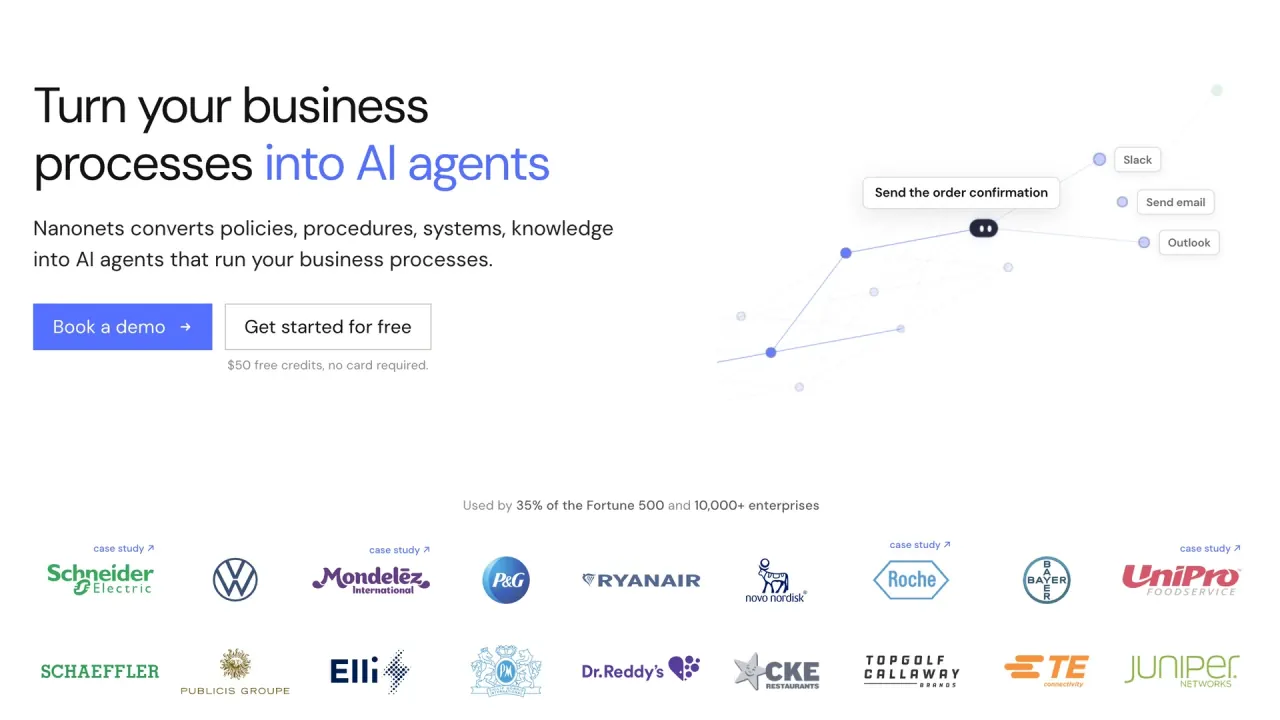
Nanonets is an intelligent document processing platform for turning business documents into structured records that other systems can use. Invoices, receipts and purchase orders are among the documents its agents handle. Its current offering pairs extraction with agents that apply business rules and send exceptions for review. Reading the invoice number, matching it to a purchase order and authorizing export are separate decisions in a document OCR workflow.
If an invoice arrives with a readable total and a missing purchase order reference, extraction captures the total. A review route lets the team resolve the missing reference before creating a record. That second part matters to a team that sees the same discrepancy every week.
The document processing API returns extracted fields, tables and page information. In its invoice example, the workflow schema declares invoice number and total as fields and uses separate table headers for the line items. Keep that separation in the output mapping. A total belongs to the invoice, while a quantity belongs to a row. Review the output against the source, especially when different rows share a description.
Nanonets describes its managed document extraction as powered by Nanonets OCR-3. Test the actual fields and tables your workflow will export. A readable document rendering offers little assurance that each row maps correctly to an accounting record.
Workflow data actions include date formatting and lookups that enrich extracted records. Use a formatter to standardize supplier dates and a lookup to check values such as supplier IDs. Put formatting first if the lookup depends on it, and keep the source value accessible for review.
Review stages can be configured to assign files only when a rule is violated, or to require review regardless of the flags. During a pilot an AP lead could review every file. Once the team has seen plausible-looking errors and obviously missing fields sample by sample, it can evaluate routing only the flagged files.
Nanonets says its agents can use a context graph that links business rules back to their source documents. Its documented setup starts by bringing in process documentation and reviewing the extracted rules before running the agent. Ask the owner of a price variance policy to review the extracted rule with someone who handles invoices. The policy may describe currency, unit price and invoice total separately.
When evaluating field checks and agent rules together, trace the result to its source field and the decision to its policy rule. A date formatter and a supplier exception rule solve different problems.
Track the filename, expected route and last stage you can confirm. A file absent from the intake view needs a different remedy than a blank field, and a correctly flagged file can still be assigned to the wrong person.
A webhook export can be set to run when data is first processed, after validation, or after manual approval. A reporting feed may want early extraction while an accounting import needs approval. After a reviewer corrects a value, check which version each destination receives.
The accounts payable solution supports two-way and three-way matching. For invoice automation, two-way matching compares an invoice with the purchase order. Three-way matching also brings in receipt evidence, so an order for more units than arrived can be handled before posting. The vendor's accounts payable workflow hands low-confidence matches and policy exceptions to a person with the source document and the failed rule. That makes this use case worth considering when the AP team's backlog comes from resolving discrepancies, in addition to the effort spent entering fields.
Try a clean invoice and one that exceeds the received quantity. Check that the shortage survives extraction and matching, and ask whether the exception reaches the reviewer with enough context to resolve it.
The reconciliation agent can pull transaction data from bank feeds, payment gateways, processors and an ERP. Include a settled case and a timing difference that should remain open for review. Ask whether the team can identify exactly which records were compared when a human still needs to decide the case.
Nanonets lists accounts payable, order management, reconciliation, claims processing and supplier onboarding among the uses of its document agents. It suits teams with a recurring document queue, known output fields and someone authorized to resolve the exceptions. In accounts payable, clarify who owns supplier records, receipt records and final approval before assigning roles.
The Nanonets API supports creating workflows programmatically. This path suits applications that already control intake and need fields and tables back. Check how your own submission becomes a finished record and what the application shows while it awaits results.
If your application already handles review and export, first try extraction against that existing interface. If staff will use the Nanonets queues, include the staff who actually resolve exceptions in the trial.
The web workspace exposes workflow settings from the extraction view. Starter lists API access, email integration and cloud storage connectors. Document workflows support imports from services including Dropbox and Google Drive. The workflow export documentation lists destinations such as Google Sheets and QuickBooks. Test the exact action you need. A structured value in a spreadsheet and a posted ERP transaction impose different mapping and permission requirements.
Enterprise pricing lists private cloud and on-premises deployment options. It also lists SAML single sign-on and SCIM. The same plan lists Salesforce, SAP and Oracle connectors. When the rollout depends on either option, confirm which components and data flows the proposed configuration covers before treating a hosted test as representative.
The v4 upload endpoint supports submitting a file or a document URL to a workflow. For the asynchronous response, use the returned document ID to check processing status. Keep it alongside your own intake identifier so a delayed result can be reconciled with the original submission. The API's document list supplies basic records, and the document-by-ID endpoint returns details such as extracted fields and tables. An integration that tracks progress can use those two response shapes for different parts of the job.
Amazon Textract can analyze invoices and receipts asynchronously, including multipage PDF or TIFF inputs. Test examples with repeated items and similar totals across pages. Textract treats each page of a multipage expense input as an individual invoice or receipt for analysis. Test how your application should group those outputs if one business invoice spans several pages. This is a practical comparison when your application owns the invoice record and can define how pages map into it.
Google Cloud Document AI offers an Invoice Parser that extracts invoice headers and line-item fields. It is an option for teams comparing cloud parsers on a common invoice set. Map the same supplier, tax and line-item fields into the receiving schema for each run. Evaluate whether the results still need grouping or correction and where those steps would live. For Nanonets, include the review and export steps in the comparison if you intend to use them, since the buying decision then depends on where exceptions are resolved as well as on which fields the parser returns.
Nanonets charges for workflow block runs, with rates that vary by the complexity of the step. A block can extract data, classify a document or perform a formatting action. The unit to count is each run of the block. Two teams receiving the same volume of invoices can have different usage if one formats each line item or applies additional checks before export.
| Plan | Public price or starting point | Main evaluation question |
|---|---|---|
| Starter | US$50 in starting credits without a card, then US$100 per month for 100 credits | Can three users or fewer evaluate extraction and the API on a representative sample? |
| Growth | Volume pricing by quote | Do you need premium AI blocks or ERP and database integrations for the full workflow? |
| Enterprise | Custom pricing | Does the rollout depend on managed identity or a private deployment? |
In the consumption billing guide, a formatting or export operation that runs separately for each table row can be counted once per row. Sample invoices with short and long tables. Count each operation the configured workflow actually runs, including any formatting done separately for every line. Include the review paths common in your production queue.
The public pricing FAQ describes shared credits that never expire. The consumption billing guide describes credit expiration terms as customizable. Confirm expiry for the specific credits on your order. The terms also state that fees set out in the applicable order are non-refundable.
These figures apply to the documented v4 endpoints. The v4 upload reference lists PDF, JPG, JPEG, PNG, TIFF, XLS and XLSX inputs. Test each format that appears in the real intake queue, particularly if one supplier sends a spreadsheet and another sends an image of the same kind of form. Their outputs may need different mapping checks. An independent analyst report documented processing delays described by several Nanonets customers. Measure extraction and approval turnaround separately on your own sample.
Nanonets' service terms say Customer Data stays the customer's property and grant Nanonets a license to process it for delivering the contracted service. The terms permit internal uses of Derived Data, including product improvement. They exclude Derived Data from Customer Data obtained via Google Workspace APIs or Microsoft APIs from use in developing, training or improving generalized AI or machine learning models. Distinguish those data types when evaluating confidential intake.
The terms reserve the right to retain Customer Data for up to 30 days after the corresponding order ends, after which the data may be irretrievably deleted. Ask about active-account retention separately and check what must be exported before the order ends. Nanonets also provides a way to view and sign its data processing agreement.
The public Starter offer advertises starting credits without a card. Use them on a clean document and an exception to check what reaches the destination after review.
Yes. Nanonets supports review rules based on extracted fields and a manual-approval export trigger. Check that the destination receives the corrected result after approval.
An asynchronous upload returns a document ID and status so you can check for results later. The v4 endpoint switches documents over three pages to asynchronous processing.