
Apowersoft sells desktop and browser tools for screen recording, phone mirroring and video conversion, with per-product licences and a bundle that covers the whole catalogue.
Used this tool? Rate it
Used this tool? Rate it


Natural AI photo editing for portraits and projects


Chat Your Way to a Finished Video


Edit, caption, and generate video in one place


Generate new shots and rework existing footage


AI image editing from a reference photo


Multi-model image studio, free to start


AI assistant for writing, analysis and tasks


From a prompt to a deck, site or doc
Apowersoft is the brand name of WANGXU TECHNOLOGY (HK) CO., LIMITED, a Hong Kong company whose catalogue covers multimedia software, PDF tools, data recovery and smaller utilities. Its best-known programs are ApowerREC for recording and ApowerMirror for phone mirroring, and the same catalogue supplies a video editor, a PDF editor and recovery software.
Apowersoft Unlimited is sold as a one-click installer that collects the desktop programs behind a single licence. The store also lists API products that put recording inside another website or application, which is how the same capture engine reaches products that are not Apowersoft-branded.
Company figures come from pages the vendor controls. Its About page states that the company has more than 40 active products, about 180 employees and customers in more than 100 countries. The same timeline records an 800,000 daily-active-user milestone for 2020. The homepage says the brand was first released in 2008 and has served more than 30 million users. These are company statements rather than audited numbers, so they describe scale rather than anything a licence proves.
The rest of this page deals with the parts that decide a purchase: what each program does, where the free tier stops, what a licence costs and which systems are supported.
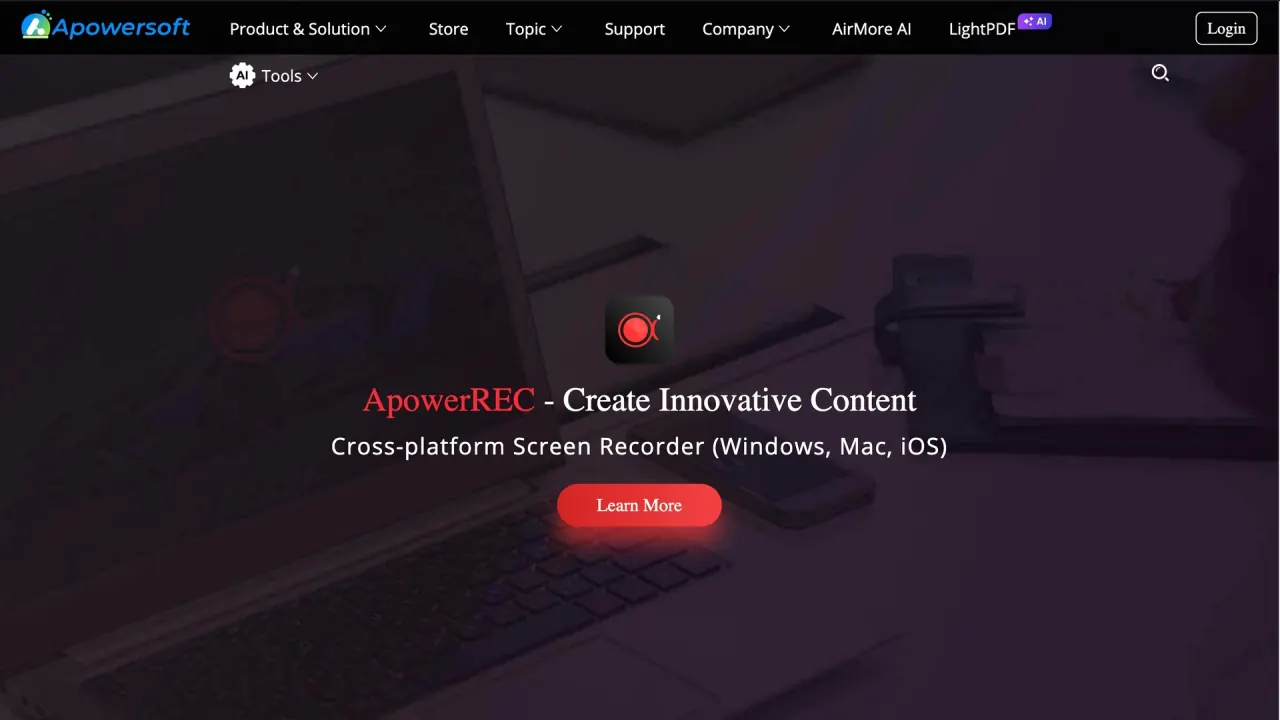
ApowerREC is the Apowersoft screen recorder for Windows, macOS and iOS. It captures system audio and a microphone alongside the picture. It can add a webcam feed on its own or over the screen. The capture modes are full screen, a fixed region and a locked window that keeps recording while the user works in other programs.
Finished recordings can be hosted on RecCloud for backup and sharing. They can also be sent to YouTube in a single click, or pushed to Google Drive, Dropbox or an FTP server.
Screen Recorder Pro is a separate listing that overlaps with ApowerREC. Its page describes a desktop tool that records screen and audio activity at the same time and saves the result as MP4. Capture modes cover a specific region, an application window and the full screen. Recordings export to nine formats including MP4, AVI, WMV, FLV, MKV, MOV, MPEG, VOB and WEBM, which removes the usual second step through a converter when a destination insists on one container.
ApowerMirror mirrors an iPhone or iPad to a PC or a TV and lets Android devices be controlled from a PC. Some Android models cannot be controlled over Wi-Fi because of a system problem, and the documented workaround is a USB cable rather than a setting change. Android TV and smart TV boxes are supported as display targets. AR and VR devices are supported as well.
Beyond mirroring, the phone app handles screenshots, one-click recording of the phone screen from the PC, casting the PC screen back to the phone, and a whiteboard for drawing during a presentation.
Video Converter Studio converts between formats and lets the output be tuned before conversion, with frame size, width, height and bitrate all editable. Video output covers MP4, MKV, AVI, WMV, HEVC, H.264, 3GP, FLV, MOV and camera files such as MTS/M2TS/TS. Audio output covers MP3, WMA, M4A, AC3, AAC, OGG, WAV, FLAC and AIFF.
Editing is bundled rather than sold separately. Clips can be joined, trimmed or cropped, given effects and watermarked. Subtitles can be imported and adjusted inside the same window. HD MP4, HD MTS and 4K sources are all accepted, which is the difference between a converter that is adequate for phone footage and one that suits camera files.
The online screen recorder runs in the browser and captures the screen and a webcam without installing anything. It is advertised as free with no time limit. Recordings can be kept in 2GB of free cloud storage attached to the account. Trimming, subtitles, GIF export, cropping, audio extraction and speed changes are handled inside the same page, so a short clip can be finished without opening a desktop editor.
Apowersoft Unlimited is the only line that covers the recorder, the mirroring app, the converter, the PDF tool and the recovery utilities at once. The order page lists all Apowersoft software, all premium features, priority technical support and free updates during the licence period.
Connect the phone and the computer to the same Wi-Fi network, start ApowerMirror on both, select the phone in the device list, and the phone screen appears on the PC. From the PC the phone can be controlled, which is what makes a demo work when the handset itself has to stay in a hand. When Wi-Fi control fails on a particular Android model, the cable route is the documented fallback. A session is capped at 10 minutes at a time on the free tier, so a full lesson or a full match needs a paid licence rather than the free download.
The recorder's own examples are concrete. A team can make a demonstration video for an app or capture a web conference for backup and later review, with voice commentary and a webcam inset added to the recording. Screen Recorder Pro extends the list to self-demonstration, tutorials, live chat, video games and video playing in a browser, which covers most of what a support or training team has to hand over.
Mirroring serves a different set of tasks. A teacher who wants a phone exercise on a classroom screen, a support agent who needs to see a customer's device, and a player who prefers a keyboard and a monitor all use the same mechanism: the phone becomes a window on the PC, and the PC sends the input back.
Conversion closes the loop. Converted files can be played on an iPhone, iPad, Samsung, Sony and other devices, which is usually the reason a finished capture has to change container in the first place.
The fit is weaker for two groups. Anyone who needs a full non-linear editor with colour grading will find the bundled editor deliberately small. An independent review published in 2018 described the recording editor as a simple tool that clips recordings to length, applies a custom watermark and adds intro and outro cards. Anyone who records once a month on a single Windows laptop may find a free tool sufficient.
Desktop programs are installed locally and licensed per machine or per user, while the browser tools are tied to an Apowersoft account that also holds the cloud storage. Mobile apps are distributed through Google Play and the App Store.
Personal licences are quoted per product and per term, in US dollars, on the order page of each program. A year of Screen Recorder Pro costs $39.95. The lifetime licence for the same program is $59.95. ApowerMirror costs $39.95 a year. Its lifetime licence is $69.95. Video Converter Studio costs $39.95 a year. Its lifetime price is also $69.95. Apowersoft Unlimited costs $59.95 a year on the personal plan. The lifetime bundle is $599.
Monthly licences exist for the individual programs, and monthly and annual plans renew automatically unless cancelled. Business editions sit above the personal ones. Screen Recorder Pro costs $79.95 a year on a business licence. Team licensing for the mirroring app is priced per PC, with two to five PCs at $111.9 per user instead of the single-PC rate.
The store quotes a starting price for each program rather than a full tier table, and ApowerREC is listed from $19.95. Every product carries a 30-day money-back guarantee, shortened to 7 days for a monthly licence. Payment is processed by third-party commerce platforms, and a VIP account is issued by email shortly after payment.
Two free tools cover much of the same ground, and both are documented by their own projects rather than by comparison sites.
OBS Studio is free and open-source software for video recording and live streaming. It runs on Windows, macOS and Linux, and it is built around scenes and sources rather than around a single capture mode, which is why streaming setups standardise on it. The trade-off is setup time, because a one-off capture takes longer to arrange than in a recorder built around one button.
ShareX is a free and open-source screenshot and screen-recording tool for Windows, and its site promises that no account is required. It bundles capture, file sharing and automation into one lightweight program, but it does not cover phone mirroring, conversion or PDF work, so it replaces the recording function rather than the catalogue.
The paid products earn their price when the requirement is a scheduled, annotated, mirrored or converted workflow that has to work the same way every week.
Partly. Several browser tools cost nothing to use, the online recorder is advertised without a time limit, and 2GB of cloud storage comes with an account. The desktop programs are trials until a licence is bought, and a mirroring session on the free tier is capped at 10 minutes at a time.
Both record the screen on Windows and Mac. ApowerREC is the cross-platform product that also has an iOS app, scheduled tasks, a locked-window mode and zoom and spotlight shortcuts. Screen Recorder Pro is listed separately, exports to nine formats and is sold on its own order page.
ApowerREC runs on Windows, macOS and iOS. ApowerMirror receives on Windows and macOS and works with iOS, Android, Android TV, smart TV boxes and AR/VR devices. The converter is a desktop program, and the browser tools run in any current browser.
Yes, with the desktop recorder. A task is created with a start time and a stop time, and the capture begins and ends on its own; the locked-window mode keeps other programs out of the frame.
A refund can be requested within 30 days, or 7 days for a monthly licence, through a support ticket. Listed reasons such as hardware incompatibility, a wrong product or an unresolved technical fault qualify, while a change of mind without a specific reason is excluded. Requests from Amazon, eBay or the App Store go back to those platforms.
The order pages describe the lifetime option as a one-time payment with free lifetime updates and technical support. The terms of service also reserve the right to change the products, services and prices listed on the site, so the licence is the vendor's promise rather than a guarantee that every program will keep being developed for ever.