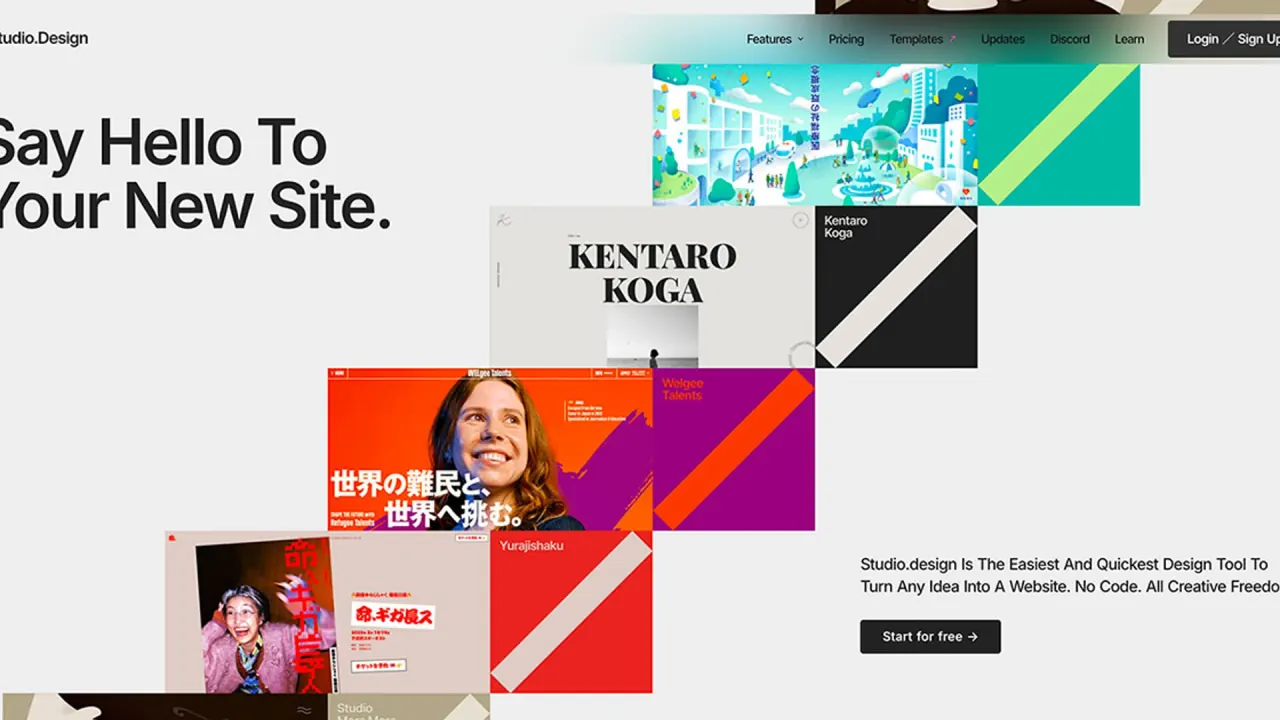

Studio.Design is a browser-based no-code website builder from Tokyo's STUDIO Inc. that combines a visual design editor, CMS, forms, SEO settings and managed hosting, with AI editing tools and a separately billed AI site generator.
Used this tool? Rate it
Used this tool? Rate it
Studio.Design (written as Studio or STUDIO on its official pages) is a no-code website builder that runs in the browser: you lay out pages visually, manage content in a built-in CMS and publish to hosting the company operates. Its homepage pitches it as the easiest and quickest design tool for turning an idea into a website, with no code and full creative freedom.
The product comes from STUDIO Inc., whose terms list a mailing address in Ebisu, Shibuya-ku, Tokyo. A Japanese tech news outlet reported the official launch on April 2, 2018, roughly a year after a beta opened in April 2017, and named Yutaka Ishii and Keima Kai among the founders.
The Japanese-language site reports more than 900,000 users, more than 220,000 published sites and more than 30,000 adopting companies, as captured on October 6, 2026; these are the company's own figures, not independent counts. The English and Japanese sites also differ in scope: the English pages cover the core builder with prices in US dollars, while the Japanese pages add yen pricing, an Enterprise plan and a long list of corporate case studies.
The help center documents five AI functions. Image AI edits pictures from natural-language instructions, optionally guided by a reference image; Text AI drafts or rewrites copy from a prompt and can translate it; Auto Responsive applies breakpoint settings to a finished desktop layout; Layer Rename replaces generic layer names; and SEO Writing Assist drafts page titles and meta descriptions from the text on the page.
Studio.Assistant is an AI site generator on its own paid plan, separate from the Design Editor. From the details you enter, it produces a site's information structure through to a design draft, which you then export into the Design Editor to refine and publish. The Japanese product page frames it as a tool that assumes a person adjusts the output in the interface, and states that it does not complete a workflow autonomously the way an AI agent would.
<img> to the start of layer names used for illustrations and images.Case-study results are the customers' own accounts as published by Studio, not independent measurements.
Likely fits
Weaker fits
Studio bills per project, not per account: each project has its own subscription, and only one website can be created and published per project. Prices below come from the English pricing page as captured on October 6, 2026.
| Plan | Annual billing (per month) | Monthly billing | Pages | Form responses | Version history |
|---|---|---|---|---|---|
| Free | $0 | $0 | 50 | Not listed on plan card | 1 day |
| Mini | $5 | $10 | 2 + 404 page | 100 | 5 days |
| Personal | $10 | $12 | 150 | 1,000 | 30 days |
| Business | $25 | $35 | 300 | 10,000 | 120 days |
| Business Plus | $80 | $110 | 300 | Everything in Business | 360 days |
The page states that all amounts include applicable taxes and advertises savings of 20% or more for annual billing. Beyond the table, Personal adds password protection; Business adds basic permissions, unlimited analytics and redirects; Business Plus adds 15,000 CMS items, advanced permissions, custom headers and activity logs. The July 2026 product update announced no monthly visitor limits.
Other charges and plans
Billing rules
No. Studio.Design does not offer HTML export or direct HTML editing. Custom code can be added through the Embed box, but the site stays on Studio's hosting.
No. Editing requires Google Chrome on a desktop computer; tablets and phones cannot be used for editing.
There is a Free plan with the design tools and up to 50 pages, but it shows a Studio badge and publishes only to a studio.site address. A custom domain starts with the Mini plan.
For Studio.Assistant, the help center says created sites and content are never used to train AI. A comparable statement for the editor's other AI functions was not found in the pages checked.
Generally no. Studio does not refund plans after purchase, including accidental upgrades, so a plan has to be downgraded before its renewal date to avoid the next charge.
