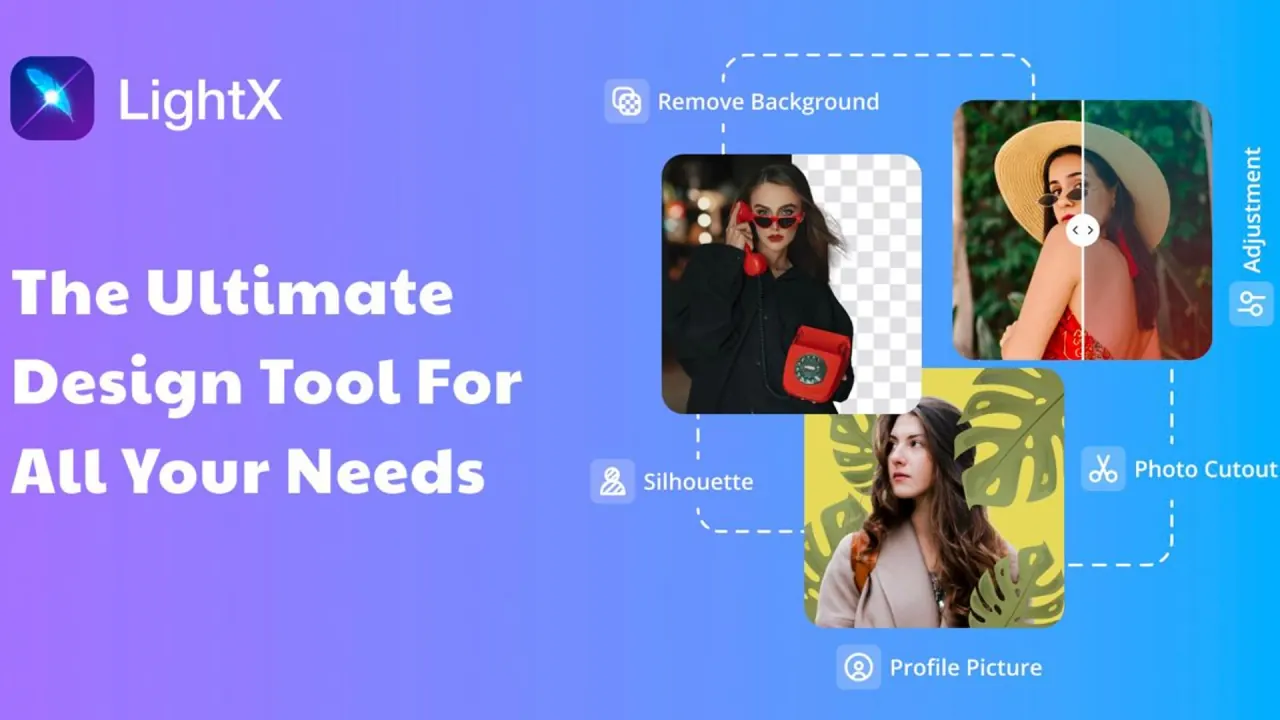

LightX is a browser and mobile editing workspace from Andor Communications that combines an AI photo editor, background removal, AI headshots and avatars, design templates, image to video tools and a developer API behind one credit system.
Used this tool? Rate it
Used this tool? Rate it


AI image editing from a reference photo


Multi-model image studio, free to start


Natural AI photo editing for portraits and projects


Community-Trained Models for Art, Video and Characters


Browser-Based AI Photo Editing and Image Generation


Product photo editing for online stores


AI photo editing and design in one browser tab


Fashion concepts, model photos and video in one workspace
LightX is an online editing workspace built by Andor Communications Pvt. Ltd., the company named in the service's terms of use. The site presents it as one place to make and finish visual material: "Generate, edit, and enhance photos, designs, and videos with LightX's AI-powered tools." The same opening paragraph sets the expected skill level, describing the product as "simple, fast, and all in one place - no skills needed."
The offering is broader than a single-purpose retoucher. An AI photo editor sits at the centre, and around it the site lists background removal, body and face retouching, old-photo restoration, AI headshots, avatars, virtual outfits, logos, packaging, social templates and short video generation. The company counts "80+ Tools to transform your workflow" and "25+ Smart & Powerful AI editing tools". The tools share one account, one canvas and one credit balance rather than being separate products, which is what makes LightX an all-in-one AI editor rather than a bundle of unrelated utilities.
Scale claims are placed prominently. The homepage says LightX is "Trusted by 10+ million creators". A 4.5 rating is shown against "8,92,600 Reviews", a figure written with Indian digit grouping. It also reports 50M+ creative edits each month. Daily AI image generation is put at 100K+.
Access is split between the browser and mobile apps. The site says the service is "Available on iPhone & Android". Visitors are invited to "Explore AI Tools in LightX Mobile App for FREE". Everything described in this profile can be reached from the web editor at lightxeditor.com, and the apps are the second entrance to the same account.
The editing core is a layer of retouching tools rather than a full desktop-style editor. The site promises that users "can easily restore old images, remove backgrounds, clean up pictures, expand or replace elements, and batch-edit for fast & professional results." Body and face work is sold as its own capability: a body editor that refines shape "while keeping curves and proportions perfectly balanced", and portrait retouching for what the site calls realistic results.
The remove-background tool is advertised to work "with precise edges and clean results". The paid tier adds "Unlimited access to remove and change background" against a limited quota on the free plan. A clean cutout is what makes a product shot usable on a marketplace listing, and replacement is the natural next step after removal.
Three tools handle images that are damaged or badly framed. Restoration is offered to "repair faded or torn images with clear details", and the site markets it as free on the web. AI Expand and AI Replace extend the canvas or substitute elements, which helps when a photo is cropped too tightly for a template or holds an object that has to go.
The portrait line is where LightX leans hardest on AI. One tool creates "unique AI professional headshots with perfect lighting, framing, and background". Separate generators produce avatars, hairstyle changes and virtual outfit try-ons, and the avatar generator turns "your normal portrait into a superhero, cartoon, or any Avatar without any hassle".
LightX also generates new images rather than only processing uploads. Two named models sit on the homepage. "Nano Banana 2" is offered for quick image creation and editing with creative ideas. "Seedream 4.5" is offered for detailed images with "strong image quality and a range of visual styles".
The workspace covers layout as well. The site invites users to design "unique logos, T-shirt designs, Monogram posters, packaging, and more". The navigation adds birthday cards, text effects, memes and monogram generators. Templates are the backbone: the paid plan includes access to "all premium design and video templates", and the free plan is limited to the free template set.
Short video is a first-class output. The site promises you can "turn ideas into videos instantly" by giving "a simple text" and converting images "into a video with an AI video generator in just a few clicks". Much of the homepage is given over to trend templates such as Ramalama Bang Bang, The Tiny Desk Effect, Hotel Lobby and UNO card transitions, each of which takes an uploaded photo and returns a short clip in that style.
Credits are the unit that ties the toolset together. The Starter plan includes five AI credits, the Pro subscription adds 1,000 AI credits monthly, and extra credit packs can be bought separately with "Lifetime validity" on the pack itself. The pricing page translates credits into outcomes, estimating that 1,000 credits cover "Generate up to 500 images monthly" or "Generate up to 20 videos monthly".
The simplest path through the product is a person who needs a better profile picture. An AI headshot generator produces studio-style portraits with controlled lighting and background, while avatar and caricature tools produce the playful version for social profiles. Because everything lands in the same editor, the same session can also produce a post graphic from a template, which is why the workflow suits creators who publish daily rather than occasionally.
The commerce use case is explicit on the site. Product images are pitched at sellers who want studio-quality shots without a studio. The homepage says the tool is "perfect for e-commerce sellers, small businessmen & creators who want their product to stand out". The same paragraph points to upscaling and background removal as the steps that make a product shot presentable. Trend-based video ads extend the same asset into a promotional clip for a marketplace listing or a paid social campaign.
The site claims that "More than 100+ agencies and creators trust LightX", and the plan structure supports repeat work rather than one-off edits. Unlimited cloud storage, multiple projects and folders, and batch editing on the paid tier are the features that matter when several client assets have to be processed in a session, and the API gives a team a way to move the same operations into its own pipeline.
LightX fits people who need finished visuals quickly and do not want to assemble a stack of separate tools.
It is a weaker fit for print production and heavy compositing. A Taiwanese review of the service puts the same point plainly: it is built for quick, good-enough social output and is not aimed at pixel-level retouching or professional print-grade work.
LightX sells a free Starter tier, a Pro subscription and separate credit packs, with API access priced on its own scale. The figures below are those shown on the pricing page on November 26, 2026, in euros; the same page served prices in Indian rupees on an earlier visit, which is covered under limitations.
| Plan | Price | Included |
|---|---|---|
| Starter | €0 lifetime | 5 free AI credits, free templates, 512px JPG export |
| Pro (annual) | €36.99 per year, shown as €3.08 per month | 1,000 AI credits monthly, 4096px export, JPG and PNG |
| Pro (monthly) | €6.99 per month | Same feature set, billed monthly |
| AI credit pack | €8.99 for 800 credits | About 400 images or 16 videos, lifetime validity |
The Pro tier is built around a monthly allowance rather than unlimited use: "1000 AI credits monthly", "Generate up to 500 images monthly" and "Generate up to 20 videos monthly". Around that allowance the plan adds unlimited access to more than 100 photo editing tools, unlimited background removal and replacement, all premium design and video templates, no watermark on projects, unlimited cloud storage and multiple projects and folders. The Starter plan keeps the free template set, while watermark removal, background changes and most AI tools are quota-limited to a couple of runs each.
API access is sold as a subscription or as flexible credits. The subscription starts at "€5.99/mo" after a 30% discount, with tiers from 100 credits up to 100,000 credits a month and a per-credit price that falls as volume rises, from €0.06 at the entry tier to €0.03 at the top. Each call is metered by module: remove background and cleanup picture cost 0.50 credits, while avatar, cartoon and caricature generation cost 1.00 credit each. Custom work is quoted separately, "starting from $3,000 USD per month".
The terms describe a free seven-day trial that comes with an annual subscription and converts to the full annual fee if it is not cancelled first. Subscriptions renew automatically unless cancelled at least 24 hours before the end of the current period. Payments run through the marketplace the app was installed from or through PayPal and supported cards. Outside the refund policy, payments are non-refundable, including fees for partially used periods and unused services; marketplace purchases follow Apple's or Google's refund rules, and other purchases are handled by the company's own policy.
The terms restrict business use more sharply than the marketing suggests. They state that "You may not make Commercial Use of our Service offered by LightX app", and they define commercial use to include promoting a business and using the service as a work tool. A commercial licence "may" be provided, which makes it a request rather than a plan perk. Stock photos inside the service cannot be used commercially at all, and the user agrees to indemnify Andor for damage caused by such use. Third-party write-ups describe paid plans as commercially usable, so a buyer who needs a licence should confirm it in writing rather than infer it from a plan name.
The same Pro plan is displayed at different prices depending on where the request comes from. On one visit the pricing page quoted €6.99 monthly and €36.99 yearly at €3.08 per month. The homepage at the same time quoted ₹999 monthly and ₹4,900 yearly against a list price of ₹11,988. The credit pack shifted too, from €8.99 for 800 credits to ₹499 for 400 credits. The difference comes from regional pricing and page placement rather than a promotion.
The free plan is a trial in practice. Output is capped at 512px in JPG against 4096px and PNG on Pro, and most AI tools are limited to one or two uses: the comparison table lists two images for cleanup, text removal and restoration. Third-party coverage adds that many advanced edits are capped "at 1 to 2 uses per tool", which matches the vendor's own table rather than contradicting it.
Nudity, pornography and sexually explicit content are banned whether real, illustrated or AI-generated. Hate speech, harassment, doxxing and content that sexualises minors carry suspension or termination and possible reporting to authorities. Ownership is split: user-generated content is "the sole responsibility of its creator". Templates, assets and models "remain its exclusive property" and are licensed on a limited, revocable basis. Anything published to a public gallery or shared by link may be viewed and reused by other users according to the permission the creator selects. On age, the community guidelines require users to "meet the minimum age required in your region, with parental or guardian consent where legally required".
Yes, with limits. The Starter plan costs €0 lifetime and includes five AI credits, the free template set and photo editor tools, with exports capped at 512px in JPG and most AI tools limited to one or two runs.
The site advertises the service on iPhone and Android and directs visitors to the mobile app. Third-party coverage reports that the apps share credits and tools with the web editor, so one balance covers both surfaces.
Not by default. The terms prohibit commercial use of the service unless Andor grants permission in writing, and they single out stock photos as never usable commercially. A paid plan does not by itself change that clause.
The free tier exports at 512px in JPG only. The Pro subscription raises the limit to 4096px and adds PNG, which matters for print-adjacent work and for transparent backgrounds.
Payments are non-refundable except where the refund policy or local law applies, and unused subscription time is not refunded pro rata. Purchases made through the App Store or Google Play follow those stores' refund processes; direct purchases are handled by LightX support.