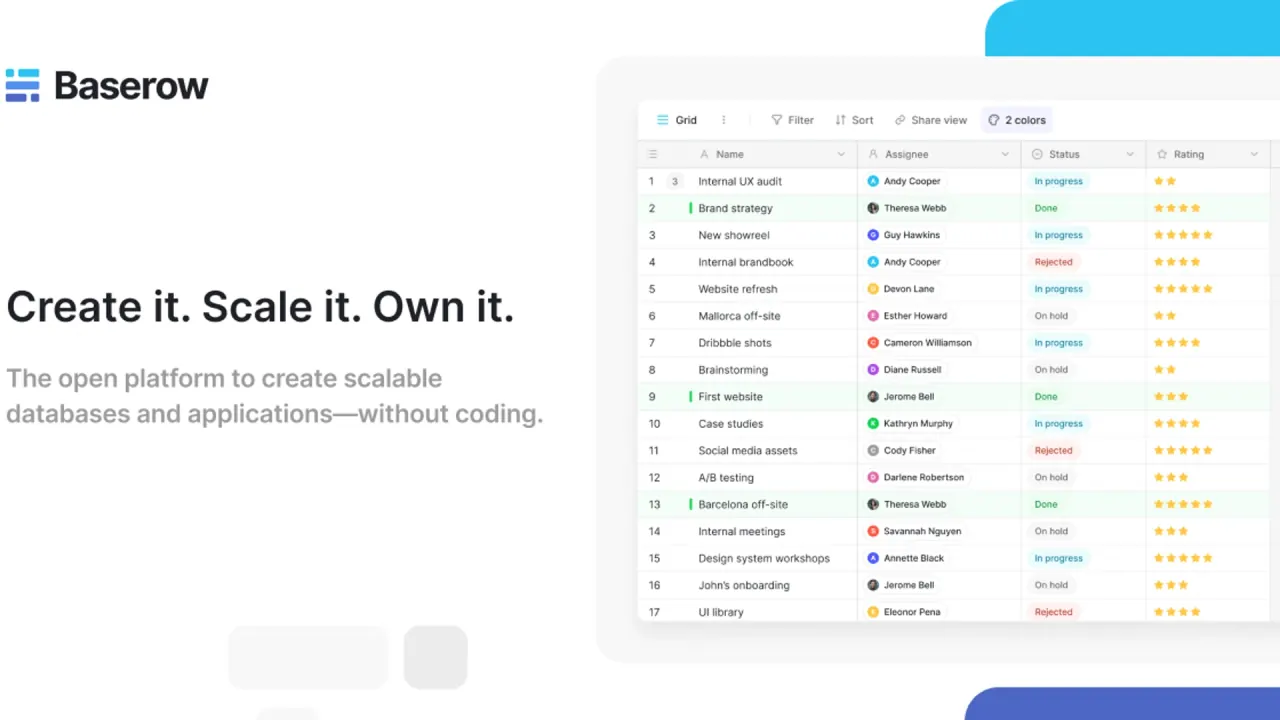

Baserow turns a familiar table into an app builder, an automation engine and an API, on the cloud or your own server. Here is what the plans actually cap, where the licence splits, and when self-hosting is the wrong answer.
Used this tool? Rate it
Used this tool? Rate it


From a prompt to a deck, site or doc


DeepSeek AI models for chat and API


One Gateway, Every Model, Compensated Failures


One workspace for every AI model


One workspace where your team and its AI agents think together


Public Codex reset tracker


One gateway for text and media models


AI assistant for structured work
Baserow is an open-source database platform for building internal applications without writing code.
Its documentation lowers the bar deliberately: anyone who can work with a spreadsheet can build a database.
The company reports more than two hundred thousand active users.
It ships as a hosted cloud and as an install you run yourself, with images published for Cloudron, Docker, AWS and Helm.
The pitch is control rather than novelty: the vendor sells open source as protection against vendor lock-in.
That framing explains most of the product decisions. Baserow does not try to out-design Airtable; it tries to be the version of Airtable a team can host, inspect and leave. The table structure is familiar, the views are familiar, and the differences sit underneath: licence, deployment, API and the row ceilings.
The vendor positions it explicitly as an open-source alternative to Airtable.
Grid, gallery, kanban, calendar, timeline, form and survey views all read from the same records.
The field system covers more than twenty types, which is what turns a table into a data model rather than a list.
Data arrives from CSV, Excel, XML and JSON files, so an existing spreadsheet is the normal starting point.
Filtering, sorting, grouping, field constraints and record comments are in the base product, and a view can be shared publicly.
The view layer is where most teams discover whether the tool fits. A grid is for data entry, a kanban is for status, a calendar is for dates and a form is for people outside the team. Because all of them point at one table, there is no export step between the operational view and the reporting view, which is exactly the step spreadsheets force on everyone.
The application builder composes pages, dashboards and workflows over the same data, still without code.
Dashboards add charts so the same records can be reported upward without a separate BI tool.
Applications can be opened to external users, and every cloud plan includes up to five hundred of them.
Custom domains and single sign-on for application users sit on the paid tiers.
This is the part that separates a database from a spreadsheet with better formatting. An application page is a deliberate interface: fields a visitor should see, fields they should not, a form that writes into a table, and a URL that can be handed to someone outside the company.
Sixty-five ready-made templates are bundled with the free plan, from project trackers to agency themes.
The library is organised around business functions rather than industries alone: finance, HR, legal, marketing, sales, product, project management and public sector.
Automations are built from triggers, branches, conditions and loops rather than from a fixed recipe list.
Actions cover HTTP calls, email and webhooks, plus connectors for third-party services.
Automation runs are logged in a form the vendor describes as audit-ready.
Every feature is reachable through an API, which is what lets a Baserow table act as the backend of something else.
Data sync can pull from PostgreSQL, iCal feeds, Jira, GitLab, GitHub, HubSpot and Salesforce, with more listed as coming.
The automation layer is the honest dividing line between Baserow and a plain database. A trigger on a row, a branch on a field value and a webhook out is enough to replace a surprising number of manual handoffs, and it is the reason teams describe the product as an application platform rather than a table editor.
AI features include an AI field, an AI formula generator, an assistant called Kuma and an MCP server for external agents.
Kuma is pitched as a way to describe the data you need and have the structure built for you.
An MCP client can connect with OAuth or an endpoint key, then list tables, read rows and write them back.
The AI features are the newest part of the product and the least independently tested. What can be checked is the plumbing: the MCP server is documented, the tokens have stated lifetimes, and the assistant is described in terms of building structure rather than answering questions about data. Whether the generated schema is good is a judgement no public source settles.
The fastest route from nothing to a working no-code database is not an empty grid. It is a file someone already maintains, imported and then tightened.
The order matters: every step is reversible until the automation exists. Field types, views and pages can be changed cheaply; an automation that writes to the wrong table is the first expensive thing to undo.
Row change history is what makes a mistake recoverable, and its depth is tied to the plan.
On the free plan that window is two weeks, enough for a pilot and not for an audit.
Project and task tracking is the template the vendor recommends first.
Risk and incident registers are a named customer use case, with policy and risk data held as the single source of truth.
The solution categories on the site run from task and risk management to ESG, marketing, CRM, purchasing and manufacturing.
The most common replacement story is a spreadsheet shared across teams, replaced by one table everyone edits at the same time.
Those four share a shape: structured records, several people touching them, and a report someone senior asks for monthly. That is the workload a spreadsheet handles badly once two people edit at once and a database handles well once someone models the fields.
What the use-case list does not claim is deep vertical software. There is no payroll engine, no accounting ledger and no inventory valuation logic. Teams that need those build them from fields, automations and applications, which is either the point or the problem depending on who is doing the building.
It suits teams that want Airtable's structure without depending on a single vendor for pricing and continuity.
It suits organisations with compliance obligations: the cloud is advertised as GDPR, HIPAA and SOC 2 compliant.
It fits teams with someone who can run a server, because self-hosting moves the operational work in-house.
It fits less well when the requirement is the deepest feature set in the category.
The dividing line is whether the team has an owner for the tool. Baserow rewards someone who will model fields, name views and prune automations. Without that person, the workspace fills with columns called Notes 2 and the product looks worse than the spreadsheet it replaced.
The hosted product is a web application; no desktop or mobile client appears among the surfaces the vendor lists.
Self-hosting is documented for Docker and Docker Compose.
A community-maintained Helm chart covers Kubernetes clusters.
Standalone images exist for teams that already run their own orchestration.
Both a backend API and a WebSocket API are documented as separate surfaces.
Managed private instances are offered on request, between the shared cloud and a full self-hosted install.
The deployment matrix is wider than the pricing page suggests, and that is deliberate: the self-hosted tab does not list a price because the software is free, while the operational cost moves to whoever runs it. For a team already on Kubernetes, that trade is straightforward. For a two-person operations team, it is usually a mistake.
The cloud is billed per user, so the cost follows headcount rather than rows.
| Plan | Price | Rows per workspace | Storage | Automation credits |
|---|---|---|---|---|
| Free | $0 | 3,000 | 2 GB | 2,000 |
| Premium | $10/user/mo yearly, $12 monthly | 50,000 | 20 GB | 100,000 |
| Advanced | $18/user/mo yearly, $22 monthly | 250,000 | 100 GB | 500,000 |
| Enterprise | On request | 1,000,000 | 1,000 GB | 2,000,000 |
Premium unlocks all views and the AI features, which the free tier does not include.
Advanced adds role-based permissions and audit logs on top of Premium.
Support moves from community and documentation to a one-business-day response on the paid cloud tiers.
Self-hosting has its own tab rather than a line in the plan table.
The repository licence places everything outside the open-source edition under MIT Expat, while the premium and enterprise directories carry their own licences.
The premium licence allows production use only with a valid Premium subscription for the right number of users.
The enterprise licence imposes the same condition on an Enterprise subscription.
In practice that means a self-hosted install is free and unlimited in rows, but single sign-on, audit logs and the enterprise controls are not free at any scale. The homepage line "open source (MIT license)" is true of the core and misleading if it is read as the whole product.
A hosting vendor's comparison adds a second gate: the free self-hosted edition withholds kanban, calendar and survey views until a paid self-hosted licence is bought.
Row change history is also sold by depth: fourteen days on Free and one hundred and eighty on the upper tiers.
A third-party price tracker recorded Premium moving from five to twelve dollars per user in November 2026.
The speed of that move is the risk a self-hosted install is meant to remove: a team that budgeted on five dollars now pays more than twice as much for the same tier.
The honest comparison set is small, because most "Airtable alternatives" are either spreadsheets with a database skin or databases with no interface layer.
Airtable's entry paid plan is listed at twenty dollars per seat on the annual basis.
Airtable remains the feature benchmark and the ecosystem benchmark. What it does not offer is a self-hosted edition, which is the whole reason a compliance-bound team looks elsewhere. The trade is real in both directions: more polish and integrations on one side, an exit route on the other.
NocoDB is listed at twelve dollars per seat.
NocoDB occupies the same open-source, self-hostable corner and is the closest substitute for the core use case. The difference is less about price than about the application builder and automation surface, where Baserow has invested more and where its paid tiers sit.
Grist is listed at ten dollars per user.
Budibase is priced at two hundred and ninety-nine dollars a month as a single price rather than per user.
Grist leans toward formula-heavy documents and Budibase toward internal tooling, which is why the per-seat numbers alone do not rank them. What decides the choice is usually the deployment model and whether the team wants a spreadsheet mental model or an app-building one.
On a self-hosted install the community edition has no row or storage ceiling beyond the server.
Paid self-hosted licences unlock advanced features such as SSO and audit logs rather than more rows.
The free cloud plan exports only to CSV and withholds kanban and calendar views.
The review base is thin: sixty-nine Capterra reviews and a single G2 review.
An aggregator combines those into a 4.7 score from seventy-three reviews.
Self-hosting hands setup, updates and uptime to your own team.
Open source does not cover the whole product: the premium directory is licensed separately.
That separate licence forbids copying, merging, publishing and selling the software outside the subscription terms.
Deleted records are recoverable from trash for three days, which is a short window for an accidental bulk delete.
Row change history is retained for one hundred and eighty days.
The privacy policy covers the site and Baserow Cloud but not installs that organisations host themselves.
AI features send prompts and selected content to external AI providers.
Where AI features keep a history of prompts and outputs, that history is retained for six months.
MCP access tokens expire after an hour and refresh tokens after thirty days.
Account deletion runs through a thirty-day grace period.
Hosting, payments, security, communications and analytics are named as categories of external provider.
Read together, the documents are more specific than most SaaS policies: named retention windows, token lifetimes, and an explicit carve-out for self-hosted installs. The carve-out cuts both ways. It means a self-hosting organisation owns its compliance story completely, and it means Baserow's own policy tells you nothing about that deployment.
For a pilot, yes. Three thousand rows and two gigabytes cover a project tracker or a small CRM, and the external user allowance is generous. The limits that bite first are the missing kanban and calendar views and CSV-only export, not the row count.
No. The core edition is free and unlimited in rows, but single sign-on, audit logs and enterprise controls sit in directories with their own licences, which require a subscription. Self-hosting removes the row ceiling, not the paid feature line.
Structurally close: the same view types and a similar record model. Field-by-field mapping still needs a person, especially for formulas and attachments, and the vendor offers migration support as a sales conversation rather than a self-service button.
Yes, and that is the strongest technical argument for the product. Every feature is exposed as an endpoint, with a documented WebSocket surface for real-time updates, so a table can serve an internal tool or a customer portal without a separate database.
On the cloud, the workspace falls back to the free limits, which means rows above the cap become read-only rather than deleted. On a self-hosted install nothing changes until you choose to stop running it, which is the point of the deployment option.