
Toolso.AI
Toolso.AI
All ToolsCategoriesTrendingLatest ToolsPricingBlog
Toolso.AI
Toolso.AI
Toolso.AI
Toolso.AI

Discover the best AI tools to boost your productivity

GitHubGitHubTwitterX (Twitter)YouTubeYouTubeTikTokEmail

Popular Categories

  • AI Writing
  • AI Image
  • AI Video
  • AI Coding
  • More Categories

Explore

  • Latest Tools
  • Popular Tools
  • More Tools
  • Submit Tool
  • Pricing

About

  • About Us
  • Contact
  • Blog
  • Changelog

Legal

  • Cookie Policy
  • Privacy Policy
  • Terms of Service
  • Refund Policy
© 2026 Toolso.AI All Rights Reserved
Limited timeLimited-time offerFeatured Listing24h priority review · No backlink · 30 days featured$29.90then $59.90Price rises to $59.90 after Oct 31Ends in--:--:--Submit now
  1. Home
  2. All Tools
  3. Marketing
  4. Publer
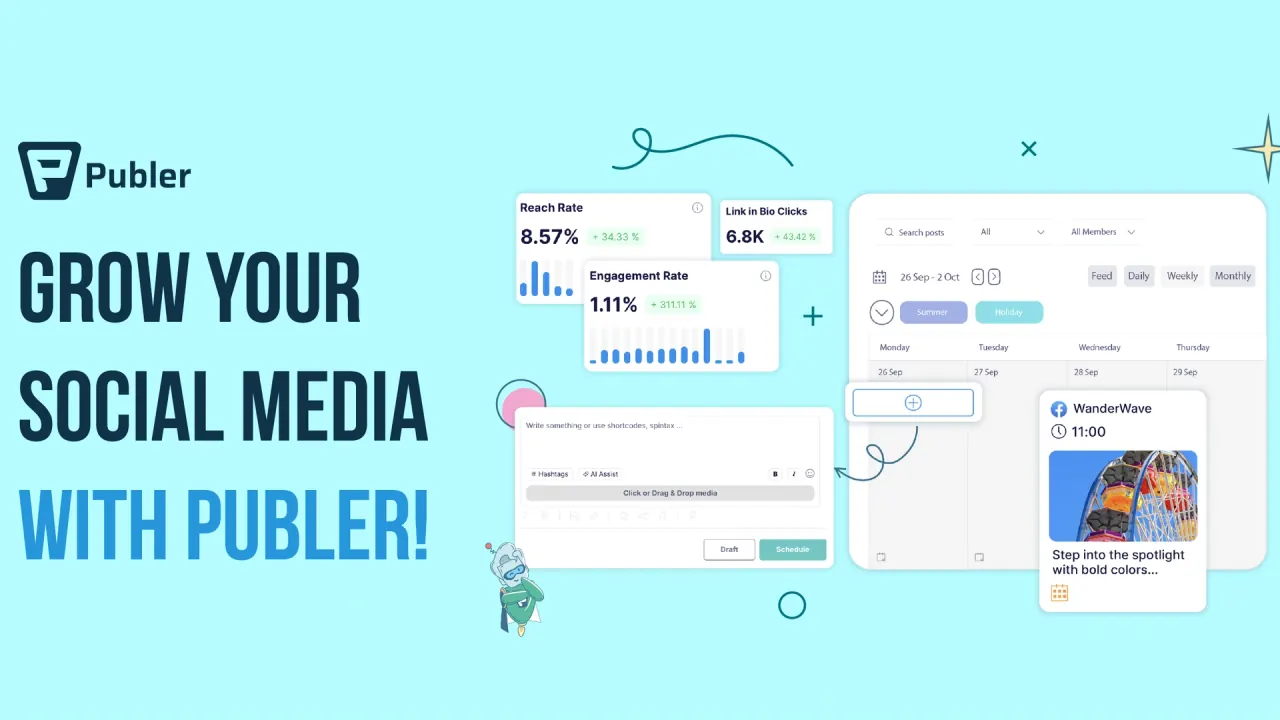
Publer interface preview
Publer logo

Publer

Publer plans, publishes and analyzes posts across 13 social networks, with client workspaces, approval workflows and an AI writing assistant. A permanent free plan covers 3 accounts, and paid plans scale with social accounts and team members.

MarketingSocial Media#Scheduling#Team Collaboration#AI Writing Assistant
Try for Free
Saves
Visits
Views
Pricing
Freemium
Published
Oct 3, 2026
Domain
publer.com
Community rating

Used this tool? Rate it

Rate this tool

Publer Product Information

Try for Free
Tool Information
Saves
Visits
Views
Pricing
Freemium
Published
Oct 3, 2026
Domain
publer.com
Community rating

Used this tool? Rate it

Rate this tool

Featured Tools

Related Tools

Try for Free

What is Publer?

Publer is a web-based social media scheduler and social media management tool for planning, publishing and analyzing posts across 13 social networks from one calendar, with companion mobile apps and a browser extension. It is a product of Kalemi Code, a software company headquartered in Tirana, Albania, and incorporated in Wyoming, United States. The company reports 500K+ users worldwide.

Plan choice shapes what Publer can do. The free plan is permanent but tight, X/Twitter requires a paid plan, and unlimited AI Assist, deeper analytics, post recycling and API or MCP access sit in the Business plan. Paid prices then grow with each social account and team member you add, so an agency and a solo creator on the same plan can pay very different amounts.

Core features

Scheduling and publishing

  • Per-network versions: A single post can be tailored per destination, for example more photos for Facebook, shorter text for X/Twitter or extra hashtags for Instagram.
  • Queue-based AutoSchedule: New posts can be added to a queue that Publer slots in automatically according to a posting schedule you define.
  • Comments and threads: Comments can be scheduled to go out a set time after the main post, which covers X/Twitter threads, first comments on Instagram and follow-up replies.
  • Auto-share and auto-delete: After publishing, Publer can share the post to your other connected accounts or delete it after a set time.
  • Bulk scheduling: Bulk scheduling with a CSV file handles up to 500 posts at once, but the Free plan creates only 5 posts per bulk action, so only 5 posts from a larger file are uploaded.
  • RSS automation: Connected RSS feeds can be turned into new posts that Publer publishes or schedules automatically.

RSS feeds and the queue are linked: feed articles can either be auto-posted as they arrive or auto-scheduled into your posting slots.

AI Assist

AI Assist is designed to help write posts, drafts, comments, threads, alt text and signatures from one panel, and it can also rephrase, complete text and generate images. AI Assist is switched on automatically with a Business subscription, or after you connect your own OpenAI account. When your own key is connected, prompts run through your OpenAI account and OpenAI bills you directly for them. New free accounts receive credits to try the assistant, after which it becomes part of the Business plan.

  • Brand Voices: A separate Brand Voice can be set up for each brand or client account, with tone guidelines, prompts or examples that the assistant switches to instantly.
  • Languages: The assistant is described as generating social media content in more than 80 languages.
  • Output length: By default, returned text is capped at around 1,300 characters, except for WordPress content.

Team collaboration

  • Roles: Team members and clients can be invited to Workspaces and given permission levels based on their role.
  • Client approval: Clients can be invited to their own Workspaces, where they can view, approve or suggest edits on posts before they go live.

API, MCP and integrations

  • API access: Publer does not offer a public API to everyone; API access is limited to eligible Business and Enterprise customers.
  • API scope: Through the API, new content can be created and scheduled, existing posts viewed and analytics insights tracked.
  • MCP server: Publer MCP connects ChatGPT, Claude or another MCP-compatible assistant to your workspace, and social account credentials are not shared directly with the AI assistant; access is limited to what the MCP server exposes.
  • Media imports: Media can be pulled in from Google Drive, Dropbox, OneDrive, Unsplash or any publicly accessible URL.
  • Link shorteners: Bitly, Rebrandly, PixelMe, Switchy, JotUrl, RocketLink or RetargetKit can be connected so that links, including those in post descriptions, are shortened automatically for tracking.

Guide

Writing a post with AI Assist

  1. Open the Create tab and select the social network you are posting to.
  2. Click the AI Assist button at the bottom of the post editor; the assistant opens as a chat window on the left side of the composer.
  3. Write a detailed prompt and click the blue arrow button to generate text.
  4. Schedule the post as usual. Earlier results stay in the AI Assist sidebar for reuse.

Connecting your own OpenAI key

  1. Create a new API key in your OpenAI account and copy it.
  2. In Publer's integration settings, choose to use your OpenAI account, paste the key and click connect.
  3. Once the key is accepted, AI prompts are handled through your OpenAI account.

Use cases and examples

  • Agencies with several clients: Publer lets you manage multiple brands and clients through separate Workspaces, keeping projects and teams organized apart.
  • WordPress blogs: For WordPress-powered sites, AI Assist can generate blocks, rephrase paragraphs and write entire SEO-optimized articles.
  • Link in bio pages: Linkie, the connected Link in Bio page, updates automatically with the content you publish through Publer.
  • High-volume publishers: Publer says it can waive the daily post limits for specific scenarios and invites established news media companies, verified government agencies and publicly owned services to contact it.
  • Content curation: The Explore section covers industry news from 150,000 worldwide sources, alongside RSS feed automation.

Who is it for

Publer offers different plans designed for individuals, creators, businesses, agencies and larger organizations, and each tier maps to a fairly specific profile:

  • Individuals starting out: The Free plan is aimed at individuals who are getting started with social media management.
  • Freelancers and creators: Professional is presented as an option for freelancers, creators, influencers and entrepreneurs who want an affordable, flexible way to manage social media.
  • Growing businesses and agencies: Business targets growing businesses, marketing agencies and teams that need more advanced analytics, automation, AI, collaboration and integration capabilities.
  • Large organizations: Enterprise is designed for large organizations and teams that require higher limits, dedicated support and more flexibility.

Platforms

Publer currently supports Facebook Pages and Locations, Groups and personal profiles; Instagram Business accounts; X/Twitter; LinkedIn personal profiles and business pages; Pinterest; Google Business Profile locations; YouTube channels; WordPress sites, hosted or self-hosted; TikTok; Telegram groups and channels; Mastodon; Threads; and Bluesky. The pricing page lists Instagram Business and Creator accounts, a wider description than the help center's Instagram Business wording.

  • Web and mobile: Besides the web app, Publer has an app for iPhone and iPad and an Android app for scheduling and monitoring posts.
  • Browser extension: The extension is available for Chrome, Firefox, Edge, Opera and Safari.
  • Automation hooks: Publer can be automated through APIs, MCP servers, Zapier, webhooks and other integrations.
  • Store signal: The Android listing showed 4.7 stars from 104K reviews and 1M+ downloads as captured on October 2, 2026.

Pricing

Publer pricing is built from three inputs: the plan, the number of social accounts and the number of additional team members. The account owner is included, and for every 9 social accounts or additional members, the 10th one is free.

PlanStarting point
FreeFree forever with 3 social accounts, up to 10 scheduled posts at a time per account and a 24-hour post history
ProfessionalStarts at $5/month with 1 social account, 1 user and 0 additional members
BusinessStarts at $10/month with 1 social account, 1 user and 0 additional members
EnterpriseCustom pricing based on your organization's needs

One help article still describes the paid plans as supporting accounts starting from 3, which does not match the single-account starting configuration quoted in the current pricing articles. Yearly billing for Professional and Business is described in the help center as a 20% discount compared with paying monthly. The pricing page's billing toggle instead labels yearly billing as 2 months free, so the two descriptions differ.

The Professional Plan comes with a 7-day free trial. The Business Plan comes with a 14-day free trial. The pricing page says almost all paid features can be tried for free without entering credit card information. A help article separately says a $1 charge may appear on a credit card or PayPal account when you sign up for a free trial.

What each paid plan adds

  • Professional: X/Twitter support, unlimited scheduling and drafts, unlimited Workspaces and media storage, bulk scheduling, eternal published-post history and unlimited RSS automations.
  • Business: unlimited AI Assist prompts, advanced analytics with downloadable reports, best times to post, competitor analysis, hashtag suggestions and analytics, automatic post recycling, recurring posts, Spintax variations, approval workflows, and access to the API and MCP server for eligible customers.
  • Enterprise: higher volume discounts, dedicated 1:1 onboarding, prioritized support, unlimited daily posting from Publer's side, and payment by purchase order or wire transfer.

Taxes, refunds and currency

  • Taxes and guarantee: Prices exclude VAT, and the pricing page advertises a 14-day money-back guarantee.
  • Payment processors: PayPro Global and Paddle act as Merchant of Record for all orders.
  • Web refunds: For web payments, a full refund can be requested within 14 days; after that, a pro-rated refund for the remaining period is still possible, but the yearly-billing discount is waived.
  • Terms wording: The terms frame refunds more narrowly, saying fees may be fully or partially refundable in specific scenarios and that Publer decides which customer is eligible.
  • Mobile refunds: Subscriptions bought through Google Pay can only be refunded in full within 14 days of payment.
  • Currency: The currency shown is determined by your location, using browser data and information from your internet service provider.

Publer alternatives

On the same third-party review platform used for the ratings below, Publer's profile listed related companies including Metricool (4.1 from 670 reviews), Buffer (3.6 from 119), Hootsuite (1.3 from 556), Later (1.5 from 350) and Sprout Social (1.9 from 87), as captured on October 2, 2026. These are company-level ratings, not like-for-like product tests.

  • Buffer: Buffer also prices by connected channel, with a selector for how many channels you want to connect. Its free plan connects up to 3 channels with 10 scheduled posts per channel and lists API access with 1 API key and 3,000 requests per month, whereas Publer reserves API access for Business and Enterprise.
  • Metricool: Metricool's free plan manages 1 brand, covering that brand's social networks except LinkedIn and Twitter, with up to 20 scheduled posts per month. Its paid tiers are sized by the number of brands managed.

Limitations

Posting limits and network rules

  • Daily caps: Paid plans offer unlimited scheduling, but Publer enforces daily posting limits to prevent spamming and abuse.
  • UTC window: The daily limits use a rolling 24-hour window calculated in UTC.
  • Network-side limits: Even on Enterprise, social networks can still enforce their own posting limits, API limits and anti-spam restrictions independently of Publer.
  • API dependence: Capabilities depend on each network's official API, so some scheduling features and post types are only available on certain networks.
  • X/Twitter: X/Twitter accounts are only supported on paid plans because of the cost of the X Enterprise API.
  • Pinterest on Free: Free users can only connect Pinterest accounts with at least 100 followers or a claimed website.

Plan and account caveats

  • Short history: On the Free plan, published posts are deleted from Publer after 24 hours.
  • Cancellation: Cancelling a paid subscription and dropping to the Free plan means all scheduled posts are lost.
  • Pausing: Subscriptions can instead be paused for 1, 2 or 3 months. An iOS subscription cannot be paused.
  • AI key precedence: On Business, a connected OpenAI account takes precedence over the built-in AI Assist, so hitting your OpenAI quota means removing that account to fall back to the Business allowance.

What reviewers report

On a third-party review platform, Publer's company profile showed 4.9 out of 5 from 1,034 reviews, 90% of them five-star, as captured on October 2, 2026. The platform's AI-generated summary of 236 recent reviews says reviewers overwhelmingly reported a good experience, but some noted extra setup effort or extra clicks for certain actions, and a few mentioned hard-to-find cancellation settings and occasional server downtime.

Privacy and data

  • Hosting: Publer is operated from servers in Frankfurt, Germany, and data from users elsewhere is transferred there.
  • Deletion: After you delete your account, data is kept for 7 days to allow recovery and then permanently deleted.
  • Sister products: Personal information may be shared with Kalemi Code's affiliated products Linkie and Kibo for marketing purposes, with an opt-out available.
  • Sale of data: Kalemi Code says it does not sell personal information for money, while noting that under CCPA/CPRA, sharing for cross-context behavioral advertising may be considered a sale or share.
  • Security: Publer says it aligns with ISO/IEC 27001:2022, the international standard for information security management.
  • AI training: The privacy policy, revised July 8, 2026, does not state whether posts, media or AI prompts are used to train AI models.

FAQ

Q1. Does Facebook show that a post came from Publer?

Facebook automatically adds "Published by Publer" when posting through a third-party app, and the label cannot be removed. It is only visible to the page's admins, not to followers.

Q2. Which AI models power AI Assist?

AI Assist runs on GPT-6 Astra for text and GPT Image 2.5 Flare for images, according to the help center. An answer on the AI Assist product page says its image generation is powered by GPT Image 2, so the vendor's pages are not consistent on the image model.

Q3. Will my price rise after I subscribe?

For existing customers, prices will not change for the duration of the subscription. If you cancel and come back later, any price changes made in the meantime apply to you.

Q4. Do charities and non-profits get a discount?

Publer offers a 50% discount for charities and non-profit organizations that send government-issued proof of their status, such as a 501(c)(3) document or a local equivalent.

Know a Similar Tool?
If you know other great AI tools, feel free to submit them to us