
Toolso.AI
Toolso.AI
All ToolsCategoriesTrendingLatest ToolsPricingBlog
Toolso.AI
Toolso.AI
Toolso.AI
Toolso.AI

Discover the best AI tools to boost your productivity

GitHubGitHubTwitterX (Twitter)YouTubeYouTubeTikTokEmail

Popular Categories

  • AI Writing
  • AI Image
  • AI Video
  • AI Coding
  • More Categories

Explore

  • Latest Tools
  • Popular Tools
  • More Tools
  • Submit Tool
  • Pricing

About

  • About Us
  • Contact
  • Blog
  • Changelog

Legal

  • Cookie Policy
  • Privacy Policy
  • Terms of Service
  • Refund Policy
© 2026 Toolso.AI All Rights Reserved
Limited timeLimited-time offerFeatured Listing24h priority review · No backlink · 30 days featured$29.90then $59.90Price rises to $59.90 after Oct 31Ends in--:--:--Submit now
  1. Home
  2. All Tools
  3. Marketing
  4. PosterMyWall
PosterMyWall interface preview
PosterMyWall logo

PosterMyWall

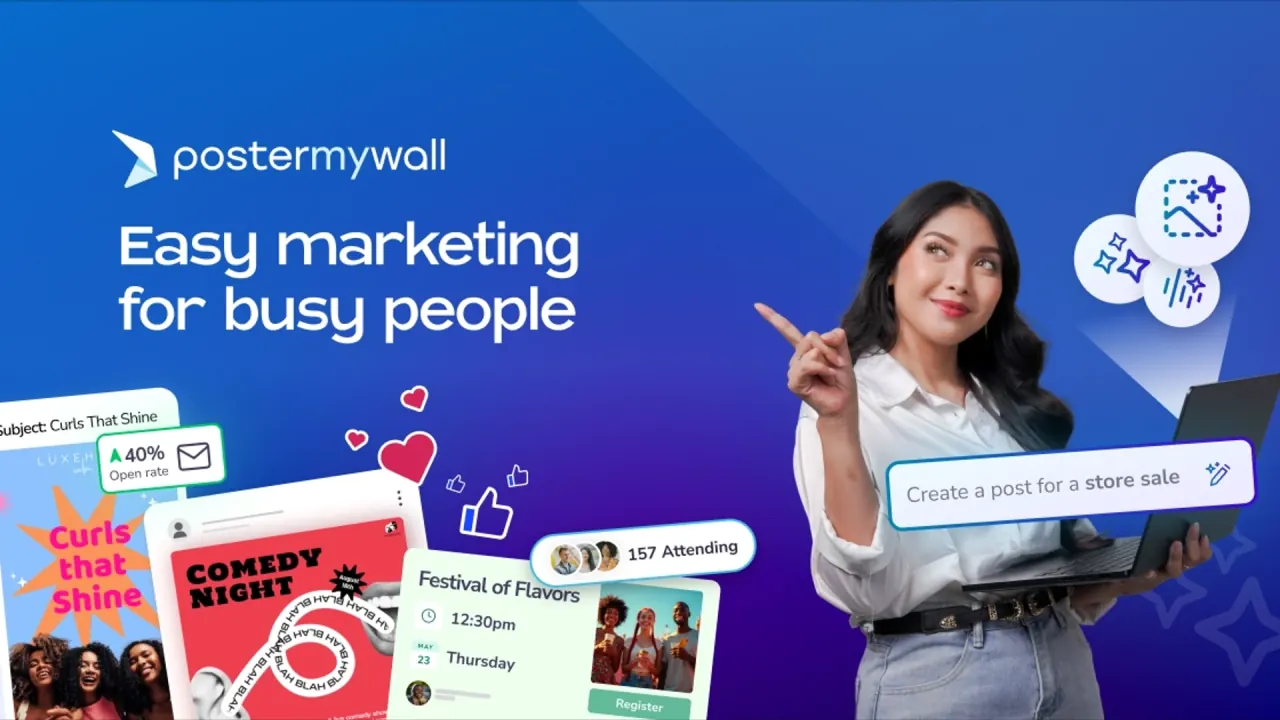
PosterMyWall is a template-based design and marketing platform for flyers, posters, social posts, videos, emails and event pages, with credit-metered AI tools on its paid plans.

MarketingSocial MediaDesign Tool#Email Marketing#Poster Design#design templates
Try for Free
Saves
Visits
Views
Pricing
Freemium
Published
Sep 28, 2026
Domain
postermywall.com
Community rating

Used this tool? Rate it

Rate this tool

PosterMyWall Product Information

Try for Free
Tool Information
Saves
Visits
Views
Pricing
Freemium
Published
Sep 28, 2026
Domain
postermywall.com
Community rating

Used this tool? Rate it

Rate this tool

Featured Tools

Related Tools

Try for Free

What is PosterMyWall?

PosterMyWall is a template-based design and marketing platform run by 250 Mils LLC, aimed at small businesses that need flyers, posters, social posts, short videos, emails and event pages without hiring a designer. The company describes it as an AI-powered marketing and design platform that bundles free design templates, event ticketing, social media publishing and email marketing in one account.

The workflow starts from a template rather than a blank canvas: you customize a layout in the browser editor, then download, print or publish it to social channels, email lists, event pages or screens. AI tools sit on top of that editor and mostly draw on monthly credits that only paid subscriptions receive.

Scale figures on the About page are vendor-reported: 30M+ total users, 3.3M+ templates, and 244 countries and territories.

Core features

Template editor and file output

  • Template library: the homepage advertises 3M+ free templates, while the pricing page's Free column lists 1M+ design and email templates.
  • Image and video in one editor: PosterMyWall says you can switch between image and video designs, turning an image design into a video, and resize designs for free.
  • Free download formats: basic downloads come as WebP, PNG, JPG, PDF, GIF, MP4 and WebM files.
  • Multi-page files: the Free plan downloads 10 pages per file, while both paid plans can add and download unlimited pages per file.
  • Brand Kits and fonts: Premium includes one Brand Kit and Premium Plus unlimited Brand Kits; subscribers can upload their own OTF and TTF fonts.

AI tools

  • PosterMyWall AI chat: a prompt-based assistant that generates designs, images and marketing copy and refines them through follow-up messages. The help center documents it as available on the Premium and Premium Plus plans.
  • Premium AI set: the Premium plan lists an AI text-to-image generator, an AI Background Remover, an AI Writer for captions and design content, AI subtitles for audio and videos, and AI voiceover.
  • Single-purpose entry points: the site markets an AI poster generator, an AI flyer generator and similar tools as separate pages.

Image generation or edits cost 2 credits per image, while video generation costs 10 credits with audio or 7 credits without. An AI processing fee of 1 credit is deducted periodically during active chat sessions, so a long conversation costs credits before anything is downloaded.

The AI layer is one part of the product, not the whole of it: templates, downloads, publishing and email all work without generating anything.

Publishing, email and events

  • Social publishing: posts go directly to Facebook, Instagram, TikTok, X, YouTube (Shorts), Threads, LinkedIn, Pinterest and Google Business Profile. Free connects 1 account, Premium 3 accounts, and Premium Plus unlimited accounts.
  • Email marketing: free users can export an email as HTML and send it through their own provider, while Premium and Premium Plus send 3,000 and 10,000 emails per month from PosterMyWall.
  • Event pages: event web pages track RSVPs and sync to an embeddable calendar. Free includes 2 event pages per month and up to 100 registrations, with no ticketing.
  • Digital signage: designs can be published to screens through signage integrations.
  • Collaboration: shared folders let owners allow contributors to edit designs, add new designs, copy designs or invite new contributors.

Guide

Create a design with PosterMyWall AI

  1. Log in and click Create with AI on the left panel, or start a chat from the chat box on the main page.
  2. Type what you want, for example a poster for a weekend sale at a clothing store; an audio prompt describing the design is also accepted.
  3. Ask for changes, a different style or tone, or another version for a different format such as an Instagram Story.
  4. Open the result in the editor for manual changes, then download it or publish it directly.

Download a design for free

  1. Save the design in the editor and click Download.
  2. Select the Basic option, then choose a file type and a size.
  3. Click the download button; the file is saved to the browser's default location.

Cancel or pause a subscription

  1. Open the Premium Billing page and click Manage.
  2. Select Cancel subscription, choose a reason and confirm with Continue cancelation.
  3. Alternatively, choose Pause subscription on the same page to pause the plan for 1, 2 or 3 months.

After cancelation, Premium features stay active until the end of the paid period and the card is not charged again when the subscription expires.

PosterMyWall use cases and examples

PosterMyWall's customer list covers restaurants, retailers, bars, churches, bands and performers, schools, health and beauty businesses, non-profits, clubs, municipalities, venues and agencies. The examples below follow documented workflows.

  • Event promotion and ticketing: a band or venue can turn a flyer into an event page, share it by social post and email, and sell tickets. Ticket sales require a paid plan and carry a service fee.
  • Restaurants and retail: a menu maker builds menus from templates, and the same design can be pushed to in-store screens through the digital signage integrations.
  • Schools and classrooms: teachers get free Classroom Accounts in which students create projects without registering, and the school section offers educational templates for planners, report cards and worksheets.
  • Social campaigns on a small budget: used as a flyer maker for social feeds, social media sizes download free without the PosterMyWall watermark.
  • Print runs: posters, flyers and banners for print usually need the paid high-resolution file, which PosterMyWall rates at 300 dpi and says can print well at up to 9 feet.

Who is it for

PosterMyWall positions itself for small and local businesses whose marketing includes events, sales, specials and limited-time offers, and for organizations that want a simple, collaborative tool to share creative assets and run campaigns.

Good fit:

  • Owners without a designer who want ready-made promotional layouts, plus publishing and email from the same account.
  • Teachers, who can run free Classroom Accounts with student projects kept private.
  • Template designers, who can join the Design Community and earn a 35% royalty on downloads of their templates.

Less suited:

  • Video-heavy creators. PosterMyWall's own Canva comparison says that a buyer heavily invested in video content may find Canva's toolset more appealing.
  • Users of special account types. A Classroom Account or a Template Designer Account cannot be used for a Premium subscription; a separate account is needed.

Platforms

PosterMyWall runs mainly as a web app, with an Android app and App Store subscriptions on mobile.

  • Web: the editor runs in the browser, and the site is offered in 16 interface languages, including English, German, Spanish, French, Portuguese, Russian, Thai and Simplified Chinese.
  • Android: the Google Play listing showed 1M+ downloads, a Teen content rating and in-app purchases, as captured on September 27, 2026.
  • Apple App Store: subscriptions bought through the App Store are billed and refunded by Apple rather than by PosterMyWall.
  • Payments: the pricing page advertises iDEAL and UPI, and the FAQ lists Visa, Mastercard and American Express for Premium payments.

Pricing

PosterMyWall pricing has one free tier and two subscriptions; the prices below are as captured on September 27, 2026.

PlanMonthlyYearlyCredits per monthEmail sends per monthSocial accountsEvent pages per month
Free$0$0NoneExport only12
Premium$13$1091003,000310
Premium Plus$30$31925010,000UnlimitedUnlimited

Yearly billing is labelled as a 30% saving on Premium. On Premium Plus the yearly saving is labelled 11%, and a help-center table on team pricing lists Premium Plus at $29 per month for a single seat, one dollar below the $30 shown on the homepage.

Team prices are set per seat band rather than per person. Premium costs $19 per month or $179 per year for 2–5 members and $69 per month or $589 per year for 6–10 members; Premium Plus costs $35 or $359 and $99 or $999 for the same bands. Above 10 members, each extra seat costs $6 monthly or $55 yearly on Premium and $15 monthly or $160 yearly on Premium Plus.

Without a subscription, high-res image downloads are priced at $5.99 for up to 9 pages and $14.95 for 10 or more, and video projects download at a flat $14.95.

  • Trial: a 14-day trial includes 10 free trial downloads; billing details are required, the chosen plan is charged at the end, and a reminder email arrives 7 days before the trial ends.
  • Credit packs: extra credits come in packs of 100, 400, 1,000 and 2,000 credits; pack prices were not shown in the static version of the pricing page.
  • Regional pricing: subscribers in Pakistan receive 40 monthly credits on Premium and 80 on Premium Plus, and localized pricing is offered in currencies including the Indian Rupee and Mexican Peso.
  • Non-profits: no public discount is listed; non-profits are asked to contact support.
  • Event ticketing: Premium sells up to 1,000 tickets or $50,000 in sales per month with a 3.5% service fee until the limit is hit, then 5%; Premium Plus has unlimited ticket sales with a 2.5% fee. Both paid plans set a $10 minimum per ticket.

PosterMyWall alternatives

PosterMyWall publishes its own comparison pages against Canva, VistaCreate, Adobe Express, Visme, Buffer and Hootsuite, which shows the two groups it competes with: general design editors and social media schedulers.

  • Canva: the closest design-editor match. PosterMyWall's comparison page says Canva's Magic Resize tool requires a Pro subscription while PosterMyWall resizes for free, and concedes that Canva has more extensive video and motion tools.
  • VistaCreate, Adobe Express and Visme: template-driven design editors in the same comparison set, closer substitutes for people who mainly need graphics rather than email or ticketing.
  • Buffer and Hootsuite: scheduling tools rather than editors, relevant when publishing matters more than design.

PosterMyWall's pricing page argues the case on bundle cost: it compares $132 per month spent across multiple apps with $13 per month for one subscription. That figure is the vendor's own calculation. One AI tool directory lists DesignLumo, described there as an AI tool for editable, ad-ready designs from prompts, among PosterMyWall alternatives. No independent head-to-head test turned up among the directories and review platforms checked.

Limitations

Downloads and watermarks

  • Free images are not meant for print. PosterMyWall does not recommend free downloads for prints, because print quality will not be crisp; the free file carries a small watermark at the bottom left unless it is a social media size.
  • Free videos are heavily limited. Basic video downloads carry a large watermark, are low resolution and are capped at 21 seconds. The help center frames them as for testing purposes only; the FAQ says personal use.
  • Some watermarks never go away. Creative attribution watermarks, such as a background credit to the artist, must remain on downloads even after purchase.
  • Download prices differ between pages. One help article quotes paid image downloads at $2.99 and $7.99, while the pricing page and other help articles list the prices shown under Pricing.

Licensing of templates, stock and AI output

  • Gallery templates: templates in the gallery are available to customers to edit and use for personal and commercial projects.
  • AI output: AI-generated designs can be used commercially as part of a premium subscription, and standard copyright and trademark law still applies to brand names or proprietary content you add.
  • Getty Images content: purchased Getty images can be used commercially up to 10,000 units; exceeding that print cap requires advance notice and may cost extra. The download cannot be cropped or altered, and the licensed material cannot be extracted from the composite.
  • Storyblocks content: finished projects can be shared freely, but individual stock files cannot be sold, licensed or redistributed as standalone files, and they cannot be turned into a trademark or logo.
  • The service itself: the terms prohibit reselling or commercially exploiting any portion of the site, or access to it, without written consent from 250 Mils.

Rights you grant to 250 Mils

You retain ownership of the content you submit, but the terms of use grant 250 Mils a nonexclusive, worldwide, transferable license to use, sell, copy, reproduce, modify, publicly display and distribute it. A separate License Agreement covers designs created with PosterMyWall's tools and grants a sublicensable right to sell and distribute the design in or on products.

Credits, refunds and account terms

  • Plan credits expire monthly. Unused plan credits expire at the end of each month, while purchased credit packs never expire. An older FAQ page still says subscriber credits carry over to the following month, so the two pages conflict.
  • No refund on cancelation. The terms of use state that there are no refunds for cancellation, while the separate Refund Policy asks unhappy customers to contact support about their order.
  • Service changes: 250 Mils may amend or stop features, or create usage limits, without prior notice.
  • Age limit: users must be 13 or older, and younger users need direct supervision by a parent, guardian or teacher.

Privacy and data

  • Policy date: the privacy policy was last updated on September 02, 2026.
  • Machine learning use: 250 Mils collects user activity, analytics event and clickstream data for data analytics and machine learning, and its service providers include data labeling and machine learning vendors. Whether uploaded images, designs or prompts are used to train AI models is not stated in the privacy policy, terms or help articles reviewed.
  • Data requests: account data can be exported from Privacy settings and is emailed within 30 days, and access requests are answered within thirty days.
  • Android disclosures: the developer's Google Play data safety section declares no data shared with third parties and lists personal info, photos and videos, and audio among the data the app may collect.

FAQ

Q1. Can I use PosterMyWall designs for commercial purposes?

Gallery templates can be used for personal and commercial projects, and AI-generated designs can be used commercially on a premium subscription; stock from Getty Images and Storyblocks adds its own limits.

Q2. Do unused credits roll over?

Monthly plan credits expire at month end under the current credits article, and purchased packs never expire; an older FAQ page says plan credits carry over.

Q3. Is the AI assistant available on the free plan?

The pricing page invites free users to try AI tools, but the help center documents PosterMyWall AI chat as available on the Premium and Premium Plus plans.

Know a Similar Tool?
If you know other great AI tools, feel free to submit them to us