
Toolso.AI
Toolso.AI
All ToolsCategoriesTrendingLatest ToolsPricingBlog
Toolso.AI
Toolso.AI
Toolso.AI
Toolso.AI

Discover the best AI tools to boost your productivity

GitHubGitHubTwitterX (Twitter)YouTubeYouTubeTikTokEmail

Popular Categories

  • AI Writing
  • AI Image
  • AI Video
  • AI Coding
  • More Categories

Explore

  • Latest Tools
  • Popular Tools
  • More Tools
  • Submit Tool
  • Pricing

About

  • About Us
  • Contact
  • Blog
  • Changelog

Legal

  • Cookie Policy
  • Privacy Policy
  • Terms of Service
  • Refund Policy
© 2026 Toolso.AI All Rights Reserved
Limited timeLimited-time offerFeatured Listing24h priority review · No backlink · 30 days featured$29.90then $59.90Price rises to $59.90 after Oct 31Ends in--:--:--Submit now
  1. Home
  2. All Tools
  3. Video
  4. Magiclight.AI
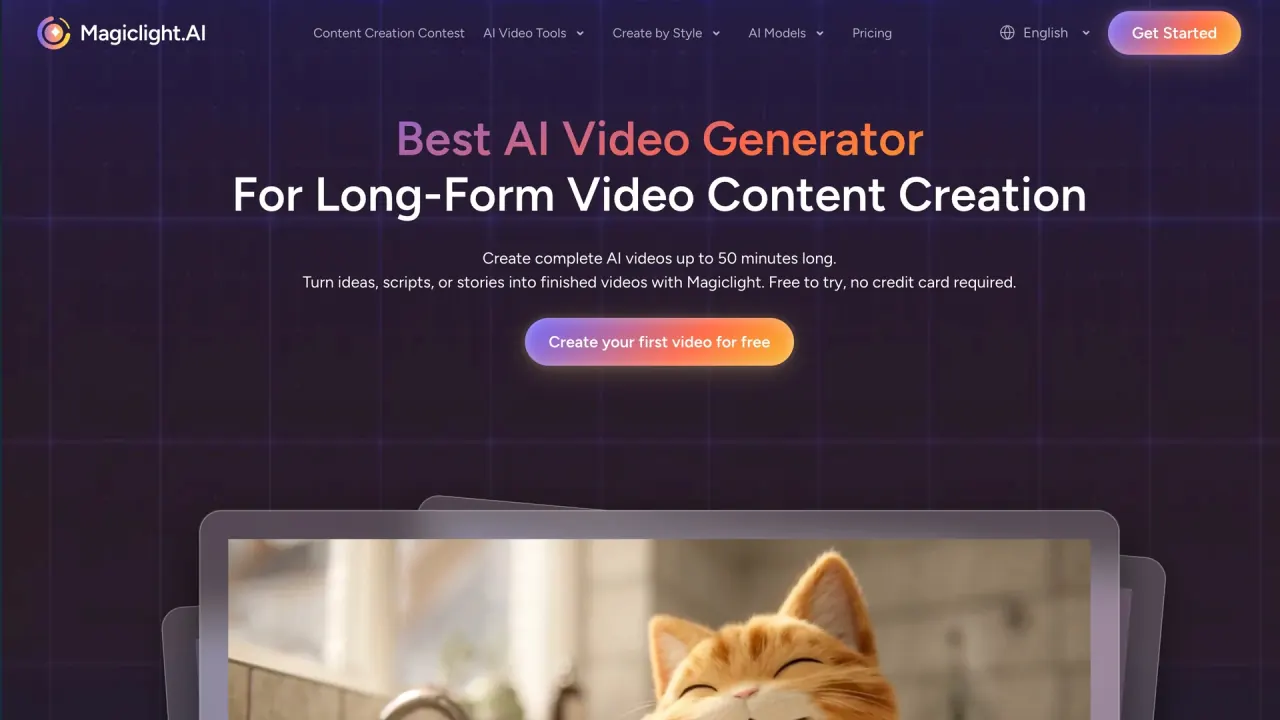
Magiclight.AI interface preview
Magiclight.AI logo

Magiclight.AI

Turn an idea, script or story into an animated video with consistent characters, voiceover, subtitles and music, with paid web plans supporting runtimes up to 50 minutes.

VideoVideo Generation#Voice Cloning#Animation#Subtitles
Try for Free
Saves
Visits
Views
Pricing
Free
Published
Oct 6, 2026
Domain
magiclight.ai
Community rating

Used this tool? Rate it

Rate this tool

Magiclight.AI Product Information

Try for Free
Tool Information
Saves
Visits
Views
Pricing
Free
Published
Oct 6, 2026
Domain
magiclight.ai
Community rating

Used this tool? Rate it

Rate this tool

Featured Tools

Related Tools

Try for Free

What is Magiclight.AI?

Magiclight.AI is an AI long video generator built around storytelling: you start from an idea, a script or a finished story, and the platform drafts the script, designs the characters, renders a picture for every shot, animates those shots and assembles one video with voiceover, subtitles and music. Its homepage headline is direct: "Create complete AI videos up to 50 minutes long." The company positions this against tools that only produce single short clips.

The service is operated by MAGICLIGHT(HK)LIMITED, and its terms are governed by Hong Kong law. It runs on the web, with companion apps for iOS and Android whose store listings describe a shorter 30-minute ceiling (covered under Platforms).

In short, it suits people who want a finished, multi-scene narrative rather than a single clip, but spending is credit-based and public reviews are mixed.

The company's own reach figures differ by page. The homepage cites "20M+ Creators Worldwide", while the About page lists "30,000,000+" global users; neither number is independently verified.

Core features

All tools share one workflow, so scripting, characters, scenes, voice and export happen in the same editor.

Long-form story generation

  • Runtime presets: the long video generator offers 30- or 50-minute presets; the FAQ on the same page says Magiclight AI supports videos from 10 to 50 minutes, and the maximum length depends on your plan.
  • Long inputs: the long-video page says you can use prompts of up to 12000 characters to build a complete, paced story.
  • Storyboard control: at the storyboard stage you can revise dialogue, reorder scenes, and adjust pacing or visuals before anything is exported.

Story models and image models

The long-video page says you can choose from 9 story models, including GPT-5.6 and Claude Opus 4.6, to shape plot structure, pacing and character development. For visual consistency, the company says the platform uses its own image model to preserve facial features across scenes.

Characters and visual styles

  • Reusable characters: a single 1000-character prompt creates a character for a given style, which you can then reuse in later stories.
  • Style library: the platform offers 20+ visual styles, including anime, cinematic, comic and realistic looks, applied to the whole story instead of scene by scene.
  • Custom styles: you can upload reference images and save the result as a reusable Magiclight style asset (see the Guide).

Voice, lip sync and subtitles

The tool list includes voice cloning ("Generate natural voiceovers using your own voice"), lip sync that matches character mouth movement to spoken audio, and an automatic subtitle generator. According to the pricing FAQ, voice cloning and custom character creation are available on paid plans only.

Templates and reusable skills

  • Story templates: the library covers kids' stories, faith messages, lessons, explainers and comedy, each giving a ready structure to fill with your own idea.
  • Video Creation Skills: a custom skill stores your rules for hook, pacing and ending so one story idea can be rewritten for YouTube Shorts, TikTok, Instagram Reels or longer YouTube videos.

Publishing to YouTube

You can connect a YouTube channel and upload finished animations and videos to it directly from the platform.

Guide

How to make a kids' story video

The official tutorial turns a short fable into a three-minute animated video in one workflow, and it works as a practical template for any story to video AI project:

  1. Open Kids Story and paste a short summary. A complete screenplay is not required; a concise summary that sets out the characters, events and ending is enough for the platform to expand.
  2. Choose the settings. The tutorial uses Visual Style 3D Cartoon 3.0, a 16:9 aspect ratio, a 3-minute video length, a Gemini Flash story model and a voice that fits the story.
  3. Review the script and cast. Magiclight expands the short prompt into a complete script, identifies the characters, and generates a design for each one; you can swap in a library character or regenerate one that does not fit.
  4. Check every scene image. If an object, character or action is wrong, adjust that single image and regenerate it instead of rebuilding the whole project.
  5. Animate the scenes. Seedance 2.5 is available, but the tutorial recommends trying MiniMax H3 for this Kids Story project because it offers a practical balance of quality and cost.
  6. Add subtitles and background music, then preview the edited video. The platform can also write a YouTube title, description and hashtags and publish to a connected channel.

How to build a reusable visual style

  1. Gather 3 to 5 reference images that share the same medium, palette, lighting and line quality.
  2. Write a style definition covering art style, visual traits and the details that must stay stable.
  3. Generate test images, adjust the definition, then name and publish the style so it becomes a reusable asset for future projects.

Use cases and examples

Typical projects pair a long runtime with a recurring cast:

  • YouTube series: produce a 10-episode series using the same cast from the start to finish.
  • Courses and training: turn one syllabus unit into one seamless 30-minute lesson, or keep a consistent narrator across all 12 learning modules of a course.
  • Fiction adaptation: adapt one chapter into a 30-minute episode, or turn a single outline into a multi-part serial with one visual style.
  • Marketing: present 8 product categories in a single, structured video instead of many separate ads.
  • Children's and educational content: the FAQ lists children's educational videos and training materials among supported outputs.

For channel owners, one claim deserves context: the company says videos made with it won't be suppressed by major platforms like YouTube, TikTok, or Instagram. That is the vendor's own assurance, not a platform policy.

Who is it for

The About page names "creators, parents, teachers, filmmakers, pastors, and dreamers" as its audience.

  • Good fit: solo creators and small teams who want a finished narrative video without cameras or editing skills. The FAQ says no technical expertise is required.
  • Good fit: educators and faith or kids' content channels that publish multi-minute episodes with recurring characters.
  • Weaker fit: anyone who needs a predictable cost per video, since credit use varies from project to project.
  • Weaker fit: editors whose projects start from their own camera footage, because the terms describe the service as turning texts, images, videos and other data into animations.

There is an age rule that matters for family use. The terms state "You must be at least 18 years old to use the Service," so parents and teachers can make children's videos, but children themselves should not hold accounts.

Platforms

  • Web: the full creation flow, including the 50-minute long video generator, runs on the website.
  • iOS: the App Store app is a free download that requires iOS 13.0 or later and carries a 9+ rating; as captured on October 5, 2026, repeated store lookups returned either 118 or 119 ratings, averaging about 4.55.
  • Android: the Google Play app lists 1M+ downloads and a Teen rating with the note "Diverse Content: Discretion Advised"; as captured on October 5, 2026, the listing showed 4.0 stars from 2.92K reviews in one panel and 4.1 from 2.84K reviews in another.

The app descriptions set different limits from the website. The iOS listing says you can generate "up to 30 minutes per video with a subscription", and the Google Play description also says up to 30 minutes, which is shorter than the web limit. The iOS listing adds that export durations up to 30 minutes, certain styles, higher resolutions, and watermark control require a subscription.

Payment issues are handled through Discord or Telegram.

Pricing

Magiclight.AI pricing is credit-based. You can start for free with limited credits and no card. The main FAQ says the free trial's limited credits support 1-2 video generations. The pricing FAQ adds that long-form generation up to 50 minutes needs the Standard plan or above, while the free plan supports only limited video duration.

The pricing page opens on yearly billing. As captured on October 5, 2026:

PlanPrice (yearly billing)Billed annuallyCredits per monthVideo generationImage-to-videoParallel videos
Standard$7.50/month$908,000up to 130 minup to 290 s3
Plus$14.00/month$16827,000up to 450 minup to 960 s3
Pro$22.00/month$26447,000up to 780 minup to 1,680 s3
Ultra$45.00/month$540150,000up to 2,500 minup to 5,360 s3
Ultimate$75.00/month$900280,000up to 4,670 minup to 10,000 s4

The yearly toggle carries a "Limited Time: 50% OFF" label, and each card shows a higher reference price beside the yearly figure (for example $15.00 next to Standard's $7.50) without explaining it. Monthly-billing prices were not displayed in the captured page state. A site-wide banner also advertised an "Anniversary Sale For Unlimited Minimax-H3" that ends Oct 15.

All five paid cards list support for 50-minute videos, free character and image generation, 1080P HD video with no watermark, and a general commercial license. Standard and Plus list "Full access to foundational models", Pro and above list "20% off foundational models", and Ultra and Ultimate add VIP-accelerated generation.

How credits are consumed

The "video generation" minutes are ceilings, not a promise. The FAQ says credits are consumed based on video length, complexity and resolution, are deducted when processing begins, and that a cost estimate is shown before processing. Users describe how quickly that can add up. One store review complains of needing "31000 credit just to generate a 30 seconds NOT minutes video". Another says a standard generation can take 4000+ credits, enough to spend a monthly allowance on "just one 3mins video". These are individual reports rather than a measured average.

Cancellation and refunds

  • Cancellation: the pricing FAQ says you can cancel at any time and your credits stay available until the end of the billing period.
  • Refunds: the terms say "All fees are non-refundable unless otherwise specifically provided for in these Terms." The FAQ adds that credits cannot be refunded once used.
  • Plan naming: the main FAQ still describes Free Trial, Basic, Pro and Enterprise plans, which does not match the Standard, Plus, Pro, Ultra and Ultimate cards on the pricing page.

Magiclight.AI alternatives

People comparing long-form story tools on public review listings also look at script-to-cartoon generators and AI-assisted editors. Two options cover the main trade-offs:

  • ToonBee: generates complete cartoon videos from a script, including text, storyboard, characters, animations, voiceover and background music. Its full-length text-to-video promise is "5 minute long not 5 second", so it targets short explainers rather than full-length episodes.
  • invideo: an agentic video editor built around footage you upload. Its editing agent watches every clip and logs it in memory, and it can turn a script or idea into a shot-by-shot plan before generating.

Magiclight.AI fits fully generated, long multi-scene stories; ToonBee fits short cartoon explainers; invideo fits projects that start from recorded footage.

Limitations

Consistency and output quality

Public feedback is more critical than the vendor's own rating. As captured on October 5, 2026, a consumer review platform showed a 2.4 rating from 108 reviews, with 68% one-star and 22% five-star, and noted that the company replied to 40% of negative reviews. Its AI-generated summary, based on 87 recent reviews, says customers frequently report that the system struggles with character consistency across scenes, producing distorted features and logic errors, and that costs add up when fixing repeated mistakes. Some reviewers praised smooth output and an easy scene editor. The pricing page, by contrast, displays "4.7 from 2,000+ reviews on All Platforms".

The FAQ itself acknowledges variability: it compares generation to a "card drawing" mechanism and lists retrying generation as the simplest fix for inconsistent results.

Rights, IP and real people

  • Ownership: the terms say that, subject to Magiclight's ownership of its own Materials, all models, videos, images and files made from your inputs are owned by you.
  • Commercial use: the FAQ says commercial usage rights come with paid plans and asks you to check your plan details for the full licensing terms. Free-plan commercial use is not addressed on the pages checked.
  • Studio-style presets: the style list includes "Pixar-style", "Disney-inspired" and "Ghibli-inspired" looks. The custom-style tutorial tells users not to copy copyrighted material or reproduce existing characters, and the terms prohibit infringing third-party intellectual property.
  • Real people: some landing pages market videos about public figures, such as a page for labeled Trump parody and commentary videos, while the terms forbid impersonating any person or entity.

Privacy and data use

  • Service improvement: inputs you submit grant the company a license to use your assets and related data "in order to improve and enhance the Service". Whether this includes training AI models is not addressed in the terms or privacy policy.
  • Uploaded images: the privacy policy says the company does not retain any information from your uploaded images. Facial images are never stored and are deleted once character generation completes. The terms still grant a license to host and store submitted inputs; the two documents are worded differently.
  • Data location: servers are hosted in the United States, and data may be transferred across borders.
  • Store disclosures: the Google Play data safety section says no data is collected. The privacy policy, however, describes collection through cookies, web beacons and server logs.
  • Deletion: personal information can only be deleted together with the user account.

Account and disputes

The company may terminate or suspend an account at any time for any reason or no reason, with or without notice. Except for certain kinds of disputes the terms carve out, disputes go to binding individual arbitration seated in Hong Kong.

FAQ

Q1. How long can a Magiclight.AI video be?

On the web, paid plans support up to 50 minutes, with 30- and 50-minute presets in the long video generator. The mobile app listings describe a 30-minute maximum with a subscription, and the free plan supports only limited duration.

Q2. Do free videos carry a watermark?

Paid cards list "No Watermark", and the iOS listing says watermark control requires a subscription. The web pages checked do not state the free plan's watermark policy directly.

Q3. Can I get a refund?

Fees are non-refundable unless the terms say otherwise, and used credits cannot be refunded. You can cancel at any time and keep your credits until the billing period ends.

Know a Similar Tool?
If you know other great AI tools, feel free to submit them to us