Raycast is a keyboard-first launcher for Mac, Windows and iOS that bundles clipboard history, snippets, window management and Store extensions, with paid plans adding a credit-metered AI agent.
Used this tool? Rate it
Used this tool? Rate it
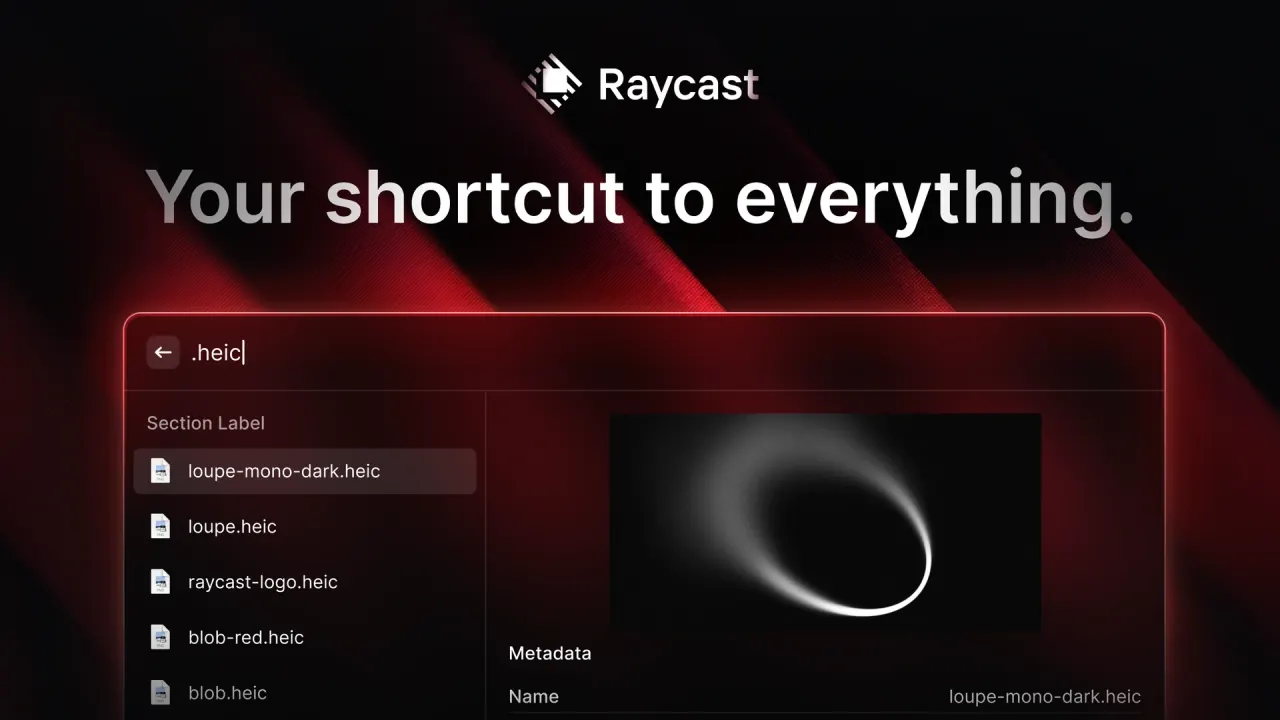
Raycast is a keyboard-driven Mac launcher: one search bar opens apps, files, commands and installed extensions. The company sums it up as a collection of productivity tools inside an extendable launcher that aims to be fast, ergonomic and reliable.
Besides searching local apps and files, Raycast also acts as a clipboard manager, text expander, window manager and command palette for other apps. The service is operated by Raycast Technologies Ltd., a private limited company registered in England and Wales. A September 2024 technology-press report described the company as founded in London in 2020 by former Facebook engineers Thomas Paul Mann (CEO) and Petr Nikolaev (CTO).
The launcher itself is free, while Raycast AI, Cloud Sync and Dictation belong to paid plans. Three facts shape most decisions: the current Mac app (v2) needs macOS Tahoe on Apple Silicon, AI use is metered in monthly credits, and the Windows app is still catching up with the Mac feature set.
Paid plans add Raycast AI, which Raycast positions as a virtual assistant that works through the tools you already use.
Model access depends on the plan. Pro includes models such as Claude Sonnet 5 or GPT-5.6 Terra, while Pro+ adds frontier models such as Fable 5.1 or GPT-6 Astra. You can also connect an existing Claude or ChatGPT subscription, or your own OpenAI, Anthropic or Google API keys, without spending AI Credits, and run a local model through Ollama.
Extensions are written with React, Node.js and TypeScript and shared through the Raycast Store. The companion browser extension runs in Safari, Chrome, Firefox and Chromium browsers such as Arc, Brave, Edge or Vivaldi, and its {browser-tab} placeholder passes the active tab's content into AI Commands.
Raycast suits people who spend the day at a keyboard and want one entry point for apps, text, windows and web services. In a 2024 interview, the CEO said most users are developers, with designers, product managers, journalists and others who work at a computer all day increasingly joining.
Less suited:
Pages describe the Windows build differently. The general FAQ says Raycast is available on Windows in public beta, while the Windows download page shows a version number and system requirements without a beta label. Likewise, the Pro page lists Cloud Sync between Mac, Windows and iOS devices, but the Windows FAQ still names Cloud Sync among upcoming Windows features.
Raycast's paid tiers differ mainly in AI credits and model access. Prices are in US dollars.
| Plan | Monthly | Yearly | Monthly AI credits | AI models |
|---|---|---|---|---|
| Raycast Free | Free | Free | None | No AI features |
| Raycast Pro | $10 | $96 | 500 | Fast and powerful models |
| Raycast Pro+ | $20 | $192 | 3,000 | All models, including top-tier |
| Raycast Max | $50 | $480 | 7,500 | All models, including top-tier |
Raycast Free covers Clipboard History, Quicklinks, Calculator, Snippets, Emoji Picker, Window Management, five Raycast Notes and access to the iOS app, but AI features are not included. Every paid plan adds Cloud Sync, Dictation, Translator, unlimited Notes and Clipboard History, Custom Window Management and Custom Themes on top of AI. The Pro page itself shows Pro at $8 per month, with $120 struck through beside $96 billed annually.
| Teams plan | Monthly per member | Yearly per member | Monthly AI credits per member |
|---|---|---|---|
| Teams Pro | $15 | $144 | 500 |
| Teams Pro+ | $25 | $240 | 3,000 |
| Teams Max | $65 | $624 | 7,500 |
The free Teams plan does not expire, but it is limited to 30 shared Snippets, 30 shared Quicklinks and 5 Commands across your extensions. Team credits are per member and are not pooled, and there is no minimum or maximum number of seats. Enterprise runs on dedicated terms and SLAs with custom pricing billed annually, and it cannot be bought on the website.
The closest substitutes differ mostly in platform and payment model.
Yes for the launcher and built-in tools. Raycast Free includes Clipboard History, Snippets, Quicklinks, Window Management and five Notes, and it may be used at work. AI features need a paid plan, starting with Pro at $10 a month.
No. Every Pro plan includes AI, but you can turn AI off completely in Settings, which disables all AI features.
Yes, on any paid plan. Connected subscriptions and your own API keys don't consume AI Credits, but they still require a paid Raycast plan.
Mostly. Most core features work offline, while Quick AI and AI Chat need an internet connection.
Payments are generally non-refundable. UK and EU consumers can cancel within 14 days of a subscription starting, though they may still be charged for the time the service was supplied.
