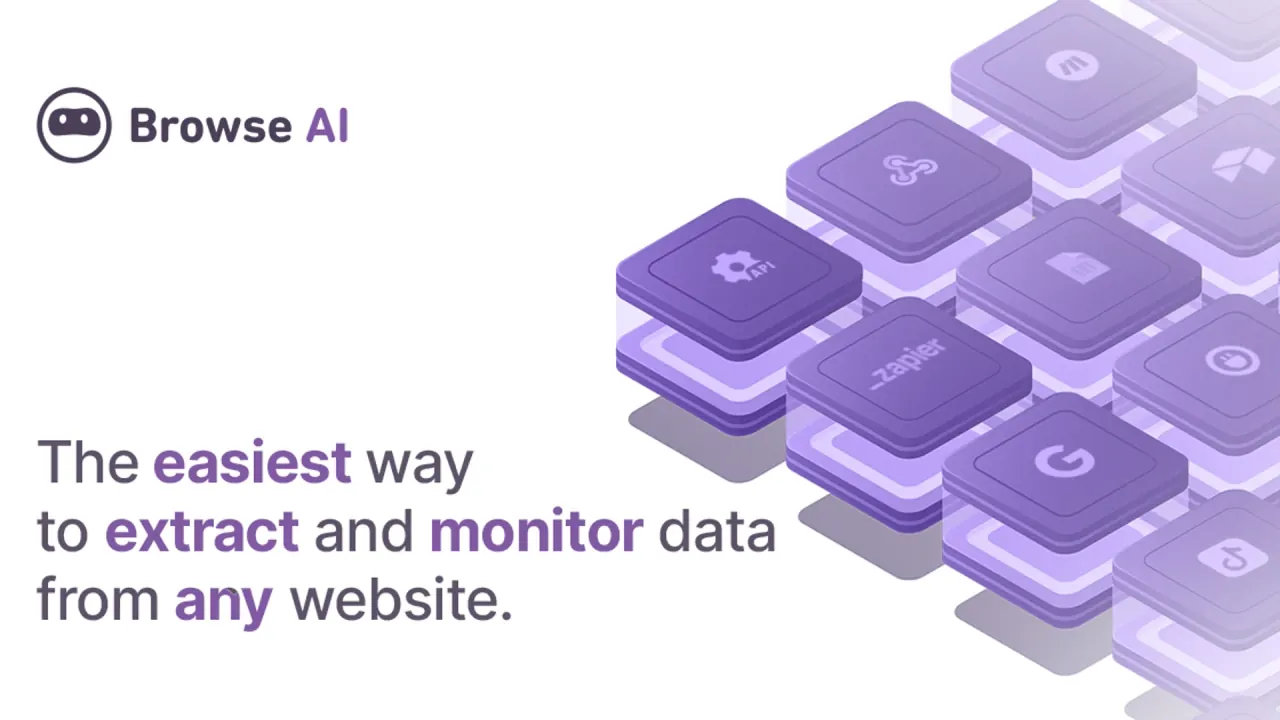

Browse AI trains a robot to extract or monitor data on a web page without code, then delivers the rows to a spreadsheet, API or webhook on a schedule you set.
Used this tool? Rate it
Used this tool? Rate it


Build forms around real submission workflows


AI image editing from a reference photo

Multi-model image studio, free to start


Natural AI photo editing for portraits and projects


AI assistant for writing, analysis and tasks

From a prompt to a deck, site or doc


Anime art, powered by a million community models


Build random generators, share them free
Browse AI is a hosted web scraping tool and change-monitoring service built around a reusable "robot": you point the product at a page, mark the values you want, and the robot repeats that extraction on demand or on a schedule. The company puts the mechanic this way: "Point it at any webpage and the AI agent extracts, scrapes, and monitors the data you need."
The product is sold by Browse AI Inc.; the only local piece is an optional browser extension used for recording and for cookie-based logins. Usage is metered in credits rather than by seat or machine.
Two building paths exist. Table Studio has an AI agent read a URL, propose tables and columns and fill a sample to check before saving. Robot Studio is a click-and-mark recorder that also handles pages needing a login, and prebuilt robots cover popular sites.
The Chrome Web Store listing is published by the site's owner and shows 100,000 users and an average of 3.9 out of 5 from 45 store ratings, as captured on November 16, 2026. The company's own pages quote a higher 4.8 out of 5 from a B2B review platform, without a sample size.
An agent loads the page, reads its structure, separates values that appear once from repeating lists, proposes columns and extracts sample rows "so you can judge the result on real data". Columns are refined in plain language rather than with selectors, and nothing runs on a schedule until the robot is saved. When the agent hits a page it cannot handle — typically one needing a password step — it routes the user to Robot Studio.
Robot Studio captures text from a list, a single text value or a screenshot. It handles pagination through numbered pages, "load more" buttons and infinite scroll, and works on pages that require a login.
Runs can be scheduled "hourly, daily, weekly, or monthly," and website monitoring compares captures over time rather than only re-extracting: it keeps a history, shows what changed, and alerts by email, webhook or a new row in a connected tool. Robots also survive cosmetic edits — the company says a robot adapts to layout changes without re-training, and each recorded step stores several ways to find an element.
Extracted data downloads as CSV or pushes to Google Sheets, Airtable, Zapier, Make, Pabbly Connect and the customer's own Amazon S3 bucket. A documented REST API and webhooks serve custom stacks, described on the product page as "a REST endpoint you can call, schedule, and pipe into your stack"; the company advertises 9,000+ app integrations through that layer.
Bulk runs accept a list of URLs and queue the work in batches. Workflows chain two or more robots so a first robot can hand detail-page links to a second, which is how deep scraping across listings and detail pages is assembled; location-sensitive sites can be captured through a chosen country.
A first robot follows a short path, the same for scraping or monitoring.
The pricing page works one budgeting example through: 50 products on a page cost 5 credits; adding each product's detail page costs another 50; monitoring those 50 detail pages every three days works out to about 500 credits a month. That arithmetic explains why a monitoring project can outgrow a plan that looked generous for one-off data extraction.
The company's own templates and use-case pages point at retail price tracking, directory lead building and feeds for language models. Three patterns stand out.
What these share is a target that stays structurally stable but changes in content: prices, listings, availability, postings. Work needing deterministic parsing of a fixed schema, or running against a site engineered to block automation, is a different problem, covered under limitations.
The core audience is operational rather than engineering. The company answers the coding question directly — "Nope! Browse AI makes it easy for you to automate tasks and extract data from websites without being a developer" — and the interface assumes someone who knows which values matter but not how to write a selector.
The fit is weaker in three situations. Teams that need extraction to run in their own code or infrastructure are outside the model, because robots execute on the vendor's platform. Operations that log into multi-factor-protected accounts hit a documented wall, since two-factor and multi-factor authentication are not supported. And high-security targets behind a login run into the bot-detection limits below, which a paid plan does not remove.
Everything runs from the browser dashboard; no local install is required. The Chrome extension is a convenience, not a requirement: Table Studio and Robot Studio both create robots without it, and it is needed only for logins using session cookies. Robot Studio "works across browsers, not just Chrome."
Outputs and inputs span the usual data stack:
The extension listing reports 100,000 users. Runs are configured from the web dashboard, and alerts arrive by email or webhook.
| Plan | Billed annually | Month to month | Credits included |
|---|---|---|---|
| Free | $0 | $0 | 50 per month |
| Personal | $19/mo | $48/mo | 12,000 per year, or 2,000 per month |
| Professional | $69/mo | $87/mo | 60,000 per year, or 5,000 per month |
| Premium | from $500/mo, annual only | not offered | custom |
Personal is $19 a month billed annually and $48 month to month; Professional is $69 and $87; Premium starts at $500 a month, billed annually only. Annual options list the year's credits as released upfront — the Personal card shows "12,000 credits per year (all credits upfront)".
The free tier is not a trial: the company describes it as "free forever: 50 credits a month, 2 websites, 3 users, unlimited robots and access to all features," with no credit card. Robots are unlimited on every plan; what scales is credits, target websites and user seats. The company describes annual prepayment as a "20% discount", and the annual tab's banner reads "Pay annual 20% discount & all credits upfront".
Credits are the unit of cost: one credit extracts 10 rows or captures one screenshot. Sites the company labels premium — those with advanced security, CAPTCHAs or complex structures — carry a minimum of 2 to 10 credits per task, so a task there can cost up to ten times the standard rate; the published list includes Amazon, Walmart, Instagram, LinkedIn and X. Unused credits "will also be reset and will not be carried over" at the end of each billing cycle. The one exception: a plan upgraded before the cycle ends has its remaining credits added on top of the new allowance.
Billing is card-only and single-currency: the company accepts "all major credit cards through Stripe" and, as of the pricing page, payment only in US dollars. A satisfaction guarantee covers "full refund for up to 60 days after purchase under certain conditions outlined in the Refund Policy" — those conditions live in that separate policy, not on the pricing page. The page also carries SOC 2 Type II, GDPR and CCPA badges and a trust center for requesting the SOC 2 report — the company's own statements.
Three situations send buyers elsewhere: unpredictable credit burn at high volume, aggressive bot protection, or a team that wants code it can own. Two alternatives are compared here.
Octoparse (prices captured on November 16, 2026) has a free plan at $0 with no credit card that runs tasks on your own computer and includes "2,000 rows / month" for templates, AI assistant tasks, MCP and API calls. Its architecture changes the cost model: "Free and Basic run them on your own computer; from Standard they can also run on Octoparse Cloud," so local runs avoid cloud metering at the price of depending on a machine you keep running.
Apify (prices captured on November 16, 2026) prices as a platform rather than a row quota: the Starter plan is "$19/ month + pay as you go," with $19 of monthly credit to spend in its store or on your own actors. It suits teams that want marketplace scrapers plus the ability to run their own code, and assumes more engineering comfort than a click-and-mark recorder.
The trade is legible: a managed no-code path with metered credits, desktop-first execution with row quotas, or an actor marketplace with compute billing. Steady, modest volume fits the first; teams that can run extraction locally or write code fit the others.
The documented constraints are specific: most name the situation in which the robot stops working.
Scraping legality is left with the user, and the company says so in two places. Its terms prohibit using the service to "in any manner violate the terms of use of any third-party website or social media platform," and a help article on data rights closes with the statement that "as the user, you remain responsible for ensuring your specific use case complies with all applicable laws and website policies." The same article advises checking a site's terms, reviewing "the robots.txt file" for what bots may access, and weighing rate limits and personal-data rules — guidance, not a clearance of any target.
On data handling, the strongest training statement is narrow: the privacy policy says the company does "not retain your information obtained through Google Workspace APIs to develop, improve, or train generalized AI and/or ML models." That is scoped to Google Workspace API data; the reviewed pages make no equivalent commitment for scraped page content, so the general position on training with extracted data is not stated. Recorded passwords are encrypted with AES-256, sign-in runs through Auth0, services sit in AWS US datacenters, and support staff can access tasks when asked for help.
Deletion depends on the plan. Free accounts can delete from profile settings; paid accounts must ask support, which processes the request "within 1-2 business days," and deletion is permanent — extracted data and robot configurations are not recoverable. One billing trap is documented: deleting an account "doesn't automatically cancel any active subscriptions," so a subscription has to be cancelled separately.
Yes — 50 credits a month, 2 websites, 3 users and unlimited robots, no credit card. Credits convert at 10 rows each, and the company frames the tier as a way to "prove a use case before paying."
One credit per 10 extracted rows or per screenshot. Premium sites cost 2 to 10 credits minimum per task, and monitoring multiplies that by the number of checks: the page's own example lands at about 500 credits a month for 50 pages checked every three days.
Only for logins relying on session cookies. Table Studio, Robot Studio and prebuilt robots work without it, and Robot Studio runs in browsers other than Chrome.
Yes, through stored credentials or shared cookies, which is central to the lead-generation templates. Accounts with two-factor or multi-factor authentication are not supported, and login-based robots are likeliest to be challenged by strong bot detection.
Yes. Robots can be called through a documented REST API or webhooks, described as a REST endpoint you can schedule and pipe into your own stack, alongside spreadsheet and cloud-storage exports.