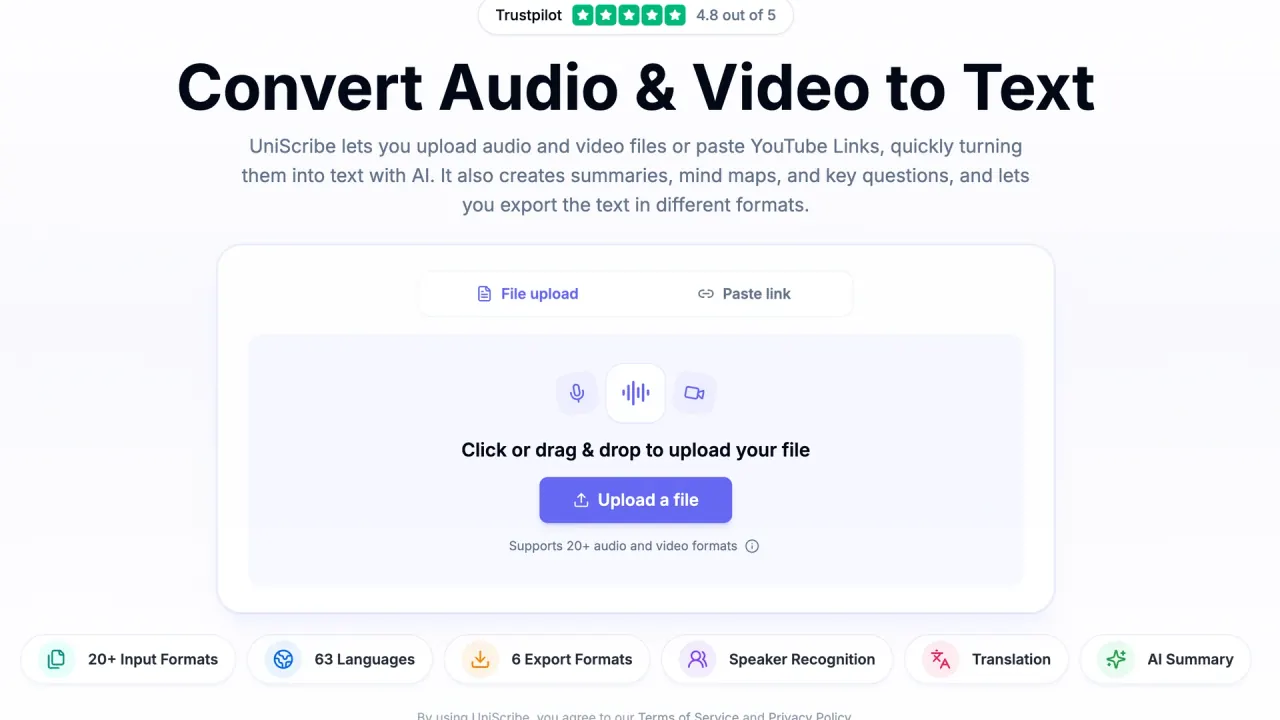

Uniscribe turns audio files, video files and YouTube links into editable transcripts in 63 languages, then adds summaries, mind maps, translation and exports such as SRT, DOCX and PDF.
Used this tool? Rate it
Used this tool? Rate it
Uniscribe (styled UniScribe on its official pages) is a browser-based AI audio to text converter that turns uploaded audio files, video files and pasted YouTube links into transcripts. After transcription it can produce a summary, a mind map and a list of key questions, translate the transcript, and export it as TXT, DOCX, PDF, SRT, VTT or CSV.
The service is run by VanCode LLC, which its privacy policy names as the data controller. An AI tools directory entry lists the same domain under the company name VanCode LLC, which helps separate this product from other software that shares the Uniscribe name.
Three things shape most buying decisions:
Uniscribe says a 1-hour file usually takes less than a minute to transcribe. Supported upload formats are 3gp, aac, amr, awb, flac, m4a, mka, mkv, mov, mp2, mp3, mp4, mpg, oga, ogg, opus, ts, wav, weba, webm, wma and wmv, and an online video link can be pasted instead of a file. For video, Uniscribe extracts the audio track itself and returns text with timestamps, so there is no need to convert a video to MP3 first.
Beyond video to text and audio transcription, Uniscribe generates an AI summary, a mind map and key questions from each transcript, translates the transcript into other languages, and offers full-text search across all transcripts. Mind maps can be exported for sharing. The Free plan lists "Limited AI Insights" while paid plans list "Enhanced AI Insights"; the pricing page does not spell out what separates the two levels.
Transcripts can be edited online and then exported as TXT, DOCX, PDF, SRT, VTT or CSV. Instead of sending a file, a user can share a link that lets others read the transcript in the browser. SRT and VTT exports make the output usable as subtitle files, while DOCX, PDF and TXT suit notes and documents.
The web workflow has three steps:
Paid subscribers who run out of monthly minutes can buy add-on minutes from Settings > Usage.
To connect Codex CLI to a transcript library, the integration page gives two commands:
codex mcp add uniscribe --url https://mcp.uniscribe.co/mcp to register the server.codex mcp login uniscribe, then approve access on the Uniscribe consent screen that opens in the browser.In Claude, the equivalent route is to open Uniscribe in Claude's connector directory, click Connect, sign in and approve access. Connected AI assistants are managed from Settings → Connected Apps, where any connection can be revoked.
The official use cases map to distinct kinds of recordings, and each depends on a specific feature:
For longer projects, paid plans allow files of up to 5 hours or 5 GB and batch uploads of 50 files, which matters for lecture series or meeting archives more than for occasional voice memos.
Uniscribe fits people who need recorded speech turned into text and then reused. Based on its plans and features, it suits:
It is a weaker fit for anyone on the Free plan who needs speaker identification, YouTube transcription or files longer than 30 minutes, and for teams that need a service-level agreement, since the terms say none is offered for most services.
On a third-party review platform, the company profile showed a 4.9 rating from 207 reviews as captured on September 28, 2026. The same profile notes that the company has not invited customers recently, so the reviews may not be representative.
Uniscribe runs in the browser: files are uploaded or links pasted on the website, and transcripts are edited, exported and shared there.
The MCP server at mcp.uniscribe.co connects AI assistants to a user's transcript library. claude.ai, ChatGPT, Claude Desktop, Claude Code and Codex CLI connect through OAuth with a single sign-in and no API key, and an active Uniscribe subscription is required. Five read tools browse, read and search the library, and two write tools submit new audio for transcription. The MCP page states that nothing an assistant does through MCP can edit or delete existing data, and that Uniscribe does not store the content of questions asked through MCP.
Access is included at no extra cost for subscribers; reading and searching do not consume minutes, while a transcription submitted by an assistant uses minutes like an upload in the app. On the Claude side, custom connectors are available on paid Claude plans, and on Team or Enterprise an organization owner may need to allow the connector first.
The OpenAPI lets developers integrate audio and video transcription into workflows, applications and automation tools like n8n, Zapier and Make. Requests can set a transcript or subtitle output type, enable speaker diarization and pass a webhook URL for completion notifications. YouTube links go through a dedicated endpoint rather than the general file URL option. The API is labelled beta, and features and endpoints may change without notice.
Uniscribe sells access through One-Time, Monthly and Annual options, with Annual marked "Save 40%". In the default state the page shows annual billing, so monthly prices are not displayed there. The table uses the prices shown in that default state.
| Plan | Price shown (annual billing) | Minutes per month | Extra minutes | File limits |
|---|---|---|---|---|
| Free | $0 | 120 | Not listed | 30 minutes per file, 1 file at a time, 3 files per day |
| Basic | $6/month ($72/year) | 1,200 | $10 per 500 | 5 hours / 5 GB per file, 50 files at a time |
| Standard | $12/month ($144/year) | 3,000 | $15 per 1,000 | 5 hours / 5 GB per file, 50 files at a time |
| Pro | $18/month ($216/year) | 6,000 | $20 per 3,000 | 5 hours / 5 GB per file, 50 files at a time |
Each paid card also shows a second dollar figure ($10, $20 and $30) next to the annual monthly price; the page does not explain what that figure represents. The three paid tiers share the same feature list, including the Premium model, API access, bulk transcription and priority email support, so they differ mainly in minutes.
One-time packages named Lite, Plus and Max are a single payment for a fixed number of minutes: Lite and Plus stay valid for 90 days and Max for 180 days. Their prices are not shown in the default state of the pricing page. Add-on minutes are fixed packs for subscription and lifetime-deal users, valid for 90 days and purchasable repeatedly. Uniscribe suggests one-time packages may be more economical for short-term high-volume needs, while subscriptions, whose minutes reset each billing cycle, may suit ongoing use. When a user holds several plans, minutes are deducted from the plan that expires first. One-time buyers cannot use the API, which requires an active subscription or lifetime-deal plan.
A lifetime licence was sold through a software-deal marketplace; that listing showed the deal as sold out as captured on September 28, 2026.
The pricing FAQ and the terms of service describe refunds differently:
The FAQ says a cancelled subscription stays active until the end of the billing period and then drops to the free tier. The terms contain both a clause saying cancellation of a paid subscription takes effect at the end of the current paid term and a clause saying cancelling before the end of paid-up time takes effect immediately, with no automatic proration.
Profiles that visitors of Uniscribe's review page also viewed include Happy Scribe, Rev, Sonix, GMR Transcription, GoTranscript, Transkriptor and Plaud. Two of them show where the trade-offs sit:
Uniscribe's own position rests on the combination of a free monthly allowance, summaries and mind maps, subtitle exports and an MCP connection to AI assistants.
The MCP page describes OAuth sign-in with no API key and two write tools, while the API documentation calls the MCP server read-only and says it uses API keys sent as a bearer token. The MCP page also says "the ChatGPT connector arrives with OAuth support", whereas the ChatGPT integration page answers yes to whether ChatGPT can connect today.
A third-party review platform's AI summary, based on 130 reviews, is broadly positive, but notes minor output formatting issues, occasional translation errors with specialized or rare professional terms, and frustration from a few reviewers with speaker attribution and manual text adjustments.
Yes, within limits. The Free plan includes 120 minutes of transcription per month, up to 3 files per day, and files of up to 30 minutes each, without a credit card.
Yes. Pasting a YouTube link returns a transcript without downloading the video, but YouTube transcription is listed only on the paid plans.
TXT, DOCX, PDF, SRT, VTT and CSV, plus a share link that lets others view the transcript online.
Its security page says data is not used for AI training without explicit consent, and files and transcripts are used only to provide the requested service.
The official pages conflict. The pricing FAQ describes refunds for unused monthly periods and prorated refunds for annual plans, while the terms of service rule out refunds on every purchase.
