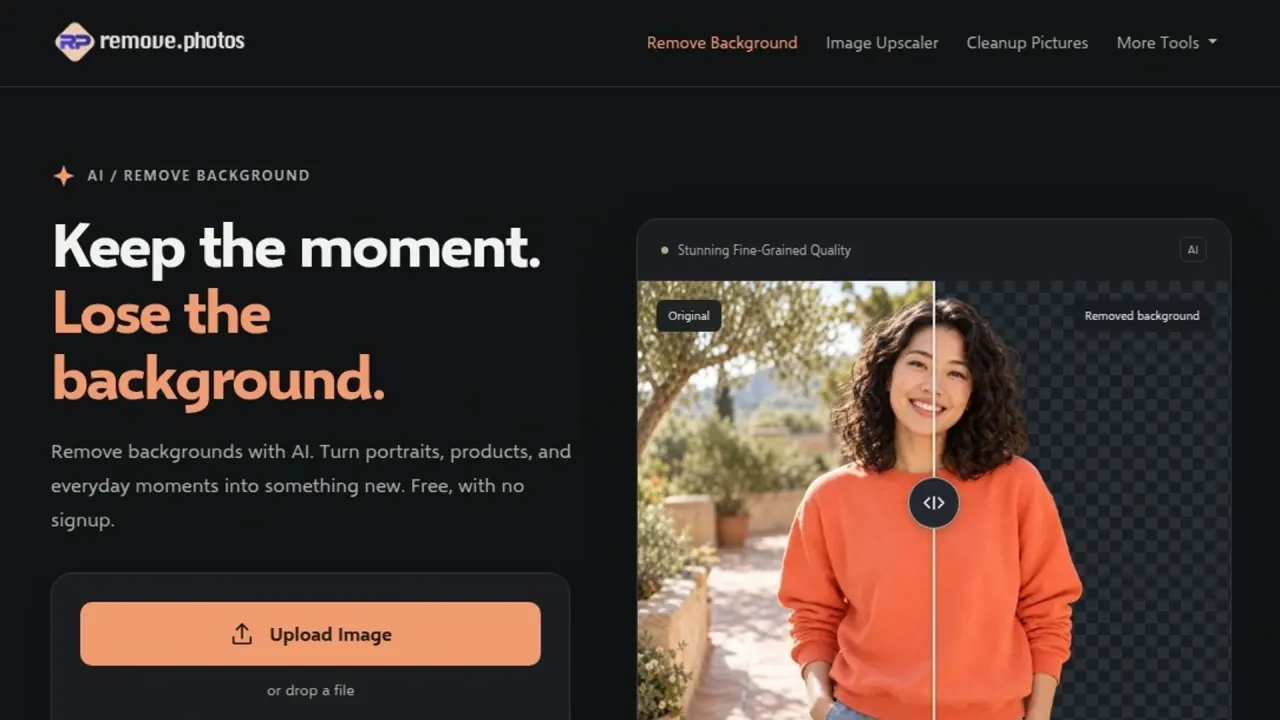

Remove backgrounds, clean up unwanted objects and adapt photos with AI editing tools. The same website includes upscaling, format conversion, OCR and a browser-based image color picker.
Used this tool? Rate it
Used this tool? Rate it
RemovePhotos is a web-based collection of image tools centered on AI background removal for portraits, products and everyday photos, offered free without signup. Its main operation separates the subject from the background; related tools change other parts of a photograph, generate surrounding content, adjust presentation or extract information from an image.
Transparent cutouts are presented as material for banners, visual presentations, product catalogs and graphics, with replacement backgrounds available for people, products and animals. The wider collection also includes cleanup, sky replacement, foreground removal, colorization, brightness adjustment, image enlargement, conversion, compression, cropping, text recognition and color selection.
The choice of tool changes what is being edited. A transparent cutout retains the subject; foreground removal removes it. White-background and blur tools change the presentation around a subject, while expansion generates additional image area.
The AI image upscaler advertises enlargement up to 4x, free without signup. Clarity and enlargement without quality loss are vendor claims, rather than independently established recovery of original image detail.
Enhance Color, Recolor Image and Style Transfer are also named image-tool entries in the suite. Their checked descriptions do not establish particular style libraries, adjustment ranges or underlying models.
OCR is advertised for documents, cards and handwriting, with recognition in over 80 languages and layout retention for structures such as tables and columns. These are advertised capabilities, without an independent accuracy benchmark in the checked material.
The subtitle remover explicitly describes finding subtitles in images, removing them and reconstructing the affected background areas. Its documented sequence accepts an image and returns an image. Video-related testimonials do not establish video upload, timeline editing or subtitle-file support.
The image color picker supports selecting an exact pixel with a magnified preview, copying HEX, RGB or HSL values, collecting colors and downloading an SVG palette. Its example also advertises arrow-key movement, Shift for ten-pixel movement and palette swatches that locate matching colors in the image.
The published sequence separates obtaining a transparent cutout from choosing a replacement background.
The user marks the unwanted area; the vendor describes its subsequent fill as AI retouching. It does not establish recovery of the original scene hidden behind an object.
The expander's published sequence is to upload an image, set expansion padding, obtain an expanded result and download it. The vendor says AI analyzes the source and generates new surrounding content in the chosen direction. Padding defines the extra area to create, while cropping selects existing content to keep.
Choose a file, drag and drop it, paste from the clipboard or supply a direct image URL. For the URL route, the browser downloads the image directly and the source must permit cross-origin access.
The cross-origin condition applies specifically to direct-URL input; the documented file and clipboard routes are separate choices.
The expander is positioned for extra room in social posts, wider landscape compositions and space for text overlays, while aiming to preserve the source's visual style and coherence. These uses concern generating extra content, rather than just resizing the existing pixels.
The OCR tool describes extracting complex tables, including merged cells, and exporting the extracted information to Excel. It also advertises processing identification, financial and certification cards. The advertised output includes structured table information; uploaded documents remain subject to the service's processing terms.
The public offering addresses image tasks through separately chosen tools. Native applications, programmatic integration and documented output-rights contracts have a different evidence boundary from these advertised editing operations.
RemovePhotos is accessed through its public website, with file-upload or drag-and-drop entries and tool-specific result/download workflows. The homepage supplies preset example-image links as well as the user's own image entry. It is a web-service offering; a native operating-system compatibility matrix is not established.
Most tools support JPG, PNG and WebP, according to support; the converter additionally lists HEIC, SVG, BMP, GIF, TIFF and AVIF. The converter's longer list is not a universal format contract for the suite.
The public support contact asks for the affected tool, a short problem description and a screenshot if possible, with a response as soon as possible. No fixed response time is stated. The checked navigation and targeted searches did not establish an official developer API, native desktop/mobile download or an integration catalog for RemovePhotos.
The main background-removal page advertises free access without signup. The same access language appears on the cleanup and upscaler pages, while individual landing pages also present conversion, compression and other operations as free tools.
The self-identified maker additionally promises free HD downloads for background removal, without accounts, email signup, credits or limits. This is a vendor-authored launch statement captured on October 24, 2026, rather than an independent test of completed downloads, sustained throughput or every tool in the collection. “No limits” does not establish an API allowance, a universal file-size limit or an SLA.
The checked homepage, support and footer documents did not provide a target subscription price, a purchase-based credit schedule or a product-specific cancellation/refund arrangement. Free access does not settle the separate input-rights, processing and retention questions.
remove.bg advertises bulk editing of up to 500 images per minute, integrations with Figma, Photoshop and Zapier, and an API documentation entry. These are competitor-authored capabilities for an automation/integration choice, without proving shared ownership or measuring RemovePhotos performance.
Cleanup.pictures states that free exports are limited to 720px, while Pro has no size limit. Its FAQ lists $5 per month or $36 per year, equivalent to the explicitly quoted $3 per month for annual billing, and a trial of HD quality. These prices and export terms were captured on October 24, 2026. They belong to this separate object-cleanup service, with an explicit free/paid export boundary.
The disclosed workflow and access terms distinguish these options; they do not establish a shared output-quality ranking.
Uploaded images are described by support as processed only for as long as needed to provide the image service. That answer does not specify a numerical deletion deadline. The separate log limit does not specify how long uploaded photos or OCR documents are kept.
Server logs may include IP addresses, dates and times, requests and requested files, transfer amounts and success status, browser/operating-system identifiers and the referring website. The stated purposes include system and data security, technical website management and service-quality optimization. These are browser-connection records, separate from the image picker's local-processing claim.
The policy says server logs are stored for only up to three months and forbids transmission to third parties, while separately stating that collected data will be submitted to authorities in instances of a hacking attack. The three-month figure is an upper bound, with the stated authority-disclosure exception retained.
The policy describes processing data supplied in inquiries and business relationships, including service transactions. For business-related data, the listed recipients include legal representatives, banks, accountants or auditors, tax advisers, courts, relevant authorities, business partners and insurers. This concerns business-related data, without stating that every uploaded image goes to every recipient.
For direct marketing, the policy refers to consent or legitimate interest in initiating a transaction, and separately says transmission of pertinent data is based solely on consent. These are vendor policy statements, without an independent compliance finding.
Cookies are described as supporting recognition, saved preferences, website-use information and non-personalized statistics, with processing based on consent; the policy also says rejecting cookies still allows website use. No signup does not mean no website analytics.
Google Analytics cookie information is described as received and stored by a Google server in the USA. The policy says IP anonymization shortens the address, with full-IP transfer permitted in exceptional cases, and says the address will not be combined with other Google data. Full-IP transfer remains possible under that stated exception.
The checked General Terms and Conditions body describes personal-data processing, contact and business relationships, server logs and cookies. That heading does not establish output ownership, a commercial licence or refunds. The other checked footer legal links reproduce the same data-processing body under different headings.
The reviewed public support and data-processing text did not explain whether uploaded images are used for model training, assign ownership of generated visual content or provide a fixed uploaded-image deletion interval. These are limits of the checked documentation, without proving an undisclosed practice or making a legal judgment.
Support lists JPG, PNG and WebP for most tools and extra formats for the converter. The full converter list is not established for every AI operation.
Support says to check that the file uses a supported format and opens correctly, then refresh the page and try again. Larger images may take a little longer, without a fixed time promised for every upload.
The stated upper limit of three months concerns server logs. Support describes uploads as processed only for as long as needed to provide the image service, without a numerical image-deletion deadline.
