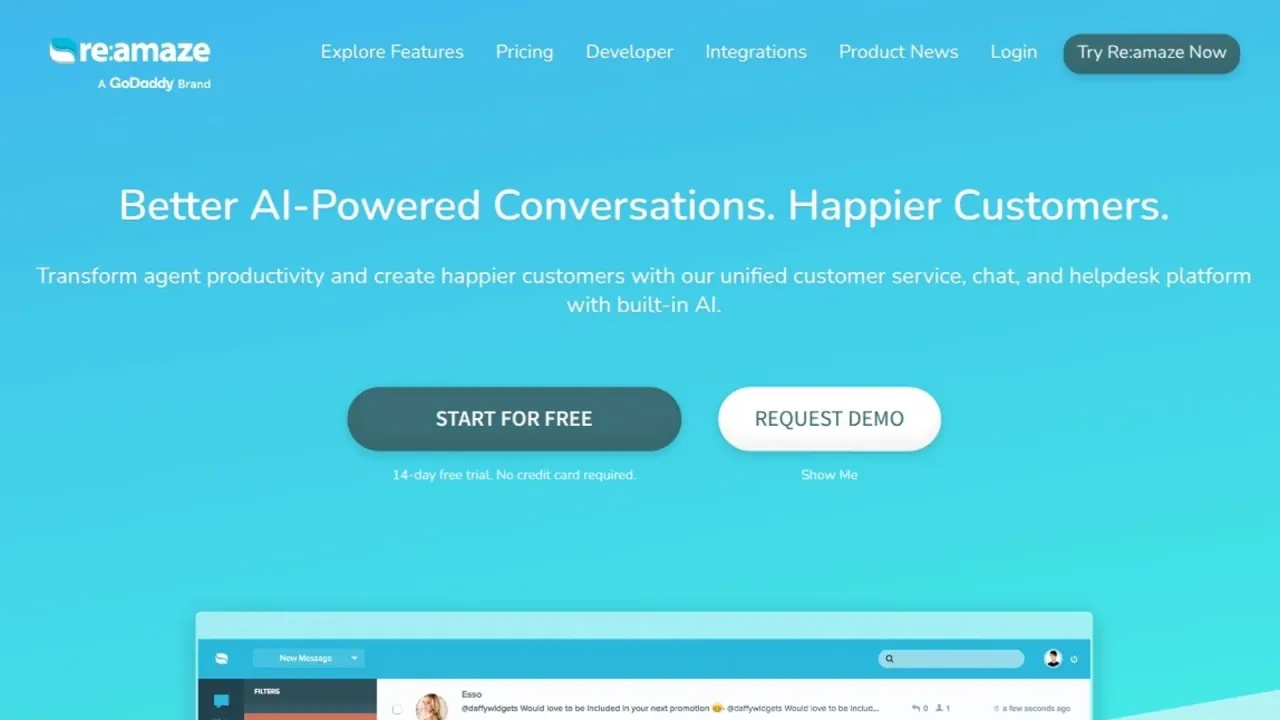

Bring customer messages, ecommerce order context and AI replies into one support workspace. Teams can combine shared inbox handling with self-service and configurable bots.
Used this tool? Rate it
Used this tool? Rate it
Re:amaze (also styled Reamaze) is a customer service platform combining a shared inbox, live chat, self-service FAQs and automated replies. Its ecommerce helpdesk connects conversations with store information. Re:amaze is supplied by Lantirn, Inc., a GoDaddy company.
The platform brings email, live chat, social media, mobile SMS, VoIP, video calls and push notification conversations together, with assignments, notes and shared views. AI customer support includes staff writing assistance and an agent that replies automatically. Channels and management tools have different plan requirements.
The homepage labels the autonomous AI Agent as Beta. Configurable knowledge sources, human escalation, testing and metered resolutions define its scope.
The AI Agent handles customer questions across chat, email and SMS. It draws from FAQ articles, response templates, custom AI context and connected Shopify or WooCommerce product and order information. AI Settings selects or excludes knowledge sources.
After an AI escalation to a person, marking the conversation Done generates a suggested Learned Answer. Approved, saved answers become available for similar future questions. This reviewed knowledge-building feature is distinct from model-training permissions in the AI terms.
Shopify support can bring order handling into the customer conversation. The integration catalogue describes viewing and managing orders, processing refunds and creating draft orders. These are documented integration actions, not evidence that AI autonomously executes them.
The main differences between teams appear in the operational features they need.
Re:amaze defines a user as anyone with login credentials to manage or view conversations, including viewing without replying.
Re:amaze runs in a modern browser on a computer or mobile device without a software installation. Its iOS and Android apps support multichannel messages, status changes, internal notes, forwarding, tags, reassignment, preset workflows, articles, response templates, customer profiles and conversation histories.
Re:amaze offers both member-based subscriptions and conversation-based plans. Prices below were captured on October 29, 2026. Its terms state that transactions are processed in USD and that applicable localized fees or taxes may also be charged.
| Plan | Monthly billing, per team member | Monthly equivalent, billed annually |
|---|---|---|
| Basic | $29 | $26.10 |
| Pro | $49 | $44.10 |
| Plus | $69 | $62.10 |
User-based plans include unlimited conversations and charge according to the staff-user count. Volume-based plans instead include unlimited users and charge according to conversation volume. Starter is listed at a flat $59 per month, with Basic features, unlimited team members and 500 Responded Conversations per month.
For volume-based accounting, an active conversation is one with at least one customer-facing reply from a staff user, chatbot or autoresponder. The subscription documentation also names Volume Pro and Volume Plus, with higher conversation allowances available through customized volume pricing.
Basic includes 5 AI Agent resolutions per user seat per month, Pro includes 10, and Plus includes 20. Additional resolutions cost $0.85 each. A resolution is counted once per conversation thread handled entirely by the AI Agent without escalation to a human; multiple messages in the thread remain a single resolution, and a human-escalated conversation is not counted as an AI resolution.
Classic Chatbots can continue as a no-cost fallback when Usage Overage is off. The overage switch is under Settings > AI Settings, and usage can be monitored from the AI Agent/Chatbot settings or Subscription Plan page. Volume plans have no included seat-based AI allowance: all their AI resolutions are billed at $0.85 per resolution.
The pricing page advertises 10% savings for annual billing. The subscription help article still states 5% savings for Basic, Pro and Plus and says annual subscriptions are unavailable for volume plans. The table uses the pricing page's displayed annual equivalents; the public discount descriptions differ.
Annual plans are billed for the full year at the beginning of the period. Adding users or upgrading later produces a prorated charge for the remainder of the annual cycle. The help article says monthly-plan changes are not eligible for prorated charges.
Higher-tier upgrades are available through Settings > Subscription Plan. Switching between user- and volume-based billing, downgrading, or changing between annual and monthly billing is handled through the Re:amaze team. Major credit cards and Shopify billing are accepted.
The 14-day free trial includes all Plus features. The pricing FAQ states that an account will not be billed unless it chooses to continue.
The terms say cancellation before the current paid month ends takes effect immediately, with no further charge and no refund for unused time. Subscription fees are described as non-refundable. Suspension instead puts the account in read-only mode for up to six months without payment; replies are unavailable during suspension, and the help article says the data is deleted after that period.
Suspension is available at Settings > Subscription Plan > Suspend Subscription. Close Account permanently closes the account and deletes its data. Re:amaze says its support team cannot suspend or delete an account on the user's behalf under its privacy and security policies.
The account owner must close the account explicitly; all account data, conversations and contacts are then permanently deleted.
Gorgias offers a different budgeting model for an ecommerce helpdesk. It describes helpdesk capacity in tickets rather than a per-agent charge. The comparison with Re:amaze depends on whether the latter uses member-based or volume-based billing.
Help Scout describes email, live chat, SMS, WhatsApp, Facebook Messenger and Instagram conversations in a shared inbox, together with Docs and the Beacon help widget. Its phone support runs through integrations such as Aircall, JustCall and Talkdesk. These are vendor-described alternatives, without a claim of identical store actions, AI coverage or plan entitlements.
The DPA describes Re:amaze as processor or subprocessor and limits Customer Personal Data processing to documented instructions, agreed purposes or law. It also says Re:amaze will not use that data for a commercial purpose other than providing the services, process it outside the direct business relationship, or combine it with other collected data except as expressly permitted by the agreement.
That defined category excludes “Re:amaze Data.” The latter includes account, transaction, identity-verification and service-use information, along with de-identified data subject to applicable restrictions.
The DPA's subprocessor list names OpenAI for product/knowledge content and communications or chat transcripts. Its listed data includes customer-supplied text and media, customer-account information, product content, activity metadata and chat transcripts. Pinecone is listed for message analysis and finding relevant help articles using a vector database, with customer and end-user communication data.
Re:amaze's terms expressly incorporate GoDaddy's AI Terms of Use for AI features, capabilities, tools and bots. Those AI terms authorize GoDaddy and third-party AI providers to store and use Input to provide AI services, review inputs and outputs for abuse or misuse, and improve services and third-party technology, including machine-learning model design, training and development. The AI terms define Content as Input and Output and permit GoDaddy to use Content to market and advertise its services, as well as to provide, maintain, develop and improve them, comply with law, enforce policies and keep services safe.
The DPA separately says it governs conflicts concerning its subject matter, while mandatory transfer provisions prevail over the DPA itself.
As between the customer and GoDaddy, the AI terms preserve Input ownership and assign Output rights to the customer to the extent permitted by law. They do not warrant that Output qualifies for copyright protection. They also require human evaluation of output for accuracy, truthfulness and suitability before use or sharing.
Account closure is described as permanently deleting account data, conversations and contacts. The cancellation terms also reserve the ability to preserve data in a non-restorable form, even while describing the removal as irreversible. The DPA provides for returning, deleting or de-identifying Customer Personal Data after termination, with an exception where law requires retention; its processing obligations continue for retained personal data until retention is no longer legally required.
The global notice covers personal data when GoDaddy acts as controller. It excludes data customers process for their own business; GoDaddy acts as processor for that data, following customer instructions or law.
The linked global privacy notice, which includes Lantirn, recognizes access, correction, deletion, portability and marketing-preference rights. It describes explaining requests declined for legal or other reasons, along with available appeal or complaint rights. It permits disclosures to processors and business partners, to marketers and advertisers for personalized marketing and advertising messages, for legal or safety purposes, and in a business sale or merger.
Retention under that notice depends on business and legal needs, including whether an account remains open and whether data is needed for tax or other business purposes. Data may be deleted or de-identified when no longer needed.
The DPA expressly prohibits using Re:amaze to process PCI-DSS payment-card data. It also makes the customer responsible for protecting its account and says Re:amaze is not responsible for backing up Customer Personal Data.
Yes. Under Settings > Email Channels, enable the AI bot email signature and enter the text to append to AI-generated replies for that channel.
An AI reply sets the conversation status to Responded. It has not yet been marked Done, On-Hold or Archived.
The terms require users to be at least 18 years old, able to enter a binding contract and not barred from using the service under applicable law. A person accepting on behalf of a company must have the authority to bind that company.
