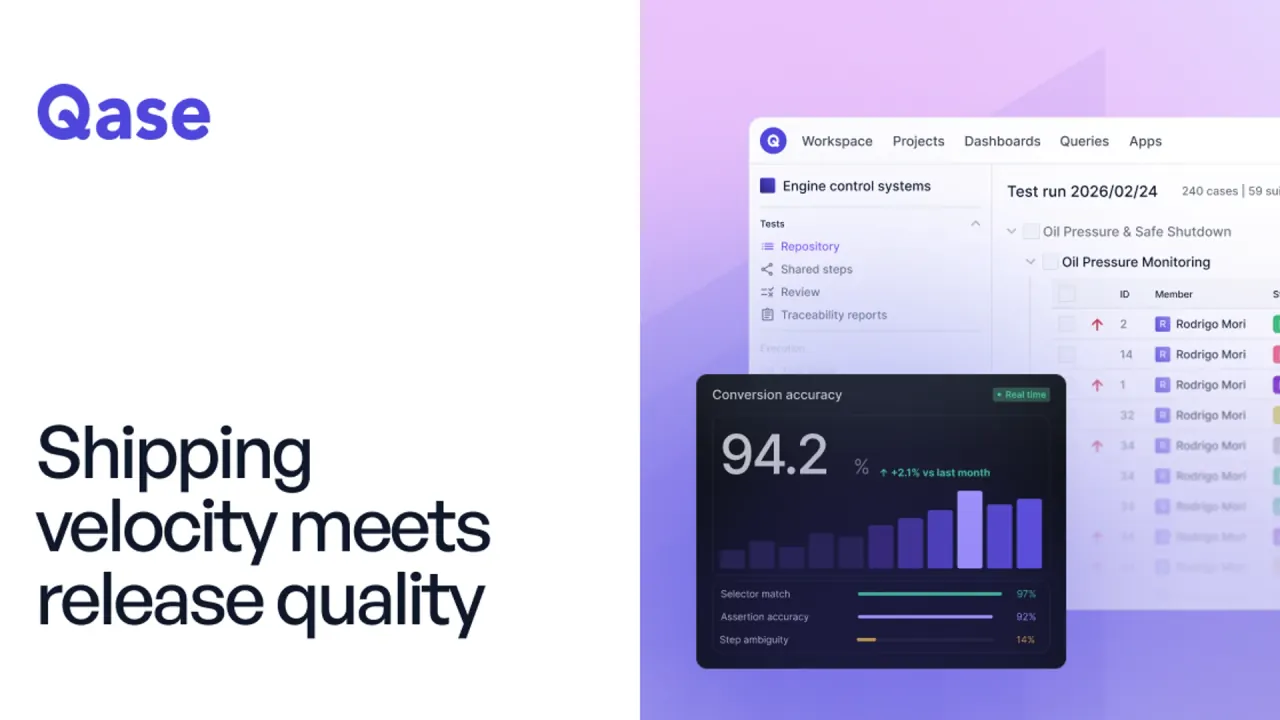

Qase connects manual tests, automated results, requirements, and defects. QA and engineering teams can review coverage, generate test cases, and track releases together.
Used this tool? Rate it
Used this tool? Rate it
Qase is a test management platform that brings CI results, automated test runs, and manual testing into one shared view. QA and engineering teams share a record of cases, outcomes, and coverage.
As captured on October 28, 2026, QA Architect and Test Advisor retire on November 6, 2026. AIDEN-generated automated tests can then no longer be generated, run, or exported inside Qase. Test Designer, which generates manual test cases, continues.
Native manual-to-automation conversion and cloud execution still appear in promotional material, but the dated retirement announcement limits their availability. The continuing platform centers on test management, reporting, integrations, and MCP access.
Test Designer generates manual test cases from requirements entered directly or pulled from a connected tracker. AI test case generation uses OpenAI models. Users review the output, discard unwanted cases, and save others; generating documentation does not establish that an application has passed it.
For connected issues, the number of generated cases adapts to requirement complexity and the acceptance criteria found. Qase describes the output as spanning positive, negative, boundary, and error-handling scenarios, rather than a fixed case count. These vendor-described behaviors do not guarantee complete coverage.
The matrix reflects linked cases and recorded outcomes, not a guarantee that every requirement is sufficiently tested.
Qase describes three main audiences:
Teams can keep their test frameworks and execution pipelines while organizing outcomes in Qase. Continued native AIDEN cloud execution has a defined cutoff.
Qase connects existing automation through prebuilt plugins and reporters for frameworks including Playwright, Selenium, and Cypress. Annotations or wrappers map to the Qase test model, while reporters capture results, environment, and build metadata. This reporting connection is distinct from the retiring AI Test Cloud.
The Jira integration links cases, runs, and defects; a separate Jira Server and Data Center plugin synchronizes statuses. The Playwright integration publishes statuses, steps, attachments, and screenshots as specifications run, and links tests to cases by ID. Synchronization scope depends on the integration.
The Qase MCP server works with Claude Desktop, Claude Code, Cursor, OpenAI Codex, OpenCode, and other MCP-capable clients. It is available on every plan as a locally run server authenticated with an API token. Teams and Enterprise add a hosted server using OAuth; queries requiring QQL need one of those paid plans.
An assistant connected through MCP can read and write Qase data under the user's Qase permissions. Changes appear in the Qase UI and, on Teams and Enterprise, in audit logs. The optional Quality Supervisor plugin adds ready-made analysis; unlike the general read/write MCP surface, it has no delete operations and waits for confirmation for anything it writes.
As captured on October 28, 2026, Qase lists Free, Teams, and Enterprise plans. Teams is priced at $35 per full user/month with annual billing, or $42 billed monthly. Enterprise uses custom pricing. The captured prices use $ without naming a dollar currency code.
| Plan dimension | Free | Teams | Enterprise |
|---|---|---|---|
| Full users | Up to 4 | 5+ | Unlimited |
| Published seat price | $0 per user/month | $35 per user/month annually; $42 billed monthly | Custom |
| Active test runs | 2 | Unlimited test runs | Unlimited test runs |
| Test data access | 30 days | 2 years | Unlimited |
| Included monthly AI credits | None | 2,000 | 4,000 |
| API-submitted results | 5k per month | Unlimited | Unlimited |
| Shared workspace API rate limit | 150 requests/minute | 600 requests/minute | 1,000 requests/minute |
| Collaborator seats | Not included | $10 per user/month add-on | $10 per user/month add-on |
| Integrations | Not included | Included | Included |
Full seats are for people who create and run tests. Collaborator seats provide view-and-comment access to runs, reports, and dashboards. API rate limits are shared across all workspace tokens.
Teams offers a 14-day trial with no obligation or credit card required. Teams includes role-based access control and audit logs. Single-workspace SAML SSO is included with Teams and Enterprise. Multi-workspace SSO and SCIM provisioning are Enterprise features; they differ from single-workspace SSO.
Included AI credits do not roll over. They reset monthly on the same date as the subscription start date, including when the subscription itself is annual. Credit-consuming actions include step-generation attempts and successful generations, code display, manual case generation, test-case analysis, and natural-language QQL. Costs vary with attempts, case size, and other factors; credits are not a fixed completed-test count. Some listed actions belong to the legacy features subject to the November cutoff.
Extra credits cost $0.40 per credit, and over-usage is disabled by default. Once enabled, the budget initially allows unlimited usage unless a custom amount is set. Qase says it suspends further AI usage when the budget threshold and allocated credits are exhausted. The budget covers the entire billing term; paying an over-usage invoice does not reset it, and increasing that threshold is required to allow further usage beyond it.
Monthly subscriptions add extra AI usage to the monthly invoice. Annual subscriptions bill it separately, with an invoice each time $300 is spent on AI credits. Monthly credit renewal does not reset the full-term budget.
The subscription starts on the date in the order form, or when the account becomes active for an online signup, and runs for the selected term. It automatically renews for a period of the same length unless a fully executed Master Service Agreement governs renewal.
The public terms make fees non-refundable, including during a committed term. Early cancellation preserves access until the paid term ends but does not produce a refund. A signed order form controls in a conflict, and the rule is subject to applicable law.
Two alternatives organize testing differently:
These vendor-described capabilities distinguish where the test record lives; they do not establish equivalent AI output, costs, or migration behavior.
The retirement covers QA Architect conversion, Test Advisor readiness scoring, AIDEN code export, and AI Test Cloud execution in every environment, including dedicated clusters. The features work normally until November 6, 2026; AIDEN automated tests then become unavailable in Qase.
Before the deadline, saved AIDEN tests can be exported from the repository using Export autotest, selecting a language/framework and generating code to copy or download. The export option then disappears. Exported tests can run in the team's own pipeline and send results back through a Qase reporter; Qase-hosted execution does not continue.
Test cases, runs, and results created outside AIDEN are not affected. MCP, the API, reporters, and integrations continue, and the announcement says neither the plan nor its price changes. Test Designer continues to use AI credits.
A downgrade to Free applies the 30-day history window immediately. Test run data, defects, and change-log activity older than that become inaccessible; returning to a paid plan does not restore data that already fell outside the window. Runs still inside the window retain access and receive the longer paid retention period. This describes accessibility, not confirmed physical deletion.
AI permissions can be controlled by role for manual generation, readiness analysis, automation creation and execution, and code export. Owners, administrators, and members have all AI capabilities by default; collaborators have none. Custom roles separate those capabilities; permissions cannot preserve retiring features.
The AI terms grant non-exclusive, non-transferable, revocable access for internal business purposes within subscription limits. Users retain ownership of their submitted input and may use generated content commercially to the extent permitted by law. Qase does not warrant the generated content's accuracy, completeness, or fitness for purpose, and assigns responsibility for reviewing and validating output to the user. Commercial use is not a quality or legal clearance guarantee.
The AI overview says data is not used for model training, inputs are processed solely to generate results in the workspace, and no test data, requirements, or credentials are retained beyond the immediate request. These are vendor assurances.
The supplemental AI terms use different boundaries. They permit collection and use of telemetry, input, and usage patterns to improve functionality, performance, and safety and to monitor abuse and fair usage. Their training exclusion specifically covers training external third-party models with input or generated content. The broad help-center assurance and narrower contractual exclusion have different scopes.
The general privacy policy separately retains personal data as necessary for its stated purposes, legal obligations, disputes, and agreements. Usage data is generally held for a shorter time, with security, functionality, and legal exceptions. Information supplied from outside the United States is transferred to and processed in the United States. Personal-data retention, AI processing, and test-history access are separate policies.
Qase says it holds SOC 2 Type II, SOC 3, and ISO 27001:2022 certifications, runs infrastructure on AWS, and offers a Data Processing Addendum. Its GDPR-compliance statement is a vendor representation, not a guarantee about every customer's use.
Privacy rights depend on geographic location, and requests may require identity and address verification. The GDPR addendum addresses EU/EEA residents or citizens and includes access and rectification plus conditional erasure, restriction, objection, and portability rights, with one month to respond to a request. The website privacy policy also says it is not intended for under-18s and bars their registration, purchases, and submission of personal information. The student-oriented free plan does not remove this boundary.
The public terms specify Delaware and applicable US law, exclusive Delaware state/federal court venue, and a jury-trial waiver. These are contractual provisions, not a conclusion about their enforceability in a particular jurisdiction.
No. Owners and administrators can disable the AI-powered workspace setting. This hides AI UI and stops credit consumption without deleting existing generated cases/scripts. The separate AIDEN retirement still applies.
A collaborator license takes precedence over the assigned role. A collaborator assigned Administrator remains unable to take write actions.
No. Qase notes that disabling Create for test runs prevents starting runs but still allows executing tests inside a run created by someone else. Roles determine permitted actions, while project membership determines which projects a user can see; both are needed for access to an entity.
