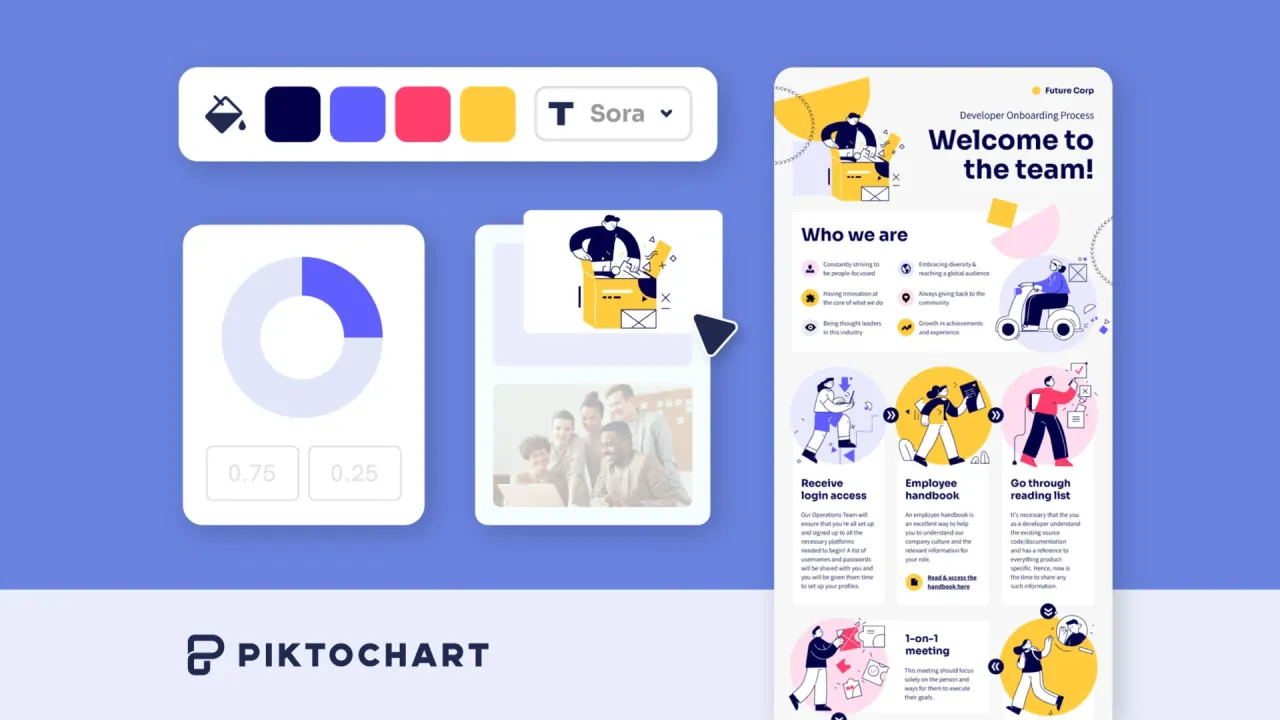

Create infographics, reports and presentations from prompts or documents, then refine charts, layouts and branding in a visual editor.
Used this tool? Rate it
Used this tool? Rate it
Piktochart is an online visual communication platform for creating infographics, reports, presentations, print materials and social media graphics, with AI generation and an editable design workspace. A topic or document can become a starting design, while charts, maps, tables, images and brand assets provide the material for refining the result.
The product combines several kinds of creation. An AI infographic maker produces a visual draft from content; the visual editor supports structured information design; AI image tools generate or alter individual images; a separate AI video feature creates short clips. These entry points have different saving, credit and export rules. A subscription with unlimited visual downloads does not make AI generation unlimited, and access to a visual editor does not imply that every file format is included.
Piktochart's image suite covers generation, modification, upscaling, restoration, background removal and text or watermark removal. These are individual image operations within the broader visual creation workflow.
Image generation allows a choice between Imagen and OpenAI models before submitting the prompt. Images can be uploaded in JPEG, PNG, GIF and WebP formats. Pro and Business are described as offering more advanced models and enhanced output quality, so availability of the image tools on Free does not establish identical model access across plans.
Each use of these AI image tools costs 25 credits per image. Generated images are saved to the account and can be reused through My Uploads > AI Images without generating them again or spending more credits on that reuse.
Visuals are private to their owner by default, and the owner can share them with the whole workspace or selected members with edit or comment access. Only visual owners can change sharing permissions. Shared libraries, brand assets and feedback therefore support a team production process, but they should not be read as a promise of simultaneous editing or version recovery.
Document format is designed for multipage, text-heavy content that still needs visual structure, while Presentation format organizes ideas slide by slide.
Print format is optimized for materials distributed physically, including brochures, flyers and posters. PDF access remains a plan-level issue even when the source design is intended for print.
In a vendor-hosted testimonial, Kerry Tottingham, co-director of a Brilliant Thing, says The Brilliant Box's design was created with Piktochart instead of paying for separate design work.
The AI video feature also has model-dependent credit consumption. Conflicting credit examples in its guide leave the charge for the same model unresolved. The limits for this generator should not be transferred to other video-editing products or to the static visual editor merely because they share the Piktochart name.
The pricing below was captured on October 22, 2026. Commercial prices are per member; annual figures are monthly equivalents billed annually, rather than monthly subscriptions at the same amount.
| Plan | Published price | Visual downloads | AI allowance and storage |
|---|---|---|---|
| Free | $0 | Two PNG downloads; only free templates | 60 credits; 1 GB storage; unlimited visual projects |
| Pro | $10/member/month billed annually, or $15 monthly | Unlimited PNG; premium templates; transparent backgrounds | 500 credits; 100 GB storage |
| Business | $17/member/month billed annually, or $20 monthly | Unlimited PNG, PDF and PPT; Brand Kit and Branded Templates | 1,000 credits; 250 GB storage |
| Enterprise | Custom pricing | Business features plus organization controls | Onboarding, security review/MSA support, workspace controls and SSO/SAML |
Education has a separate allowance of 250 AI credits, limited Brand Kit access, 100 GB storage and unlimited PNG, PDF and PPT downloads. The nonprofit card also offers those export formats, limited Brand Kit access, 250 AI credits and 100 GB storage, at $60 per member billed annually.
A topic prompt costs 1 credit, summarizing pasted text or an uploaded document costs 3, text-to-image costs 6 and the AI image-generation tools cost 25. These are different actions; counting a monthly credit allowance as the same number of complete image generations would misstate the quota.
Monthly subscription credits are pooled across the workspace according to its seats. Unused subscription credits do not roll over, while separately purchased credits do not expire and remain usable after a subscription ends. The prepaid packages listed in USD are $20 for 2,000 credits, $50 for 5,500, $100 for 12,000 and $200 for 25,000. Purchased credits therefore have a different lifetime from the monthly allowance.
Free PNG exports are capped at two downloads per account, and this download allowance does not refresh. The Free account guide says the plan does not expire and its 60 AI credits refresh monthly; a separate credit guide says that after a Free trial ends, a paid subscription is required to use remaining credits. Those statements leave the post-trial AI-access boundary inconsistent across the checked documentation; neither implies that the two PNG downloads renew monthly.
Paid subscriptions renew automatically until canceled. Cancellation retains the current plan's features through the end of the billing cycle. The terms exclude refunds of fees already paid except in exceptional circumstances at Piktochart's discretion, including for accidental purchases or a change of mind. The ability to cancel is consequently different from a guaranteed refund window.
Canva advertises real-time co-creation, editing and immediately visible changes across a newsroom team, alongside charts that accept pasted data or a linked Google Sheet. That makes simultaneous team design a concrete comparison point for organizations whose process depends on several people working together at once. This describes Canva's published capability, not an independent finding that either editor is faster or produces better visuals.
Visme offers presentations with popup and rollover interactions, allowing viewers to explore information inside a design. Its keynote maker also lists printable PDF and interactive HTML5 downloads as paid features. That creates a distinct comparison around interactive delivery and downloadable presentation formats alongside Piktochart’s visual exports.
Pikto AI also does not generate charts directly from raw CSV files or data tables. Preserve Content can visually retain charts and tables already present in the source document, and this applies only to Document format. Preserving an existing chart is a different operation from interpreting raw data, calculating a new chart or linking an editable chart component to a spreadsheet.
A vendor fact-sheet article describes free PNG downloads as having no watermark, but also calls them two downloads per month; the Free account and export guides instead say the two-download allowance does not renew. The no-watermark wording is a vendor statement about the stated free PNG output, not evidence that all video, image and visual exports share one universal branding policy.
Private sharing settings do not mean exclusion from AI training. The privacy policy distinguishes private access from training participation and says created visuals and uploaded images are included in its AI training program by default, describing created visual thumbnails and uploaded images as training content.
The policy says users can opt out by email, but the opt-out applies to future training use. Images already used may remain in trained models, and learned patterns may remain after opting out. It also describes requests for participation status, training partners and information about how content has been used. These are the vendor's published rules; an opt-out is not described as erasing an already trained model.
The terms say users own their content subject to the content-use license. That license is worldwide, perpetual, non-exclusive, royalty-free, assignable, sublicensable and transferable, and extends to Piktochart and third parties to which it distributes or assigns content. The ownership statement and the broad license need to be read together; ownership alone is not a promise of exclusive use or confidential processing.
Piktochart states that images created with its AI tools are covered by a commercial-use license for client projects, marketing materials, presentations and other commercial work. Users must own or have the necessary authorization to use their submitted content. Separately, the terms do not warrant that use of material obtained from the site will avoid third-party infringement. The commercial-use statement therefore does not establish exclusive rights, clear every uploaded asset or replace the content responsibilities in the terms.
Piktochart does not support exporting a visual directly as JPEG or Microsoft Word DOCX. Available visual formats are PNG, PDF and PowerPoint PPTX, subject to the plan. To use a visual in Word, insert an exported image or PDF; this does not create a native editable Word export.
The Download as Pages option saves separate blocks or pages within a PDF. Without that option, the design is downloaded as a continuous long-form visual without page breaks. This is an export-layout choice, distinct from whether the plan includes PDF downloads at all.
The visual generator does not follow layout, page or formatting instructions, and detailed requests such as a particular column arrangement or exact page count are outside its documented prompt behavior. Content, tone, audience and language can guide generation, while layout and structure can be customized afterward in the editor. A request for a precisely formatted document is therefore different from entering its topic and source text.
