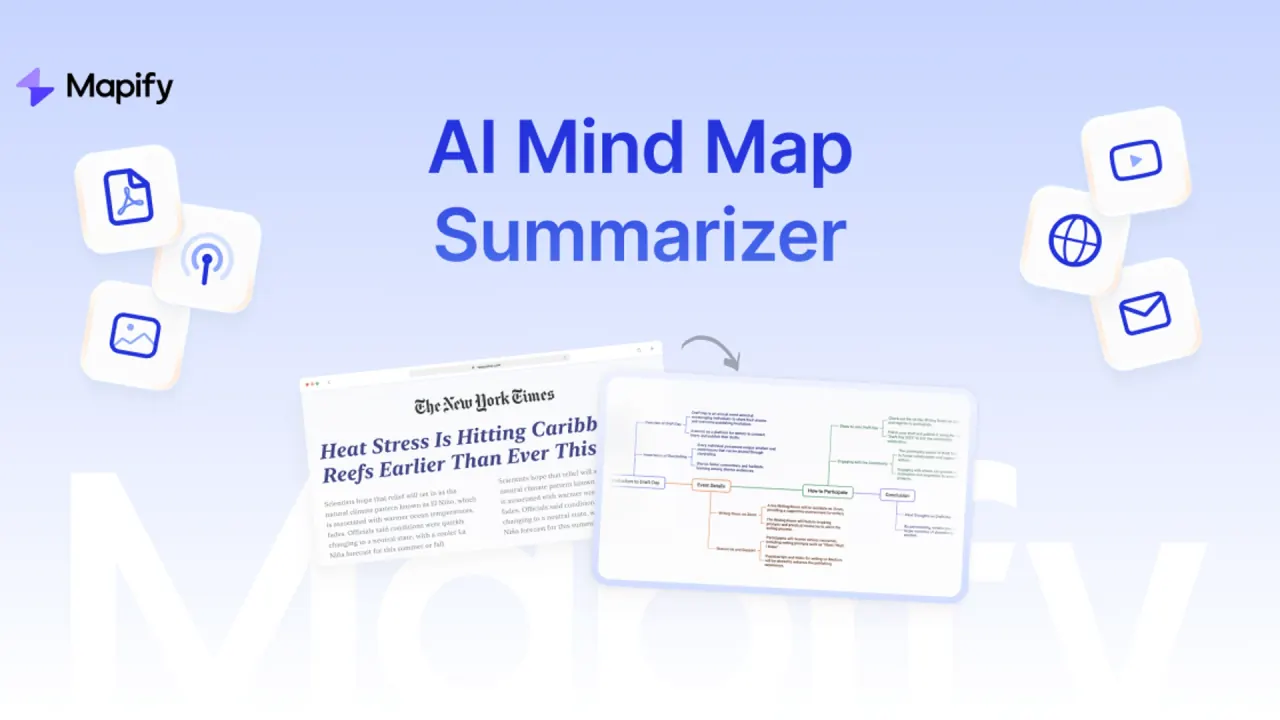

Summarize documents, YouTube videos, webpages, images, and recordings as mind maps. Refine the structure with AI, compare files, or create a cited research report alongside a map.
Used this tool? Rate it
Used this tool? Rate it
Mapify is an AI mind map generator developed by Xmind that turns source material into editable visual summaries. SUPERMIND PTE. LIMITED is the operator named in its terms for mapify.so.
Mapify accepts YouTube videos, PDFs and documents, URLs, podcasts, and meeting recordings, with generation powered by GPT, Gemini, or other large language models. It combines content summarization with an editor: a map can start from existing material, then develop through questions, expanded branches, manual changes, or presentation.
There are also two distinct research paths. Ask Anything works with questions and attached material in a conversation. Deep Research is positioned for multi-step investigation over the web and produces both a cited report and a map.
Map structure remains adjustable after generation. Editing and formatting controls change structure and layout through clicks or keyboard shortcuts.
Mapify describes Deep Research as multi-agent web research that plans a query, searches online information, synthesizes and cross-verifies evidence, and produces an evidence-based report with numbered citations beside a synchronized, editable mind map. The report supplies a reading format, while the map exposes its outline and relationships visually.
The resulting report can be edited by section. Its map supports dragging to reorder, notes, and tags, and both report and map can be translated across languages. The descriptions of research coverage and cross-verification are Mapify's product claims, not an independent assessment of the resulting reports.
The documented education workflow has three stages:
Language, complexity, and working mode are part of the generation stage; manual and conversational changes follow it. This separates the initial request from later refinement.
Open a map and use the Share button at the top right to create a shareable link. Shared files can then be found in All Maps.
For file export, open the map and choose Share > Export; the documented formats include PDF, images, and Xmind files for further personalized editing. Format choice changes what is handed over: an image is a visual artifact, a PDF is a document, and the stated Xmind route is specifically intended for continued editing.
Mapify's work examples include turning several files into a project brief and mind map organized around goals, scope, risks, and next steps.
A separate meeting use case extracts decisions and action items from notes, then maps owners, deadlines, and follow-ups.
For research and learning, Mapify describes comparing findings across papers and notes, then mapping the main arguments and open questions.
For customer work, it describes summarizing requirements across attachments and mapping pain points, priorities, and objections. A requirement map and a research map therefore have different organizing questions even though both use the multi-file conversation.
These intended audiences do not remove the service's access conditions. The terms state that users must be at least 18 and that people under 18 may not use or register for the service. Its education positioning therefore cannot be treated as blanket authorization for younger students. The privacy notice separately refers to a parent or guardian consenting to a minor dependent's use. These statements are not reconciled here and do not establish that a child account is permitted.
One subscription is stated to work across the web app, browser extension, and apps for iOS, Android, iPadOS, and macOS.
An account can bind up to three personal devices. Settings > Devices manages those bindings; a device must be unbound when the limit has been reached, and the device currently in use cannot be unbound. Unbinding signs that device out. Account sharing is prohibited and can lead to suspension or permanent termination, so multiple device support is described as personal access rather than a shared team seat.
The extension is positioned for on-page capture of web PDFs, social posts and discussions, podcasts, selected text, images, and embedded audio or video. Its web PDF route is described as producing a structured map without downloading the PDF first.
The Chrome listing also describes Gmail email-list or thread summaries and ChatGPT-conversation summaries. Its instructions are to install and pin the extension, sign in, then use Alt+M, Option+M on Mac, or the right-click menu to generate a map.
Mapify's MCP Server connects compatible assistants, including Claude Desktop and VS Code Agents, to map generation from prompts, YouTube, documents, public URLs, and other text material. The documented result includes a high-resolution map image and an editable Mapify link for continuing work in the service.
Free access includes 30 one-time AI credits, five PDF/document-to-map uses, five YouTube-to-map uses, prompt/Markdown mapping, and YouTube transcript access, with no credit card required. A one-time credit grant differs from a recurring monthly allowance. It is also separate from the premium subscription trial described below.
The annual display captured on November 1, 2026, Pacific time, showed the following rates with a 40% discount label. Each paid rate was explicitly marked per month, billed yearly; these are displayed annual-billing rates, not asserted month-to-month checkout prices.
| Plan | Displayed monthly equivalent, billed yearly | Stated monthly AI allowance |
|---|---|---|
| Basic | $5.99 | 1,000 credits |
| Pro | $11.99 | 2,000 credits |
| Unlimited | $17.99 | Unlimited label, subject to model and fair-use boundaries |
Basic includes the Instant model, PDF/document and YouTube summaries, editing and customization, PDF/Markdown/SVG export, and slide presentation. Pro adds the Powerful model, audio and image summarization, Deep Research, audio/video timestamps, image generation, and AI chat with content. This makes the step up a change in supported operations as well as a higher credit allowance.
AI generation, refinement, and chat consume credits dynamically according to the model, input size, complexity, and output task; uploading files and browsing existing maps do not consume credits.
Subscription credits do not accumulate and refresh monthly. For Basic and Pro, the refresh date follows the individual subscription start date; the next date is shown by the tooltip next to the account's credit balance. Annual billing does not turn those monthly allowances into an unrestricted yearly pool.
Credits consumed by a task that fails because of a system issue are automatically returned; credits used before a user manually stops a task are not. That is a task-credit adjustment, separate from a cash refund on a subscription purchase.
Pro and Unlimited annual plans offer a three-day free trial that can be canceled before it ends. Cancellation of a paid subscription stops automatic renewal while the current cycle's features and credits remain available until that cycle ends. Subscriptions and credit add-ons are stated to be non-refundable.
The add-on expiry wording is inconsistent within the pricing FAQ: one statement says purchased add-on credits never expire, while another says each 400-credit add-on expires when the current subscription ends. These statements do not establish one unambiguous perpetual balance policy.
After subscription expiry, previously created maps remain available to view and export, while continued editing may require a new subscription.
Web upgrades take effect immediately with a prorated charge for the remaining cycle. Mobile upgrades instead charge the new plan upfront and leave the unused previous-plan refund to the app store; downgrading to a lower-priced tier is not supported.
MyMap and Xmind provide two different comparison directions for someone evaluating Mapify. These are feature-scope comparisons using the products' own descriptions, rather than an independent ranking of output quality or value.
Mapify's distinction within this comparison is the combination of source summarization, multi-file questions, and its paired Deep Research report and map.
The terms contain materially different user-to-Mapify permissions for Contributions. Section 2 describes an unrestricted, perpetual, transferable license that includes commercial and advertising exploitation of posted Contributions. Section 9 gives Mapify a limited license to host, process, and display Contributions for service delivery, including operation, improvement, and maintenance. It preserves user ownership and says Contributions are not repurposed commercially or for advertising. Access or use outside the necessary service scope has exceptions for legal requirements or explicit consent. Selling, sublicensing, or commercially distributing Contributions requires the user's explicit permission.
Both clauses govern permissions users give Mapify for Contributions. Their relationship remains unresolved; neither establishes that Mapify owns all files or grants users an unrestricted commercial-output license.
The terms also restrict use of the service in commercial endeavors to those specifically endorsed or approved by the company.
Mapify states that customer data is not used for model training and that third-party LLM services, including OpenAI and Anthropic, are used to provide requested features. This is Mapify's own statement about service delivery; it is not inferred from the generic capabilities or default policies of an underlying model.
The privacy policy keeps personal information for the purposes described or as required or permitted by law, then deletes or anonymizes it when no legitimate business need remains. Where immediate deletion is not possible, such as in backup archives, it describes secure storage and isolation from further processing until deletion is possible. This does not specify a fixed deletion period for every uploaded file.
After an account termination request, information is deactivated or deleted from active databases, but some may be retained for fraud prevention, troubleshooting, investigations, enforcement of terms, or legal requirements. The account-deletion control is in Account & Settings > Settings > Delete Account, and unused trial credits are voided on deletion.
Yes. Its YouTube summarizer describes transcription of spoken audio for videos without captions, as well as support for captioned videos.
The documented Xmind export is intended for further personalized editing. Mapify also offers PDF and image exports, which serve different handoff purposes from an editable map file.
The pricing FAQ says existing maps remain viewable and exportable after the subscription expires. Continuing to edit them may require another subscription; cancellation itself stops renewal at the end of the current billing cycle.
