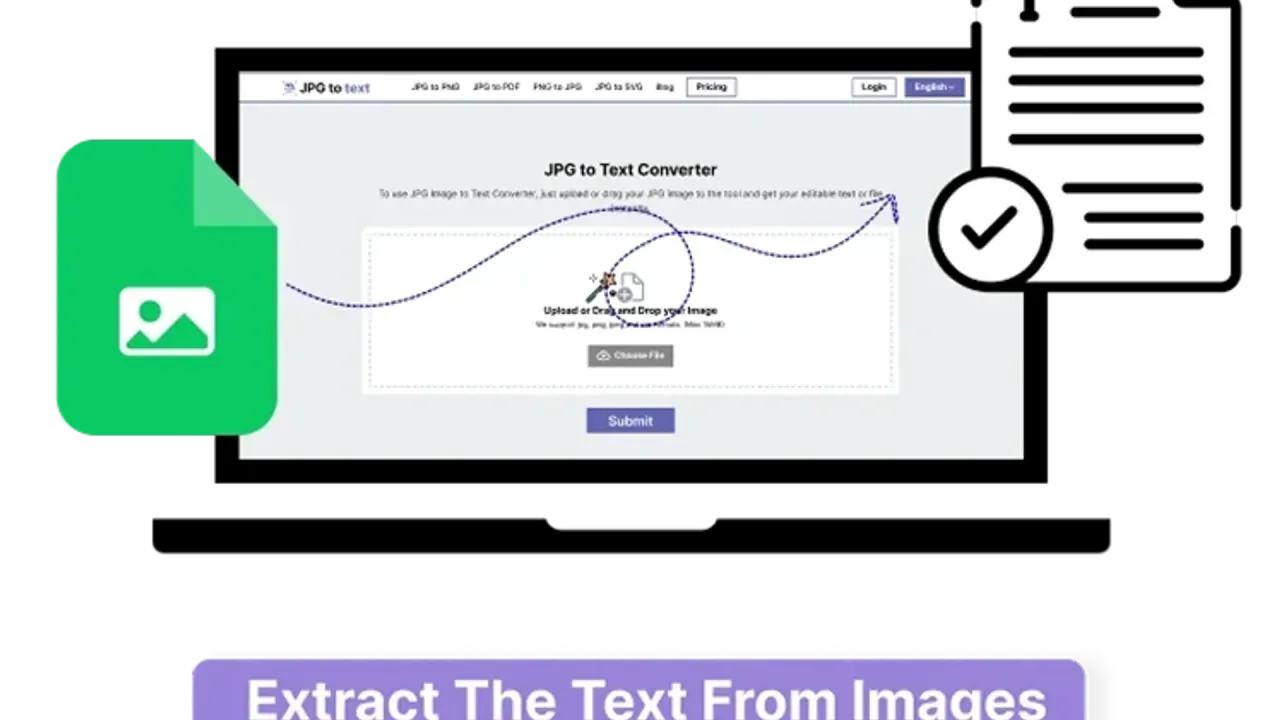

Extract image text in a browser, copy it or save a .txt file, and use separate Word or Excel converters. Free access and paid credits have different limits.
Used this tool? Rate it
Used this tool? Rate it
JPG to Text is an online OCR tool that extracts editable text from images such as JPG and PNG. Its image to text converter provides text output, with separate tools for Word documents and Excel spreadsheets.
The product combines free access with paid credit plans. Mode-specific charges, upload-limit qualifications and conflicting privacy statements are its main decision boundaries.
As captured on October 25, 2026, a third-party company profile for the website showed a score of 4.8/5 from 126 reviews, with a notice that the reviews may not be representative. This company-profile reputation signal is not a recognition-accuracy benchmark.
The main converter offers Simple OCR and Formatted OCR extraction modes. The captured main-converter script opens a Premium dialog instead of switching modes when a non-premium user selects Formatted OCR. The Word and Excel tools have separate operations, outputs and credit schedules.
JPG to Word distinguishes direct image insertion, plain text extraction and formatted extraction, with the formatted option describing bold, italic, lists and headings. Direct Image Insert is described as putting the picture inside a document file. Extract Text (Plain) is described as obtaining the text content inside the Word file, while Extract Text (Formatted) adds the stated formatting elements.
An inserted picture and extracted editable characters are different results even when both are delivered through a Word-oriented tool. The picture-insertion option is separate from the text-extraction options.
The separate JPG to Excel tool advertises extracting text and tabular data into editable .xlsx spreadsheets while preserving table formatting and layout. The table-reconstruction claim belongs to this converter and its worksheet output.
Layout preservation remains a vendor claim. The regular and AI-labeled Excel operations have different credit charges.
JPG to Text presents invoice, report and presentation processing as business uses of its image-to-text conversion. The described task is transforming document content into editable, searchable data.
These advertised scenarios describe source materials and intended uses, rather than customer outcome studies. The output and credit distinctions remain specific to the converter being used.
The sector examples are vendor positioning, with the service's precision and privacy qualifications still applying. They describe document-handling needs rather than professional certifications.
JPG to Text is described as a web-based converter requiring no installation and accessible from mobile or other devices through a web browser with an internet connection.
The FAQ says users do not have to register personal information before using the site. Registration-free access does not resolve the separate question of how an uploaded image is handled.
The contact form invites API-access inquiries and includes an Enterprise Plan for Web / API reason. This is an inquiry path, without an integration specification or rate allowance in the form.
OCR pricing is expressed in credits and varies by conversion mode. On October 25, 2026, the public pricing cards showed monthly charges in $ and separate annual charges with lower monthly equivalents.
| Plan and billing | Listed amount | Included card credits |
|---|---|---|
| Lite, monthly | $4.50 per month | 10,000 |
| Standard, monthly | $6.90 per month | 18,000 |
| Pro, monthly | $9 per month | 25,000 |
| Lite, yearly | $3.58 per month; billed yearly at $43; SAVE 20% | 120,000 |
| Standard, yearly | $4.83 per month; billed yearly at $58; SAVE 30% | 216,000 |
| Pro, yearly | $7.17 per month; billed yearly at $86; SAVE 20% | 300,000 |
The yearly cards display monthly equivalents alongside an annual bill. The credit figures are printed card totals, rather than calculated image counts; consumption varies by tool and mode.
Paid cards list 50 images at once, image sizes up to 30 MB, no captcha or ads, and priority support. The tiers increase credits while sharing these main image-text per-request limits.
For JPG to Text, Simple OCR is listed at 1 credit per image and Formatted OCR at 10 credits per image.
For JPG to Word, the credit overview calls Simple free up to 5 MB per image, OCR 2 credits per image and Formatted 10 credits per image. The free Simple entry does not cover every Word operation.
For JPG to Excel, the regular converter is listed at 3 credits per image and AI JPG to Excel at 20 credits per image.
The paid comparison table lists JPG to Word at 50 images per submission and 10 MB per file, and JPG to Excel at 30 images per submission and 30 MB per file. These paid-plan specifications are separate from the captured anonymous-mode settings below.
Orders are described as processed through Stripe or PayPal, and subscriptions can be canceled at any time directly from the dashboard. Cancellation and refund approval have separate conditions.
Ordinary refund eligibility is limited to the latest or currently active plan with unused queries; past or expired plans are excluded. The policy's non-refundable list includes change of mind, misunderstanding advertised features, partial usage or quickly resolved temporary downtime, mistaken purchases through third-party apps, and dissatisfaction. It also excludes discounted plans bought during a sale, recurring charges and custom plans created on demand once activated. For discounted sale plans, it offers help canceling automatic renewal; the recurring-charge clause says manual renewal can be selected at checkout and a completed renewal charge will not be refunded.
Confirmed duplicate charges are eligible for correction, and a wrong-plan refund may be issued after purchasing the correct plan when both plans have the same validity period.
Refunds are described as returned to the original payment method with bank charges deducted, and requests are typically reviewed in 2–3 working days. Refunds are not automatic. The policy reserves discretion over exceptional partial refunds and says that, under special circumstances, processing fees and used-query charges are deducted from the refunded amount. These are discretionary exceptions to the ordinary conditions.
The cancellation policy lists an account-area button, a contact-form request taking 1–2 days to process, and email or live chat. These are request-processing and review times, rather than a refund-application deadline or a payment-settlement guarantee.
An installed OCR workflow is a meaningful alternative to this browser converter. gImageReader is a Gtk/Qt front end to Tesseract, with a Windows download and installation options for Linux distributions.
gImageReader documents importing PDFs and images from disk, scanners, the clipboard or screenshots, processing multiple documents, recognizing to plain text or hOCR, spellchecking and generating PDFs from hOCR. Its documented workflow includes manual or automatic recognition-area selection and displaying recognized text directly beside the image, giving the desktop editor an explicit review step alongside recognition.
The comparison concerns a browser conversion service and an installed recognition-and-review workflow. Their documented output formats differ; no equivalence in recognition accuracy, table reconstruction or layout handling is implied.
The homepage FAQ says the free version can process three images at a time. In the captured anonymous main-page configuration, Simple OCR is set to 5 images per request and 7 MB per file, while Formatted OCR is configured for 1 image and 5 MB. The FAQ wording and these mode-specific configuration values are different public descriptions; the configuration does not establish anonymous access to every mode.
The dedicated converters expose different anonymous configuration values and marketing size statements:
| Converter and source context | Public statement |
|---|---|
| JPG to Word anonymous configuration: Direct Image Insert | 20 images per request; 5 MB per file |
| JPG to Word anonymous configuration: plain and formatted text extraction | 1 image per request and 5 MB per file for each mode |
| JPG to Word marketing copy | Images up to 15 MB |
| JPG to Excel anonymous configuration: simple mode | 1 image per request; 5 MB per file |
The Word marketing size is not qualified by these mode settings and differs from the paid pricing-table size. The anonymous settings are front-end configuration and prompt values, not observed backend enforcement. They are not a universal limit across users, plans or modes; the Excel simple-mode values likewise do not describe every Excel option.
The terms explicitly make no promises about precision, dependability or results and do not guarantee error-free operation. That qualification applies alongside the marketing descriptions of blurred-image extraction, equations, handwriting-related educational uses and table formatting.
The upload banner states that no data is transmitted or stored. The separate legal texts describe other content handling.
The privacy policy says image content is not retained or shared with third parties and is deleted after processing and delivery of the result; it also describes momentary submission for processing and deletion of photographs after five minutes. The same passage makes no ownership claim over user-submitted content. The five-minute statement concerns photographs, not every document or account record.
The terms separately say uploaded text or documents are retained, with portions anonymously compared against internal and external databases; users control removal, and use in other users' plagiarism checks requires their knowledge and consent. This is a terms clause, not a documented feature of the OCR interface.
The checked uploader, privacy policy and terms do not explain a mode-by-mode distinction reconciling these statements. Their wording does not establish a local-only processing or universal no-retention guarantee.
The privacy policy says employees do not routinely review all user content but reserves review for suspected terms violations, support requests, other terms purposes or algorithm improvement as described in the terms. This reservation remains part of the policy alongside its image-deletion language.
Personal-data deletion can be requested or handled through account closure, but premium users must cancel subscriptions first; some personal information may be retained for legal requirements and legitimate business purposes. The policy gives tax, auditing, legal reporting and fraud prevention or detection as examples of those purposes.
The terms say the services do not address people under 13 and describe deleting discovered personal information from children under 13.
No. The FAQ also names PNG, BMP, GIF and TIFF. The main product description specifically mentions JPG and PNG, while the service name does not make JPG its only documented input format.
The Word converter separates Direct Image Insert from plain and formatted text extraction. Putting a picture inside a document is a different operation from obtaining editable characters from it.
No. For the main text converter, the credit overview lists 1 credit per image for Simple OCR and 10 credits per image for Formatted OCR. The Word and Excel tools use their own mode-specific schedules.
No. Dashboard cancellation is described as available at any time, while refunds have unused-query eligibility conditions, exclusions and discretionary exceptions. The policy explicitly excludes completed recurring charges from refunds.
