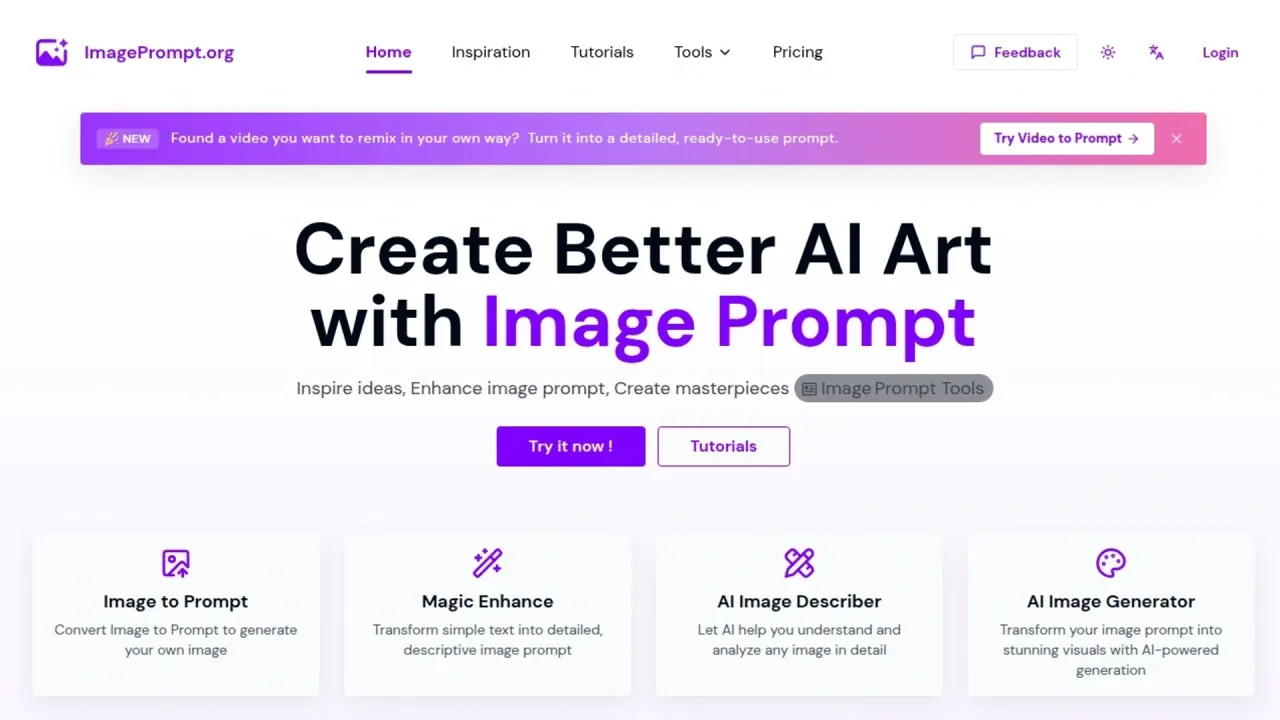

Create and refine image prompts, describe reference images, analyze video scenes, and generate or edit images with a browser-based suite.
Used this tool? Rate it
Used this tool? Rate it
Image Prompt is a web suite for creating image prompts and generating images, with related tools for describing images and analyzing video references. The service is provided by EchoFlow, LLC. Its outputs include reusable text descriptions, expanded prompts, video-scene breakdowns and newly generated images. Text analysis and image generation use separate credit balances.
Image to Prompt offers General Image Prompt, Structured Prompt, Graphic Design, JSON, Flux, Midjourney and Stable Diffusion choices. These choices shape a reference image's text description for a subsequent workflow. The structured and JSON options provide alternatives to a plain caption; named prompt targets do not establish which model performs the analysis.
The reference-image tool recommends Nano Banana first and points to Nano Banana Pro for higher-resolution requirements such as 2K or 4K. Nano Banana accepts up to five reference images. This limit applies to the model's image-generation workflow, separately from batch text analysis.
As captured on October 27, 2026, the image generator defaulted to GPT Image 2.5 Fast. Its expanded model selector displayed these cost badges:
| Model | Displayed cost badge |
|---|---|
| GPT Image 2.5 Fast | 20 |
| GPT Image 2.5 Quality | 40 |
| GPT Image 2.5 Quality 4K | 60 |
| GPT Image 2 | 20 |
| Z Image | 1 |
| Nano Banana | 20 |
| Nano Banana Pro | 70 |
| Flux.1 Schnell | 1 |
| Flux1.1 Pro | 20 |
| Imagen-4 | 20 |
The badges show the model costs displayed in that October 27 selector capture. The general FAQ names fewer model families than that captured list. The general FAQ lists 1024x1024, 768x1024, 576x1024, 1024x768 and 1024x576 sizes; it does not specify availability for each individual model.
Video to Prompt divides uploaded footage into meaningful time-based segments based on changes in action, dialogue, characters and narrative progression. A segment can include several related camera cuts rather than representing one fixed-duration shot. The service describes its output as preserving camera direction, actions, dialogue, voiceover and audio cues.
The visual-description language can be selected while dialogue and on-screen speech remain in their original language. Results can be compared with a representative keyframe and the video preview before the prompt breakdown is copied into another workflow.
The controls revise text; the eventual picture can be created in a separate image generator.
Image to Prompt is positioned as a way to learn the vocabulary and structure of effective prompts by seeing how an AI interprets an image. The editable description supplies wording for a subject, setting or visual treatment that can be adapted to a different concept. It does not recover the original creator's exact prompt.
Image to Video Prompt produces suggested video prompts to copy into an external image-to-video tool together with the source image. It analyzes content, composition and visual elements to suggest a moving scene. The prompts remain suggestions that can be refined or regenerated; the external generator produces the video.
Video to Prompt is positioned for AI video generation, storyboard planning, creative analysis and adapting a reference concept with different characters, a product or another setting. The time-based notes preserve a sequence for storyboard discussion or supply individual descriptions for a generation model.
Image Prompt's tools are accessed through its website. Batch Image to Prompt is restricted to registered users, and the image-generation entry displays a sign-in requirement.
API access is described as a testing program with image-to-prompt and image-prompt-enhancement APIs. Participation is requested by email with intended usage information.
API usage requires separate payment, while subscribers receive testing calls according to their subscription tier. The terms prohibit unauthorized use, including scraping, automated access and direct API calls outside the publicly documented API. The terms require the website interface; how this applies to API testing is unclear.
Prompt Credits pay for supported operations that analyze an image or video and return text; Image Generation Credits pay for creating a new image from a prompt. The balances cannot be used interchangeably. Free access includes five Prompt Credits per day and unlimited text-to-prompt generation. Daily Prompt Credits reset each day, with the next reset time displayed in the user's local timezone beside the balance.
As captured on October 27, 2026, the subscription cards display the following prices with a dollar symbol:
| Plan | Displayed monthly price | Prompt Credits | Image Generation Credits |
|---|---|---|---|
| Standard Monthly | $14.99 | 300 per month | 500 |
| Pro Monthly | $24.99 | 600 per month | 800 |
| Ultimate Monthly | $39.99 | Unlimited during the subscription period | 1,200 |
| Ultimate Annual | $20.82/month; $249.9 billed annually | Unlimited during the subscription period | 15,000 |
“Unlimited” in Ultimate refers to Prompt Credits. It does not remove the separate image-generation allowance. Model selection also changes the displayed cost of image creation.
Paid subscription cards list access to all features, no ads, a commercial license and 50% off purchases of Image Generation Credits. The annual card shows a full yearly charge alongside its monthly equivalent; it is an annual subscription.
On October 27, 2026, the expanded Power Pack offer listed $9.99 for 50 Prompt Credits, valid three days, and advertised 50% off for subscribers without showing a separate discounted amount. Its FAQ states a 72-hour expiry. Verify the current price and discount before purchase. It is separate from daily and subscription balances, and ends when used up or expired. Only one such pack can be active at a time; another can be purchased after that active pack has been consumed or has expired.
One-time image-credit packs are available independently of a subscription:
| Image Generation Credits Pack | Regular / subscriber price | Image credits | Displayed maximum: Flux.1 Schnell / Nano Banana / Nano Banana Pro |
|---|---|---|---|
| Standard | $14.99 / $7.49 | 500 | 500 / 25 / 7 |
| Pro | $39.99 / $19.99 | 3,000 | 3,000 / 150 / 42 |
| Max | $99.99 / $49.99 | 10,000 | 10,000 / 500 / 142 |
The maximum generation counts are model-specific card estimates, not a promise of the same number with every model. Each pack card says its credits are valid for one month, while the pricing FAQ says one-time image credits last three months. This expiry conflict remains unresolved. The FAQ says subscription image credits last for the subscription period and unused credits do not carry over after expiration. These rules differ from the Prompt Credits Power Pack's shorter expiry.
Monthly and yearly subscriptions automatically renew until canceled. Dashboard cancellation takes effect at the end of the current billing period. Upgrades take effect immediately with prorated charges, while downgrades start at the next billing cycle.
Email cancellation is handled manually: the terms require a request at least three business days before renewal and treat it as canceled only after written confirmation. If no confirmation arrives within 72 hours, the terms say to check the spam folder or contact support again.
The refund policy allows a request within seven days of the initial purchase only when the purchased service, credits or features have not been used. Used plans, renewal charges caused by failure to cancel, and requests outside that window are excluded; partial refunds for unused time are generally unavailable. Rare partial refunds are described as discretionary rather than an entitlement. The seven-day window is consequently not an unrestricted trial of paid features.
Midjourney Describe analyzes an image and suggests text prompts, with the explicit boundary that the suggestions do not precisely copy the image and change when the same image is described repeatedly. It is an alternative for a person who wants image-derived wording inside an existing Midjourney workflow. Image Prompt instead brings prompt translation, separate image analysis, reference-image generation and video-reference analysis into one web suite.
CLIP Interrogator combines CLIP and BLIP to optimize text prompts against a supplied image. Local use requires installation and allows model configuration; the project also links hosted options.
The AI Image Generator says complex scenes and details can be difficult, and generated pictures can contain errors, inconsistencies or biases.
The image-to-prompt service says uploads are processed temporarily and deleted immediately after the prompt is produced, with no retention on its servers. Image to Image separately says original uploads are deleted after processing and not retained beyond the processing time required. AI Image Describer separately says it never stores uploaded images or uses them to train models. That no-training statement belongs to the describer feature; it is not expanded into a platform-wide promise about every image, video, prompt or third-party model provider.
The AI image generator describes generated images as private and downloadable. Privacy of a generated result is distinct from the handling of the account used to create it. The privacy policy lists name and email collection and third-party payment processing, and says payment details are not stored on its servers. The terms separately describe collecting and storing user data, including payment information, as necessary to provide the service. The privacy policy also describes Google Analytics cookies and transmission of usage information, including IP addresses, to servers in the United States. Temporary processing of an uploaded reference therefore does not mean the whole service operates without personal or usage data.
The terms grant the right to download generated images and prompts and use them for lawful purposes, while requiring the necessary intellectual-property rights or permissions for uploaded material. The AI Image Generator's commercial-use answer specifically ties that permission to subscribing to a plan. The Image to Image commercial-use answer permits commercial output while requiring proper rights to the original uploaded images. These statements have different scopes; the general terms do not resolve every feature-specific commercial-use condition. One-time image-credit pack cards also carry a Commercial License label, alongside the generator FAQ's subscription condition.
The service requires users to be at least 13, with parental consent for users under 18.
No. Prompt Credits and Image Generation Credits are separate, non-interchangeable balances. A prompt or description is a text result; creating a picture uses the image-generation side.
API usage is separately billed. Subscribers can receive testing calls based on their tier through the API testing program, which is distinct from web-tool access.
No. The video-reference tools return reusable text. Image-to-video prompts are intended for a separate generator together with the source image, while Video to Prompt returns a structured reference breakdown.
