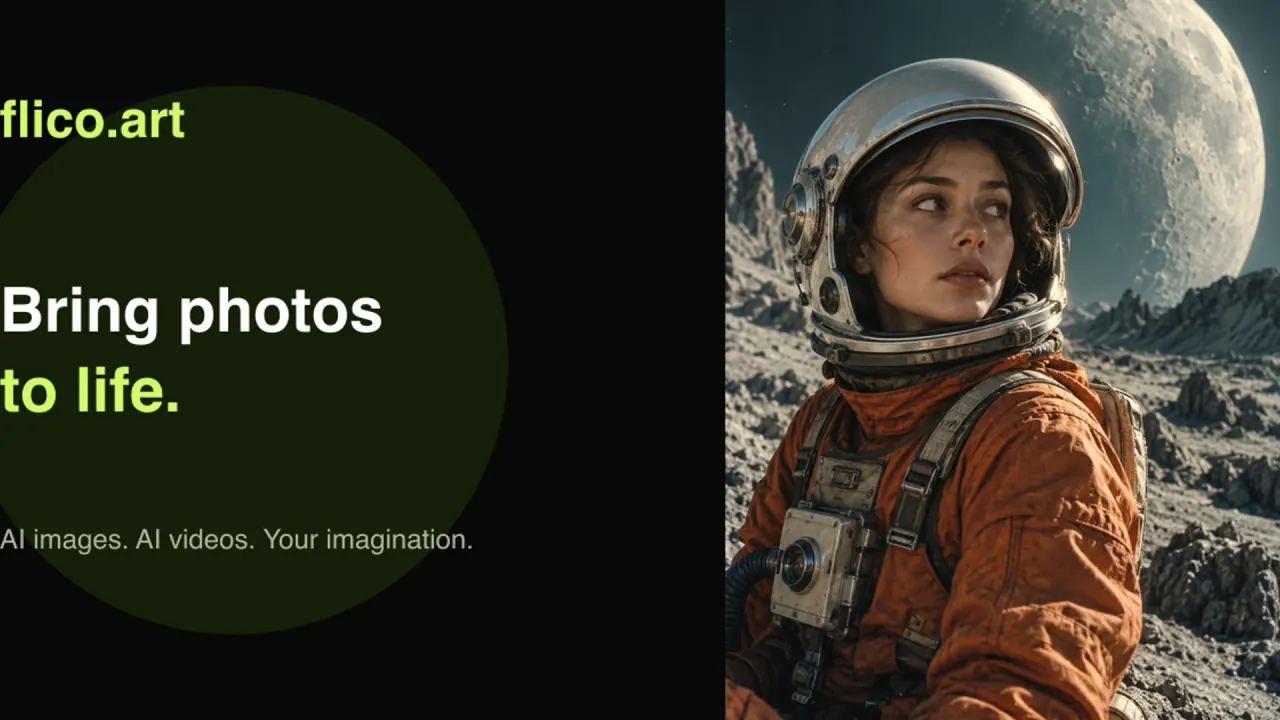

Flico.art animates a single JPG, PNG or WebP photo into a short styled clip, and covers text to video, text to image and image to image in the same credit-based browser workspace.
Used this tool? Rate it
Used this tool? Rate it
Flico.art is a browser-based AI studio that turns a still photo into a short video and also generates or edits the still images that feed it. Nothing is installed and there is no timeline to open.
Four generation paths share one workspace: image to video, text to video, text to image, and image to image. The image side exists so you can produce or restyle a starting frame before animating it, and every stage draws on the same balance — a three-stage workflow is charged three times.
The landing page headline promises a video in seconds, free generation and no sign-up. The documentation behind it is considerably more conditional; the limitations section sets both versions side by side.
The public terms name OpenAI's GPT Image 2, GPT-Image-2.5 Flare and GPT-Image-2.5 Sunburst for images, and ByteDance's Seedance 2.0 for video. Flico.art presents itself as an independent service built on those models, not as an official product of their developers.
As an AI image to video generator it begins from a picture rather than a description, which matters whenever a subject, product or character already exists and has to survive into the clip.
Two video models appear across the site, with different published envelopes.
MiniMax H3 runs clips of 4 to 15 seconds at 768p or 2K, and native audio is fixed on in this integration. Fixed-on audio is a constraint: a silent autoplay feed means discarding a soundtrack nobody asked for.
MiniMax H3 accepts a written prompt plus one optional first-frame image; audio uploads, video uploads and multi-reference workflows sit outside that input contract.
The second model surfaces inside a packaged tool. The dance-video tool form runs on Seedance 2.0 and exposes durations from 4s to 15s, resolutions from 480p to 4K, aspect ratios including 16:9, 9:16 and 1:1 alongside a match-image option, and an audio switch, with a quote of 166 credits per video.
Flare is positioned for fast everyday creation, while Sunburst prioritises editing precision and detailed work at the cost of longer generation times. Both draw on one balance, so the choice is a spend decision as much as a quality one: explore on Flare, commit revisions on Sunburst.
The published flow is three steps, each containing a decision that changes the result.
Quotes are per job and settings-dependent, so that third step is where cost discipline lives. On the MiniMax H3 page the generator opens at 16:9, 768p and 5s, and quotes 64 credits per video for that combination. Two habits follow: change one variable at a time, and review the whole clip rather than its opening frame.
A product close-up, a portrait, an illustrated character and a short vertical social clip each pull on a different part of the same pipeline, and the site addresses all four directly.
Beyond the open-ended workspace, four packaged tools offer pre-set briefs: an AI Twerk Generator, a Demon Slayer OC Maker, an AI Palm Reading tool and a Murder Drones OC Maker. Together they show what the studio is marketed for: fan character design, novelty photo transformations and short entertainment clips.
Those briefs carry their own rules. The dance-video tool is limited to entertainment, prohibits NSFW and child sexual content, and requires permission from the person shown in the photo. The franchise tools carry a parallel caveat: the Demon Slayer tool is described as an independent fan-oriented image tool with no affiliation to or endorsement from the rights holders.
The service suits people who want a short clip out of one image without opening a timeline, and it suits them only while three conditions hold.
It fits when:
It does not fit when:
Everything happens in the browser: the model pages, the packaged tools and the generation workspace are all pages on one site.
Flico.art pricing is metered rather than seat-based. Every generation draws credits, the amount moves with the model and the output settings, and the figure is shown before submission. Credits are defined as service units rather than money, and they cannot be transferred or cashed out except where a refund is owed.
Three subscription tiers appear on the pricing page, and the billing toggle opens on the yearly view, so every headline figure below is the annual-billing number.
| Plan | Monthly equivalent | Billed yearly | Credits per month | Credits granted upfront each year |
|---|---|---|---|---|
| Lite | $12.00 | $144.00 | 690 | 8,280 |
| Pro (marked Most popular) | $14.50 | $174.00 | 1,320 | 15,840 |
| Ultra | $99.00 | $1,188.00 | 8,740 | 104,880 |
The monthly column is the part most likely to be misread. An annual plan charges the whole year in one payment and releases the whole year of credits upfront, so the monthly figures are comparison equivalents rather than monthly charges or monthly refreshes. Budget for the annual outlay and treat the grant as one pool you may exhaust in any month.
None of the tiers includes unlimited generation; they differ only in how large a credit balance they hand you. And all three tiers carry the same inclusions: image and video models, a credit cost shown before you generate, watermark-free images while the subscription is active, and credits that do not expire. Capability is identical across tiers — you buy volume, not features — and the watermark-free wording covers images only, and only while the subscription runs.
Billing and exits. Purchases made through the Waffo checkout are processed by Waffo Pancake as Merchant of Record, and card details are handled there rather than stored by the service. Cancellation happens in Billing settings before the renewal date, stops future renewals and leaves access running for the period already paid, unless checkout states a more favourable rule.
Refunds. A first purchase can be refunded in full within 7 calendar days if no more than 10% of its credits or metered allowance has been used, and a duplicate charge should be refunded in full after verification. The usage threshold matters more than the calendar window, so an evaluation meant to keep the refund route open should run at the cheapest settings.
The gap between the headline promise and the product documentation is the first thing to check before committing a project to this service.
The headline offers free generation with no sign-up; the FAQ and the tool pages make video generation conditional on signing in and on a sufficient balance, and neither page acknowledges the other. The conditional version is the operative one.
Generation time moves with the model, the clip length, the resolution and the provider queue, and completion within a few seconds is not guaranteed.
There is no guarantee of a particular artistic result and no guarantee of uninterrupted model availability. With fixed presets and single-image input, budget for several attempts per usable clip.
The model catalogue lists a single image model, GPT Image 2.5, next to one video model, MiniMax H3, which does not line up with the four models named in the terms. Neither page is marked as superseding the other, so the picker inside the workspace is the only reliable answer to which model a job runs on.
You keep the rights you already hold in prompts and reference images, and you must hold permission for the material you upload, including consent from identifiable people. On the output side, any transferable rights in a result are assigned to you, but the same clause warns that AI output may not qualify for copyright protection, may not be unique and is not guaranteed to be free of third-party claims. Downloading a finished file is not the same as clearing it for commercial release, which depends on the source material, the model terms and third-party rights.
The video model named in both the terms and the dance-tool form, Seedance 2.0, was condemned in February 2026 by the Motion Picture Association and the actors' union SAG-AFTRA over what they described as blatant copyright infringement. The dispute concerns the model's developer, not this service, but it is context worth holding alongside the rights language above.
Uploaded files can be stored at URLs that anyone holding the link can open, which changes how a portrait or an unreleased product photo should be handled here.
No automatic deletion interval is published for uploaded media or generation records, and cancelling a subscription does not delete the account or its content. Removing your material is an explicit request, not a consequence of leaving. An enabled request sends its prompt, reference content and settings to services that perform the AI processing, and those may sit outside your own country. There is no cookie preference centre, and analytics from Google Analytics, Microsoft Clarity or Plausible can load when configured. The policy is silent on whether submitted content is used to train models, so no assurance either way should be read into it.
Pornographic and other NSFW material is a prohibited category, alongside sexual services and content intended for sexual exploitation. When prompt screening is switched on, prompts pass through Waffo Prompt Sift first, and a request rejected by that safety check does not consume generation credits.
Support, billing, privacy, intellectual-property and content-safety questions all go to the same address, support@flico.art. The terms, privacy and contact pages publish no phone line, live-chat commitment or response-time target, and name no operating company or registered address.
For looking around, no. For producing a video, yes: sign-in is a stated condition, and the packaged tools repeat it. Image-side guest access may be offered, but is not something to rely on.
It depends on the model and settings, and the quote appears before submission. The two published reference points are the MiniMax H3 default preset and the Seedance 2.0 preset in the dance tool.
A single photograph in one of three common web formats, within a ten-megabyte ceiling. The documented flow takes one photograph at a time, and video input sits outside the published contract.
Both video models cover the same short range, so plan a scene rather than a story. One integration generates audio unconditionally; the dance-tool form exposes a switch.
Not automatically. Clearance depends on your source photograph, the model's own terms and any third-party rights in what appears on screen.
They are processed off-device and kept without a published expiry date, and the storage links are not gated by your account.
No. Cancelling ends future renewals and leaves the paid period intact. It is separate from requesting a refund, and from deleting your account.
