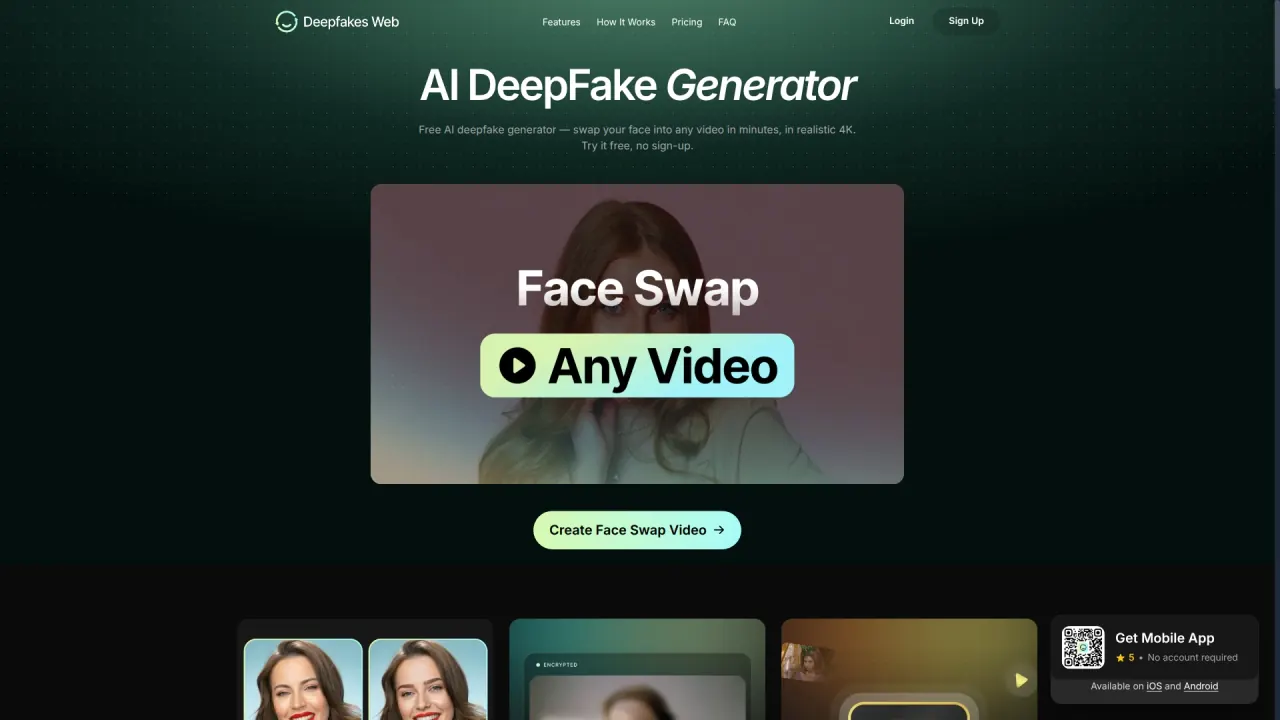

Deepfakes Web turns one front-facing photo and a clip into a watermarked 4K face-swap video in the browser, rendered on cloud GPUs. Template swaps are free; your own uploads are billed per video.
Used this tool? Rate it
Used this tool? Rate it
Deepfakes Web is a browser-based AI deepfake generator that turns one face photo and one video clip into a new MP4 with the face replaced, at up to 4K resolution. Rendering happens on the company's cloud GPUs, so there is no software to install and no graphics card to buy.
The scope is narrow by design. You upload a front-facing face image and a clip of up to 200 MB; the service detects the face in every frame, swaps it, and re-assembles the video, which you can preview in the browser and download as MP4. There is no timeline, no manual masking and no model training on your side. The site uses the words deepfake, deepswap and face swap interchangeably to describe that one operation.
Two spellings appear on the site: the marketing pages say Deepfakes Web, while the terms of use refer to "DeepFakesWeb.com" and the footer credits Deepfakes Inc.
The commercial model is pay-per-render, not subscription. A video on the web costs $10, the mobile app starts at $1 per video, and swaps into the site's own template clips are free and unlimited without an account.
The tool is for moving footage rather than stills: the face-swap page states plainly that it does not edit single still frames, and points anyone who wants a photo result elsewhere. Everything is built around tracking a face across a clip, which is what a video face swap needs.
After upload the service shows the faces it found in the clip and lets you pick the one to replace. The uploaded photo takes that person's place and the other people in the shot are left untouched, which matters for group scenes, interviews and two-person sketches. The API exposes the same behaviour as a multiple_faces flag, alongside a mouth_mask option for the mouth region.
Template swaps — putting your face into one of the site's own clips — are free, unlimited and require no sign-up, and they run in the browser. The paid path is the reverse direction: your own footage as the target.
A separate library covers more than 180 actors, musicians, athletes and creators, with individual landing pages that collect trending clips for each person. Those pages carry a disclaimer that the material is fan-made parody, that the page is not affiliated with the person, and that results are watermarked and labelled AI-generated.
Every finished video carries an invisible digital watermark that common detection tools can read, and the watermark does not alter how the video looks. The company also says it deliberately stops short of maximum realism so that output stays identifiable as fake. Both are product-design choices rather than settings, and nothing on the pages reviewed here offers a way to switch either off.
Rendering is split into three stages with published ranges: face extraction takes 2–10 minutes, face detection and swapping 2–20 minutes, and final rendering 1–10 minutes, depending on clip length and quality. The page can be closed while the job runs, and the finished video waits in the account.
The same engine is exposed through a REST API authenticated with an X-API-Key header against a versioned base URL. Endpoints cover creating a video from an uploaded image and clip, listing videos, retrieving a single job, deleting a video, reading the credit balance and reading transaction history. The documented limits are 100 requests per minute per key and 10 concurrent video processing jobs per user.
Clip length drives the wait more than anything else. A 30-second clip is usually ready in a few minutes, while a full 3-minute upload sits at the top of the published ranges. Splitting a longer scene into separate jobs is the workaround the site itself suggests on pages that quote a shorter ceiling.
The site's own example is placing yourself in a film scene: upload a clip from a movie and the swap follows lighting and expressions frame by frame. This is the use case the length ceiling suits best — a single scene, one subject, one camera move.
Vertical trend clips are the second advertised use, with the pitch that they render in minutes and arrive ready to post. Because the output is a plain MP4 at up to 4K, the same file works for a meme, a reaction video or a fan edit.
Streamers are pointed at game trailers and their own VOD clips, with a stated ceiling of 3 minutes per video. Short highlight segments fit inside that window; a full session does not, and would need to be cut into pieces before upload.
All three are single-subject, short-form jobs where the source clip already exists and the only change is the face. That is the shape of work the product is built for.
Deepfakes Web is positioned for entertainment, parody, satire, gaming and art, and the pricing reflects that: low cost per clip, no subscription, no hardware.
The site pitches itself at users with no editing skills and no high-end computer, and frames the product as high-quality deepfakes at extremely low cost for entertainment, gaming, satire and culture. That is a creator-and-meme audience rather than a post-production team.
It is a poor fit for work that needs frame-level control, rotoscoping, colour matching or an unwatermarked master. It is also a poor fit for anyone whose plan depends on the subject not consenting: the acceptable-use rules forbid that, and the site notes that in many countries such use is a crime.
The Android listing the site links to shows a 4.3-star average, 361 reviews and more than 10,000 downloads as captured on November 15, 2026, and is marked as containing ads and in-app purchases. The same listing names Two Pine Labs Pty Ltd as the developer, which differs from the Deepfakes Inc. copyright line on the website.
| Route | Price | Account | Payment as shown |
|---|---|---|---|
| Web, your own clip | $10 per video | Required | Not stated in the captured price block |
| Mobile app, your own clip | From $1 per video | Not required | Card or in-app purchase |
| Template swaps | Free, unlimited | Not required | — |
The app is the cheaper route by the company's own figure of about 90% per video, and both paid routes are metered per render with no monthly fee. The Japanese-language version of the page lists the same two per-video figures, $10 on the web and $1 in the app. Uploading your own clip spends credits, which is how GPU time is billed; the pages reviewed here do not publish a credit-to-dollar table, so the per-video figures are the only stable comparison.
An account is needed only for your own uploads, and it exists so finished 4K videos are saved and can be downloaded again later. The app is the exception: no account, and payment goes through card or in-app purchase rather than crypto.
Refunds are tight. Purchases are final, refunds stop once a job has started because GPU work begins immediately, and a render that fails through a technical fault on the company's side is re-credited rather than refunded. The terms of use are blunter still, stating that a member may not request a refund of any amount already paid, for any reason.
Two tools come up repeatedly when the limits above are the sticking point.
DeepSwap meters face swaps by video length — one credit per 15 seconds — and advertises a maximum face swap of 30 minutes per video, roughly ten times the ceiling described for Deepfakes Web. Credits come bundled with its plan, so the comparison is credit arithmetic rather than a flat price, and its charge table applies the same rate to photo and HD face options.
FaceFusion is a face manipulation platform that you install and run on your own machine. Its own documentation warns that installation needs technical skills and is not recommended for beginners. The trade is control and no upload, against your own GPU and setup time.
Deepfakes Web sits between them: no install and no subscription, but a hard per-clip ceiling and a mandatory watermark.
Yes, for template swaps: you can put your face into the site's own clips as often as you like, in the browser, without an account. Rendering your own uploaded clip uses credits, starting at $1 per video in the app and $10 on the web. One celebrity page instead states that there is no free video tier, so the free path is the template library rather than a free render of your own footage.
The site most often states 3 minutes, 200 MB and up to 4K per video, with MP4 output. At least one celebrity page states a 150-second ceiling and says longer clips should be split, the two figures differ by 30 seconds.
Every finished video carries an invisible digital watermark that common detection tools can read, and results are labelled AI-generated. The company says the watermark does not change how the video looks, and that realism is deliberately capped so a clip stays identifiable as fake.
If the failure is a technical error on the company's side, the credits are returned to your account. Purchases are otherwise final: once a job has started no refund is offered, and the terms of use state that paid amounts are non-refundable for any reason.
The site says only you can access your uploads and generated videos, that nothing is shared or published, and that files are transferred encrypted. A celebrity page adds that uploaded files are used only for processing and deleted within 24 hours. The privacy policy describes access, correction and deletion rights but does not state a retention period.
The acceptable-use rules allow your own face or the face of someone who has agreed, plus parody, satire, memes and fan edits that are clearly not real. They prohibit using a likeness in a way that infringes publicity, privacy or personal rights, and ban impersonation, fraud, harassment and unlawful sexual content, including any sexual content involving minors.
Yes. A REST API authenticated with an X-API-Key header creates videos from an image and a clip, reports job status, deletes videos and returns the credit balance, with limits of 100 requests per minute and 10 concurrent jobs.
