
Toolso.AI
Toolso.AI
All ToolsCategoriesTrendingLatest ToolsPricingBlog
Toolso.AI
Toolso.AI
Toolso.AI
Toolso.AI

Discover the best AI tools to boost your productivity

GitHubGitHubTwitterX (Twitter)YouTubeYouTubeTikTokEmail

Popular Categories

  • AI Writing
  • AI Image
  • AI Video
  • AI Coding
  • More Categories

Explore

  • Latest Tools
  • Popular Tools
  • More Tools
  • Submit Tool
  • Pricing

About

  • About Us
  • Contact
  • Blog
  • Changelog

Legal

  • Cookie Policy
  • Privacy Policy
  • Terms of Service
  • Refund Policy
© 2026 Toolso.AI All Rights Reserved
Limited timeLimited-time offerFeatured Listing24h priority review · No backlink · 30 days featured$29.90then $59.90Price rises to $59.90 after Oct 31Ends in--:--:--Submit now
  1. Home
  2. All Tools
  3. Image Editing
  4. Deep Dream Generator
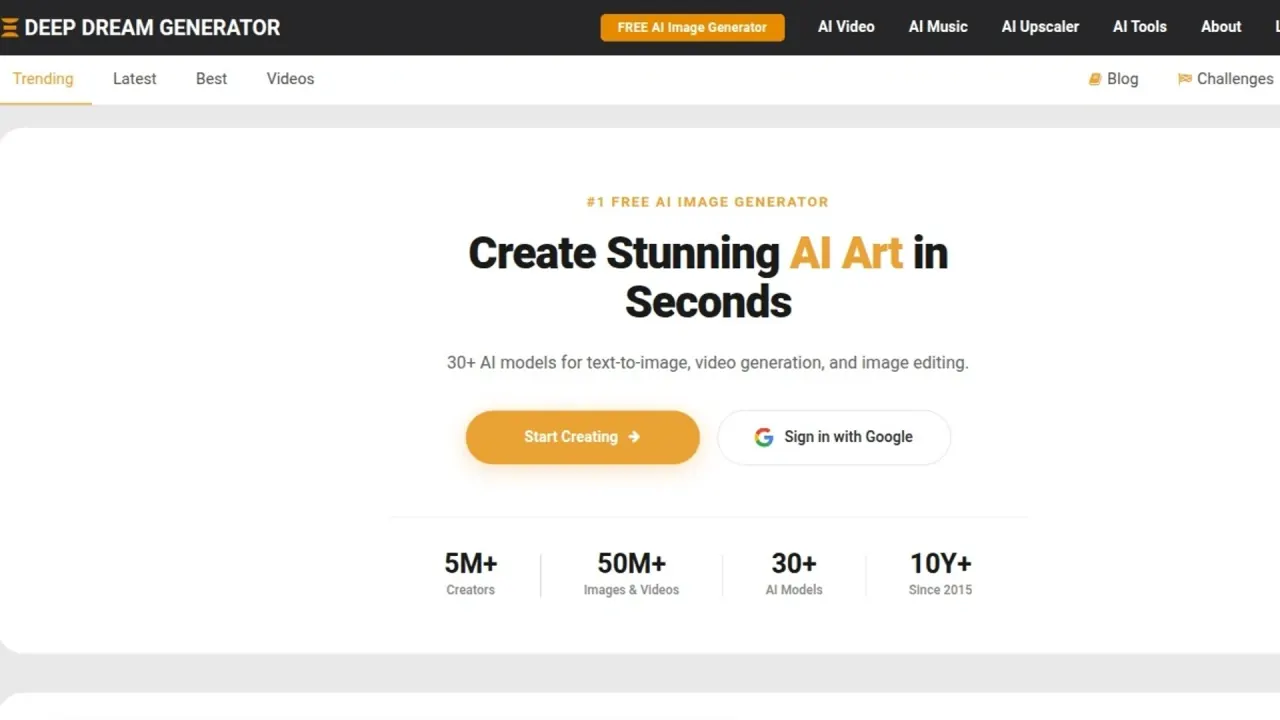
Deep Dream Generator interface previewVisit Website
Deep Dream Generator logo

Deep Dream Generator

Create AI images from text or reference pictures, edit photos with written instructions, and make short videos. Access and commercial conditions vary by plan and tool.

Image EditingImage GenerationVideo Generation#Ai Art#Video Generation#image-to-video
Try for Free
Saves
Visits
Views
Pricing
Freemium
Published
Oct 28, 2026
Domain
deepdreamgenerator.com
Community rating

Used this tool? Rate it

Rate this tool

Deep Dream Generator Product Information

Try for Free
Tool Information
Saves
Visits
Views
Pricing
Freemium
Published
Oct 28, 2026
Domain
deepdreamgenerator.com
Community rating

Used this tool? Rate it

Rate this tool

Featured Tools

Related Tools

Try for Free

What is Deep Dream Generator?

Deep Dream Generator is a web-based AI image generator and video creation platform that accepts text prompts or existing images, with a community for sharing results.

The service is operated by Aifnet Ltd.; its terms identify the company in Sofia, Bulgaria.

Core features

The company describes a collection of more than 30 AI models spanning image generation, image editing, and video generation.

  • Image generation and reference inputs: The image generator has a text prompt, a negative prompt, a visual prompt, and an image-editing input; image editing requires a model that supports that option. For multi-image generation edits, the interface says to identify the references by number, such as taking the character from image 1 and the scene from image 2.
  • Framing and strength: The generator exposes AI Strength, resolution, and aspect-ratio controls, including square, landscape, portrait, wide, and tall formats.
  • Style transfer entry: The Try style option is specifically marked as working with Nano Banana 2 and ChatGPT 2.
  • Instruction-based photo edits: The AI Image Editor accepts written instructions to restyle scenes, add or remove objects, change lighting or weather, replace backgrounds, and adjust colors or details. Some editing models accept up to 4 reference images, including for combining elements from different photos or giving an edit more context.
  • Original and edited versions: The editor says the original image is not modified during editing; saving offers a choice to replace it or download the edited version separately.
  • Video from text or a still image: The video generator supports both text-to-video and image-to-video, with AI-generated audio on selected models. The video FAQ lists Veo 3.1, Seedance 1.5, Sora 2, Kling 2.6, MiniMax 2.3, Grok Imagine, and ProVideo as its model choices.
  • Enlargement and creative detail: The upscaler distinguishes Precise mode, described as clean enlargement up to 4K without adding new details, from Creative mode, which can add artistic detail and reach up to 120MP.
  • Supporting creative tools: The additional tool collection includes an art assistant, image-to-text conversion, background removal, and a frame interpolator described as producing smooth 60 FPS video. Image to Text offers OCR, image descriptions, AI art prompts, HTML or Markdown conversion, and image recreation using HTML/CSS.

The video FAQ describes output from 480p to Full HD 1080p and clips of 8 to 15 seconds, depending on model and quality mode.

Guide

Creating and changing a picture

  1. To create an image, open Generate Image, enter the desired description, select an AI model, and click Generate.
  2. To edit a photo, upload it, describe a change such as making the scene look like winter, choose an AI model, and click Edit.
  3. After an edit, the interface provides a before-and-after comparison and lets the result be downloaded or saved back to the file manager.

Enlarging or animating an image

  1. For enlargement, click Choose Image to upload a JPG, PNG, or WebP file, select an upscaling mode and output resolution, then click Upscale, preview, and download.
  2. For video, supply a photo or text prompt, choose a model, select a quality mode, and generate; the result can be downloaded in MP4 or shared with the community.

Use cases and creative examples

  • Repairing a damaged photograph: Photo restoration is an advertised use case: the editor is described as fixing scratches, restoring faded color, and sharpening lost detail.
  • Preparing a product cutout: Background removal is positioned for product images with a clean white background or transparent PNG for online store listings.
  • Exploring visual ideas: Deep Dream Generator describes using image generation to explore composition, color theory, styles, complex scenes, and perspectives before making traditional artwork.

Who is it for

  • People preparing visual assets: The upscaler is positioned for photographers, graphic designers, digital artists, and businesses preparing images for marketing or print.
  • Artists participating in a shared gallery: The community progression system ties higher user levels to creating and publicly sharing dreams, account age, and likes, rather than treating all free accounts identically. Progression can therefore involve public participation, not only paying for extra energy. This is a material distinction for users who want to keep every experiment out of a public feed.

The terms require users to be at least 16 years old.

Platforms

Image generation is available without an account, but guest generations per day are limited; high-resolution images, custom AI models, and personal galleries are described as registered-user features. The guest generator highlights DaVinci2 and Z-Image Turbo as free entry options; its signup prompt advertises access to a broader collection of 30+ models.

  • Account-based editing: The image editor offers a free account with automatically recharging daily energy and says no credit card is required.
  • Image analysis input: Image to Text advertises 20 free guest conversions and free-account access to all its features; it accepts JPG, PNG, and WebP files up to 10MB.
  • Temporary unsaved results: The generator warns that unsaved images are available for 14 days.

Pricing

Monthly plans and separate energy balances

The terms state that prices are in U.S. dollars unless checkout shows a different currency; applicable taxes and included features are displayed on pricing and checkout pages. The following monthly plan fields were displayed in the captured pricing table on October 23, 2026. The energy column is the monthly subscription allocation, separate from rechargeable energy associated with user level.

PlanDisplayed priceMonthly energyStorageTrending submissions
Basic$9/month75010GB5/day
Advanced$19/month2,00020GB10/day
Professional$39/month5,00050GB15/day
Ultra$99/month15,000200GB25/day

Rechargeable energy and pay-as-you-go energy remain in the account when a subscription starts; monthly subscription energy is separate and resets to the plan amount after each successful subscription payment. Energy is spent in this order: rechargeable energy first, monthly subscription energy next, and one-time energy last.

The free Newbie level is shown with a maximum of 20 rechargeable energy and a recharge rate of 1 per hour; the displayed recharge rate increases to 2, 3, or 4 per hour at higher free levels. The user-level table shows PRO model usage of 3/day for each listed free level and unlimited PRO model usage for subscribers, alongside the separate energy rules.

Consumption and access boundaries

  • Image-generation costs: The energy table lists DaVinci2 at 4, Z-Image Turbo at 10, SeeDream at 30, and Nano Banana 2 at 50 energy per generation.
  • Video-generation costs: Listed video costs include 60 energy for Seedance 1.5 Pro at 5s, 140 for Kling 2.6 Pro at 5s, and 280 for Veo 3.1 Pro at 4s.
  • Auxiliary-tool costs: The subscription energy table lists AI Image Editor at 15–50 energy, image-to-text at 10, and background removal at 15. The editor FAQ gives an editing range of 15 to 60 energy. The background-removal FAQ states that each removal uses 30 energy. These editing and background-removal figures differ between the respective tool FAQs and the subscription energy table.
  • Paid model access: Paid subscriptions unlock PRO models without daily limits, all available video generators, image and video upscalers, expanded storage, and higher Trending submission allowances.
  • Creation estimates: The advertised monthly estimates are up to 150 standard images or 10 videos for Basic, 500 images or 30 videos for Advanced, 1,250 images or 80 videos for Professional, and 3,750 images or 250 videos for Ultra. The vendor says the video estimates assume spending the full monthly energy allocation on its most energy-efficient generator, listed as SeeDance Pro (Fast) at 60 energy per video. Image counts assume standard settings; higher-cost models, High Quality mode, and video generation reduce the number of creations.
  • Upscaler wording: Paid plans advertise upscaler access with no monthly limits, but the same pricing page states that every AI tool uses energy. Access with no monthly limit is not an explicit promise that processing consumes no energy.

The video landing page invites users to sign up for a free tier with limited credits and explore the video generator. The subscription FAQ states that AI video generation is available with paid subscriptions. The current pages present different access conditions for video generation.

One-time energy and billing changes

One-time packs are listed at $3.99 for 120 energy, $9 for 300, $19 for 1,000, $39 for 2,200, $79 for 5,000, $149 for 10,000, $299 for 22,000, and $599 for 50,000.

The energy-pack FAQ describes packs as suitable for occasional use, supplementing a subscription, or trying the platform without a monthly commitment; it describes those occasional users as not needing PRO features.

Subscriptions can be managed or canceled through Billing using the Stripe Billing Portal, with benefits and energy remaining active until the current billing period ends. Upgrades use prorated billing and immediately add the energy difference between plans; downgrades take effect on the next billing cycle.

Subscriptions renew automatically unless canceled; paid fees are non-refundable except where applicable law requires otherwise, and the terms provide a contact route for exceptional goodwill requests.

Alternatives for local image processing

Deep Art Effects offers a desktop alternative whose vendor says images are processed locally and are not sent to the cloud.

Its desktop image-processing offer combines artistic transformations with automatic colorization, background cutouts, and enlargement up to four times the original size.

Limitations

Output reliability and observed feedback

  • Creative enlargement: Creative upscaling can introduce artifacts when Creativity or HDR settings are pushed too high, according to the tool's own FAQ.
  • AI-output suitability: The terms warn that AI-generated or AI-edited outputs can be unexpected, inaccurate, incomplete, or unsuitable for a particular purpose, and place review responsibility on the user.
  • Review context: A third-party company review profile displayed 4.3/5 from 79 reviews as captured on October 23, 2026; that aggregate describes reviewer sentiment, not a controlled evaluation of output quality.
  • Account-access anecdote: One reviewer reported a persistent “Service unavailable, log out” message after uploading a small number of dreams; this is a single account-access report, not a measured failure rate.

Ownership, commercial conditions, and other users' work

Deep Dream Generator says it does not claim ownership of uploaded or created content, but receives a non-exclusive, worldwide, royalty-free license to process and use it solely for operating, improving, promoting, and maintaining the service.

The terms permit using, reproducing, modifying, distributing, and selling created content, subject to the terms and third-party intellectual-property, publicity, privacy, and trademark rights. The subscription FAQ permits commercial use of images and videos created while a paid monthly subscription was active or using energy from an energy pack. The homepage states that users retain rights to their images and may download, share, and use them for personal or commercial projects. Support says created images, videos, and music are yours to use, and refers users to the terms for full usage-rights details. Commercial-use wording differs across the current pages: the broad permission in the terms and product FAQs appears alongside the paid-creation condition in the subscription FAQ.

The terms require users to hold the rights needed for their content and not infringe privacy, publicity, copyright, trademark, or other third-party rights.

Community rules prohibit downloading or using other users' gallery images, including base images, style images, results, visual prompts, and thumbnails; the Try button may be used to try another user's prompt.

Visibility, confidentiality, and data use

Uploaded pictures are not visible to other users by default, and users can choose to make them public during upload or later.

Public dreams from Member level or above are described as appearing in Latest after processing; images switched to private by moderation cannot be made public again.

The privacy policy lists account information, uploaded or generated content and prompts, technical and usage information, and limited billing information among the data collected. Personal data may be shared as needed with payment, infrastructure, hosting, storage, analytics, moderation, email, and support providers, or with competent authorities under the stated conditions.

Except as described in the privacy policy, the terms characterize submitted content as non-confidential and say that submission does not create an obligation of confidence.

The privacy policy directs account and data deletion requests to the service's contact email. The terms say the service is not a backup service, reserve the ability to remove content, and note that removed content may continue to be stored for legal obligations.

The terms allow only one account from the same IP address or physical location, as determined by the provider, and reserve the right to refuse access to all accounts if multiple-account use is detected there.

Content rules

The published rules prohibit pornographic, sexually explicit, nude, partially nude, and sexually suggestive images; violations can lead to removal, suspension, or banning.

FAQ

Q1. Does free access mean every model is unlimited?

No. Guest image generation is limited, registered users receive rechargeable energy, and the plan documentation separately describes PRO model access and energy consumption. A model having no daily access limit does not mean that each generation is free of energy charges.

Q2. Is an uploaded picture public immediately?

The privacy policy says uploaded pictures are hidden from other users by default. Users can make a picture public during upload or later; public-feed eligibility also depends on account level and moderation. That visibility setting is separate from the service's processing license and confidentiality terms.

Q3. Can a public community image be downloaded as a reference?

The guidelines prohibit downloading or using other users' gallery images, including base images and visual prompts. They identify the Try button as the route for trying another user's prompt, which is a different operation from reusing the image file.

Know a Similar Tool?
If you know other great AI tools, feel free to submit them to us