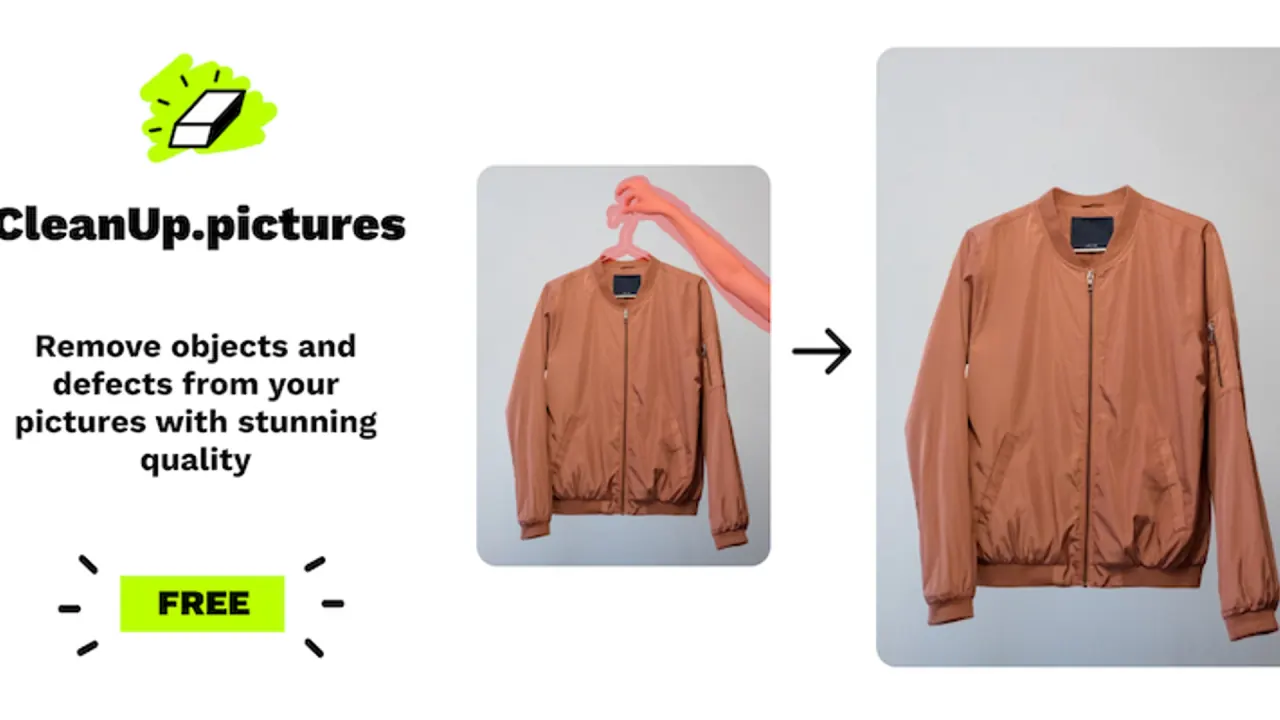

Cleanup.pictures is a browser-based inpainting editor from Init ML, the Clipdrop company now part of Jasper. Brush over objects, people, text or blemishes to remove them; free exports are resolution-capped and Pro unlocks full resolution.
Used this tool? Rate it
Used this tool? Rate it
Cleanup.pictures is a browser-based AI inpainting tool for removing unwanted things from photos. You paint over an object, a person, a line of text or a blemish, and the model fills the masked area with a reconstruction of what plausibly sat behind it. The product does one retouching job, and its pricing is built around how large the exported result may be.
The service belongs to the Clipdrop family of image tools. Init ML's general terms apply to the Clipdrop and Cleanup.pictures websites, so the same contract covers both sites. The company behind the service is INIT ML, a French simplified joint-stock company.
Ownership has changed since launch. Jasper acquired Clipdrop from Stability AI for an undisclosed price, less than a year after Stability AI had bought Clipdrop through its parent brand, Init ML. The current Cleanup API documentation reflects that change: Clipdrop is now part of Jasper, and developers are directed to Jasper's team for newer image models and credits.
At launch in 2021, a design-media report said the app was built with the help of LaMa, an open-source model created by Samsung. The current homepage and API documentation do not name the model in use today, so that launch-era detail describes the original build rather than a confirmed current engine.
The vendor's main technical claim is about how gaps get filled. It contrasts its AI with clone-stamp tools that need a background reference, saying its model can guess what was behind unwanted text, people or objects in a few clicks. In practice, the workflow is to mark what should disappear rather than to pick a source area to copy from.
The feature set is narrow. Removing an entire background is outside the editor's job: for that task, the FAQ sends users to ClipDrop rather than to Cleanup.pictures itself. If you need to remove people from photos, erase a timestamp or patch a crack, Cleanup.pictures covers it; if you need cut-outs, new backdrops or generated scenery, the sibling Clipdrop tools listed under Cleanup.pictures alternatives are the intended route.
The vendor's own examples cluster around small, well-defined removals in otherwise usable photos:
All of these examples come from the vendor's use-case copy rather than independent case studies. The free export cap and the compatibility caveat in the terms apply to each of them, which matters most for print work and listing photos that need full resolution.
It is a weaker fit for anyone who mainly needs background removal or replacement, which the FAQ hands off to ClipDrop. It is also a poor match for confidential material, given the retention terms described under Privacy and data handling.
The web editor and the API are separate entry points. A Pro subscription covers the browser editor, while API usage runs on its own credits and keys, described under Pricing.
| Plan | Listed price | Output size | What it adds |
|---|---|---|---|
| Free | $0 | Capped (720p in the pricing table, 720px in the FAQ) | Unlimited images |
| Pro | $5 per month or $36 per year ($3 per month) | No size limit | High quality refiner; HD quality testable during the trial |
| API | Special pricing for the API | Up to 16 megapixels per input | 100 free credits for development and debugging |
Cleanup.pictures is free unless you need better quality and high-resolution processing, which is exactly what the paid tier sells. Pro is listed at $5 per month or $36 per year ($3 per month) for processing images of any size, and the trial lets you test HD quality for free. The trial length is not stated on the homepage. The Pro column also lists unlimited resolution and a high quality refiner.
API access is priced separately, and the homepage notes that special pricing applies to the API. Logged-in developers can claim 100 free Clipdrop API credits for development and debugging, and further calls are rejected once those 100 images are used.
Taken together, the trial is the intended evaluation window. An annual plan needs a month's notice before renewal, and refunds after activation are described as exceptional.
The choice mostly comes down to scope. Cleanup.pictures is the single-purpose removal brush with a cheap Pro tier; the Clipdrop bundle adds background and generative tools from the same company; Photoshop is the complex software the vendor positions itself against; and the general editors fold object removal into a wider design or product-photo workflow.
Yes, for basic use. The free tier covers unlimited images, but exports are capped: the pricing table says 720p and the FAQ says 720px. Full-resolution export and the high quality refiner require Pro.
Pro is listed at $5 per month or $36 per year, which works out to $3 per month on the annual plan. Subscriptions renew automatically, and cancelling an annual plan requires one month's notice before the period ends.
Not as its main job. The FAQ points background removal to ClipDrop, and the ClipDrop Pro bundle shown on the Cleanup.pictures pricing table adds background removal, background replacement, uncrop and generative fill.
Yes. The Cleanup API takes an original image and a black-and-white mask in one POST request, returns a PNG at the original dimensions, and allows 60 requests per minute per key by default. Developers can claim 100 free credits for testing, and further credits go through Jasper's team.
Technically yes, since the brush removes text, logos and watermarks. The vendor warns that watermarks usually signal restrictive copyrights and should only be removed from images you have an explicit license for.
INIT ML, a French company whose general terms cover both the Clipdrop and Cleanup.pictures websites. Clipdrop was bought by Stability AI and later acquired by Jasper, and the API documentation now describes Clipdrop as part of Jasper.
The privacy policy says images, photographs and texts from users without an account are kept for two years, data are hosted on Google Cloud Platform in the United States, and photos may be stored for service improvement purposes.
