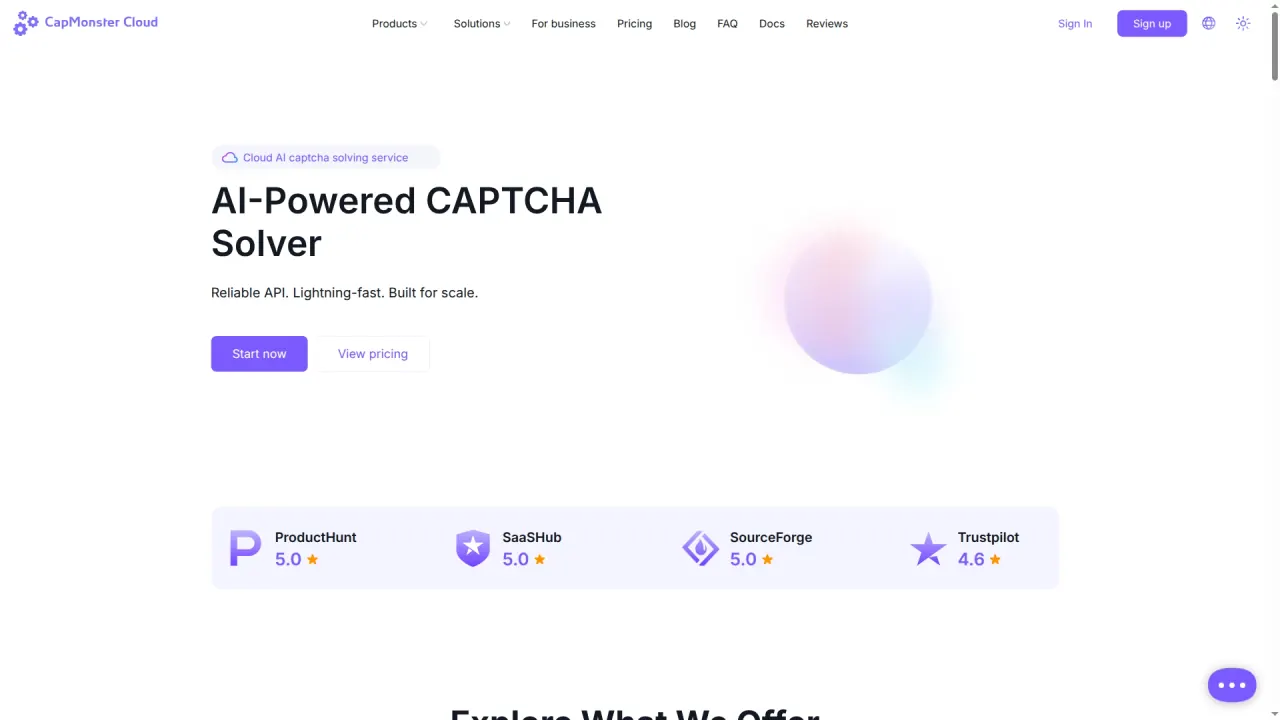

Automate CAPTCHA recognition with a JSON API, browser extensions and MCP tools. CapMonster Cloud supports several challenge families with usage-based USD pricing.
Used this tool? Rate it
Used this tool? Rate it
CapMonster Cloud is an automated CAPTCHA solver with charges based on the number of challenges solved. It supplies a hosted recognition service for software integrations and browser use, with an account balance funding recognition tasks.
The CAPTCHA API accepts challenge information such as an image, site keys and a page URL, processes that information remotely and returns a solution.
Challenge support spans several different interfaces. The MCP presentation lists Cloudflare Turnstile, Cloudflare Bot Challenge, FunCaptcha, AWS WAF, DataDome, reCAPTCHA v2/v3 and Enterprise variants, GeeTest v3/v4, Alibaba, Altcha and Tencent.
The company advertises up to 99% success, including on complex CAPTCHA types. “Up to” is an upper-bound marketing claim, not a promise that every task or website reaches that rate. The pricing table itself displays different success percentages by challenge family.
The public API uses standard HTTP requests with JSON data. Its main operations are createTask for creating a recognition task, getTaskResult for checking status and retrieving the result, and getBalance for obtaining the account balance. An integration therefore includes both submission and result handling, with the task identifier connecting those stages.
The extension setup requires an installed extension, the API key from the user's account and a balance greater than zero. Its published sequence is to install the Chrome or Firefox version, enter the key in the extension, save the settings and enable automatic recognition. Additional API settings can be configured in the extension where needed.
The user agreement permits testing a website the user owns or has permission to test. This is the clearest stated fit for development and quality-assurance work involving a CAPTCHA-protected flow. The permission condition is part of the permitted-use statement and remains relevant even when a challenge type appears in a support list.
A separately permitted use is recognizing user-specified images with a computer vision system. The text-recognition feature makes this concrete through simple and complex image CAPTCHAs, with ready-made recognition modules for particular formats.
The agreement also permits use as an assistive system for visually impaired people or people who do not know the language of the text in an image. This is a stated application area for the recognition service. The supported challenge type and the chosen browser or API route still determine which technical interface is available.
The business SLA figures are not consistent across the same presentation. A headline section gives a 99% SLA, while the comparison panel gives CapMonster Cloud for business 99.9%; the page also advertises a P95 speed below 15 seconds. These are the vendor's published figures, and the two SLA percentages are preserved as different statements rather than combined into one commitment.
The browser extensions are offered for Chrome and Firefox. The vendor says they intercept verification requests, send them to the cloud service, recognize the image or text and fill the CAPTCHA field. This involves remote processing through the service even though the user's visible entry point is a browser extension.
The extension's published challenge list includes reCAPTCHA v2 standard and invisible, reCAPTCHA v3, RC Enterprise, GeeTest, text CAPTCHAs, Cloudflare Turnstile and BLS. The descriptions distinguish several GeeTest forms and text challenges. This list is specific to the extension presentation; support described elsewhere for MCP or the general service should not silently expand it.
CapMonster Cloud MCP offers setup prompts for Claude Code, Codex and other MCP-compatible clients. It also presents npm and PyPI routes; the PyPI path requires Python 3.11+ and uv, and browser automation still uses Node.js. These dependencies belong to the MCP connection and browser automation components, rather than to every HTTP API caller.
The MCP presentation describes an agent identifying the challenge, collecting its parameters, creating a task, waiting for the result, verifying it and preparing integration code. That is the vendor's described workflow, not a claim that every agent client will execute it. The vendor explicitly says an AI agent may limit or reject MCP because of its own terms or rules.
CapMonster Cloud publishes usage rates in USD. The following rates were captured on October 27, 2026; each token price is for 1,000 tokens, not a price per individual task. Image rates are a different unit and retain the asterisk displayed with the advertised amount.
| CAPTCHA type | USD per 1,000 tokens | Additional displayed image rate |
|---|---|---|
| reCAPTCHA v2 | $0.60 | $0.04* per 1,000 images |
| reCAPTCHA v3 | $0.90 | — |
| reCAPTCHA v2 Enterprise | $1.00 | $0.04* per 1,000 images |
| reCAPTCHA v3 Enterprise | $1.50 | — |
| Cloudflare Turnstile | $1.30 | — |
| Cloudflare Bot Challenge | $1.30 | — |
| Amazon Waf | $1.40 | — |
| Tencent CAPTCHA | $1.60 | — |
| GeeTest | $1.20 | — |
| Yidun | $1.00 | — |
| Text CAPTCHA | $0.30 | — |
The token and image columns describe different published billing units. The asterisked image prices are reproduced as listed; they are not presented as the price for obtaining 1,000 complete tokens.
The company says users pay only for successfully solved CAPTCHAs. That is its successful-task billing statement. It is separate from the question of returning an unused account balance and from the application's later handling of a returned token.
Bank cards, cryptocurrencies and other popular methods are listed as payment options, with top-ups and balance display in the personal account.
The homepage offers a $0.1 test balance upon request to support and separately advertises a bonus of 5,000 free test CAPTCHAs for ZennoPoster users.
The price FAQ guarantees a refund within 3 days of purchase if the service does not suit the user's needs. The user agreement separately says unused funds are non-refundable and prohibits reselling the service. These public statements do not give one consistent description of unused-balance refunds; the three-day statement is not treated here as removing the agreement's non-refund clause.
2Captcha describes most CAPTCHA tasks as being solved automatically by AI, with low-confidence cases passed to verified human workers. It is an alternative for a similar API recognition need with an explicitly described human fallback. That description comes from the competing provider; it supplies an operating-model difference without establishing a speed or accuracy ranking against CapMonster Cloud.
Anti-Captcha advertises a workforce-backed recognition service and a browser plugin alongside its API. This gives a second alternative for users comparing an application interface with a browser access route. Its workforce and infrastructure claims are the competing vendor's presentation, not an independent benchmark of the target product.
These alternatives address CAPTCHA recognition rather than the purchase of a CAPTCHA-protection widget for a website. Their comparison value here is the disclosed recognition model and access route. No relative success-rate claim or shared performance test is implied by listing them together.
Third-party software and services retain their own conditions. The agreement requires users to accept those terms and to have a separate paid third-party licence where their activity requires one. The recognition service therefore comes with its own use conditions as well as any conditions attached to the surrounding software or service.
The privacy policy says users may use the service commercially and request licence information. It also describes AI models as distributed under Apache 2.0, while the user agreement names Mistral-7B-Instruct-v0.2 with a Mistral License and Qwen3-VL with a Tongyi Qianwen Licence Agreement. These are different published licence descriptions; they do not establish a single blanket licence for every component or third-party workflow.
The privacy policy states that data is stored in the EEA and USA. It describes sharing with hosting, payment, analytics, support and marketing providers under a DPA, as well as disclosures for business transfers and legal purposes. It says personal data is not sold for compensation, while legally permitted analytics sharing may occur with an opt-out in profile settings.
Its personal-data retention schedule gives different periods by record type:
Profile deletion is stated as taking place within 30 days, with financial records retained for 5 years and complete deletion after the retention period or as required by law.
The policy says user personal data is not used for AI model training and describes using pre-trained models “as is.” It also qualifies retraining on user data with explicit consent: future fine-tuning would be stated in an updated policy, require separate consent and apply only with consent. That future-consent condition belongs with the present no-training statement; neither is presented here as an independently audited processing guarantee.
Yes. Chrome and Firefox extensions provide background recognition and CAPTCHA-field completion through the cloud service. Setup still requires the account API key and a balance greater than zero.
The captured price table quotes USD per 1,000 tokens, with separate asterisked per-1,000-image prices for reCAPTCHA v2 and v2 Enterprise. The image rate and token rate refer to different units.
The homepage offers a $0.1 test balance on request to support and a separate 5,000-CAPTCHA testing bonus for ZennoPoster users. These offers are described separately rather than as one general free plan.
No such end-to-end guarantee is established by the recognition description. The vendor assigns subsequent processing and use of a solution to the application user, and its agreement qualifies availability and suitability for particular requirements.
