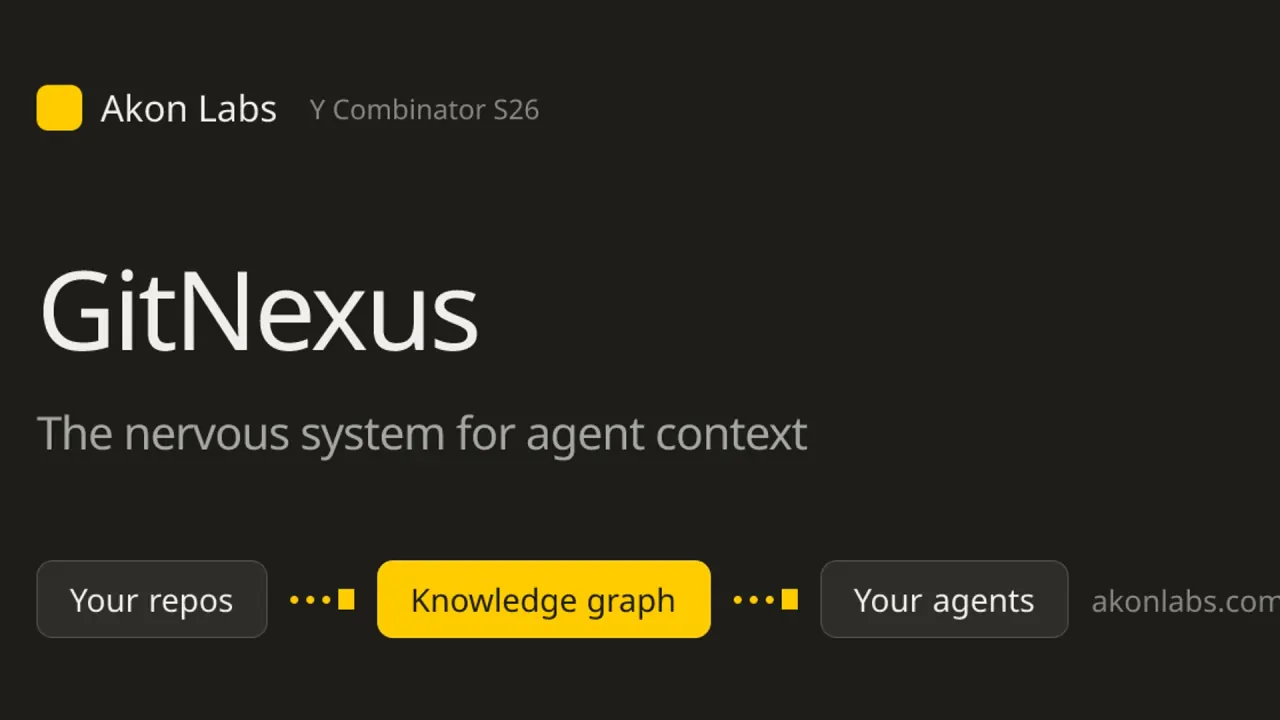

Akon Labs develops GitNexus, a code knowledge graph for repository navigation, agent context and change-impact analysis, with local and enterprise deployment options.
Used this tool? Rate it
Used this tool? Rate it
Akon Labs develops GitNexus, a code intelligence engine that indexes repositories into a knowledge graph of symbols, calls, dependencies and execution flows. Developers can use the graph through a coding agent's MCP connection, a command-line interface or a web explorer.
The offering has several distinct entry points. The GitNexus engine can run on a developer's machine. Enterprise is offered as managed software or on customer infrastructure. Nexus Agent is a separate coding harness in private beta that places GitNexus in its agent loop.
These products have different access, privacy and licensing conditions. The vendor's site describes GitNexus as open source, but its terms and repository license restrict free engine use to noncommercial purposes and require a separate commercial license for commercial use.
Akon Labs says GitNexus uses Tree-sitter to parse code and resolve imports, call chains, field types and return types. The graph is built during indexing, rather than asking an agent to reconstruct every relationship from separate text searches.
The vendor also describes grouping symbols into functional clusters using Leiden community detection. A cluster can help a developer orient around a feature such as authentication or billing, while a call chain can show the execution path through particular functions.
The impact view traces callers connected to a changed function and groups them by depth with confidence scores. The detect_changes tool maps lines in a Git diff to affected processes.
The documented query operation uses a hybrid of BM25, semantic retrieval and reciprocal-rank fusion, returning matches grouped by process. The context operation summarizes a symbol's categorized references and process participation.
For a path between two known symbols, trace looks for a directed path using call and class-member edges. impact focuses on the potential reach of a change, and detect_changes uses a Git diff as its starting point.
The current detailed documentation says a semantic rename previews by default and applies when dry_run is set to false. Unsupported or ambiguous occurrences block the rename.
Nexus Agent builds GitNexus into a coding harness. The vendor illustrates a loop that maps relevant symbols and flows, presents a plan and impact, builds from the terminal or web, and verifies affected flows and tests.
Enterprise adds a control plane for team use. Akon Labs lists a unified graph across repositories, automatic reindexing on commits, pull-request impact review, a generated code wiki, access controls and CI/CD integration.
The public repository provides a quick start for the local engine. Check the current license and the operating-system prerequisites before running the commands on code you are authorized to index.
npx gitnexus analyze or the index-only path. For the default command, the README says this builds the index, installs agent skills, registers Claude Code hooks and writes AGENTS.md and CLAUDE.md context files. The same documentation offers gitnexus analyze --index-only to build an index without the repository integration files. If choosing index-only, first complete the installation in step 3 and then run that command instead of the default analysis.npm install -g gitnexus. After installing, verify that gitnexus is on your PATH before using the bare commands in these steps.npx gitnexus setup once to configure MCP for editors. The detailed documentation shows gitnexus setup -c cursor,codex as a way to select integrations. It describes setup as writing global editor MCP configuration, so inspect changes when using a shared or managed workstation.gitnexus serve and open the web UI to browse CLI-indexed repositories through the local backend. The root README says the UI uses the existing index without re-uploading or re-indexing it.The project documents troubleshooting for native installation and platform dependencies.
A developer changing a shared function can start with its context, inspect callers with impact, and compare the Git diff through detect_changes. A narrow result can still reflect incomplete language support, an ambiguous relationship or a stale index.
A team using the Enterprise offering can place blast-radius information into pull-request review. The vendor says it posts impact analysis on pull requests and can apply impact gates or graph checks within CI/CD.
A team with several repositories may need to understand a change that crosses a service boundary. Akon Labs describes a unified graph in which cross-repository edges connect an API to its consumers. The Enterprise deployment can provide that shared view when repositories and permissions have been configured under the organization's agreement.
For documentation, the Enterprise page describes a living code wiki generated from the graph. The current repository README also says its code wiki is available in the OSS offering.
The current root README lists Claude Code, Cursor, Codex, Antigravity, Factory Droid, OpenCode, CodeBuddy and Qoder for automatic detection by gitnexus setup. It says Windsurf requires manual MCP configuration.
The more detailed editor table lists MCP, skills and hooks for Claude Code, Cursor, Antigravity, Codex and Factory, and MCP plus skills for OpenCode, CodeBuddy and Qoder. It lists Windsurf with MCP access. The same README has a separate OpenCode section describing a hooks plugin installed by gitnexus setup -c opencode, with search augmentation and a stale-index hint, while the summary table shows no OpenCode hooks. These two descriptions differ; check the detailed setup instructions and the installed version. The same table notes that Cursor hook installation is manual, and the text distinguishes pre-tool enrichment and stale-index prompts in Claude Code and Codex from post-tool-only augmentation in Cursor, Antigravity and Factory.
The CLI operates against an indexed repository. The current root documentation shows commands for refreshing an index, watching local files, querying the graph, checking index freshness and listing repositories.
The web UI is an explorer and AI chat surface. The current README describes connecting it to a local backend using gitnexus serve and using the existing index.
For Enterprise, the vendor lists GitHub, GitLab, Bitbucket, monorepos, local checkouts and internal mirrors among the illustrated source types. It describes managed SaaS, self-hosted in a customer's VPC or on-premises infrastructure, and air-gapped deployment.
The vendor's pricing card lists seven MCP tools and thirteen Tree-sitter languages for GitNexus OSS. The current detailed repository README instead says the agent receives nineteen tools including two group tools. The Enterprise page advertises seventeen or more languages, with additional languages on request. These are published descriptions from different surfaces, not a verified count for every installed package or contract.
The root README lists registered providers for C, C++, C#, COBOL, Dart, Go, Java, JavaScript, Kotlin, Objective-C, PHP, Python, Ruby, Rust, Swift, TypeScript, Vue and Zig. It adds that coverage varies by construct and refers readers to language inventories for exclusions and remaining gaps.
The public pricing page captured on November 12, 2026 shows distinct offers:
| Offer | Displayed price or access | Scope shown |
|---|---|---|
| GitNexus OSS | $0 forever | Local graph, MCP tools, hybrid search, impact analysis and browser UI |
| Nexus Agent | Private beta; waitlist open; no payment required | Graph context in terminal and web agent workflows |
| Enterprise managed SaaS | $29 per seat | Pull-request review, multi-repository graph, commit reindexing and support |
| Self-hosted Enterprise | Custom | Customer infrastructure, access controls, model options and onboarding |
The managed price is displayed as $29/seat. The price card does not state a monthly or annual interval alongside that figure, so the full billing period and contract terms need confirmation with the vendor.
The terms identify PolyForm Noncommercial 1.0.0 as the engine's license. They say personal and noncommercial use is free and commercial use requires a commercial license. Enterprise, whether managed, self-hosted or air-gapped, is governed by a separate written agreement that takes precedence where it differs from the website terms.
Sourcegraph Code Search is an alternative when the immediate need is to find code across repositories. Its own page lists literal, keyword and regular-expression search, symbol search and searches over commits and diffs.
A team can compare whether it needs explicit search and navigation across code and history, or a graph-oriented context layer intended to expose dependency and execution relationships to agents.
CodeQL is a different comparison for teams whose central question is about security patterns. Its official site describes semantic analysis over code to discover vulnerabilities and variants. GitNexus emphasizes repository structure, context and change impact for development agents.
The current GitNexus README says resolution depends on language support and available evidence, and asks users to check reported ambiguity, index freshness and coverage limits. A graph result is most useful when the team knows which repository and revision were indexed and can inspect the code it identifies.
The detailed documentation says the explain and pdg_query tools require an index built with gitnexus analyze --pdg.
The vendor reports a DeepSWE experiment with 113 tasks across 89 projects and 3,471 trials. Its benchmark page reports a 68.37% GitNexus pass rate and 36.99% for the bare-model setup. Those figures are the vendor's measurements using the disclosed setup, not an independent test of a particular team's application, editor or deployment.
The same page says a single-issue benchmark cannot measure querying hundreds of repositories as one graph, pre-merge blast-radius analysis or cross-service taint tracking. A team deciding on those capabilities needs its own representative evaluation.
Akon Labs' privacy page says the OSS engine runs on the user's hardware, stores the graph in a .gitnexus/ folder beside the repository, and does not transmit source code, file names or graph contents to Akon Labs or third parties. The same policy treats managed SaaS separately, saying repository access and handling are governed by the organization's agreement.
The current repository README also says CLI indexing runs locally without an LLM, while optional remote embeddings, wiki generation and AI chat use the providers configured by the user. The local-indexing statement should therefore not be generalized into a promise that every optional provider receives no information. Review the chosen provider and deployment configuration when using those features.
For a self-hosted or air-gapped Enterprise deployment, the policy states that processing stays in the customer's infrastructure. The security page says customers can point GitNexus at their own model endpoints and describes an air-gapped configuration with zero external calls.
The website receives technical information such as IP address, browser type and pages visited. The privacy policy says email correspondence is retained to reply and follow up, personal information is kept as long as needed for the stated purposes, and users can request access, correction or deletion by email.
The website and OSS software are provided as-is without warranty to the maximum extent permitted by law; Enterprise warranties, if any, are set out in the applicable agreement.
Akon Labs is the company, and GitNexus is the code knowledge graph product it develops. Enterprise and Nexus Agent are separately described offerings around the engine.
The terms say the engine is free for personal and noncommercial use under PolyForm Noncommercial 1.0.0 and that commercial use requires a commercial license. Check the license and any organization agreement for your intended use.
The repository says CLI indexing runs locally without an LLM, but optional remote embeddings, wiki generation and AI chat use configured providers. Review those settings and the applicable deployment terms before sending sensitive code or queries.
The pricing page lists Nexus Agent as a private beta with a waitlist and no payment required during that stage. Access and terms should be checked with Akon Labs.
